
Gridfinity parametric FreeCAD file along with Blank Storage 3x2x3 .stl file
754 downloads · 4 years ago · Zack Freedman's Gridfinity 'Blank Frame' and 'Blank Storage' re-implemented in FreeCAD.
The FreeCAD
Zack Freedman's Gridfinity 'Blank Frame' and 'Blank Storage' re-implemented in FreeCAD.
The FreeCAD file contains an object 'dd' (DynamicData), where the parameters may be set in the section 'User Settings' of the property editor (Columns, Rows, Height, Set_screw_holes). This is a complete rebuild compared to what I uploaded on 2022-06-16, several bugs of the old version fixed.
One exported .stl file is enclosed as an example: Gridfinity blank storage bin, 3x2 units wide/long, 3 units high, no screw holes in the magnet pockets in the base.
2023-02-26 Added variable height infill.
Gridfinity parametric FreeCAD file along with Blank Storage 3x2x3 .stl file
754 downloads · 4 years ago in and

Parametric FreeCAD model for cell holders, for building battery packs
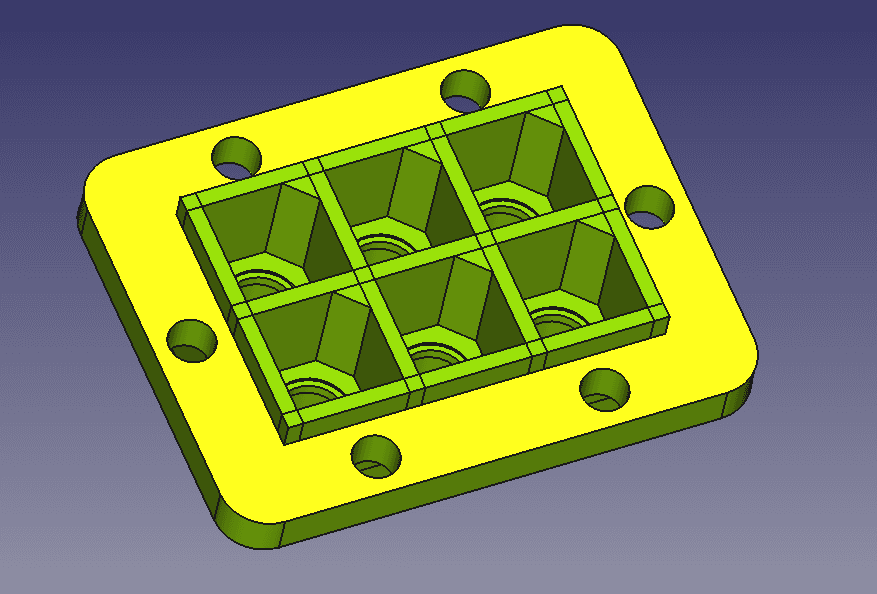
Parametric FreeCAD model for 3.5mm banana plug, connector, housing, male and female

Gridfinity parametric FreeCAD file for Divider Storage along with Divider Storage 3x2x5 (4 dividers)
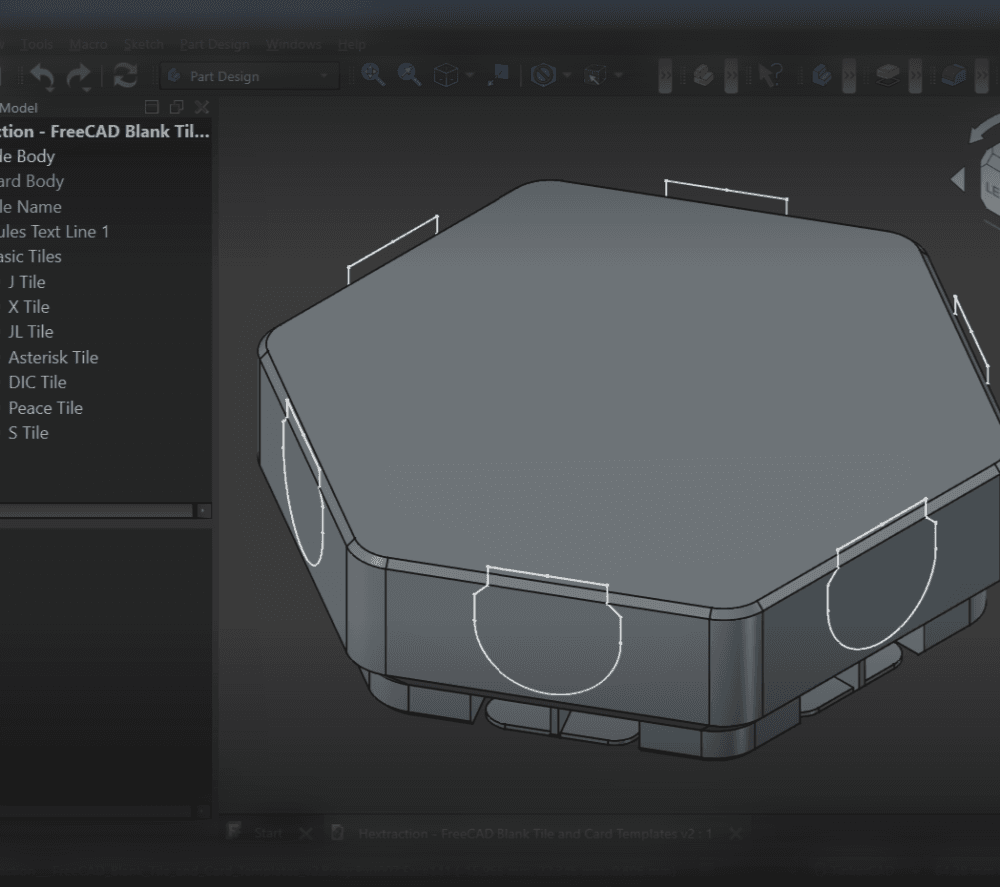
Hextraction - FreeCAD Blank Tile and Card Templates

Domino (Parametric FreeCAD)
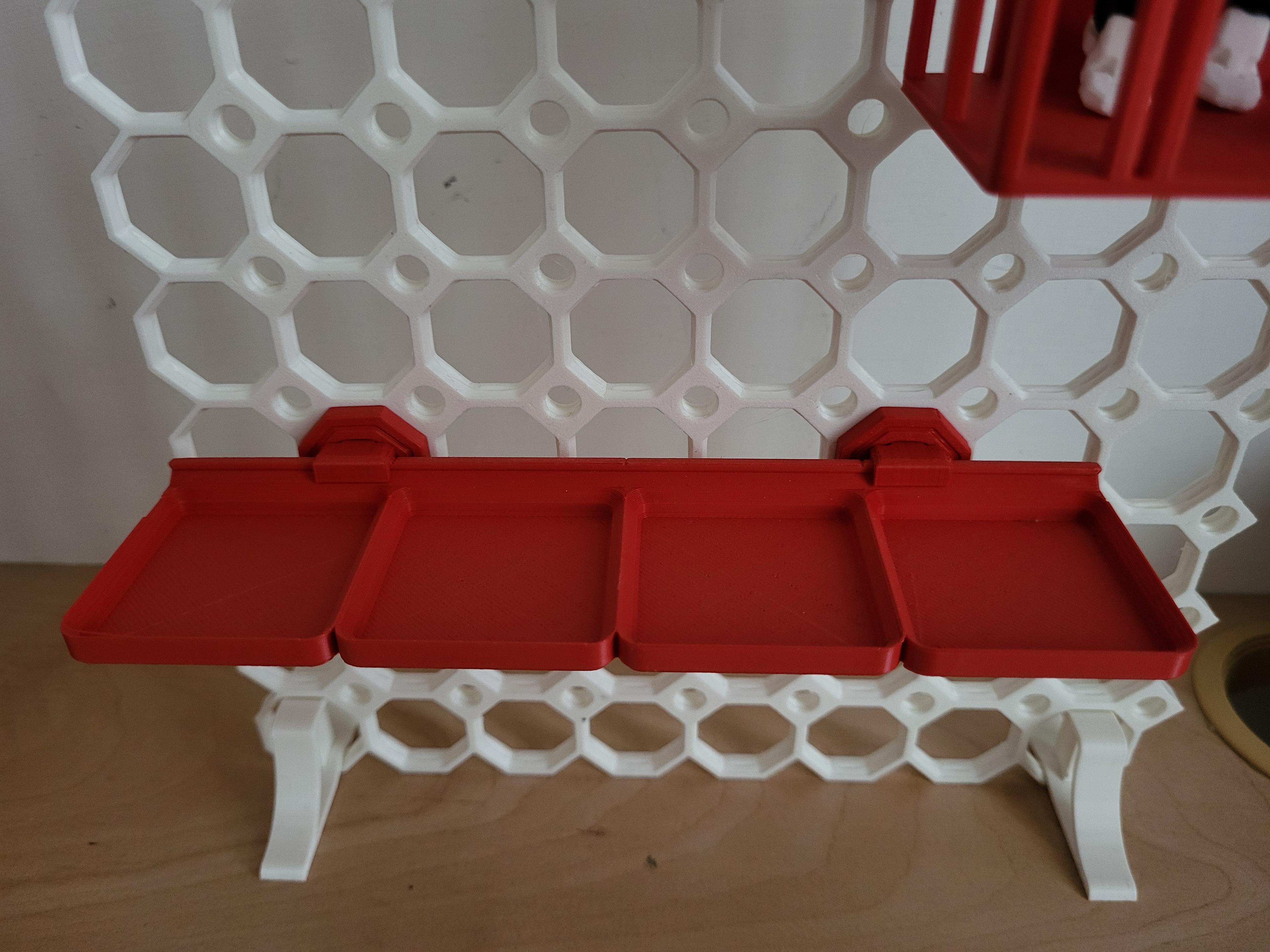
Gridfinity baseplate adaptation for Multiboard - parametric - with FreeCAD file
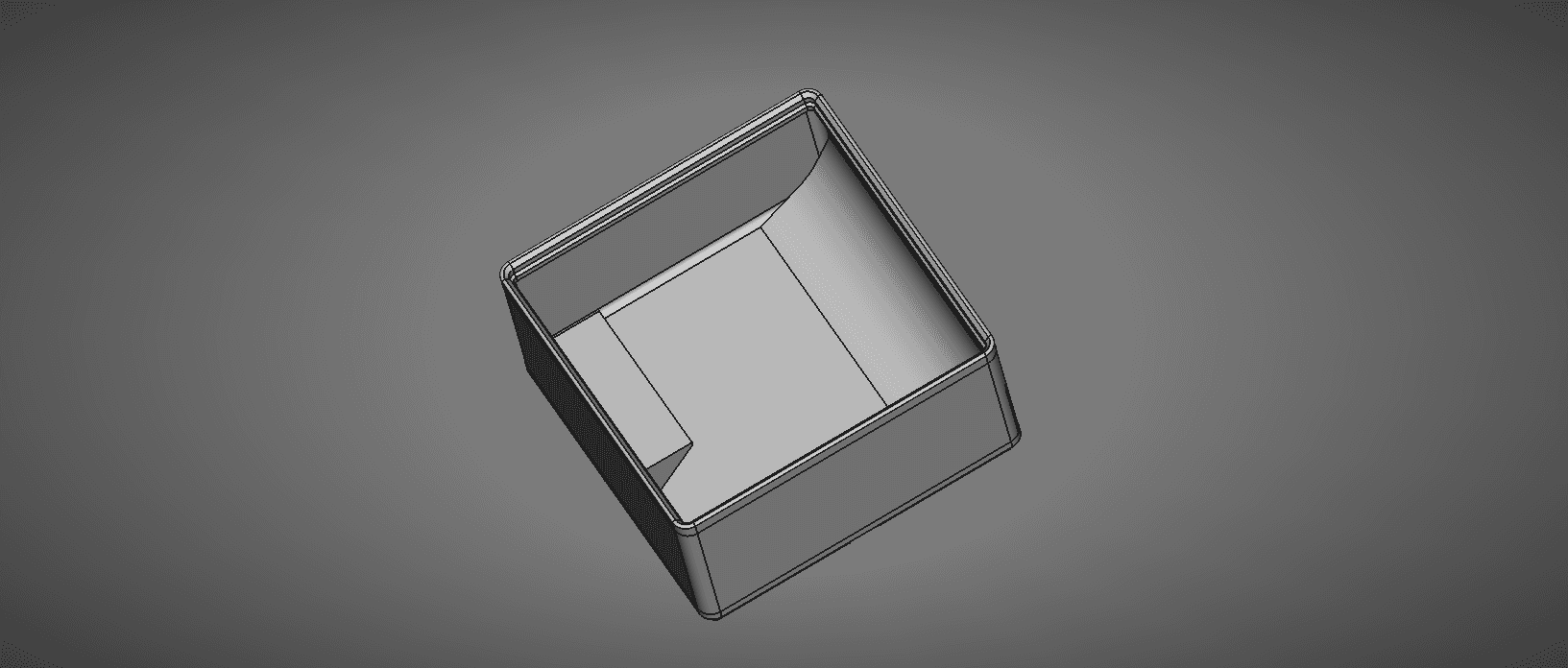
FreeCAD Gridfinity Parametric Storage Bin
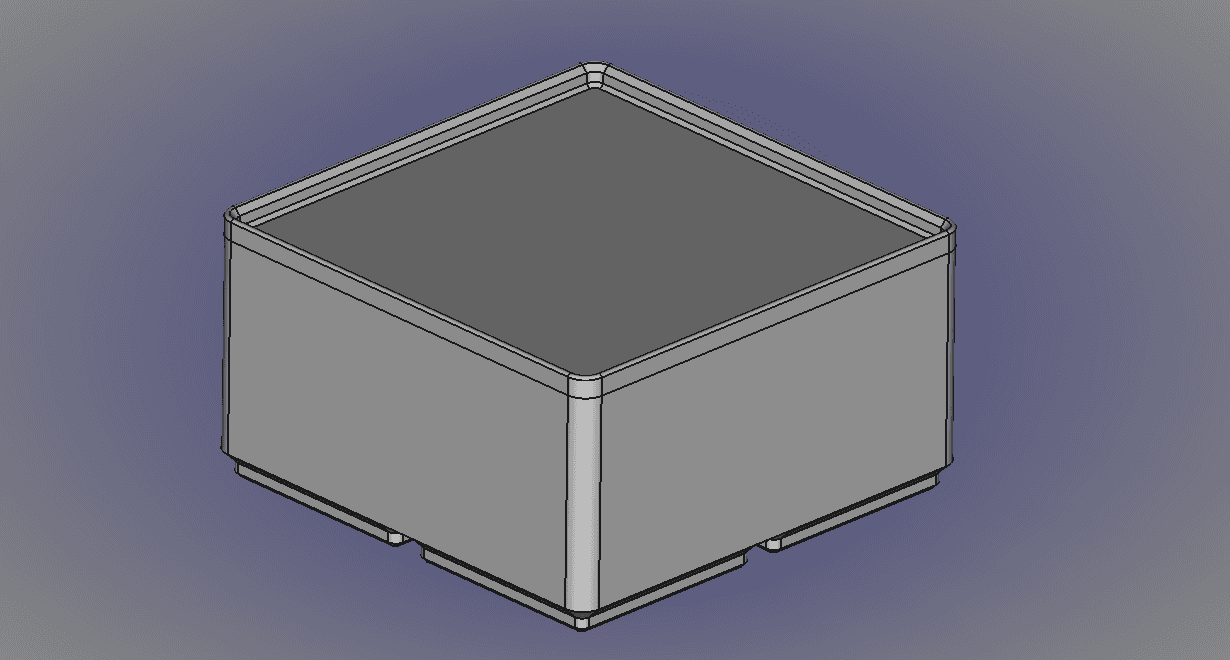
FreeCAD Gridfinity Parametric Bin Blank.stl
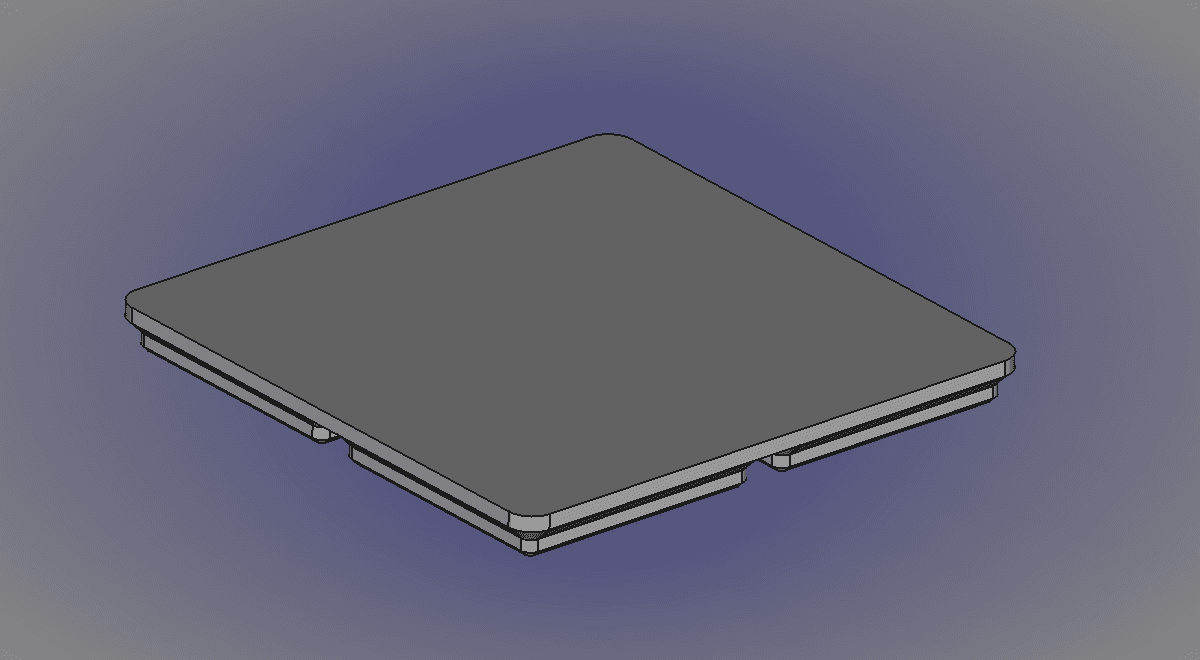
FreeCAD Gridfinity Parametric Bin Base Blank-Body.stl
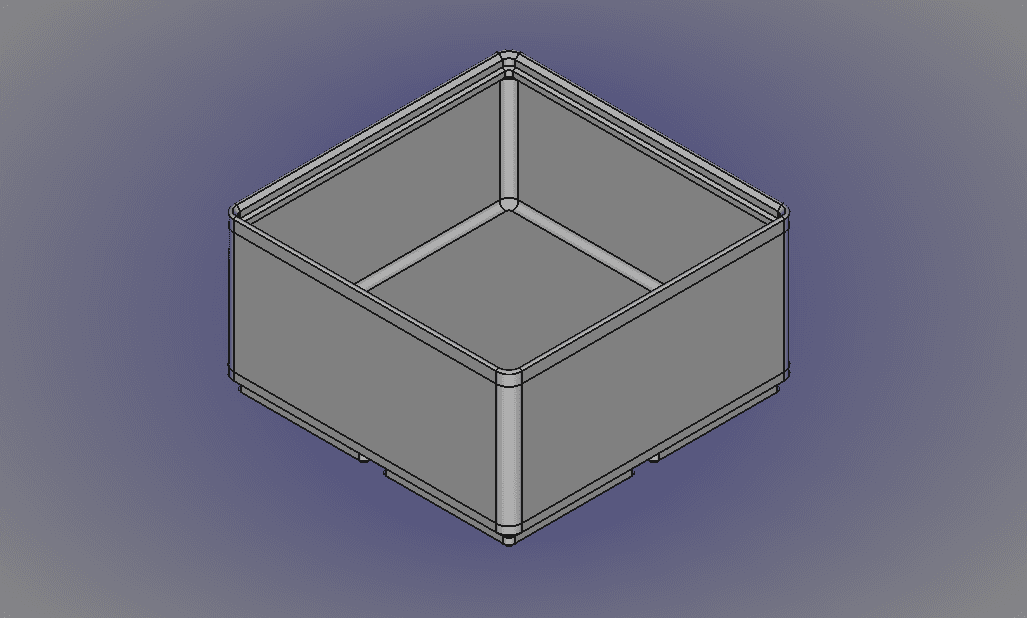
FreeCAD Gridfinity Parametric Simple Storage Bin-Body.stl
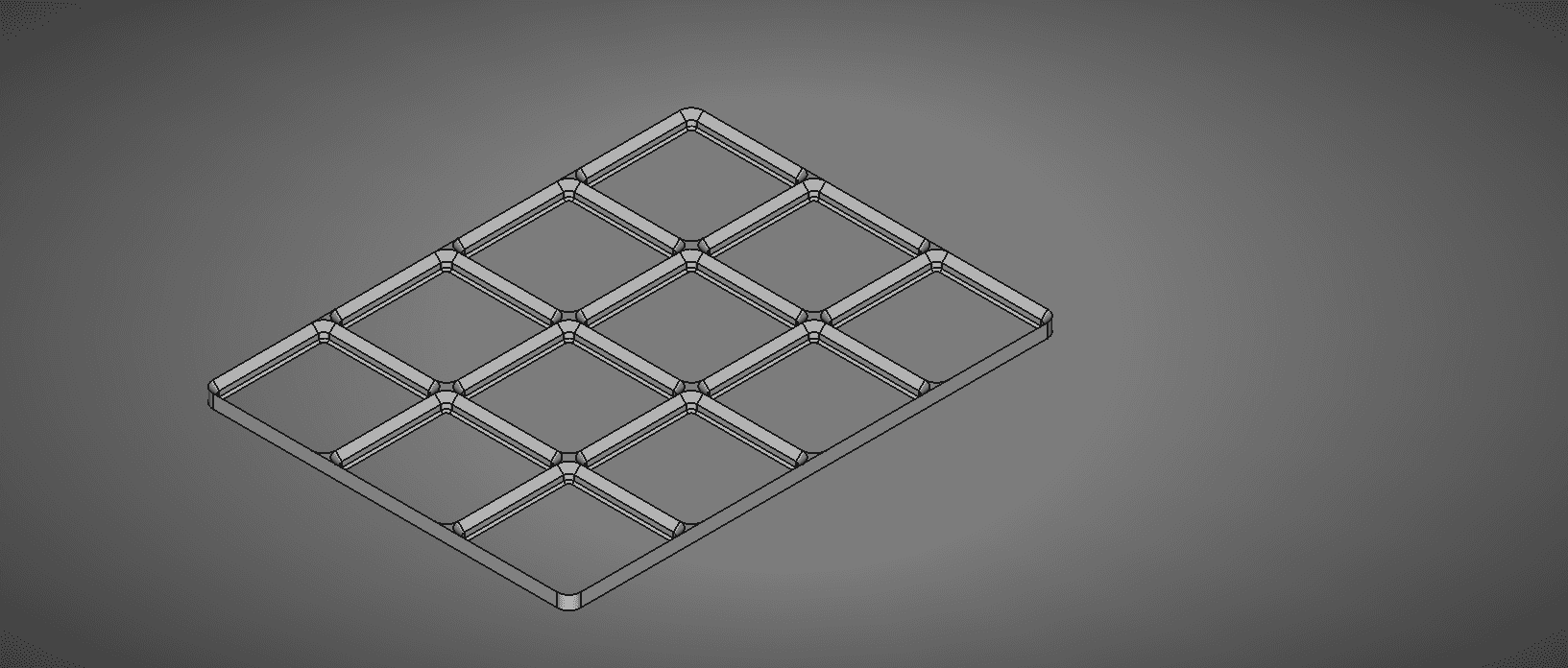
FreeCAD Gridfinity Parametric Baseplate
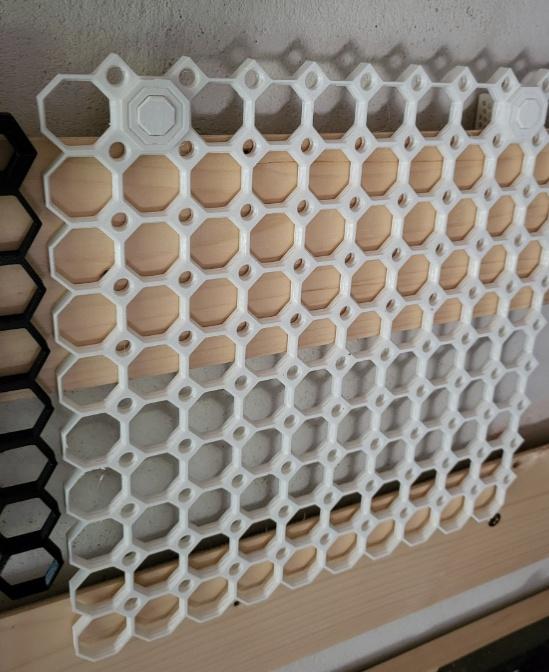
French cleat hook (pushfit) for Multiboard with FreeCAD file

freecad_gridfinity_part
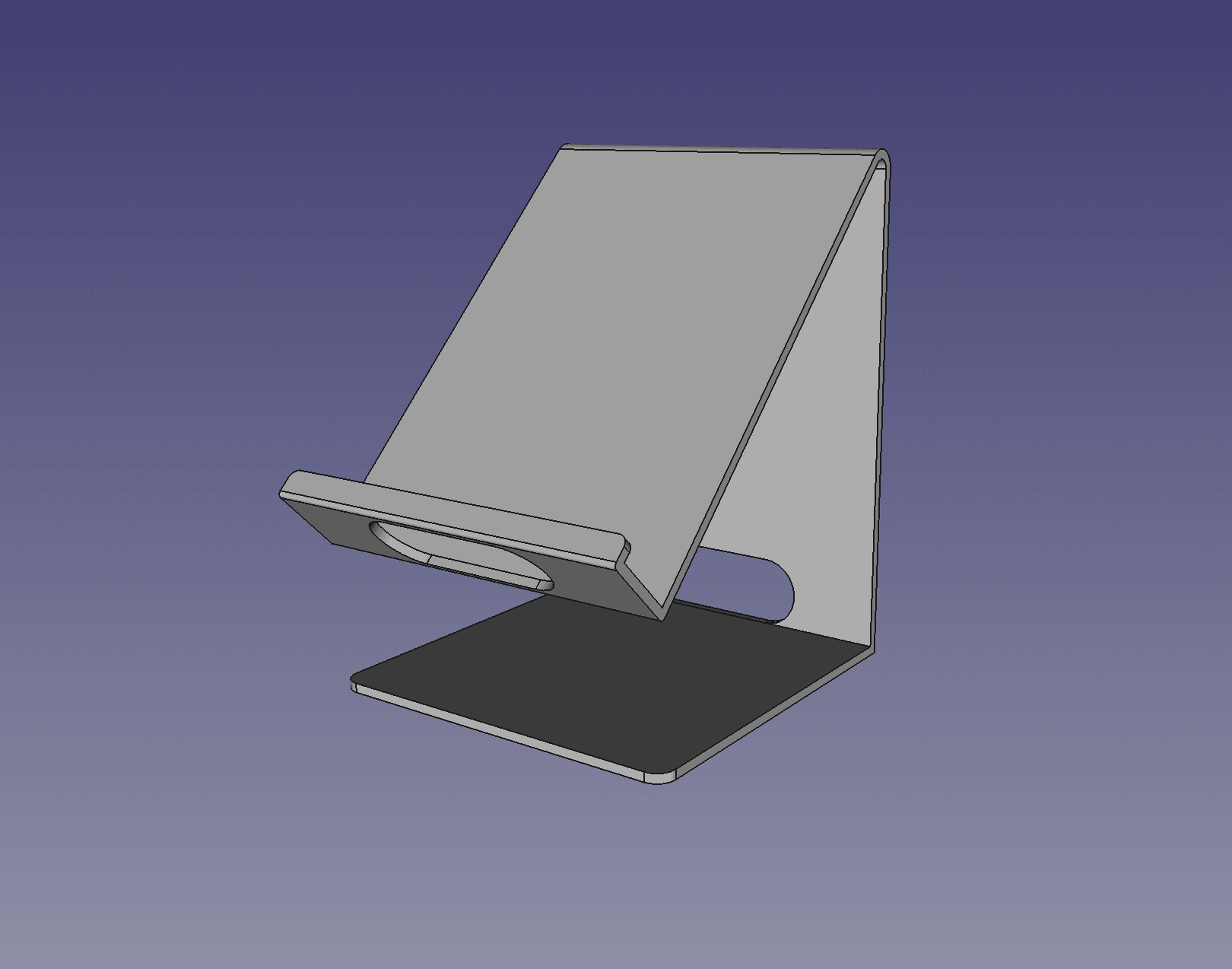
Parametric Phone Holder
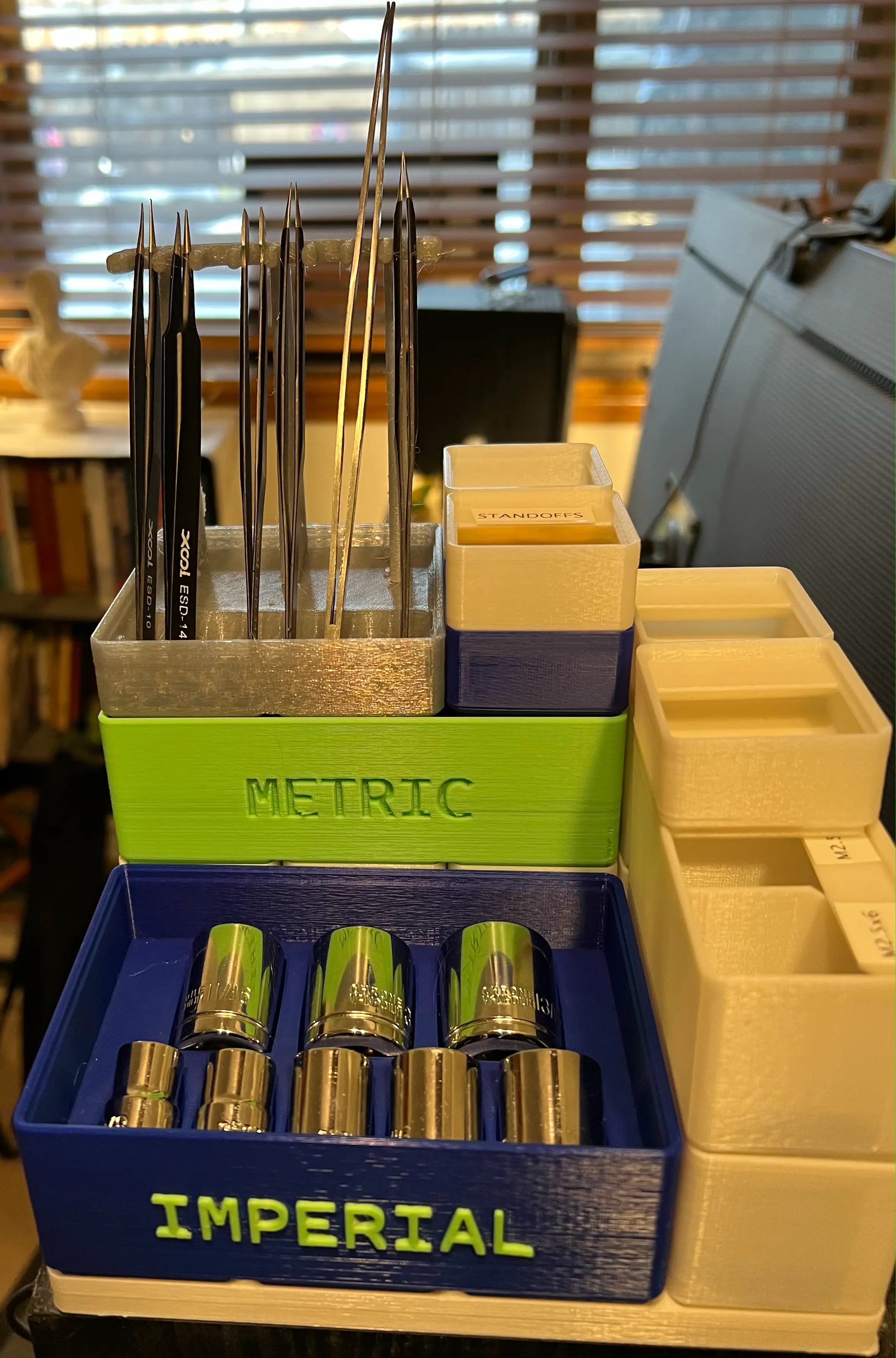
Gridfinity Stackable 3_8" Drive Socket Holders

Snap on USB connector cover (parametric)
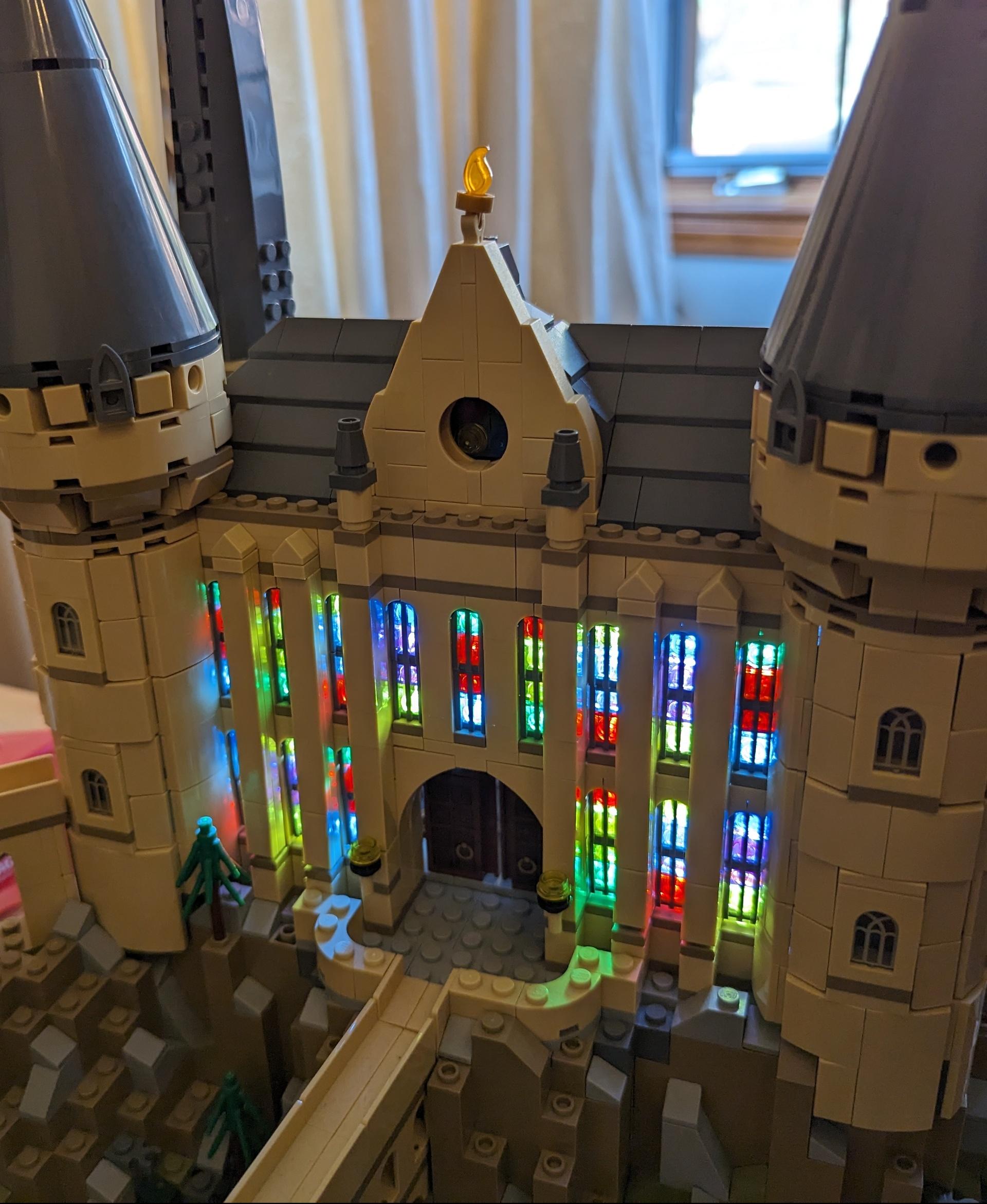
LEGO-compatible Brick 3 mm LED holder

Modular Key Organizer - Parametric Text - No MMU

Customizable Name Badge

Bit of a noob here so not sure if I'm doing something wrong. I'm testing this with FreeCAD 0.21.1, and the generated meshes are missing some surfaces. Cura complains about it and Blender shows some odd surfaces as well. Seems to happen in the rendering of the feet.
Snapshots of Cura and Blender:
Blender
Cura
Thank you so much for this, I have needed to make some custom storage for a few items and this will be a great help for my projects!
I did notice a slight error though. If you make the rows, more than two grid units, it shifts the whole sketch for the last pad infill outside of the model.
Removing constraint 25= and replacing it with another distance constraint seems to fix the problem.
Thanks for doing this! So I know this isn't a place to come for tutorials, but as a relative FreeCAD n00b, where do I start? I've only ever used Sketchup, and want to avoid getting into paid-for tools given I'm merely a hobbyist and don't want any sort of cloud subscription for such irregular use. Is it a case of drawing a sketch on an existing plane and then lofting etc? How do I fill in the storage version so I can build something more bespoke on a flat platform, for example?
Sorry for the late response.
Yes, this design is based largely on sketches and lofting, grooving, etc. Much of my knowledge I gained by reading docs and experimenting. There are also tons of tutorial videos around.
For a flat platform you have several options:
Thanks for making this, but there are problems in the freecad file. Both Freecad 0.19 and Freecad 0.20.2 have issues with the subtractive loft. It easily recreated by changing the dd_height and recomputing. The error in 0.20.2 is "Recompute failed, at least one section is needed." - the grid and the storage both fail.
In 'Sketch_storage_wall_profile', the length of the lower left vertical line was set indirectly by dependence of other constrants. When setting the total dd.ddHeight to 7 or more and then back to 6 or less, this line flipped and destroyed the geometry. Now, the length of this line is constrained directly, what fixes this bug.
Hi, i found a little bug in your Height function. If you want to match the original Heights/Unit (here) you need to change your dd.ddStorage_height to: ddHeight * 7mm + 4.4mm - ddWall_thickness / 2
@gdie
The 42mm height (for a H6) is found between the top surface of the label (the inset lip) and the bottom surface of the bin.
Then there are ~4.4mm on top of that from the stacking lip (equivalent to the height from bottom bin surface to wherever the second chamfer would meet the inside of the wall of the lower bin)
Maybe better as a drawing: https://gridfinity.xyz/specification/
Hello Krapottke,
thanks for your suggestion. In Zack's original Fusion 360 file, I found that he didn't keep to his 7mm unit rule for the height. On e.g. a full height bin (6 Units), there was not any 42mm measure to be found vertically. Neither for the totel height, nor for the bin itself when ignoring the thick bottom. So I kept to the documented 7mm units.
Btw: Height 0 makes a lid, 1 makes a lid with a rim.