
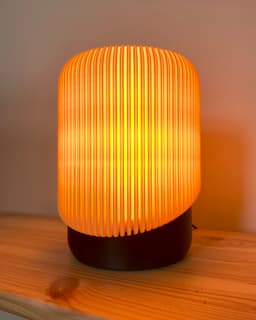

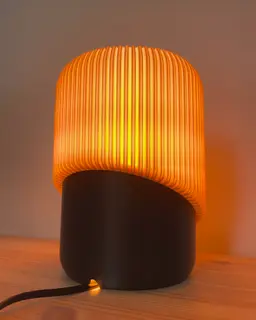

Trivo - a desk lamp
265 downloads · 2 years ago · Trivo is a minimalistic yet clever designed desk lamp. The shade simply snaps on the base. The filam
Trivo is a minimalistic yet clever designed desk lamp. The shade simply snaps on the base. The filament colour determines the feels the lamp emits.
Print settings: Shade: prints on the top face 0.2mm layer height 1 wall 4 bottom/top layers 0% infill
Base: 0.16mm layer height 2 walls 20% infill Z-seam located at the back
Adapter: prints on top face 0.16mm layer height 2 walls 20% infill
Filament: light or translucent filament for the shade contrast colour for the base and adapter
Additional hardware: E14 or E27 bolted socket


Trivo - a desk lamp
265 downloads · 2 years ago in and

Orsa - a floor lamp in scandi style
Habo floor lamp

Swing retro pendant

The Honey shelf system

Ikea Fado rumbler (25cm version)
Venio - a futuristic table lamp

Borno vase

Cibol - a table lamp

Rocket side table
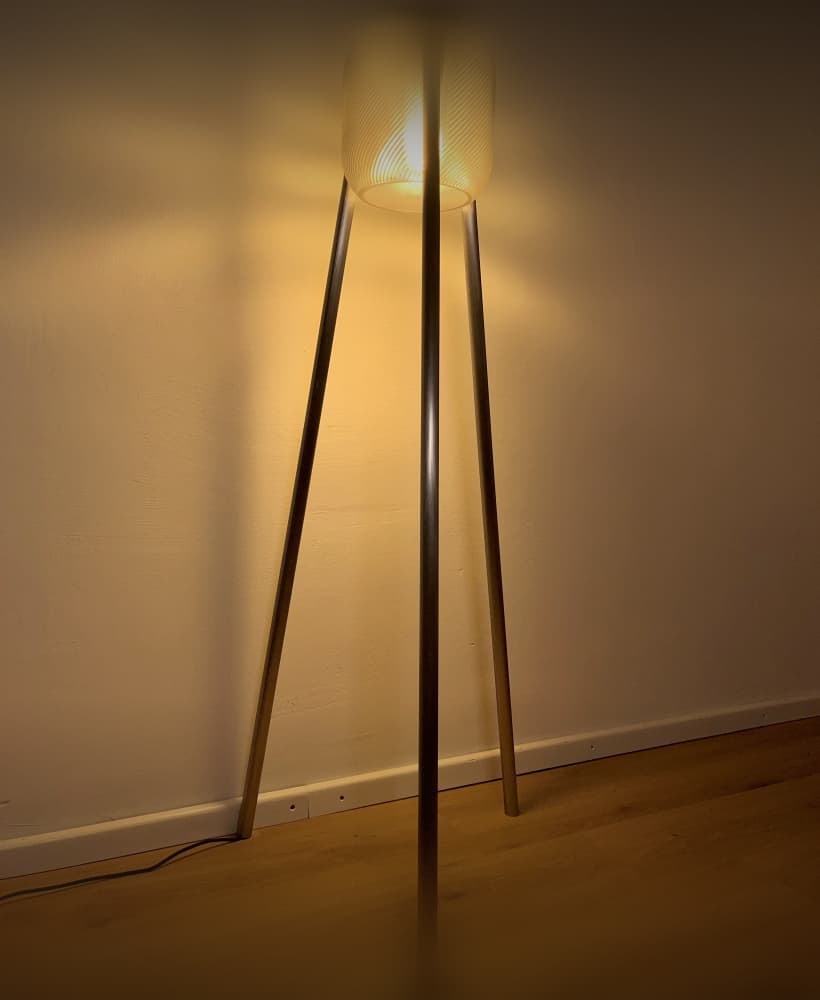
Umea industrial - a floor lamp with steel/copper/aluminum pipes

Funnel vase two parts

Hobbs - a levitating desk lamp

Dego - a modern cup shelf

Needle vase - minimalistic & elegant
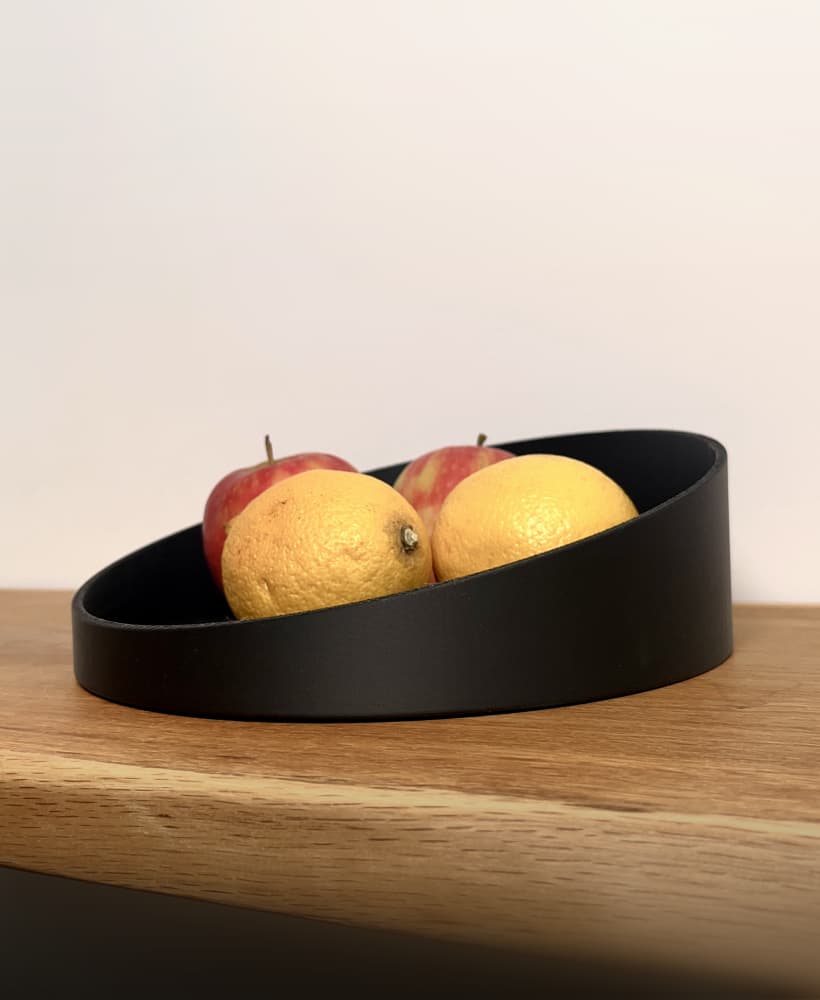
Needle bowl - an elegant & minimalistic bowl

Coneo - a space age housing for Ikea Fado (17cm)

Cup shelf wave

The Y Stand for IKEA Fado (17cm)

Kami - a floor lamp in boho/scandi style

Hello could you share the print settings I couldn't slice the shade on my bambu studio
Hello could you share the print settings I couldn't slice the shade on my bambu studio
Hi, could anyone send the bambu lab print settings? When I try the recommended, the slice preview shows a gap in the shade
Could you clarify what you mean by "prints on the top face"? Are you suggesting that the print should be done upside down? Thanks.
When you put 0% infill, is it the Spare Infill Density field in Bambu studios? Or should we also set Advanced > Infill/Wall Overlap to 0%?
did you end up printing in vase mode in bambu lab ?
Is this shade Vase Mode