


Borg Cube - Tiny Turbos - Star Trek - No Supports
Join my Discord server!
This is a cute, chibi-scale model of the Borg Cube from Star Trek. It is part of my Tiny Turbos collection, a series of themed, miniature vehicles from popular IPs such as Star Wars and DC Comics. These models are designed to print quickly, assemble easily, and display nicely with each other as you mix and match your favorite vehicles to display on your shelf.
Printing & Assembly
No supports or AMS required!
You will need to print the 6 sides separately and then connect them to the inner scaffolding using glue between all parts. The borg-cube-bottom side is identical to the other sides but with a small hole for slotting in the stand (make sure you align this with the hole in the scaffolding).
Appreciate this model? Like, download, and collect it! Also, be sure to follow me on Thangs, Instagram, or Twitter to be notified as I release free, high quality designs like this every week.
Thank you to PCBWay for sponsoring this project! PCBWay offers a wide variety of manufacturing options including CNC machining, electronics design, and 3D printing of course. This enables makers anywhere to tackle new workflows and simply build cool stuff, all at an affordable price. I highly recommend checking them out at https://www.pcbway.com to see how they can meet your production needs—the ordering process is quick and it's easy to get a quote for any project, small or large.
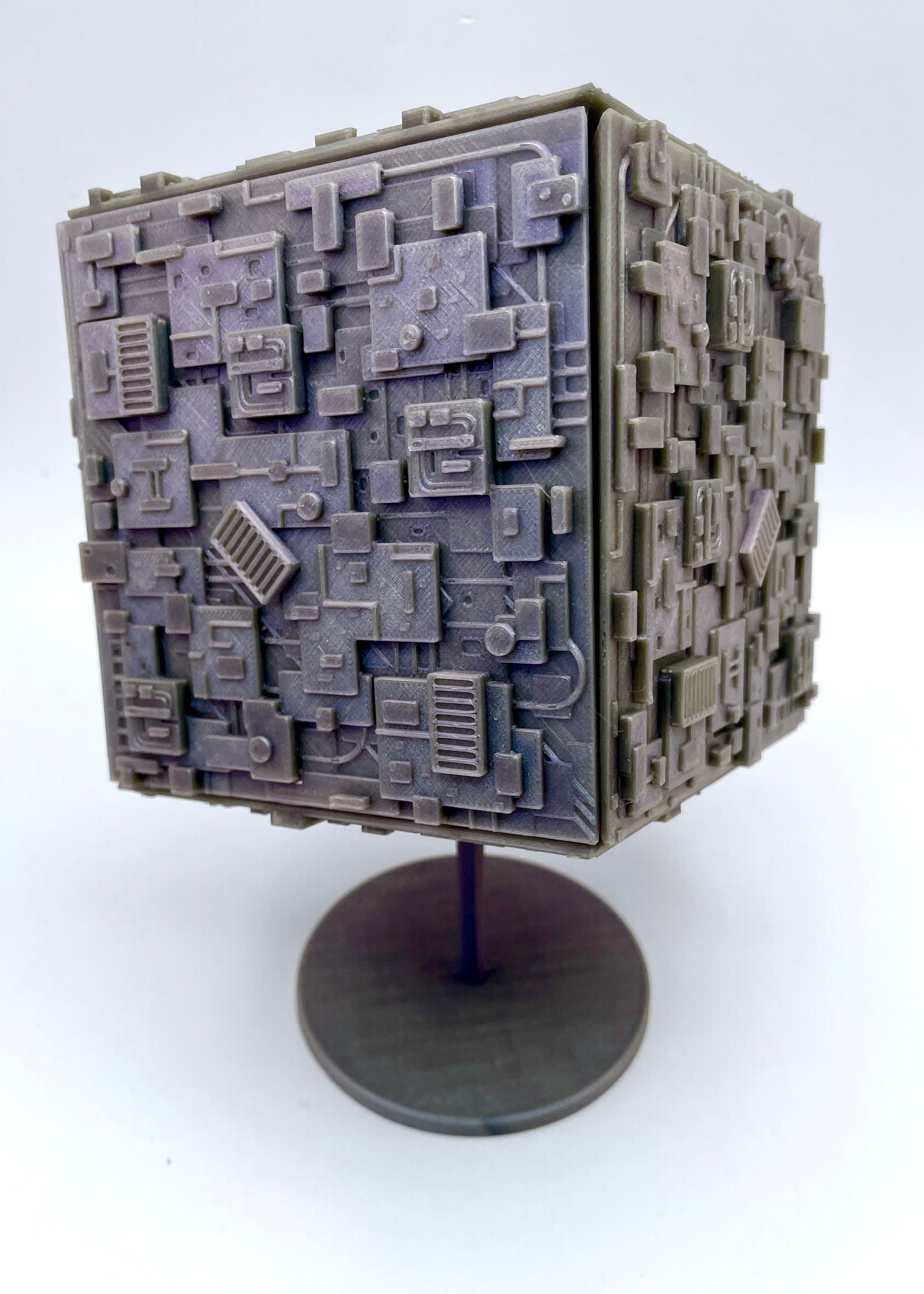

Borg Cube - Tiny Turbos - Star Trek - No Supports

X-8 Night Sniper - Blaster Prop - Star Wars

Sand Castle
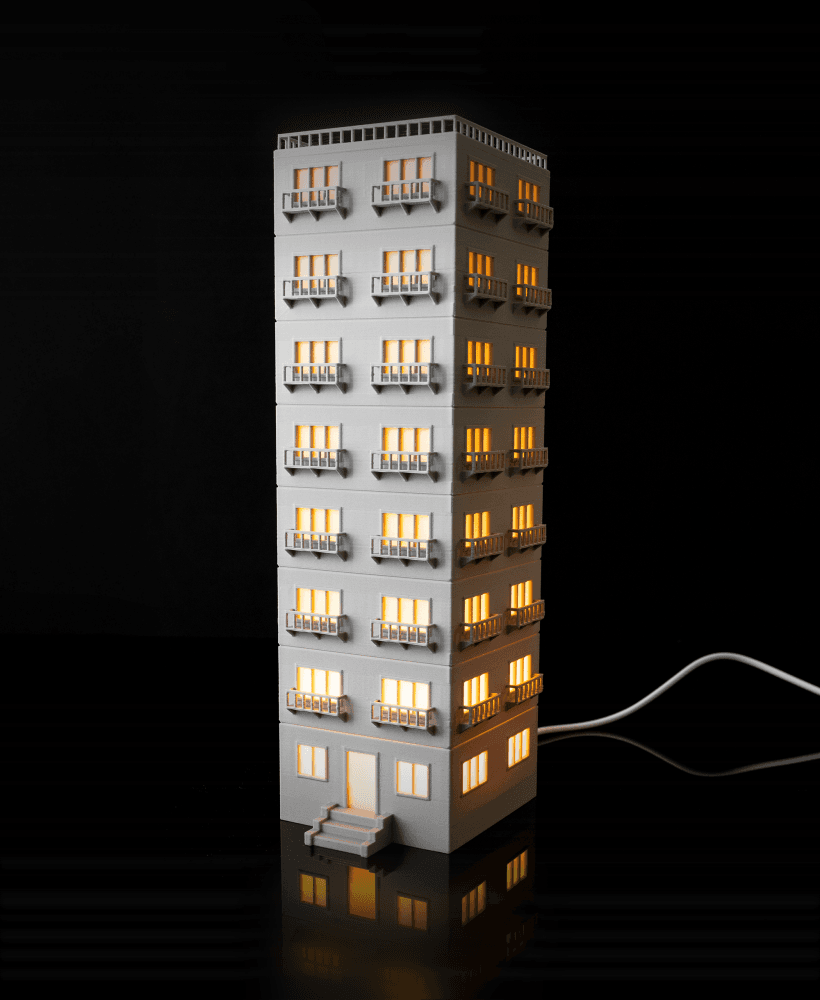
Apartment Lamp - Tall - Bambu LED Light Kit 001
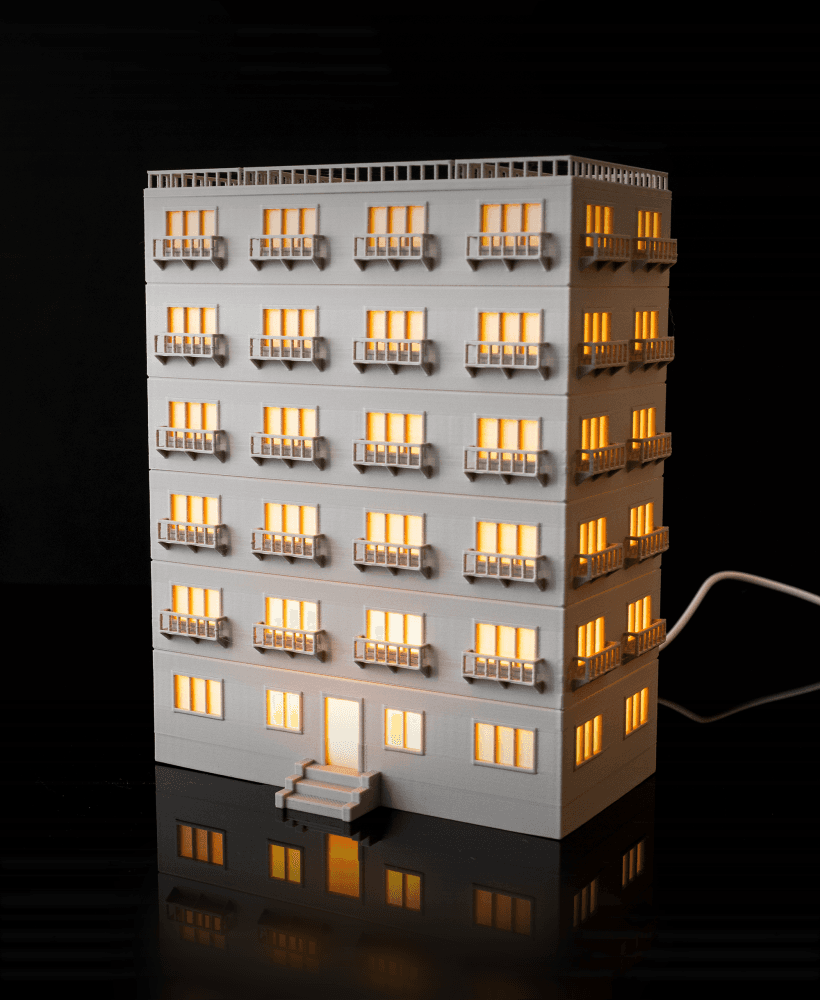
Apartment Lamp - Wide - Bambu LED Light Kit 001

Hot Air Balloon

Floppy Disk Coasters - 2 Designs

Mini Traffic Cone - Stackable - Multicolor .3mf

Church Lamp - Bambu LED Light Kit 001 - No Supports

RoboCop Bookmark
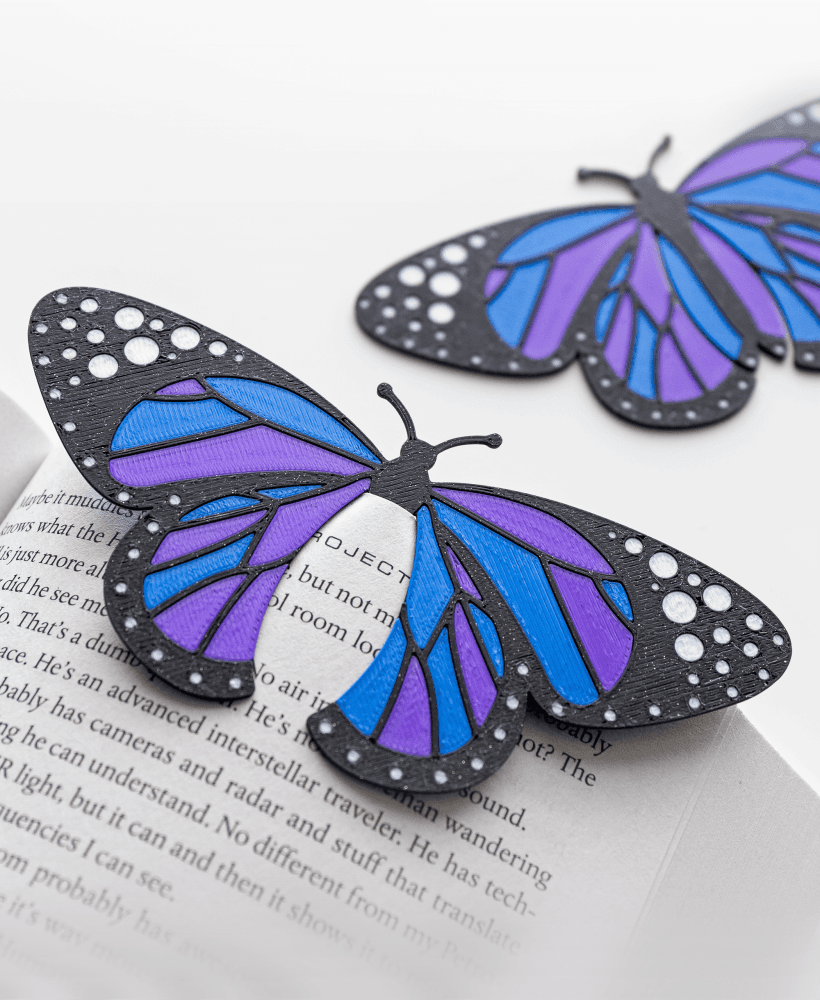
Butterfly Bookmark - Quick Multicolor Print

Arched Desk Lamp - Bambu LED Light Kit 001

Stone Cups, Square Version - 3 Variants
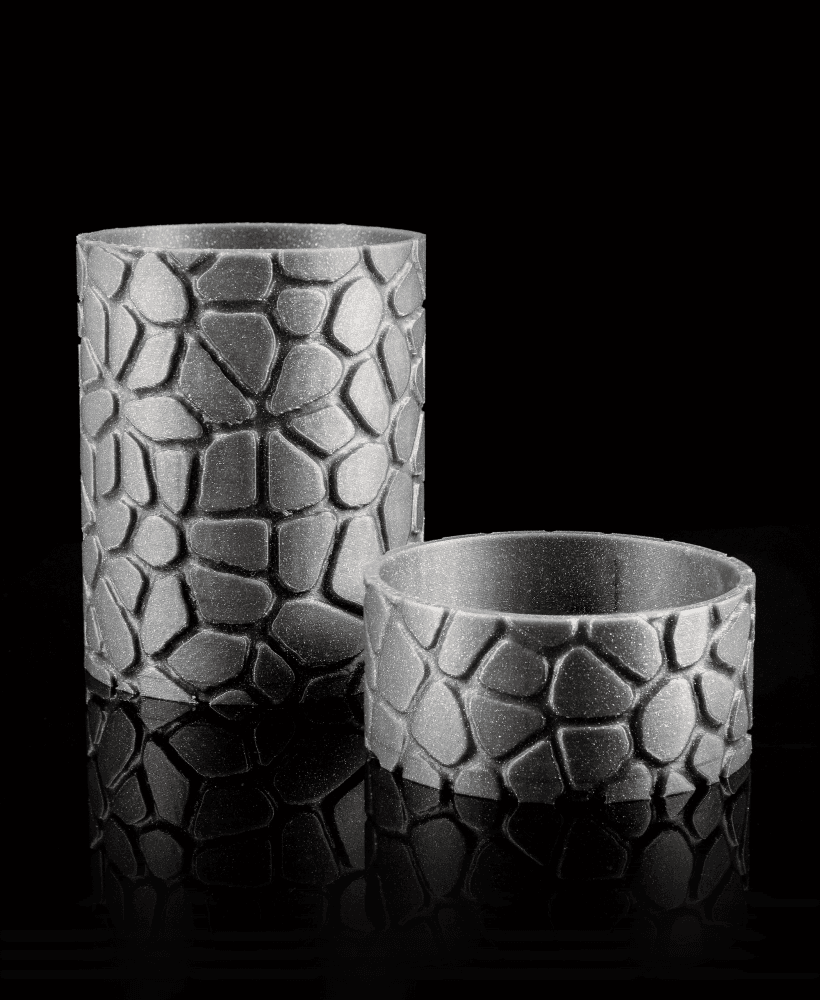
Stone Cups - 3 Variants

Satellite - Tiny Turbos
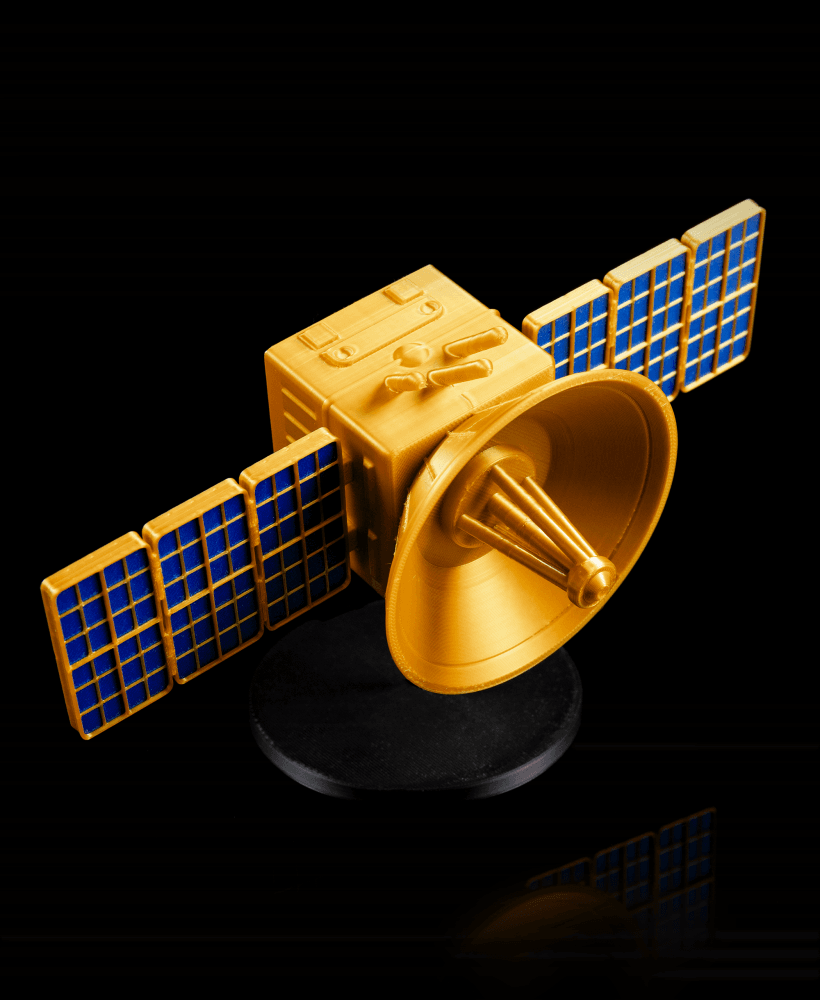
Square Satellite - Tiny Turbos

Mini Satellite - Tiny Turbos

Death Star Pencil Holder - Star Wars (May The Fourth Release)
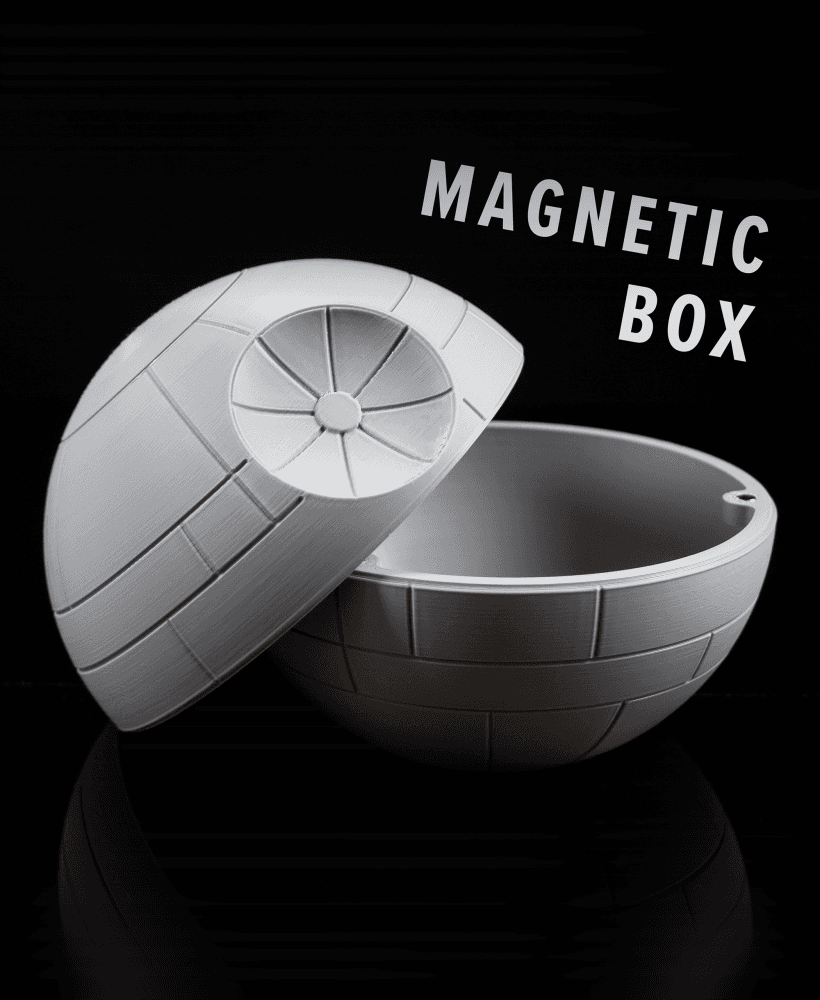
Death Star Magnetic Box - Star Wars (May The Fourth Release)
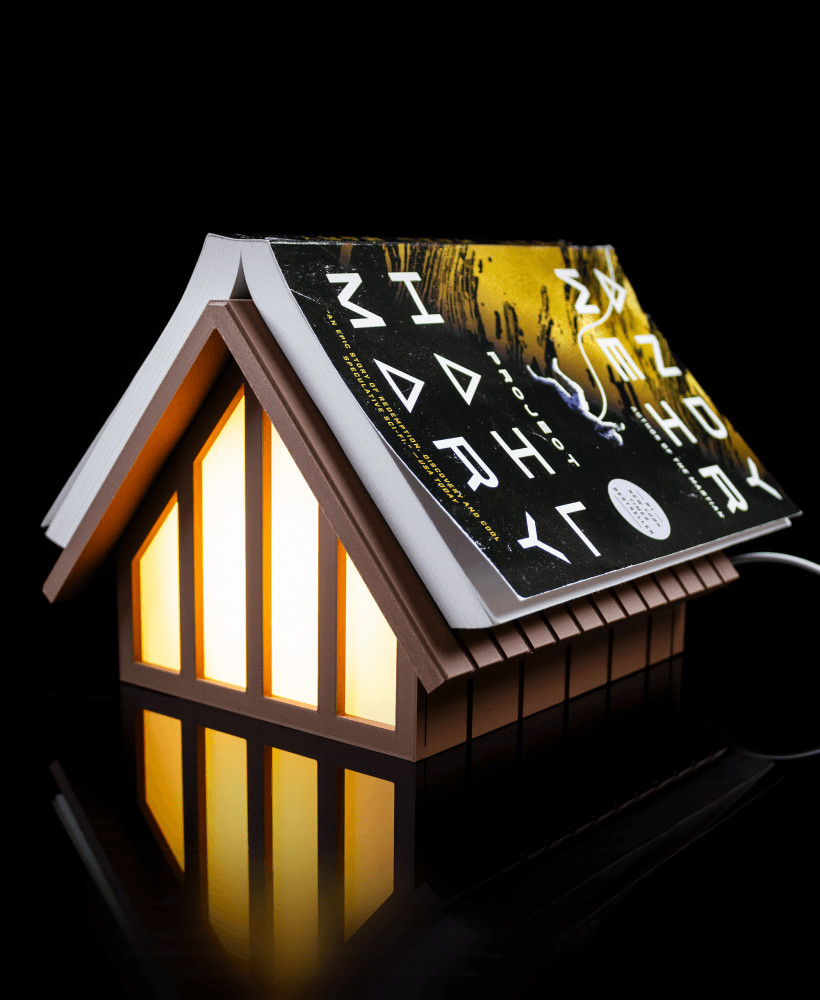
Cabin Book Rest Lamp

With some green in the background, it would have looked magnificent.
Amazing design Im just a little confused on how to assemble it with the two different scaffolds and the connectors. Can you explain please?
Sorry, I should've included pictures of the assembly! What you want to do is glue the 5 small cylinder connectors into the holes on one of the scaffold halves. Then, you glue the other scaffold half onto it. Each side of the Borg Cube then gets glued onto one of the rectangular prongs sticking out.
Here's a visual: https://imgur.com/a/kD6QWDa
If you're planning to use the display stand, make sure the side with the hole is lined up with the hole in the scaffold.
I keep getting the detail designs that Spaghetti look in the end. But the 1 layering & foundation was cool
Hi! I'm sorry to hear that you're having issues printing this. I would recommend slowing down your print speed to improve the detailing. I'm not sure what the best temperature is, I personally just used the Bambu default print profile. It'll vary based on printer and filament so maybe check what is recommended for the filament you're using.
It might also be a cooling issue (printer fans too fast/slow, nearby AC vent blowing on the printer, etc)
Whats the best temperature to print on Nozzle & bed ?
You do understand that it would depend on the filament you're using, right?
Yes, but i checked that & still get certain print issues, depending the model.