.png&w=3840&q=85)
.png&w=256&q=75)
.png&w=256&q=75)


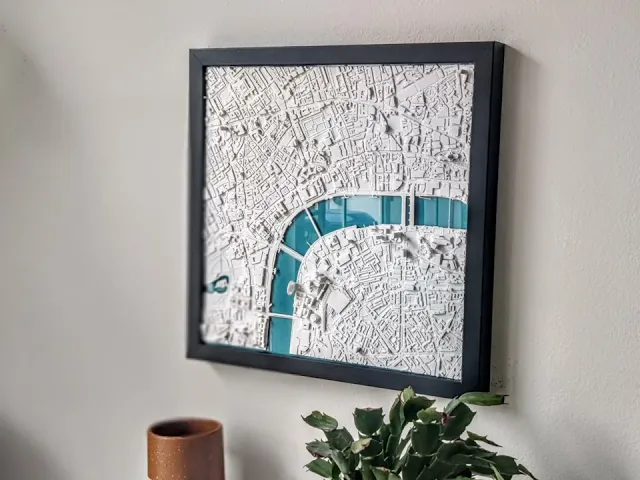
Philadelphia, PA - L & XL
Bring the Philadelphia skyline into your home in true 3D! These make for the perfect gift or home decor for residents, travelers, and admirers of the city.
This download includes tiles for two different sizes, Large and Extra Large. The Large version is a single piece, and the Extra Large version is divided into four separate tiles to print and assemble together, allowing you to print big on any build plate! The tiles can be assembled with craft glue or super glue and rubber bands between the buildings to hold in place as glue sets.
Subscribe to keep an eye on the new models each week!
Steps:
- Import the STL to your slicer.
- Scale the X or Y dimension to the desired size with 'Uniform scale' checked.
- Print as one-piece or split into tiles in the slicer for larger sizes.
- Slice and print!
- Set on shelf, tabletop, or hang on wall with sticky mounting strips.
- Optionally, stylize it with a frame and background mat or multi-color print in your unique way!
About the models These are the most detailed and accurate 3D-printable cityscape and landscape models available. Each is designed and optimized from Micropolitan's 5+ years of experience developing and selling 3D prints of iconic locations worldwide. Each model is designed by hand, using a combination of data and reference imagery. We use LiDAR and refine the architecture, block by block, using digital sculpting tools and satellite imagery. The models are then optimized for detail preservation while keeping the file size manageable for everyday computers.
Making your piece These make perfect centerpieces or collections for your home, to document your travels, or as distinct and unique gifts. Many design options are available - framed and unframed, for wall, tabletop or shelf display. They can be printed in a range of sizes with stunning detail, typically from 6"x6" up to 12"x12"+. The model can be cut into 4+ tiles to print and assemble a piece larger than your build plate.
- Size: Scale to at least 150x150mm to preserve details.
- Layer height: 0.18-0.25mm
- Nozzle: 0.4-0.6mm
- Infill: 15% Gyroid
Styling and display These look great framed or unframed! They can be displayed on tabletops, shelves, or hung on the wall with mounting strips. They look best when lit from the side. Display near a window, lamp or downlight to make the 3D features pop.
Materials Filament: For a minimalist look and best grayscale shadowing, use a matte white PLA. Marble and silky filaments are also popular looks. Frames: Choose a frame or shadow box that fits your print dimensions.
This 3D model was developed with reference data sources and satellite imagery from OpenStreetMap © OpenStreetMap contributors and USGS 3DEP.
Philadelphia, PA - L & XL
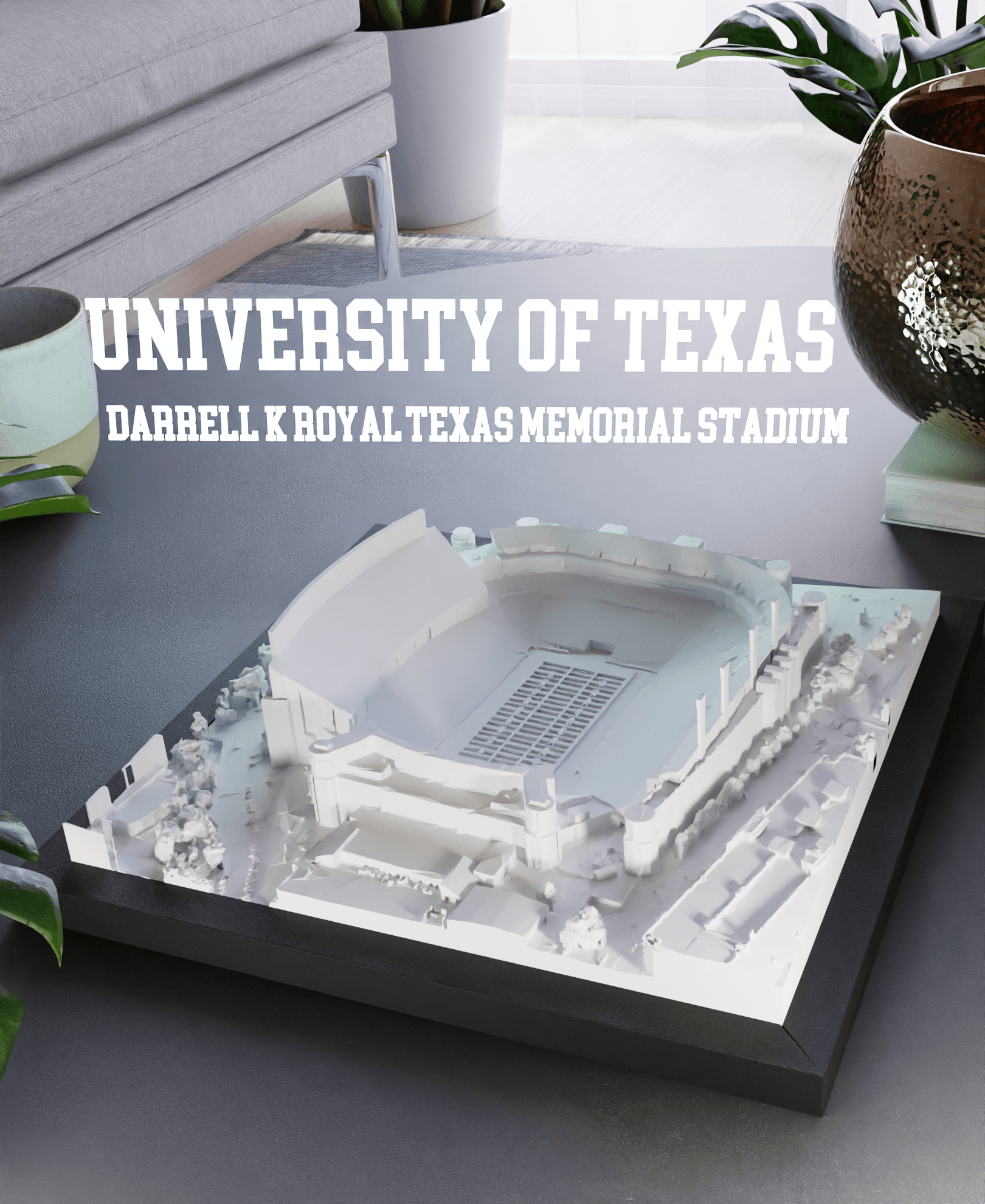
University of Texas - Darrell K Royal–Texas Memorial Stadium
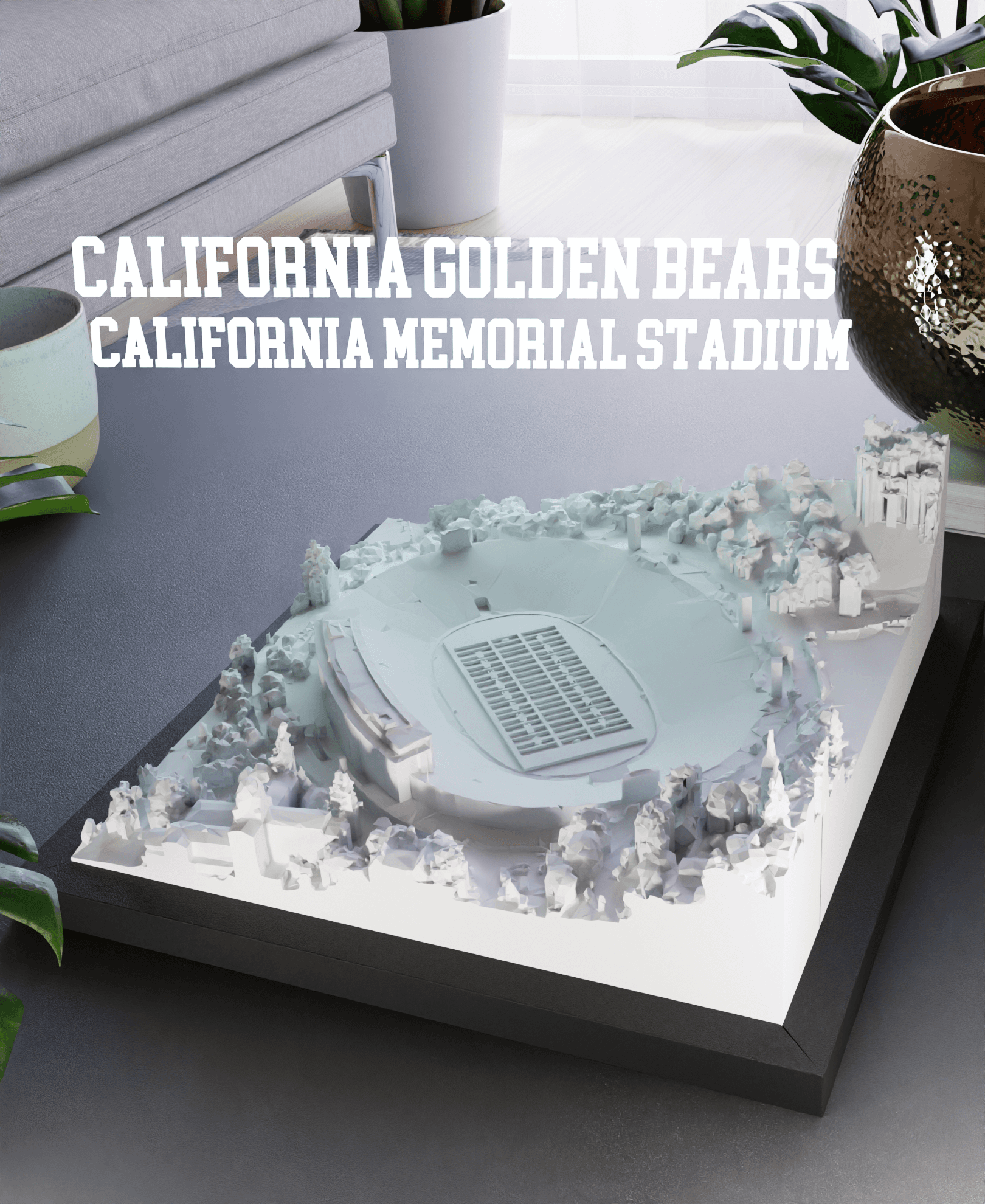
California Golden Bears - California Memorial Stadium
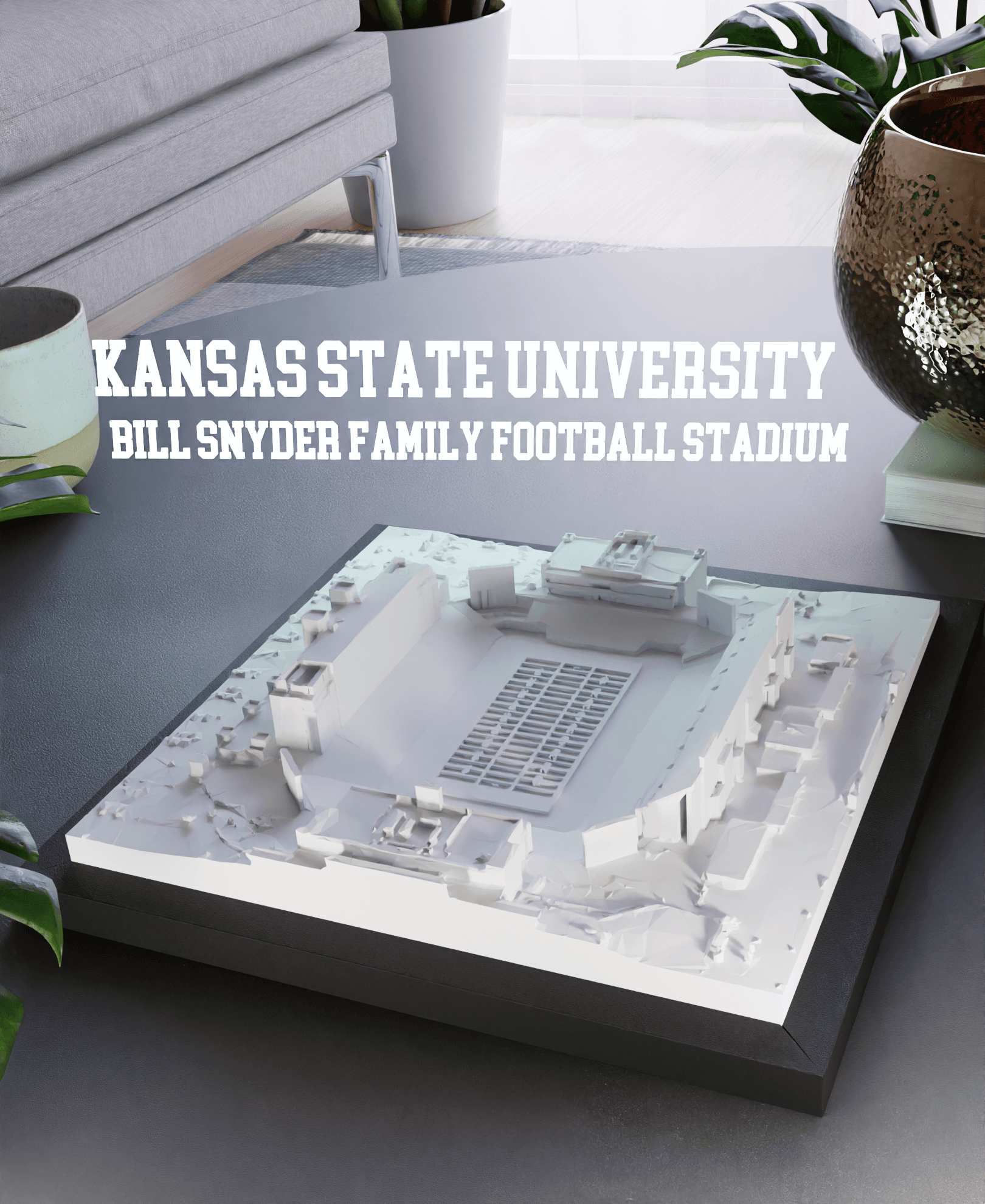
Kansas State University - Bill Snyder Family Football Stadium
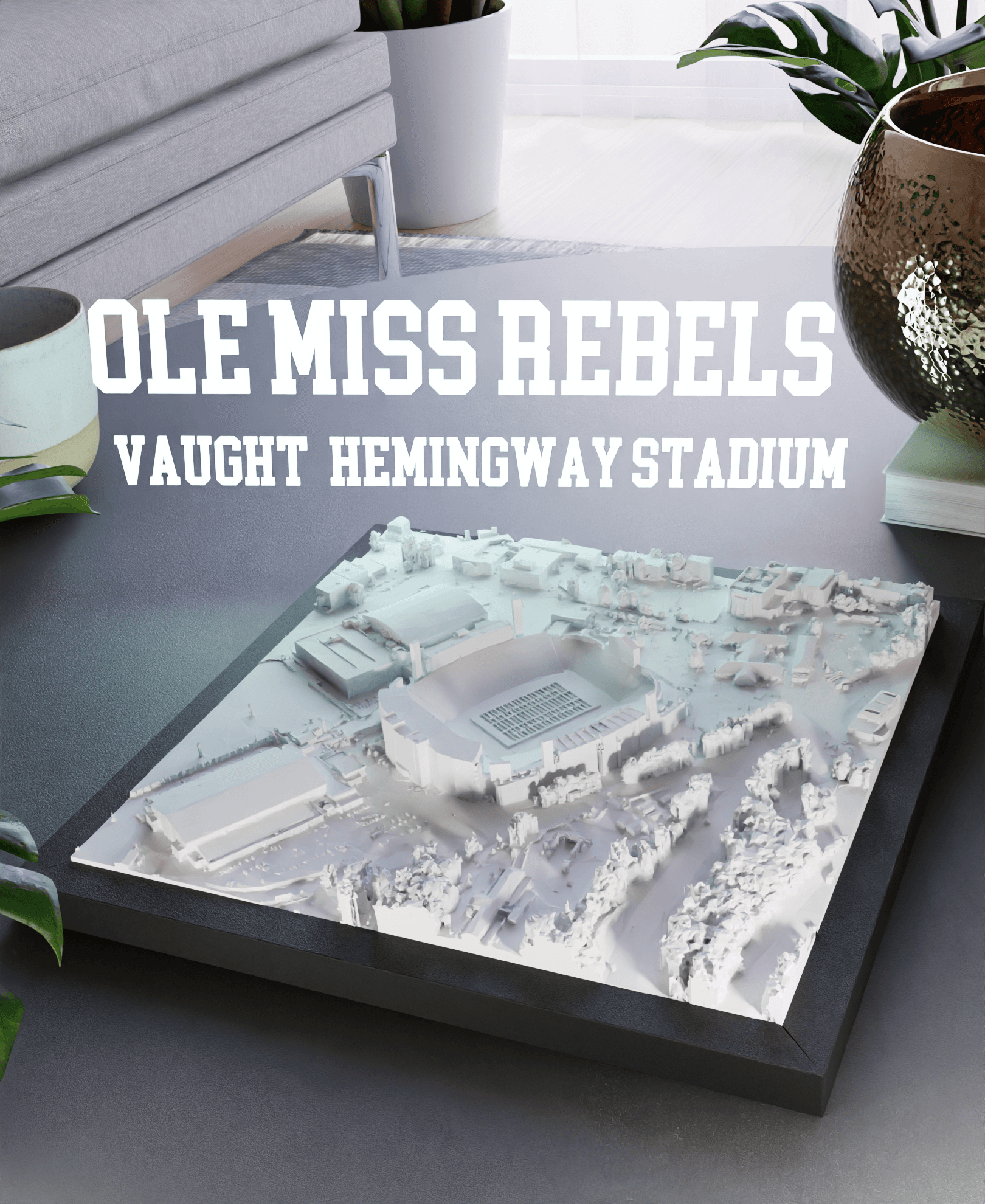
Ole Miss Rebels - Vaught-Hemingway Stadium
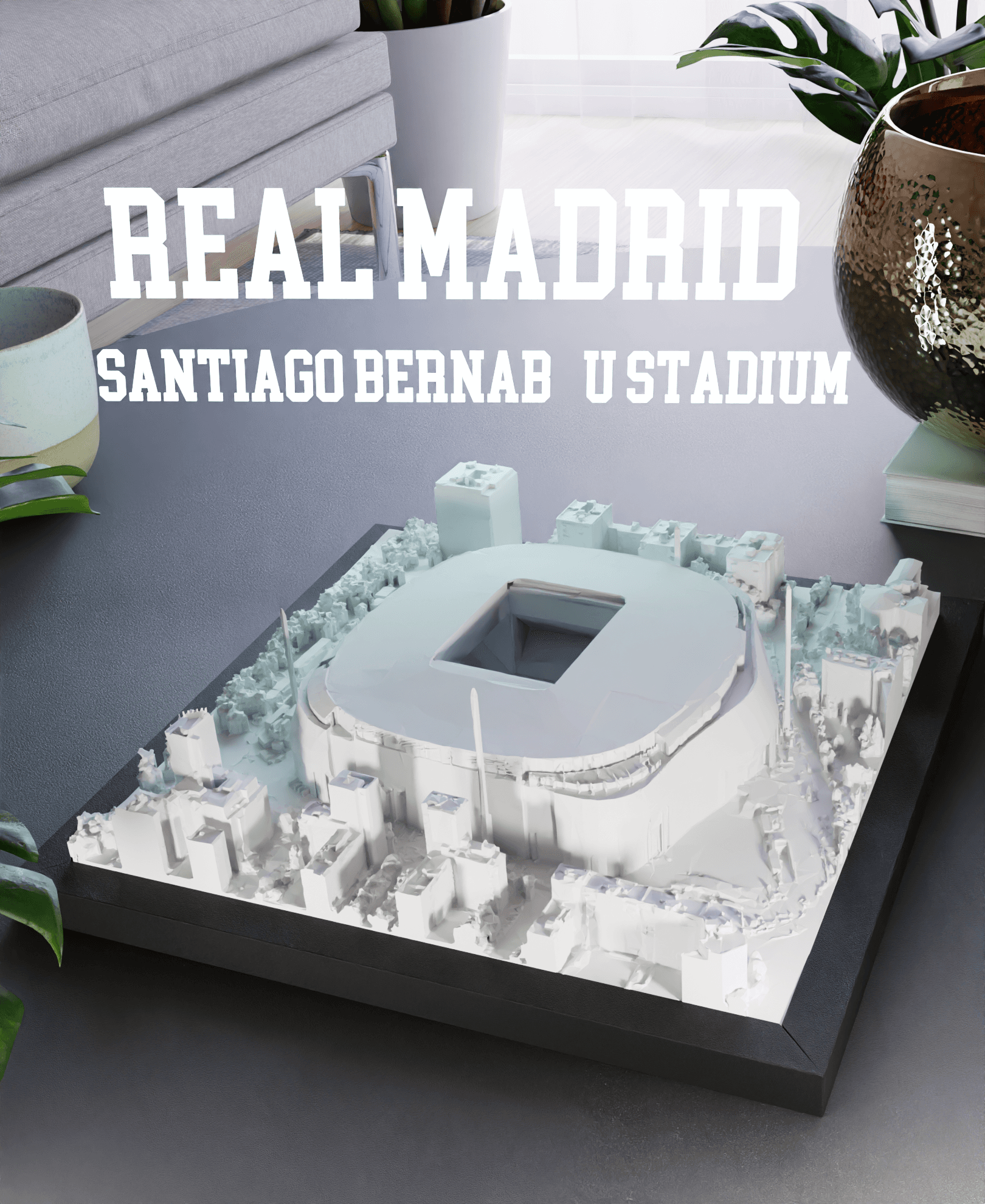
Real Madrid - Santiago Bernabéu Stadium
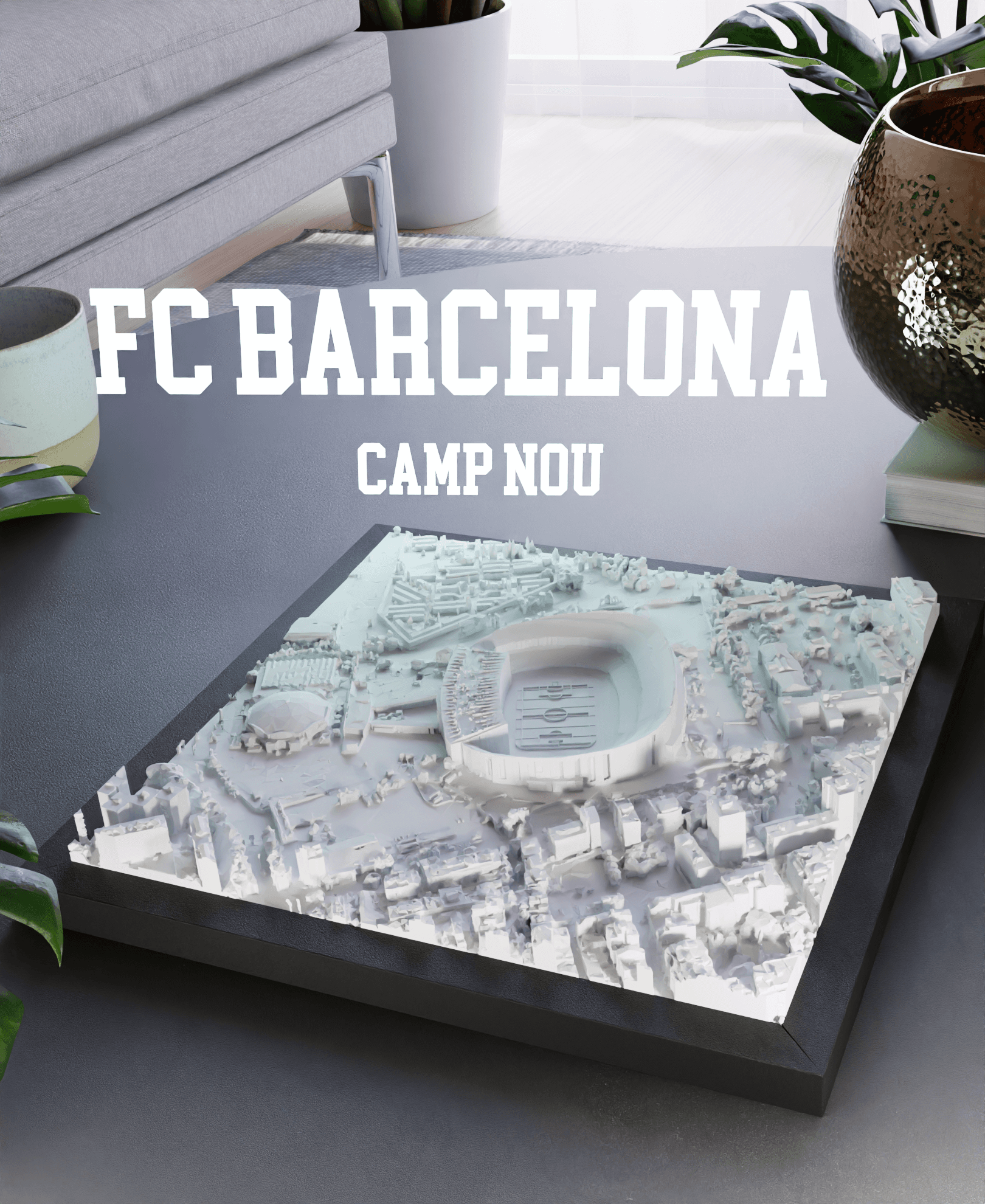
FC Barcelona - Camp Nou
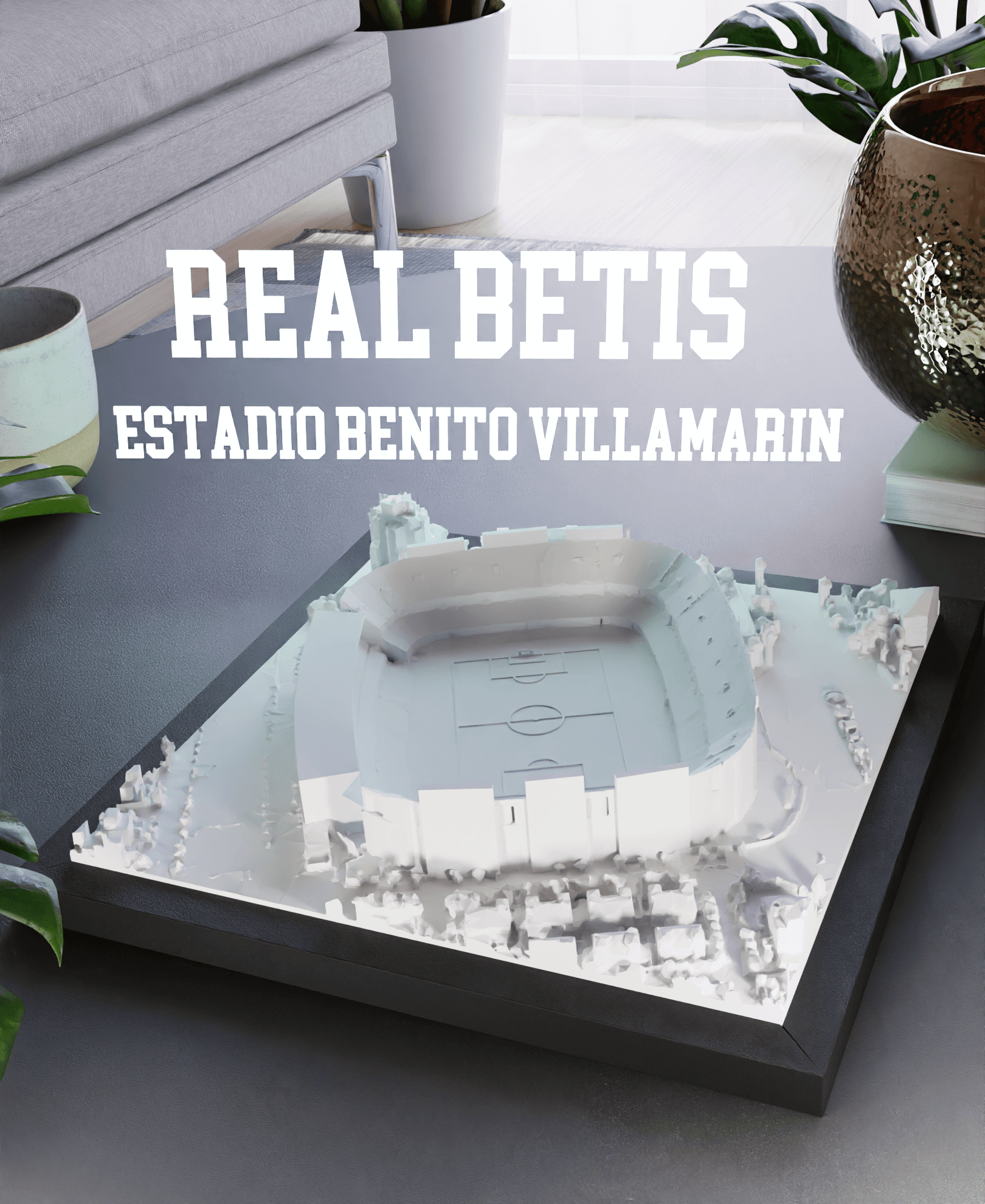
Real Betis - Estadio Benito Villamarin
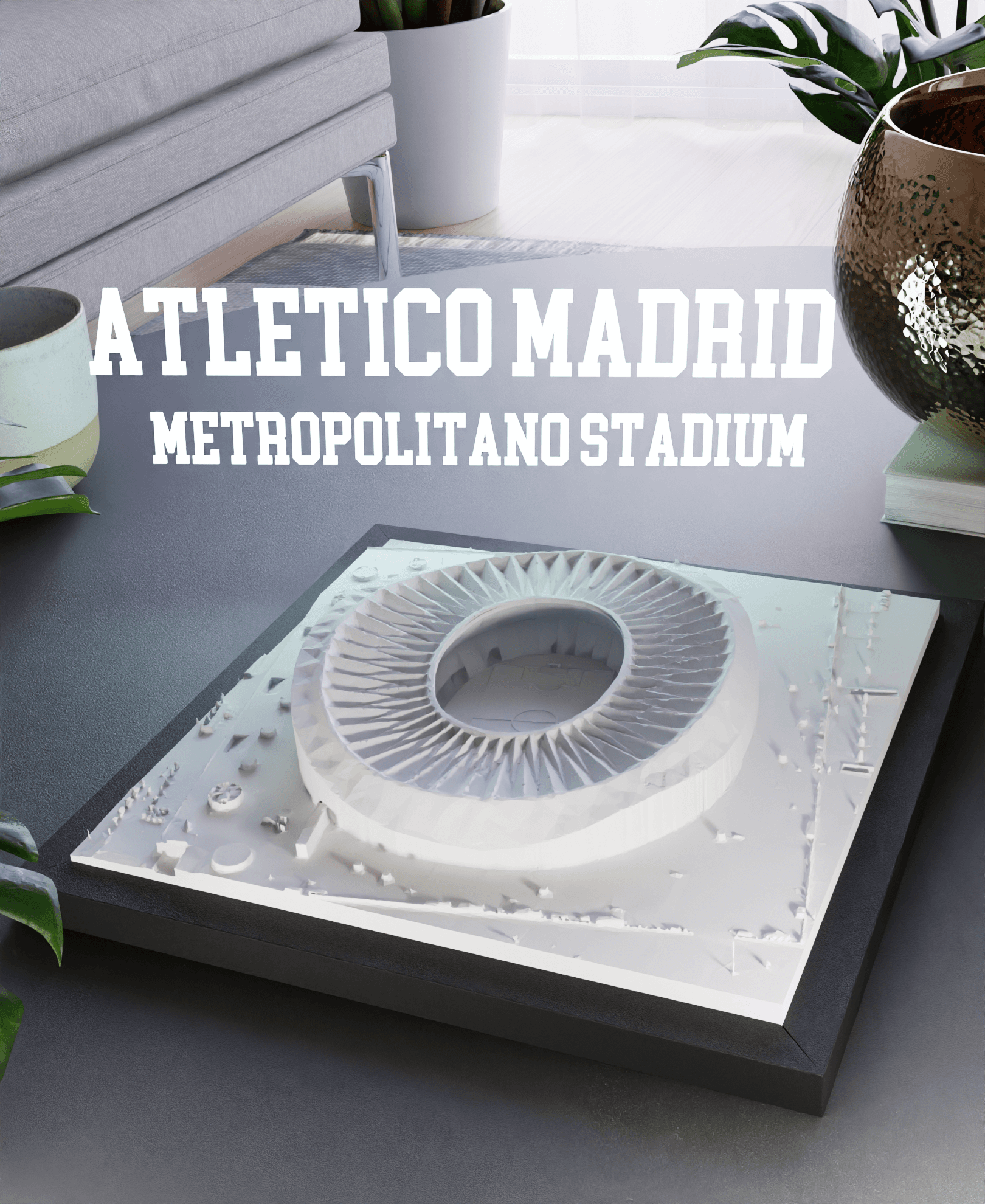
Atletico Madrid - Metropolitano Stadium
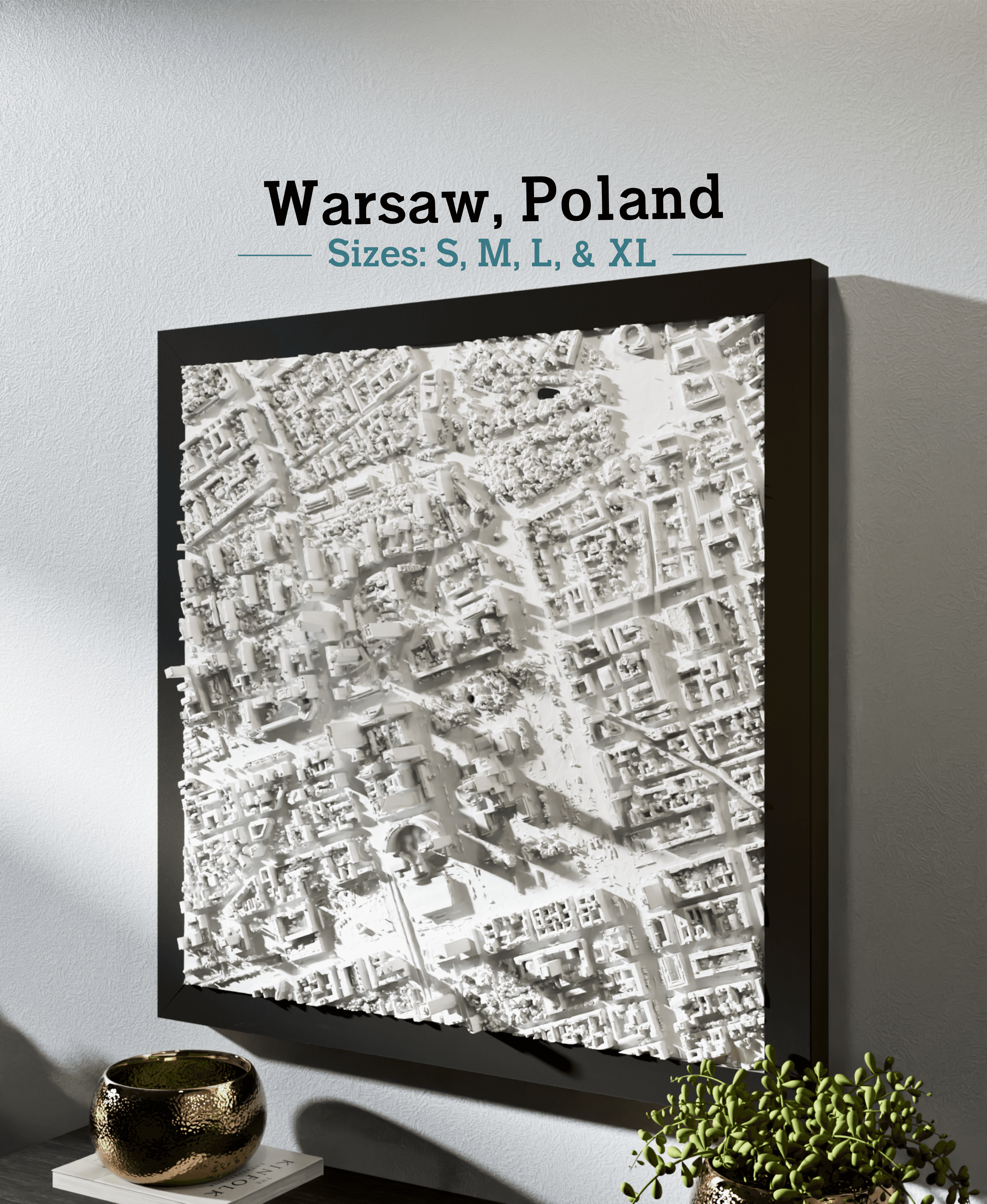
Warsaw, Poland - S, M, L, & XL
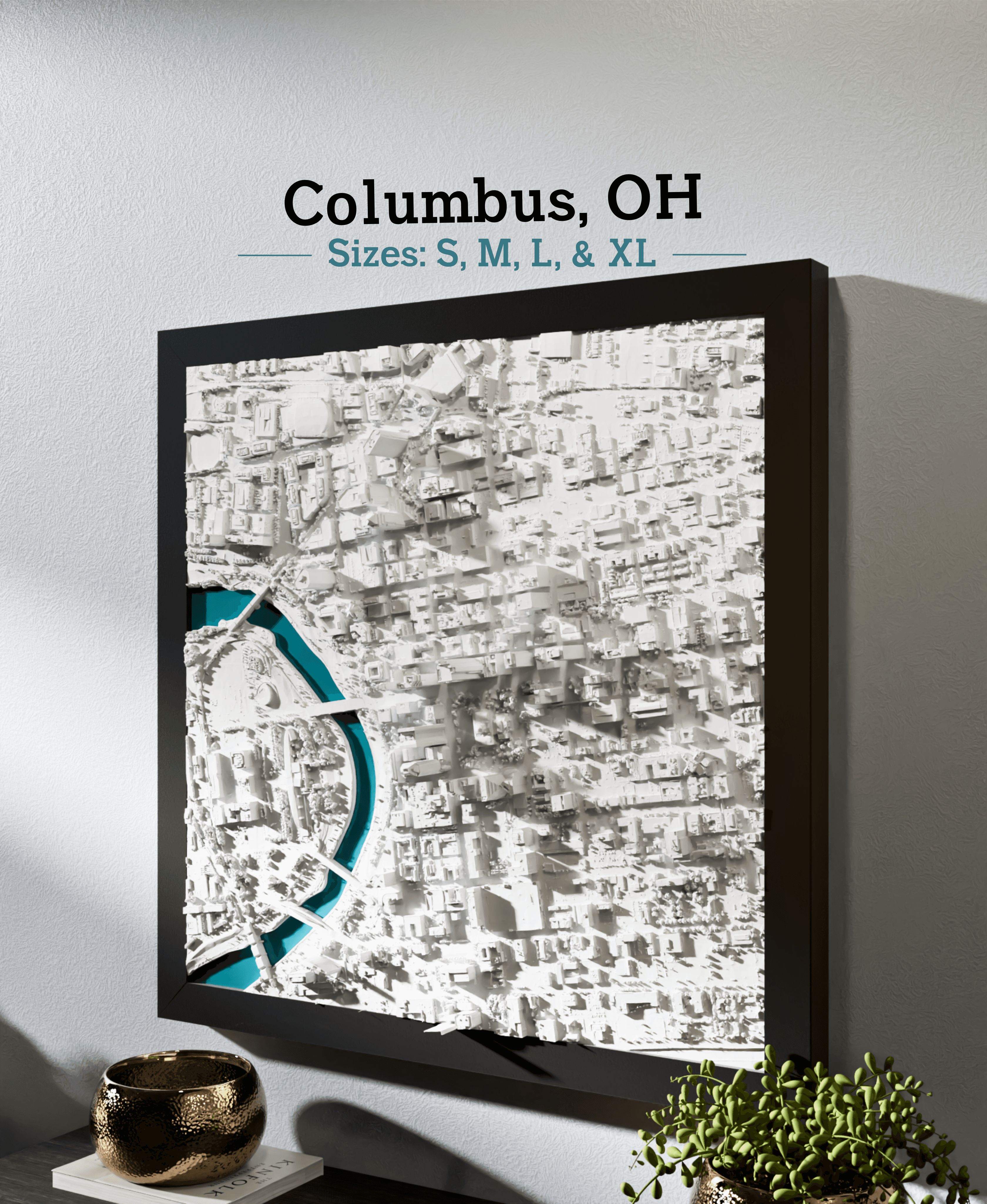
Columbus, OH - S, M, L, & XL
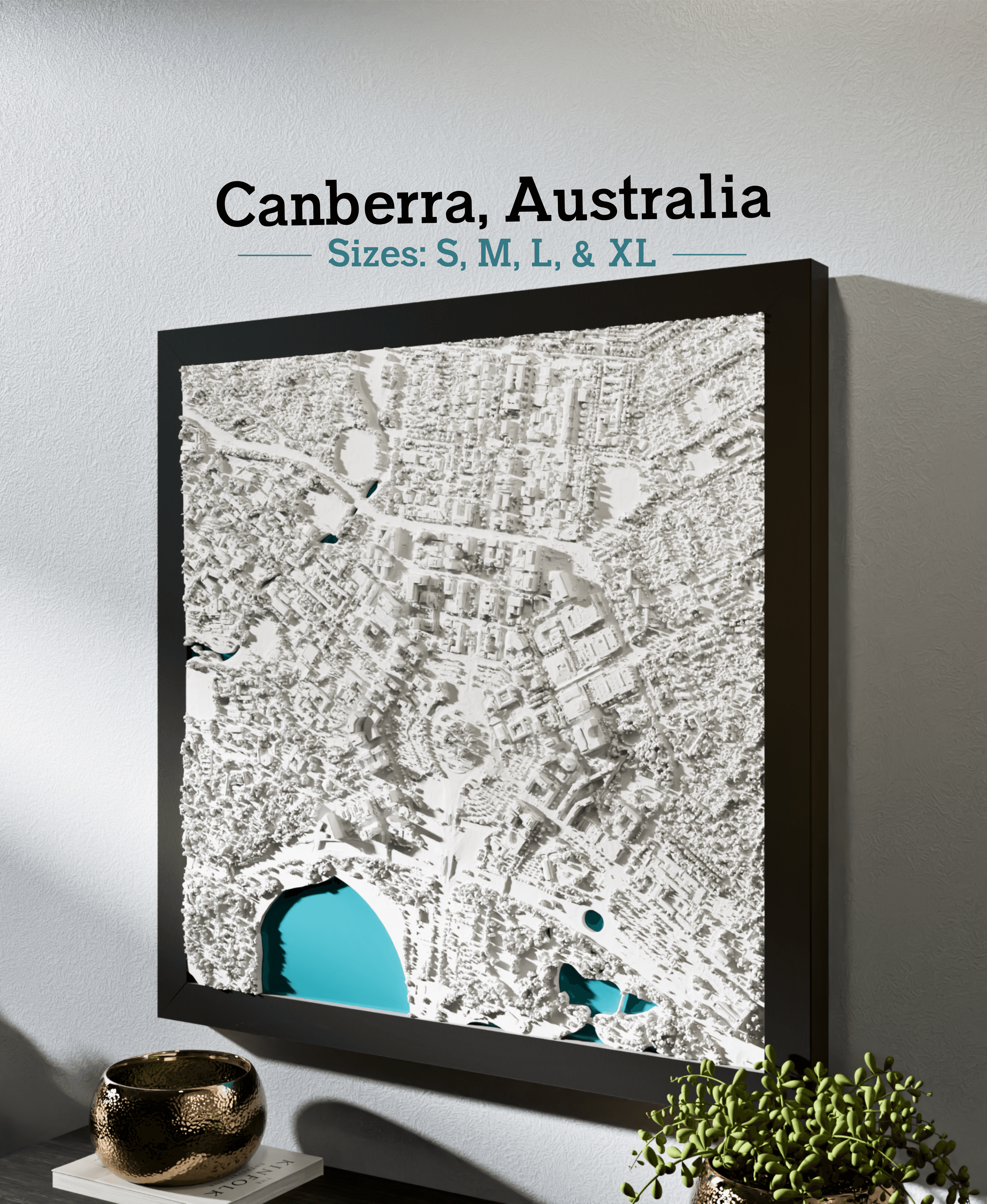
Canberra, Australia - S, M, L, XL
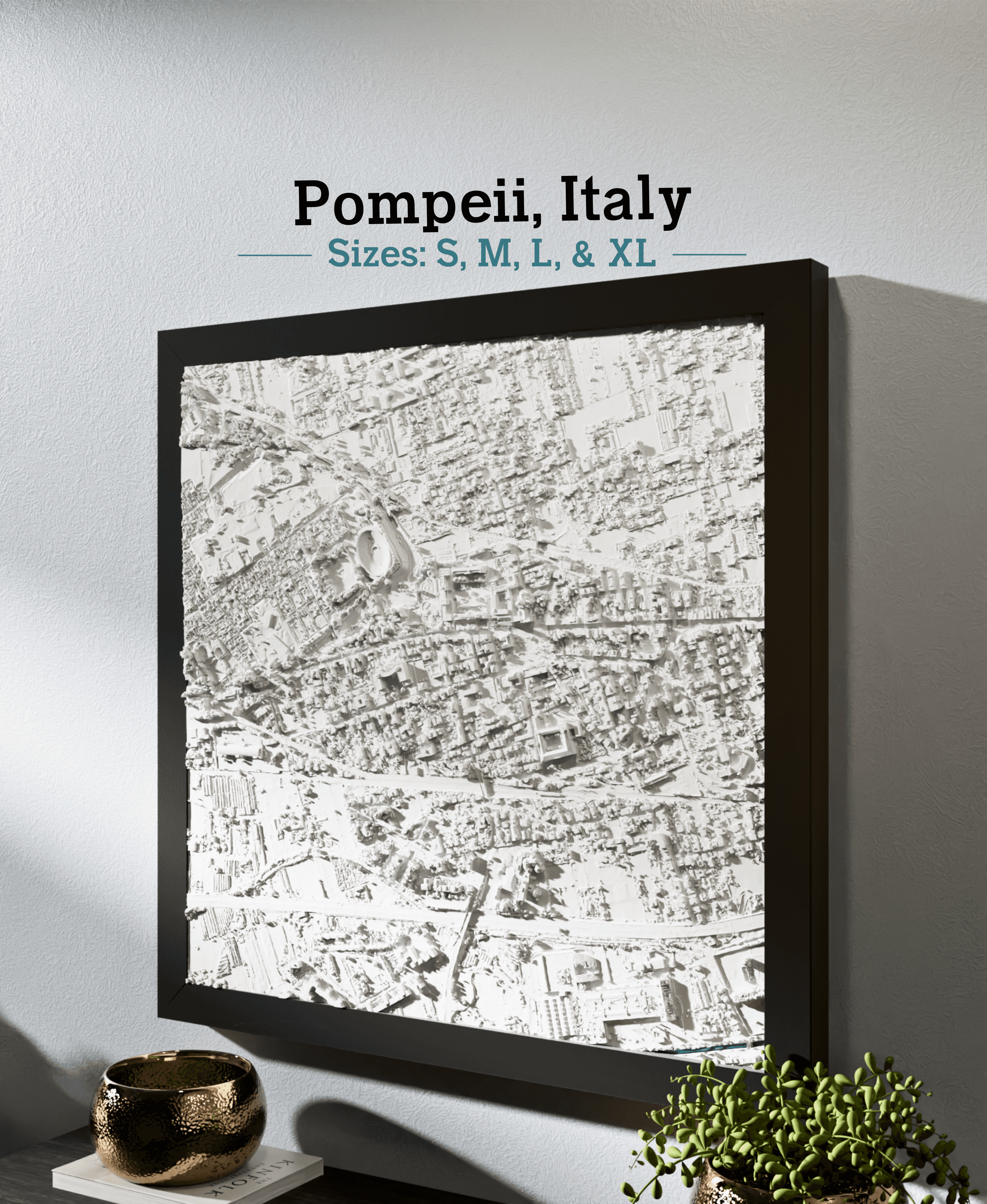
Pompeii, Italy - S, M, L, & XL
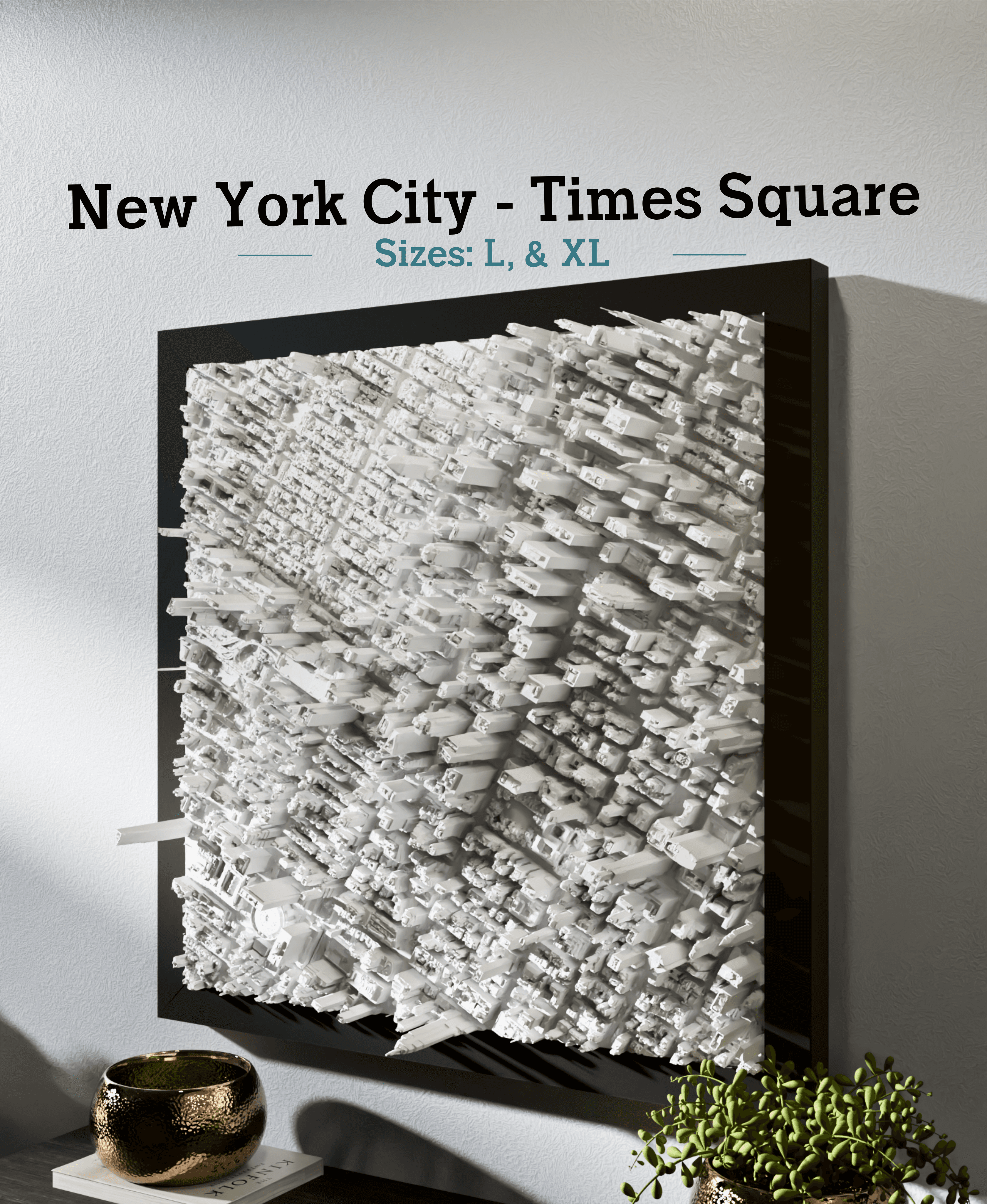
New York City - Times Square - S, M, L, & XL
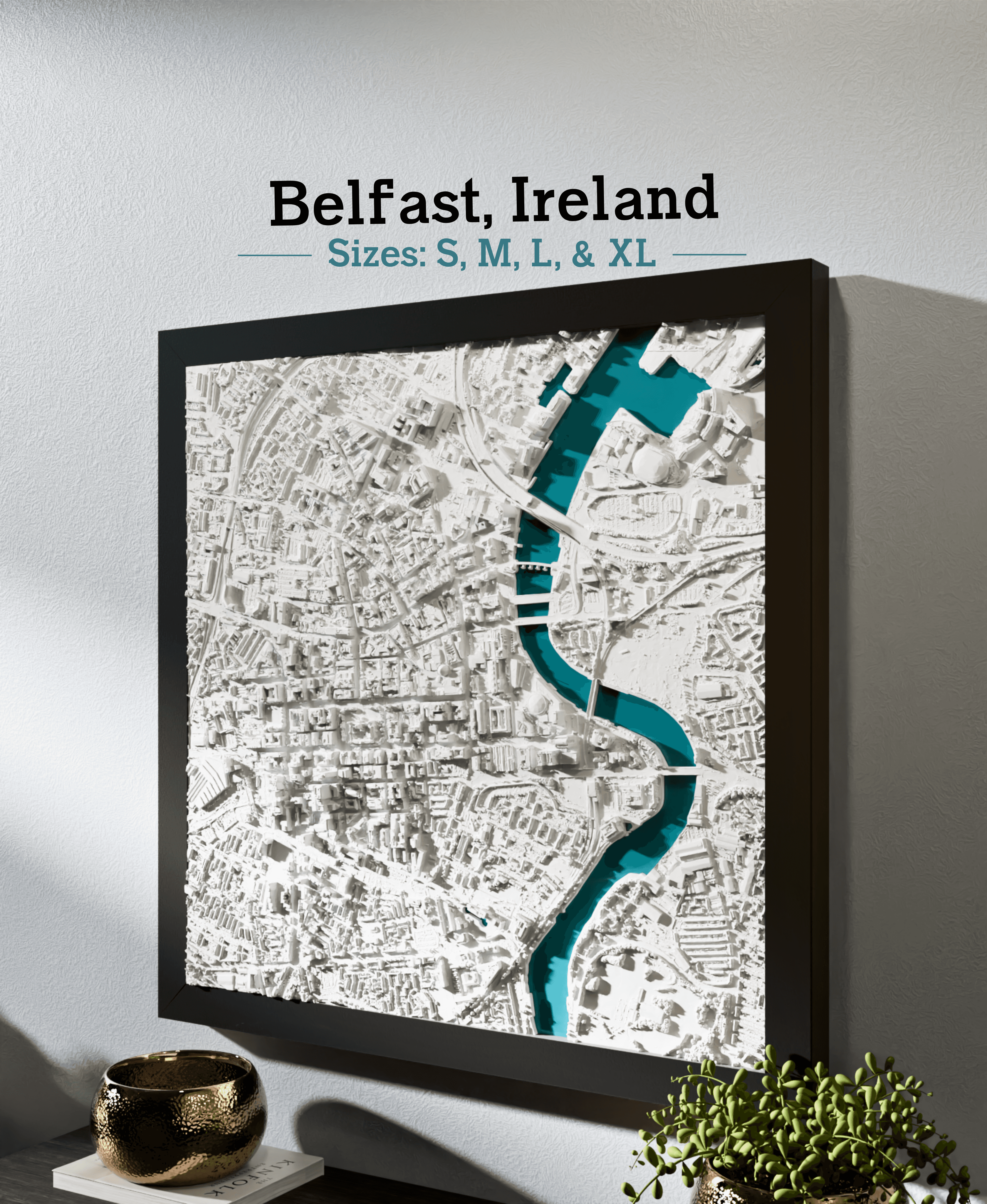
Belfast, Ireland - S, M, L, & XL
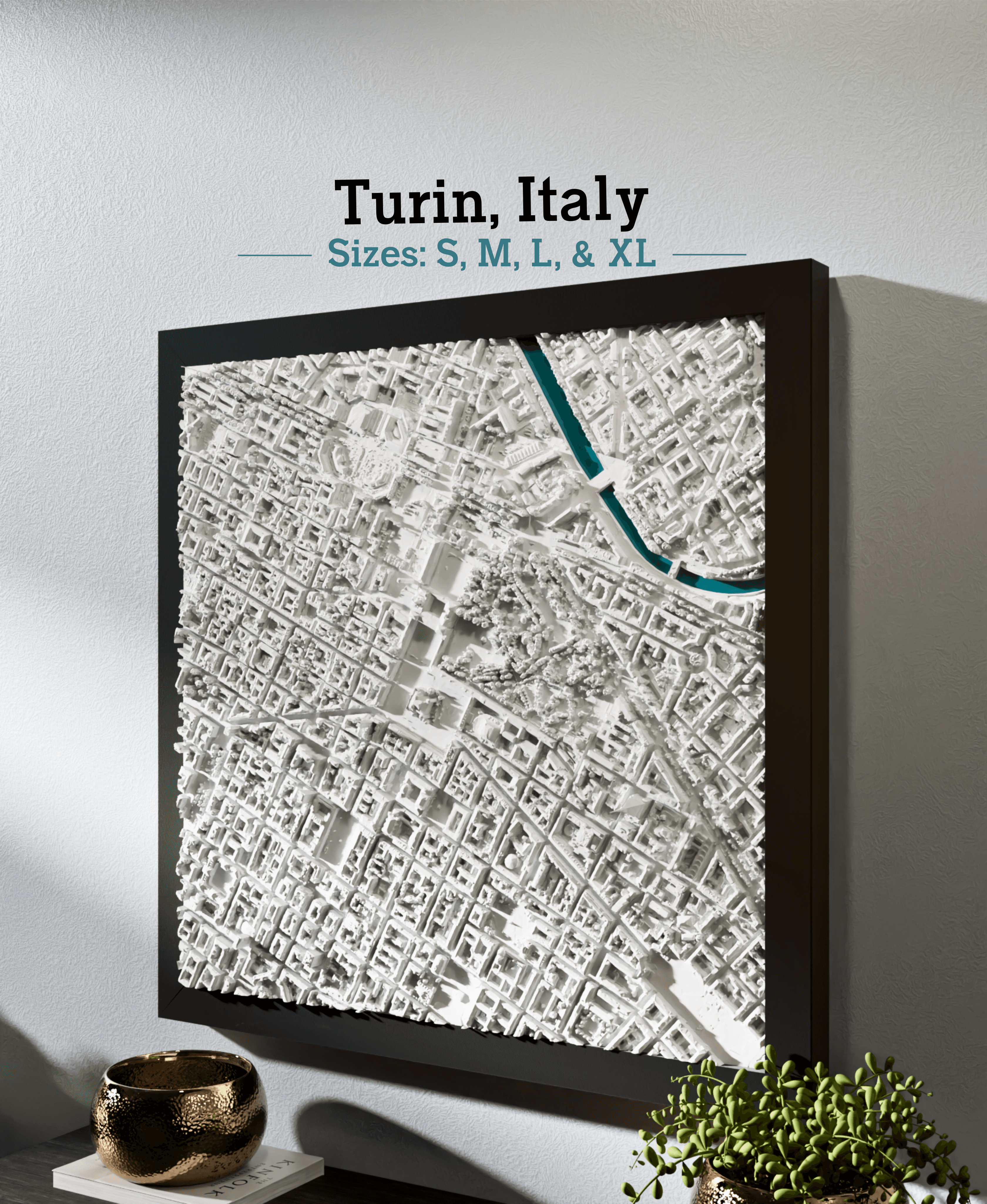
Turin, Italy - S, M, L, & XL
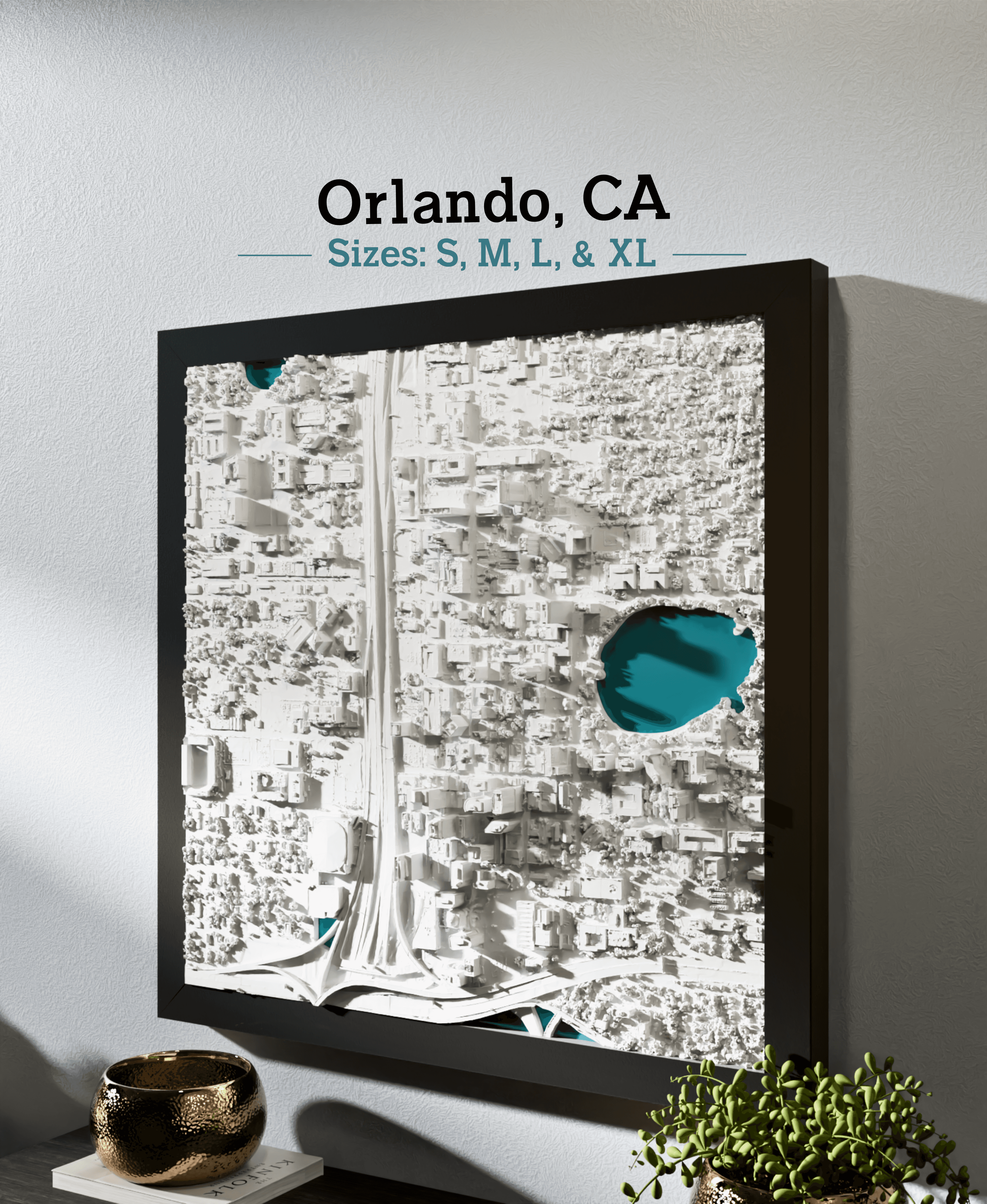
Orlando, FL - S, M, L, & XL
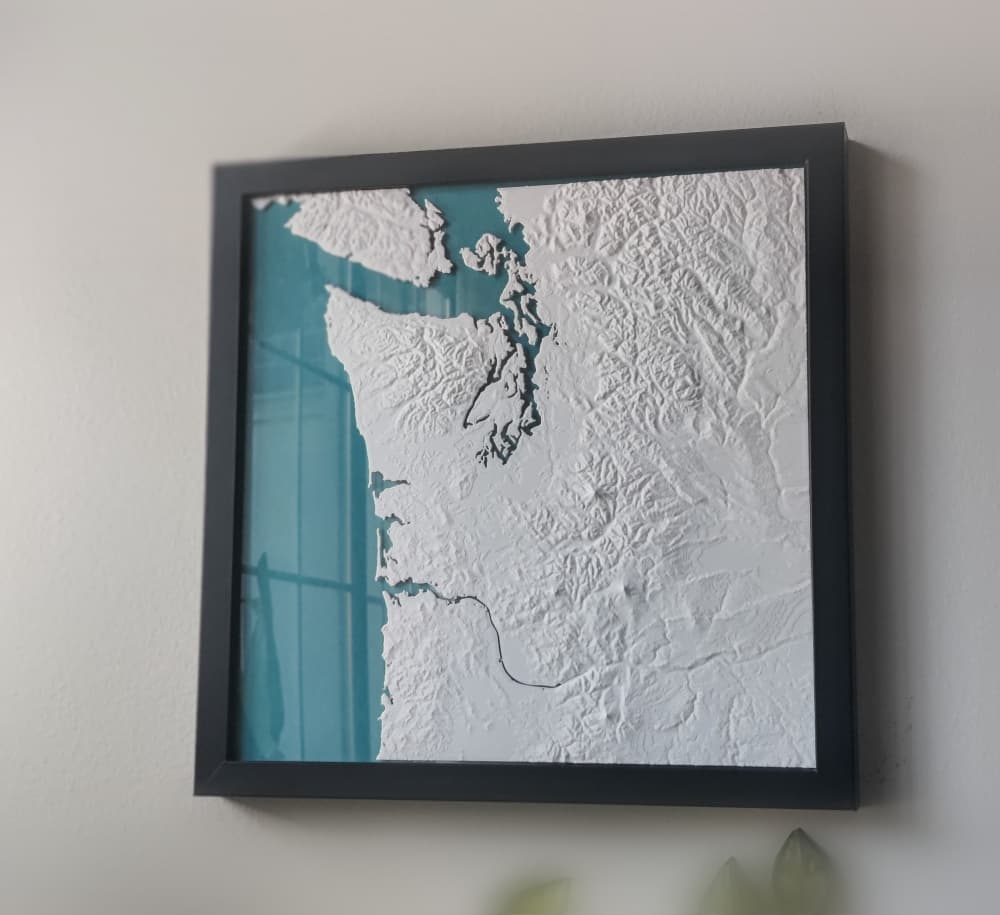
Pacific Northwest
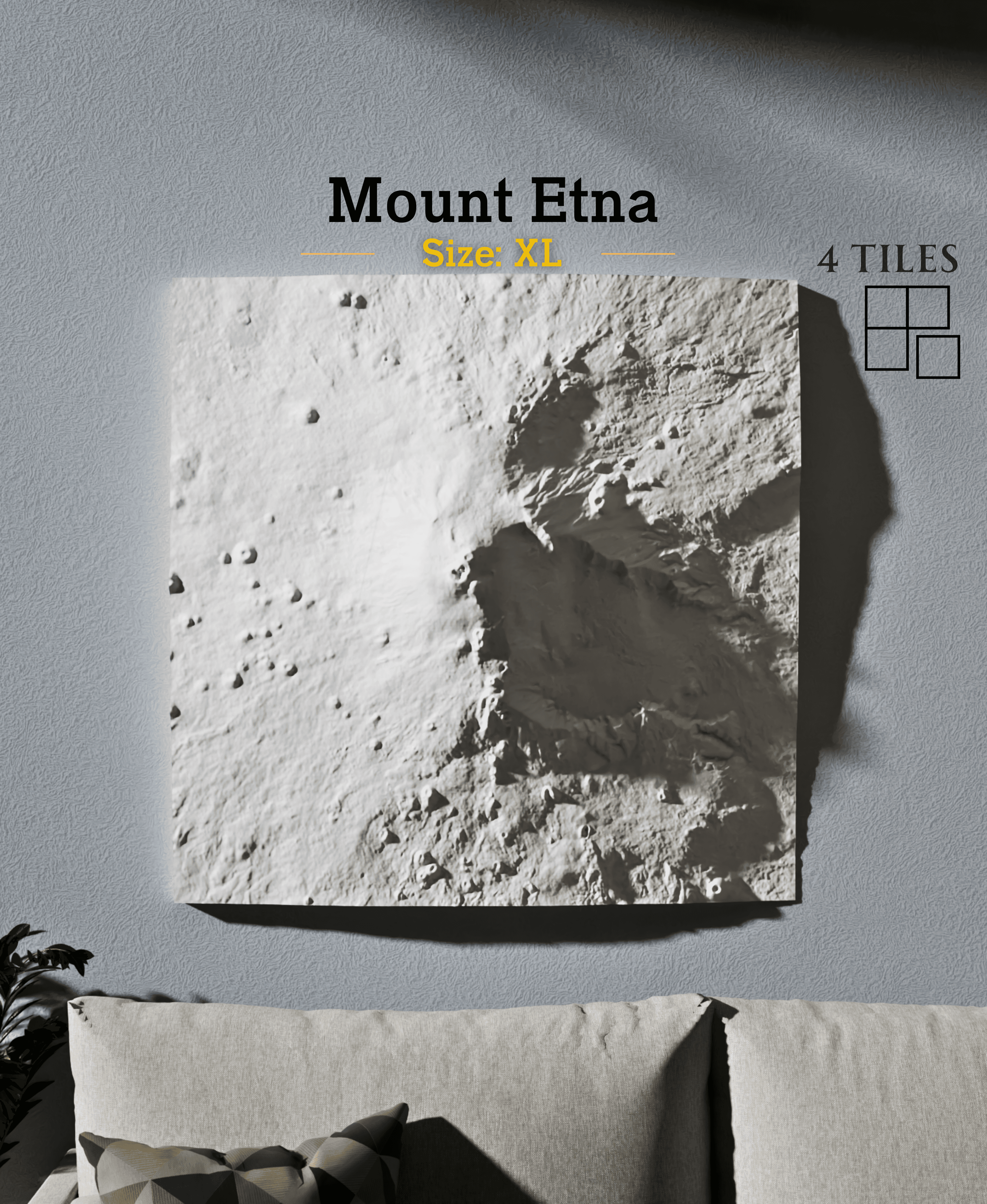
Mount Etna
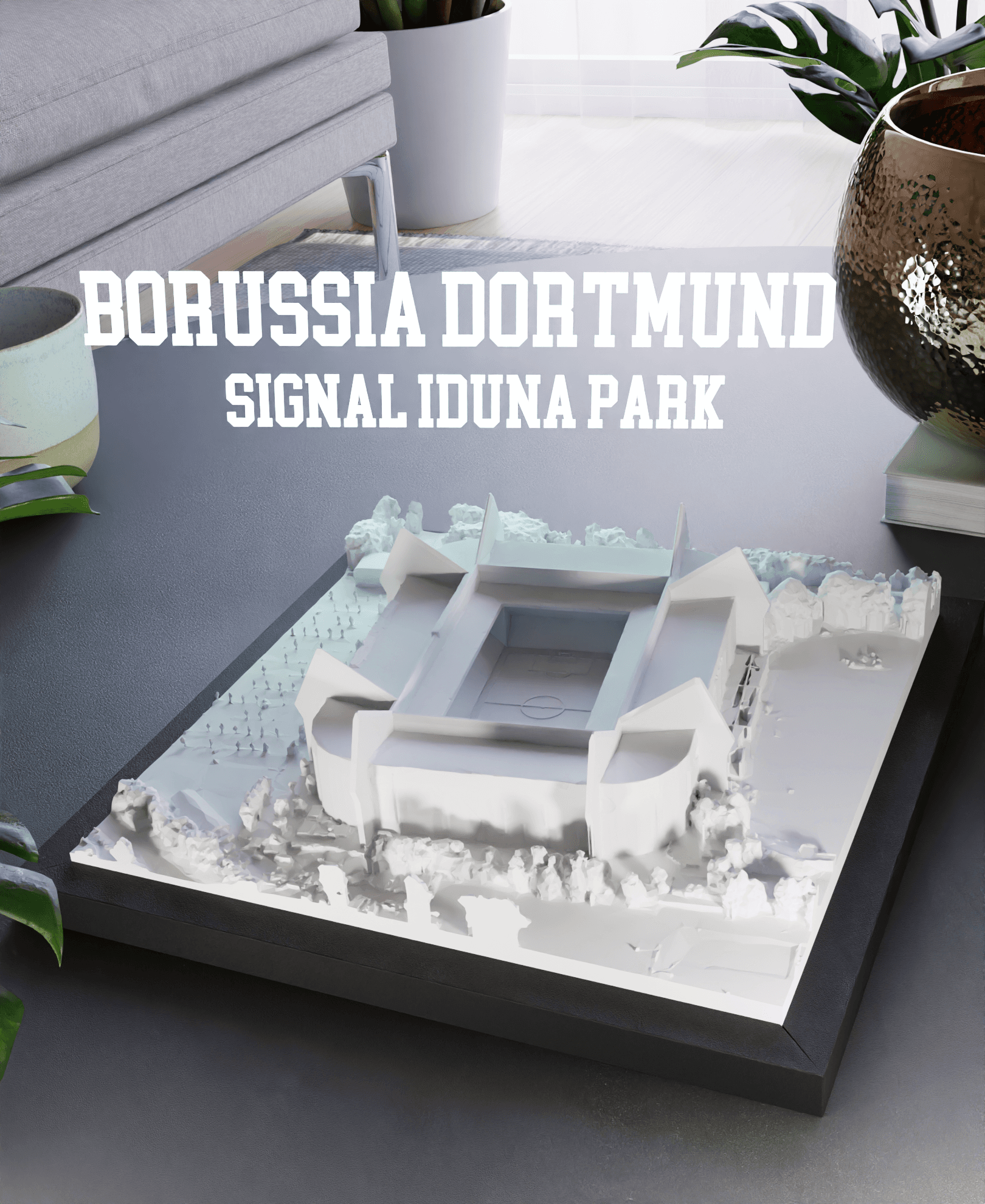
Borussia Dortmund - Signal Iduna Park
I've printed 2/4 of the XL pieces at max size on my Bambu p1s and it looks nothing like the quality of the preview images. The geometry doesn't look clean in the slicer, blender, or in the print The fine details are just mush. Could you double check if that is the way it is supposed to be? See my print here Thanks
Hello, the level of detail you'll get in the actual print depends mostly on the size of the printer and your nozzle size. The model itself is has tiny details, but some are smaller than your nozzle size, so those features will be omitted or smoothed over when it's sliced. If you want more detail to show, I'd recommend using a 0.2mm nozzle and a fine layer height. Could also divide the model into even smaller sections so you could scale them up more. I'd also recommend Atomic Bright White PLA.
It seems like I'm getting about the level of detail that is present in the model. On-screen, the level of detail is not matching what I see in the preview images on this model page. Did you clean up the geometry for those? Or perhaps the model is not right? Here is what the model looks like in blender, compared to the representative photo of the same location
The biggest diff is probably that any flat surface is lumpy.
It's the same model. A couple differences, (1) looks like you have shading set to 'smooth' in blender, if you change it to 'flat' you should see the actual mesh geometry. (2) the solid shading viewer in blender accentuates tiny angle differences between faces (e.g., 1 degree differences show contrast). This makes the model look rougher than it actually is. The image I posted is a rendered view with raytracing, which shows lighting more realistically. However it is naturally smoothed in slicing.
Ok thanks, the shading modes did help. I'll give it a shot with a finer noz and layer height.
Sounds good! Please post your finished Make when it's done, would love to see how it turns out. I'd also recommend an opaque white filament like this, which helps show crisp features/shadowing (https://a.co/d/j5NMxzu). Also, I'd recommend turning Arache off in the Bambu slicer. This tends to help it fill in small features rather than ignoring them. https://discord.com/channels/1257057844931596409/1274336169118793799/1274344044453040162
With the XL stl files (just downloaded) and slicing with bambu studio I get: Warning Object can't be printed for empty layer between 49.8 and 50.4 Object: Philadelphia, PA4-Philadelphia,PA_XL_B2.stl Maybe parts of the object at these height are too thin or the object has faulty mesh
and: Warning It seems object Philadelphia, PA4-Philadelphia, PA_XL_B2.stl has floating regions. Please re-orient the object or enable support generation
Hello, thanks for mentioning this, the warning was due to a tiny gap at the very top of the William Penn Statue which I've just corrected and re-uploaded. The original model would print fine too in spite of that warning. The floating regions warning can also be ignored; there are tiny overhangs but they are small enough to print without supports.
XL_A1_v2 The top right skyscrapers have antennas that are floating along the very right edge it looks like a building corner was cut off and is floating on the right side of the park there is an antenna on the roof of a building that has a floating top along the edges on the ground level there are floating areas where the trees and bushes are
XL_A2_v2.stl: floating regions, likely on the bottom left, there are two twin buildings that have very tiny antenna on each side of each building. On the very left edge, there are a few layers that are floating north east of the park there is the mormon church that has two tiny spires that are floating. to the right of the park, there is a tiny building with a dome, and to the right of that building there are floating layers on the roof of that building
XL_B2_v2.stl: Object can't be printed for empty layer between 42.8-43.4. I have a small bed but I still see a few layers on city hall at the very top that are floating. Also on the top left corner there is a very thin vertical line, it looks like an adjacent building was cut off, and those some of those lines are floating The building touching the right edge has floating parts and thin lines on its roof Last; A block north of city hall the conv center has a thin wall that is bridged at the top
Thanks, I should've given you all the issues but I hit a text limit XL_B1_v2.stl Empty layer between 55.4-58.6. This is likely the antenna in the top right. There's also an antenna on the building in the top left that is so thin it should probably be removed And on Philadelphia, PA_XL_B1_v2.stl in the bottom right quadrant, there's a very small thin tall post. On google earth it looks like it is a crane and not part of any building, it should probably be removed. (by 12th and locust)
To resolve issues with floating antennas/roofs, switch the Wall generator from 'Arachne' to 'Classic' in your slicer settings. I've started a Discord channel with more tips like this. Due to comment length limitation let's pickup the conversation there if you encounter issues printing. I'll also check over the model again to remove the crane- thanks for spotting that!
https://discord.com/channels/1257057844931596409/1274336169118793799
I can't seem to load these 3mf files in Bambu studio for the XL. They produce errors: "The file does not contain any geometry data" Any ideas what I can try?
Hello, that's strange, I'm seeing the geometry in the 3D viewer looks corrupted too. I'll dig into this tonight and re-upload the files. I'll let you know when it's fixed. Thanks for your comment and patience!
Thanks! I did get it to open by using the STL download option for the XLs, but the quality looks really bad, maybe due to the same corruption.
I just rebuilt and uploaded the XL tiles. They are displaying properly now so I think they're fixed, but let me know if you have any issues! This time I cut each along roadways to avoid cutting through buildings. Just make sure you scale each one the same. The files might look rough when zoomed in due to how the geometry is rendered in the slicer (accentuates small differences in face angles), but when it is actually sliced it should look nice and smooth. It can be printed without supports even though it may warn about small overhangs.