



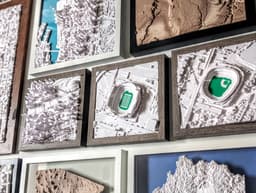

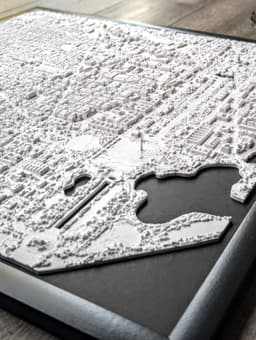


Austin, TX - S, M, L, & XL
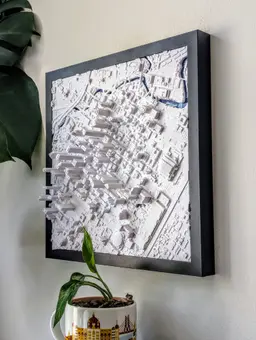
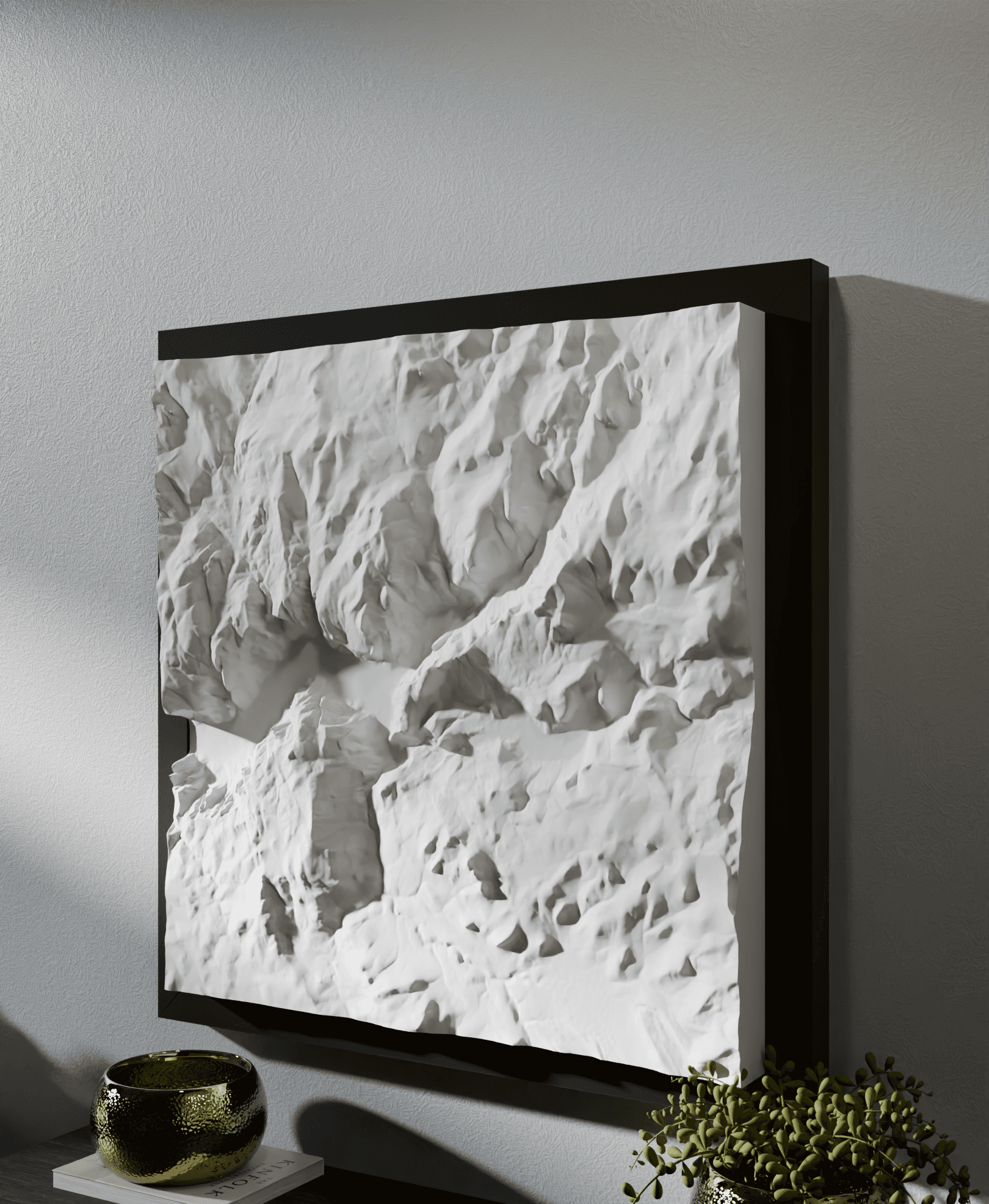
Bring the iconic Austin Texas skyline into your home in stunning 3D! Perfect for residents, travelers, and admirers of the city to display in the home with remarkable detail.
Subscribe to keep an eye on the new models we release each week! Check the subscription tiers for personal and commercial use of the 3D prints, and our custom model development service!
Steps (see included PDF details):
Import the STL to your slicer. Scale the X or Y dimension to the desired size with 'Uniform scale' checked. Print as one-piece or split into tiles in the slicer for larger sizes. See the PDF for slicing tips. Slice and print! Set on shelf, tabletop, or hang on wall with sticky mounting strips. Optionally, stylize it with a frame and background mat or multi-color print in your unique way! About the models These are the most detailed and accurate 3D-printable cityscape and landscape models available. Each is designed and optimized from Micropolitan's 5+ years of experience developing and selling 3D prints of iconic locations worldwide. Each model is designed by hand, using a combination of data and reference imagery. We use LiDAR and refine the architecture, block by block, using digital sculpting tools and satellite imagery. The models are then optimized for detail preservation while keeping the file size manageable for personal computers and slicers to handle.
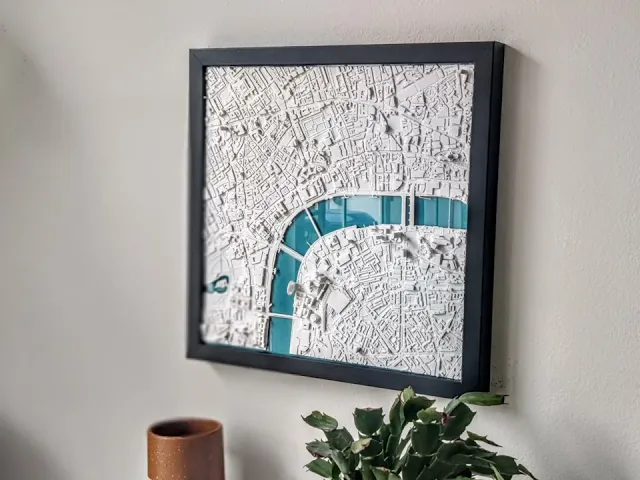
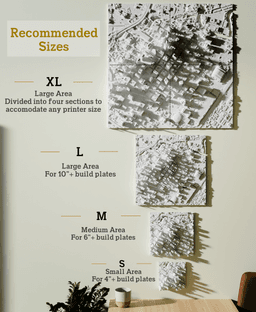
Making your piece These make perfect centerpieces or collections for your home, to document your travels, or as distinct and unique gifts. Many design options are available - framed and unframed, for wall, tabletop or shelf display. They can be printed in a range of sizes with stunning detail, typically from 6"x6" up to 12"x12"+. The model can be cut into 4+ tiles to print and assemble a piece larger than your build plate. Detailed instructions are included with your download in a PDF.
Size: Scale to at least 150x150mm to preserve details. Layer height: 0.18-0.25mm Nozzle: 0.4-0.6mm Infill: 15% Gyroid Styling and display These look great framed or unframed! They can be displayed on tabletops, shelves, or hung on the wall with mounting strips. They look best when lit from the side. Display near a window, lamp or downlight to make the 3D features pop.
Materials Filament: For a minimalist look and best grayscale shadowing, use a matte white PLA. Marble and silky filaments are also popular looks. Frames: Choose a frame or shadow box that fits your print dimensions. See the PDF that comes with your download for design inspiration.
This 3D model was developed with reference data sources and satellite imagery from OpenStreetMap © OpenStreetMap contributors and USGS 3DEP.
Austin, TX - S, M, L, & XL
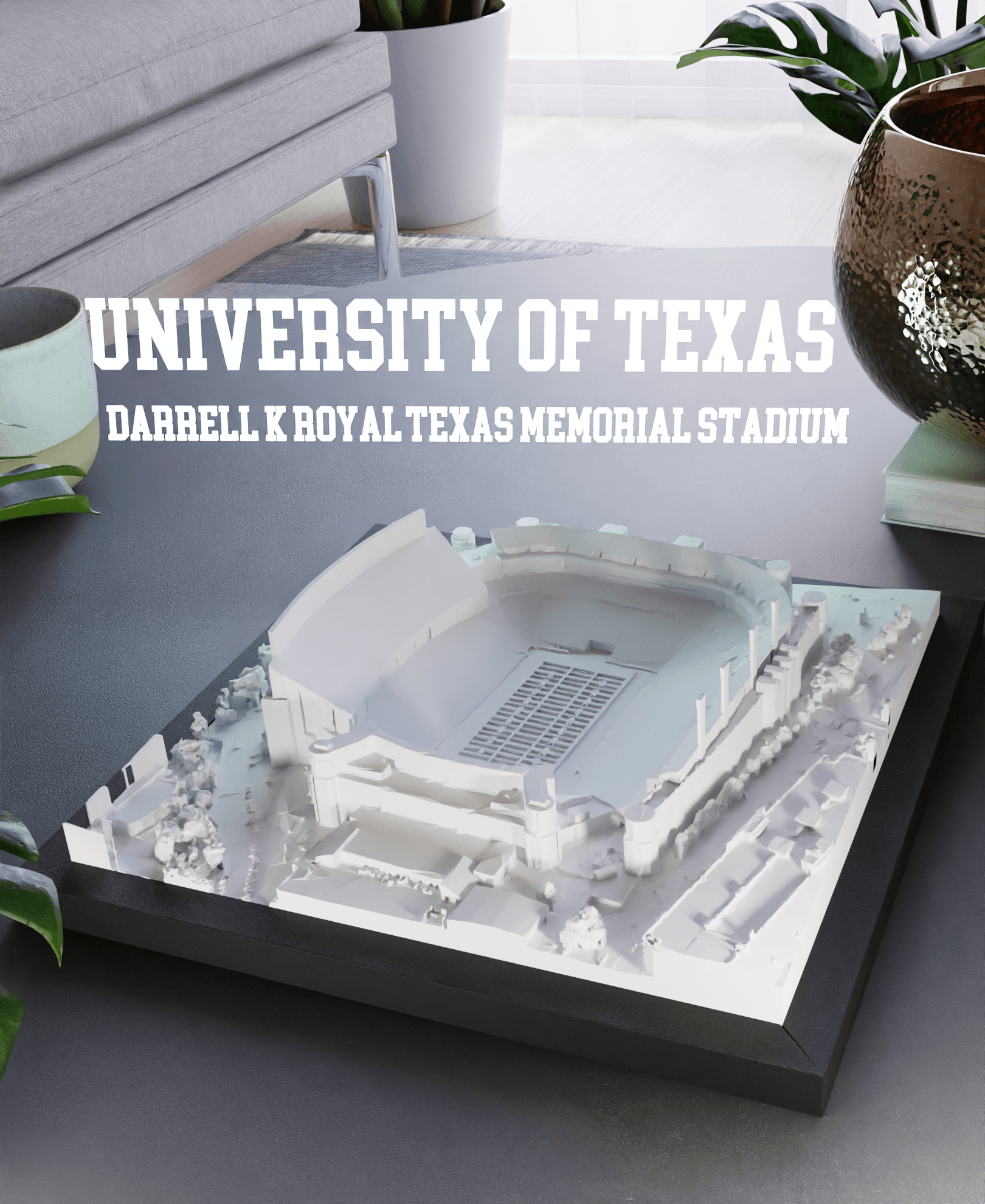
University of Texas - Darrell K Royal–Texas Memorial Stadium
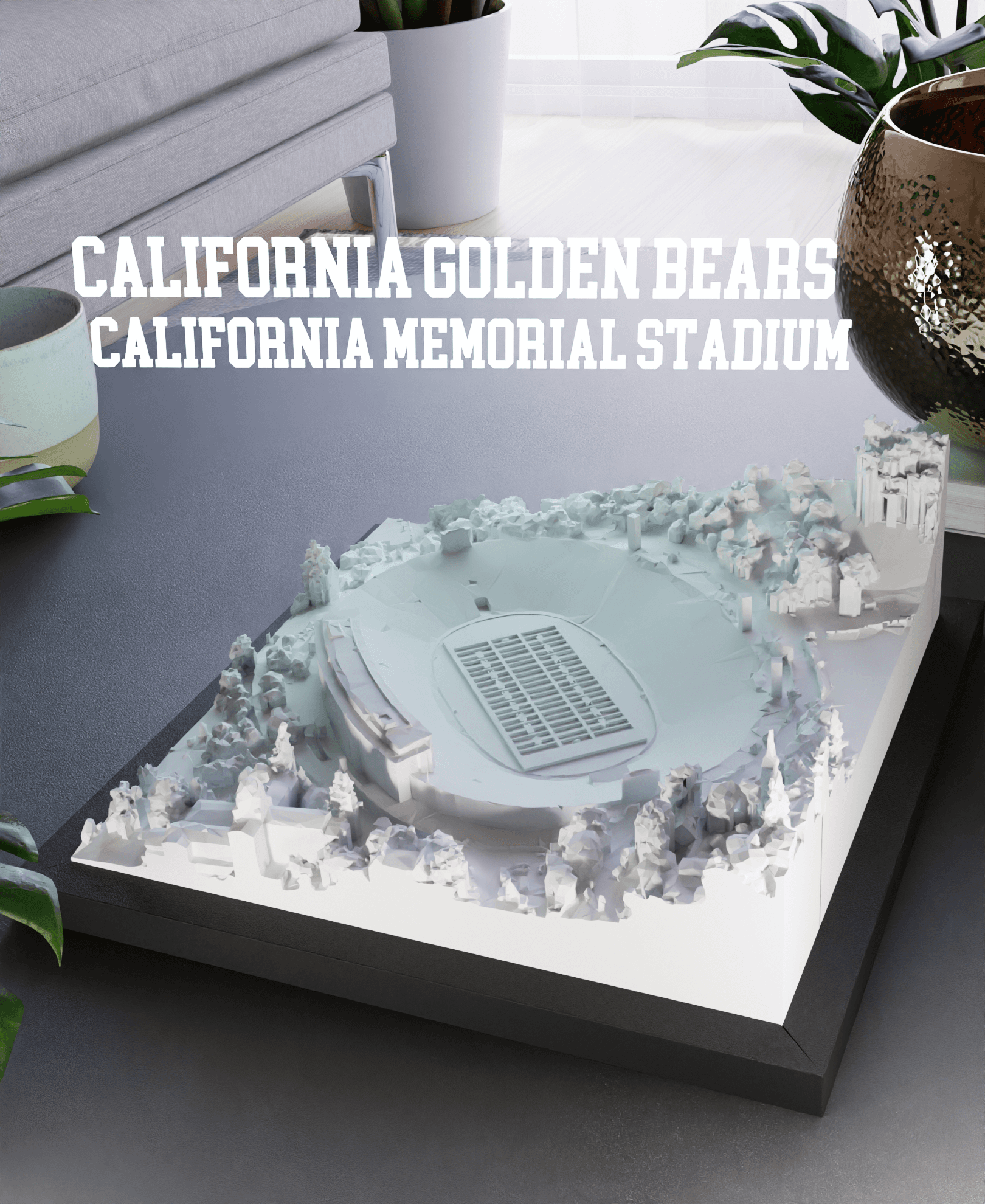
California Golden Bears - California Memorial Stadium

Kansas State University - Bill Snyder Family Football Stadium
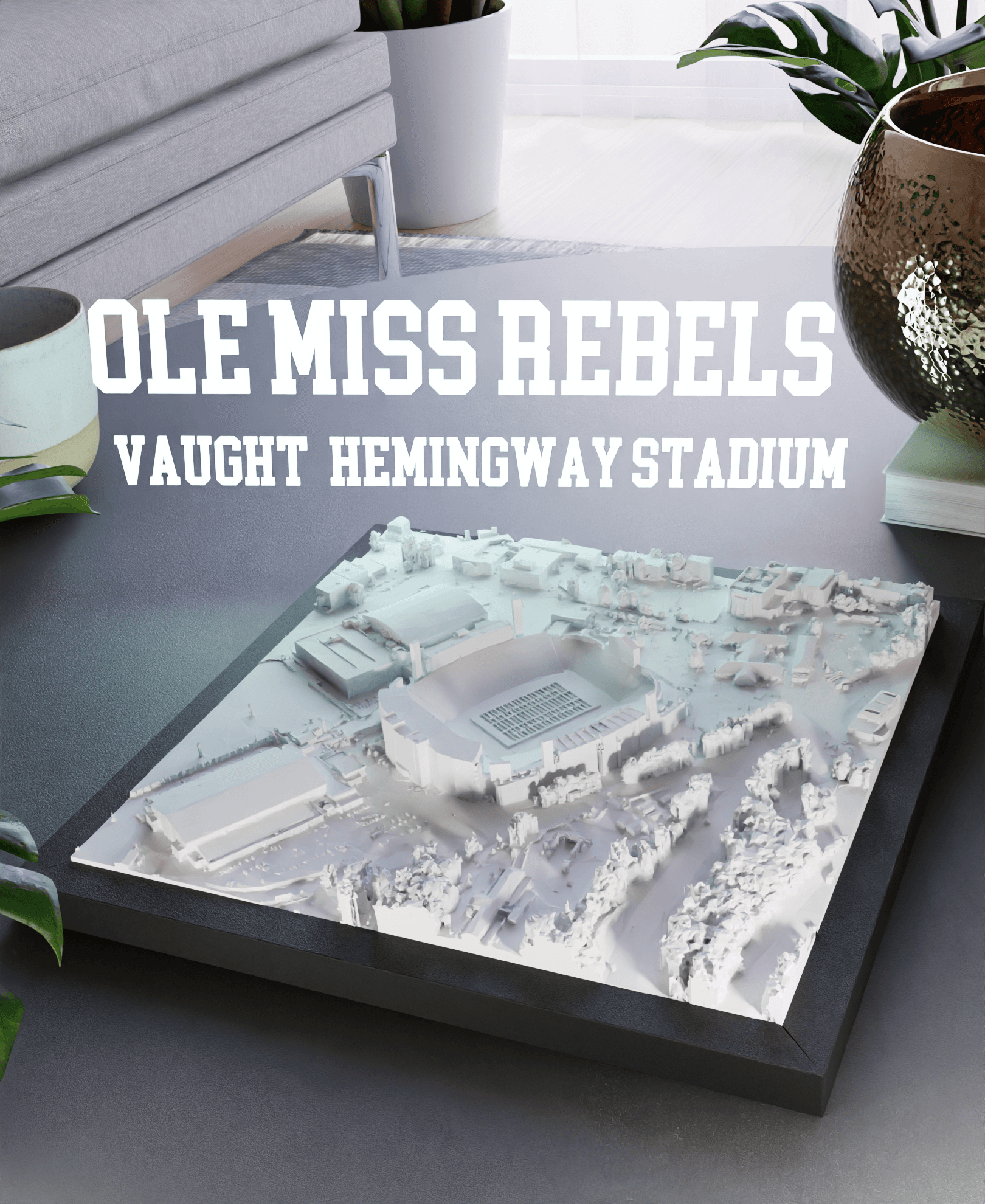
Ole Miss Rebels - Vaught-Hemingway Stadium
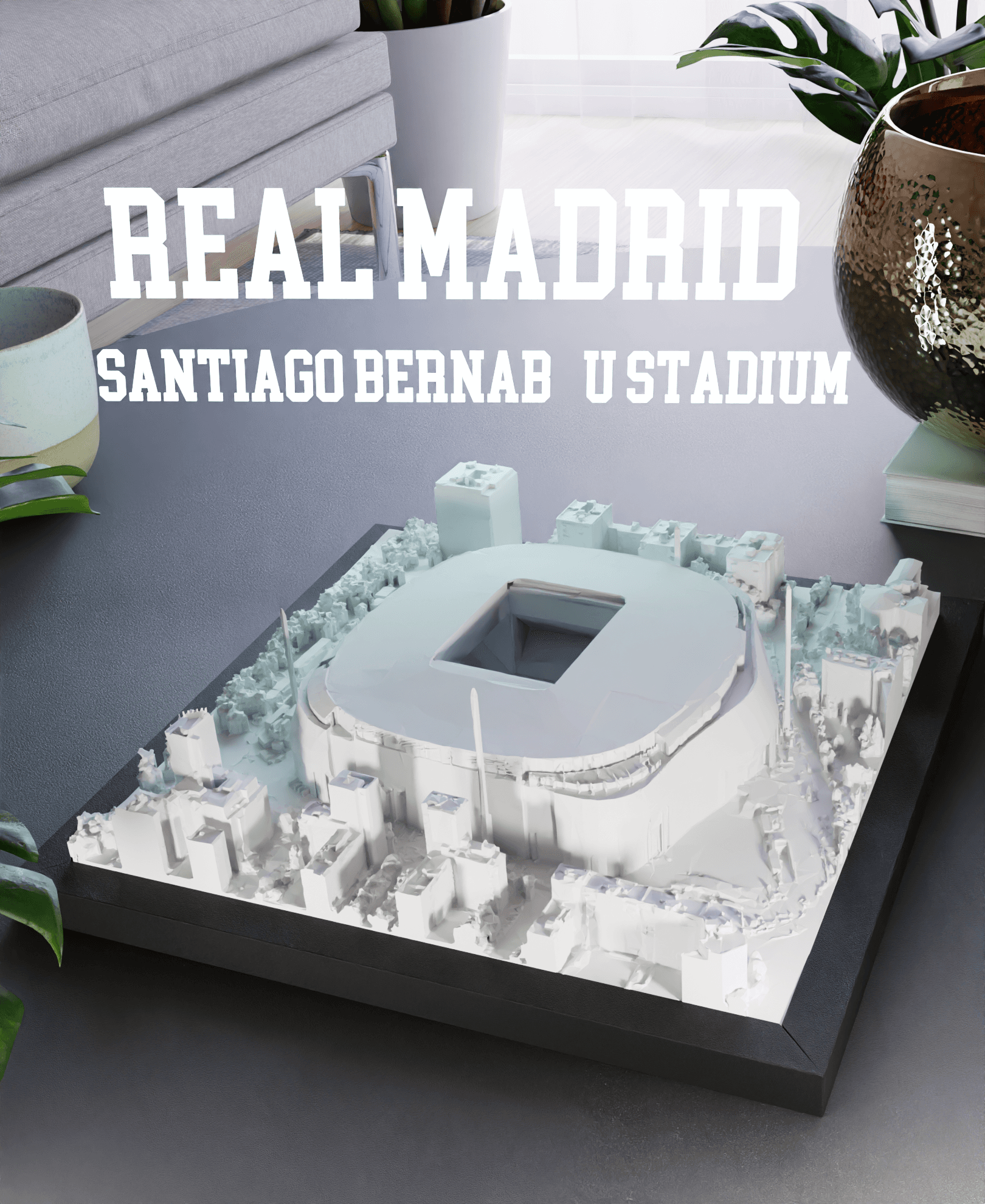
Real Madrid - Santiago Bernabéu Stadium
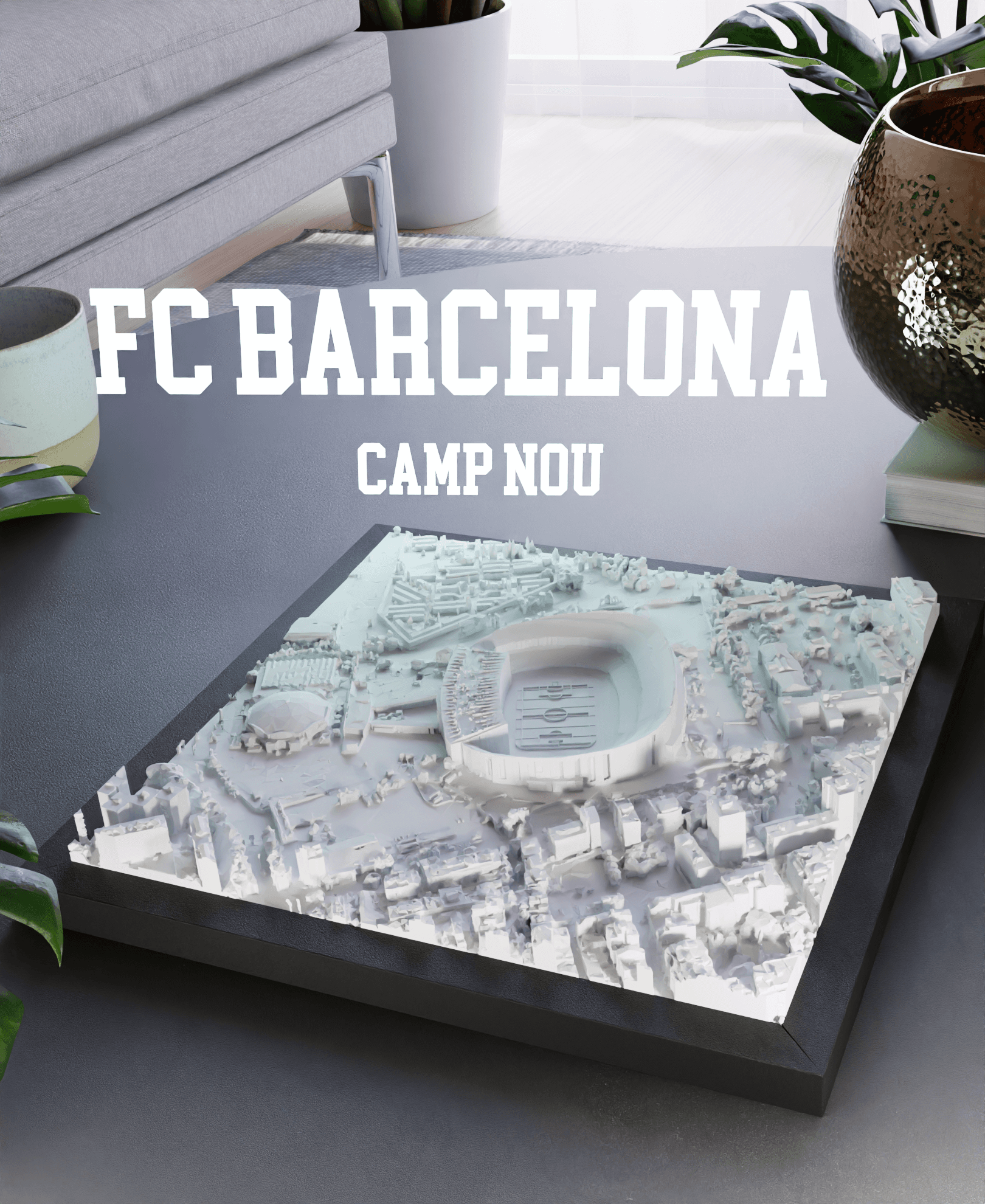
FC Barcelona - Camp Nou
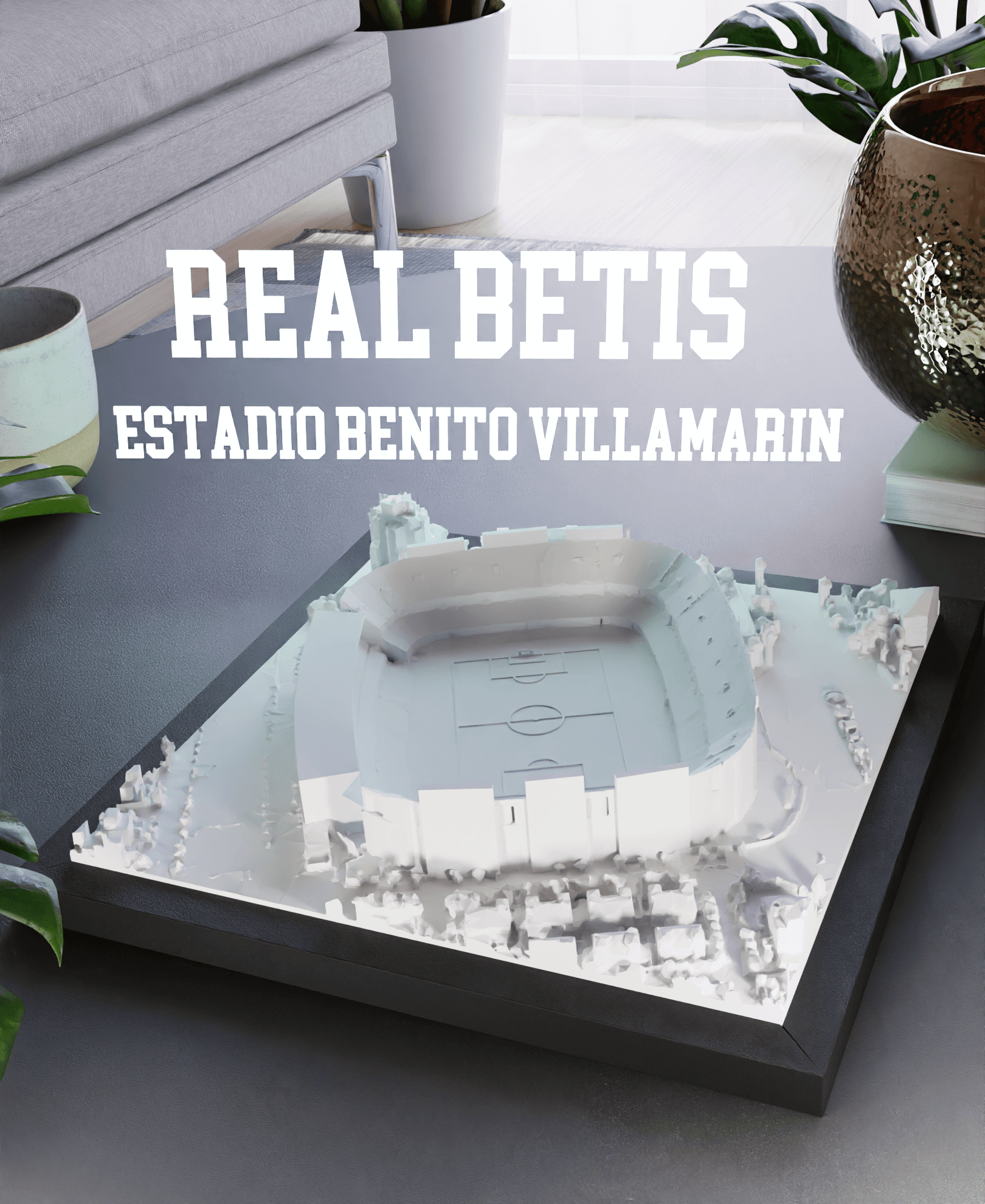
Real Betis - Estadio Benito Villamarin
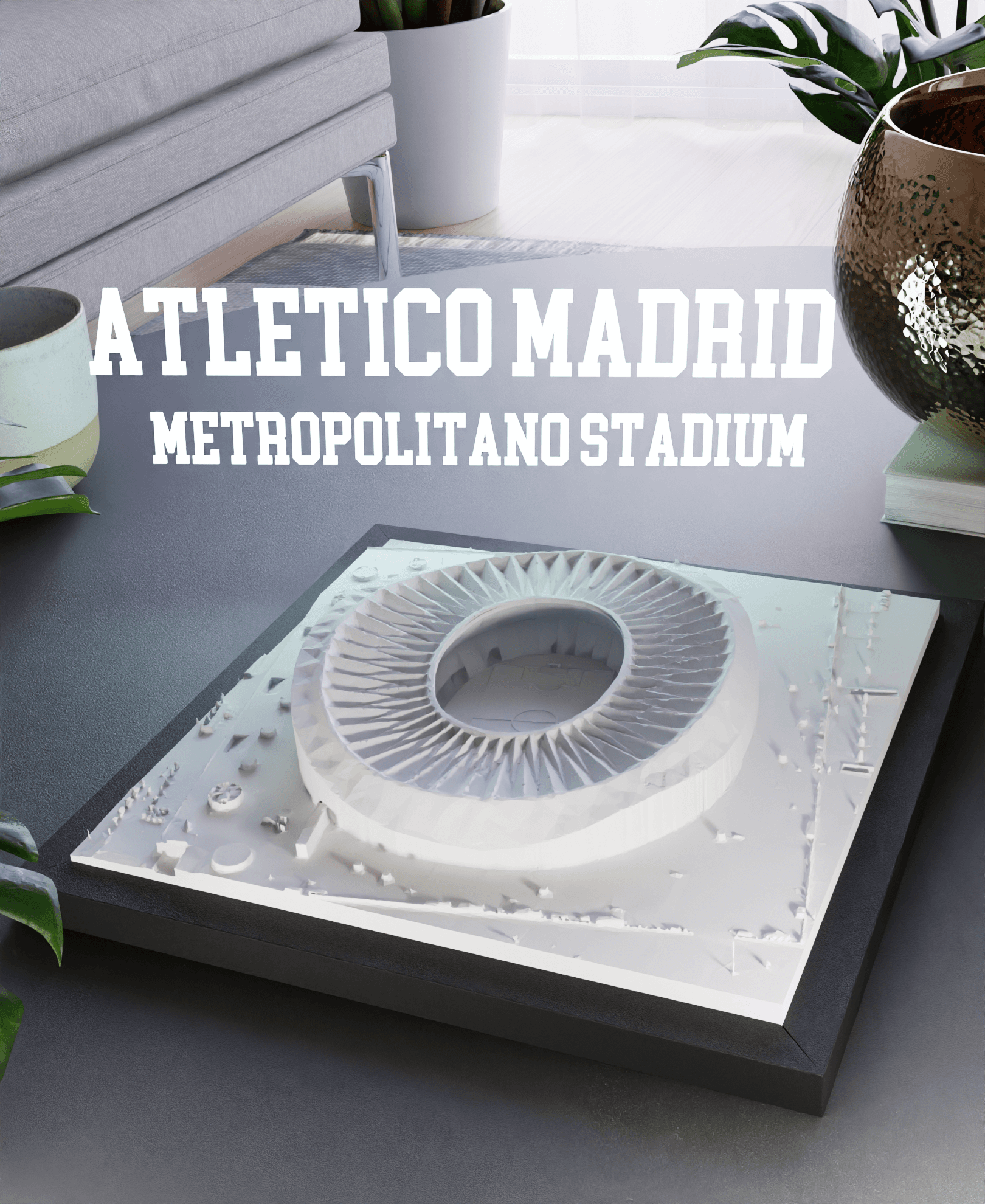
Atletico Madrid - Metropolitano Stadium
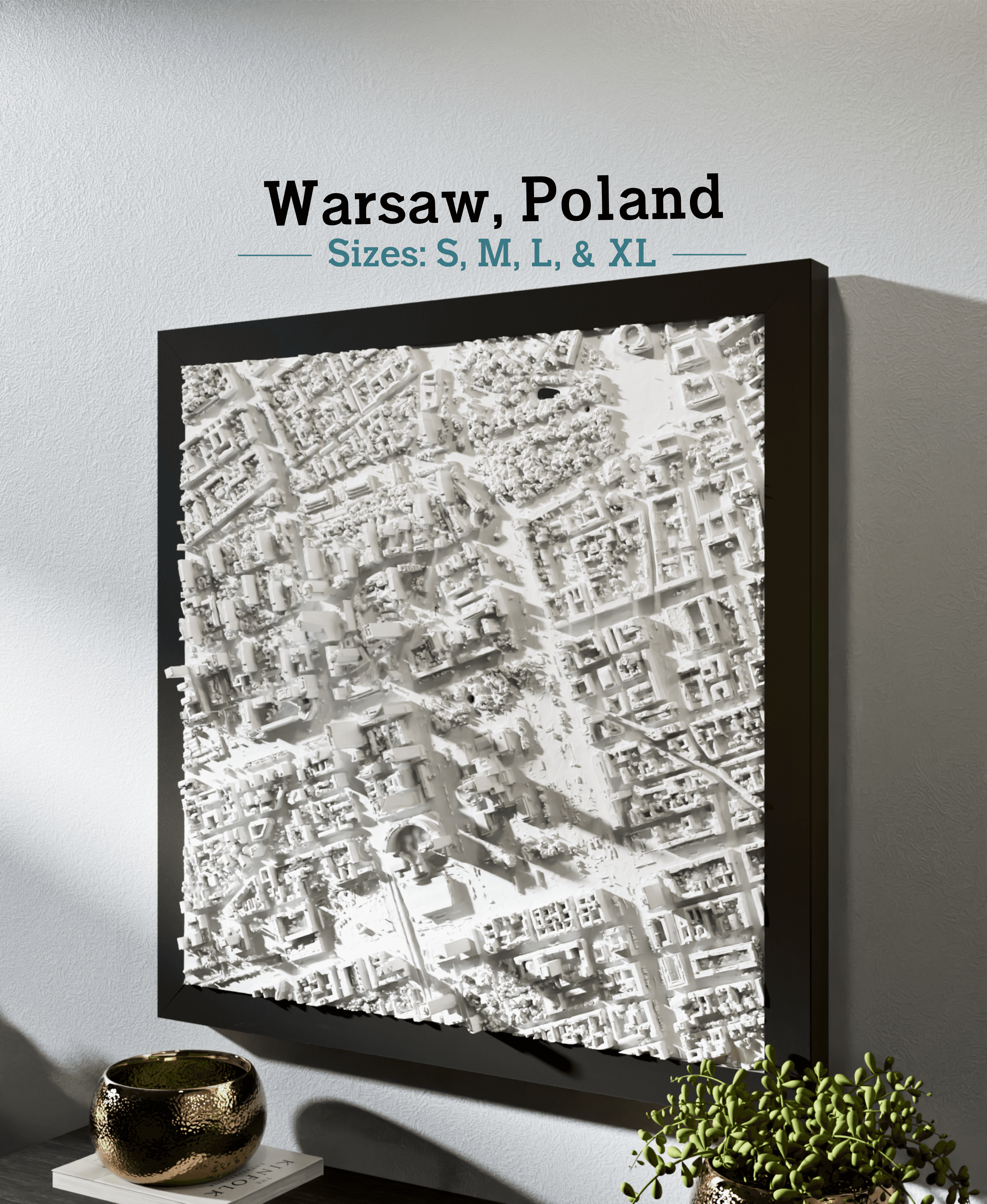
Warsaw, Poland - S, M, L, & XL
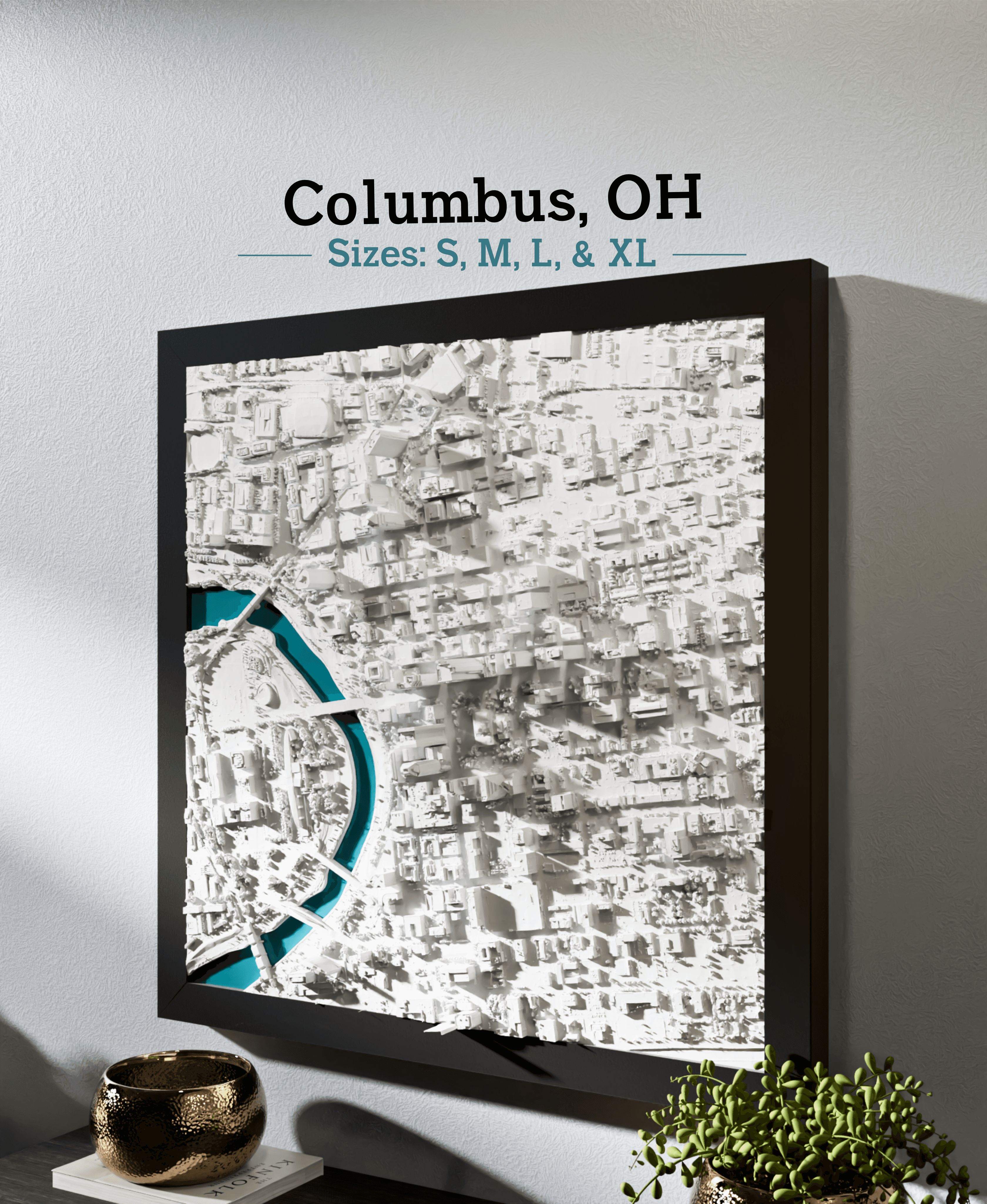
Columbus, OH - S, M, L, & XL
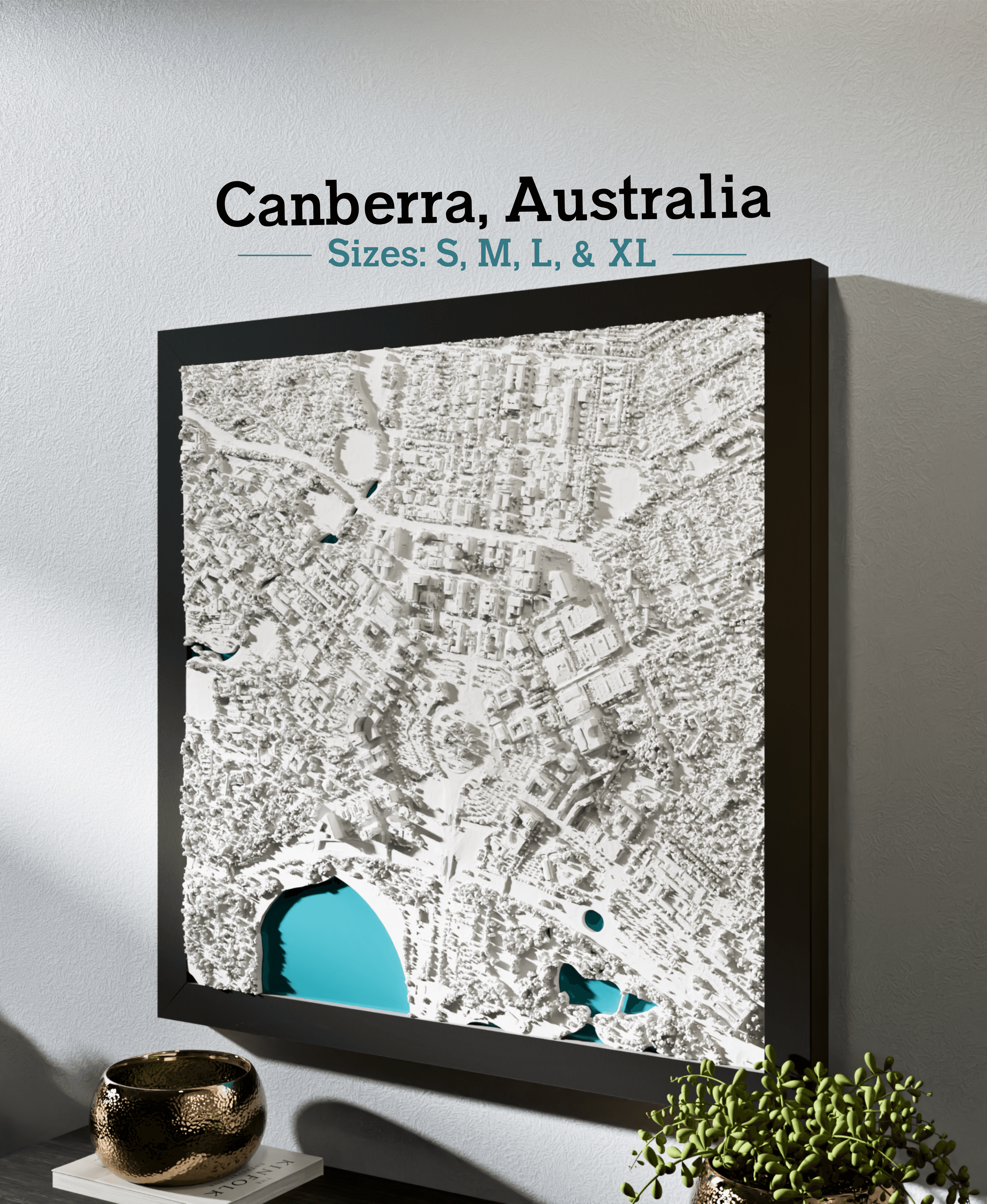
Canberra, Australia - S, M, L, XL
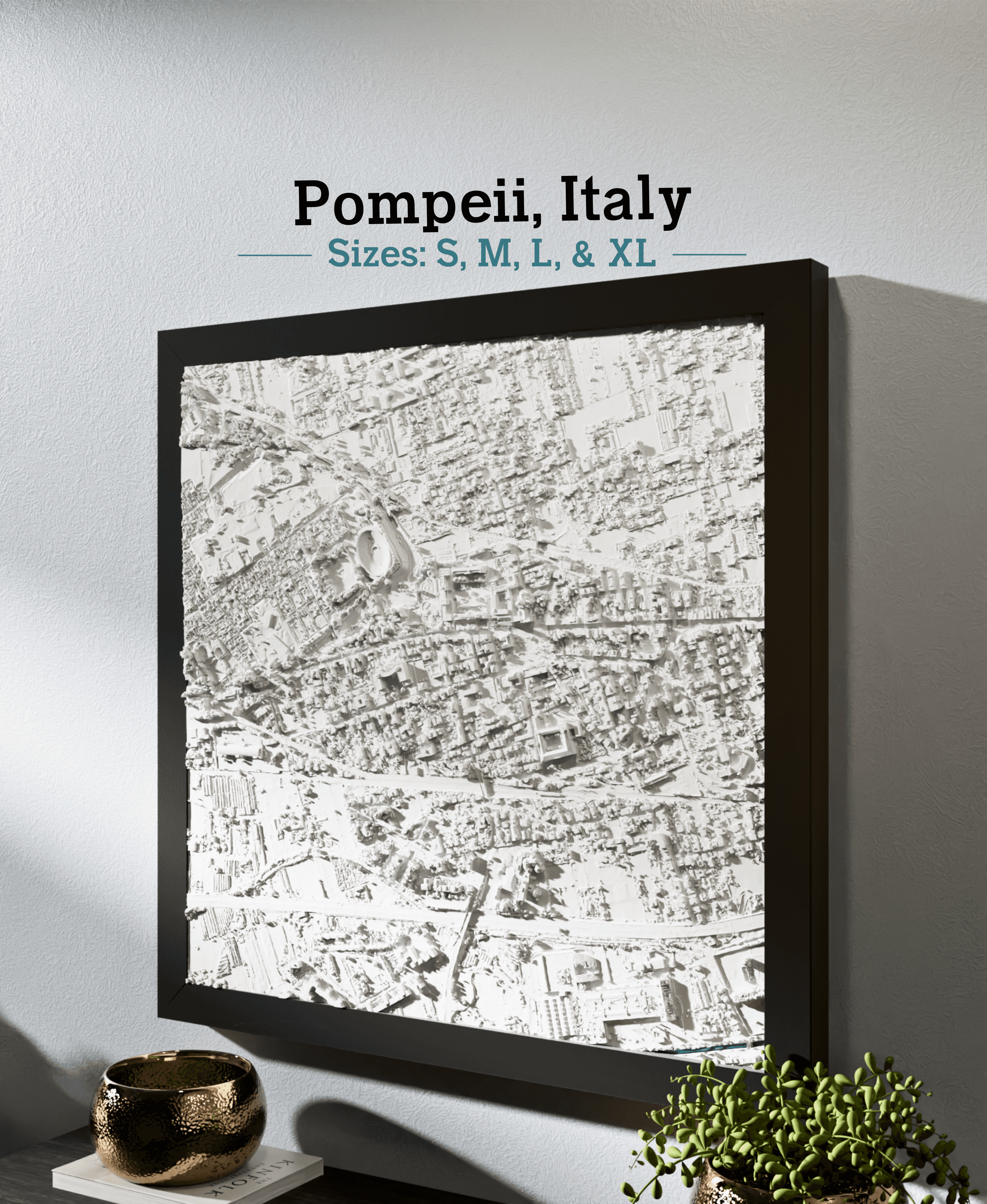
Pompeii, Italy - S, M, L, & XL
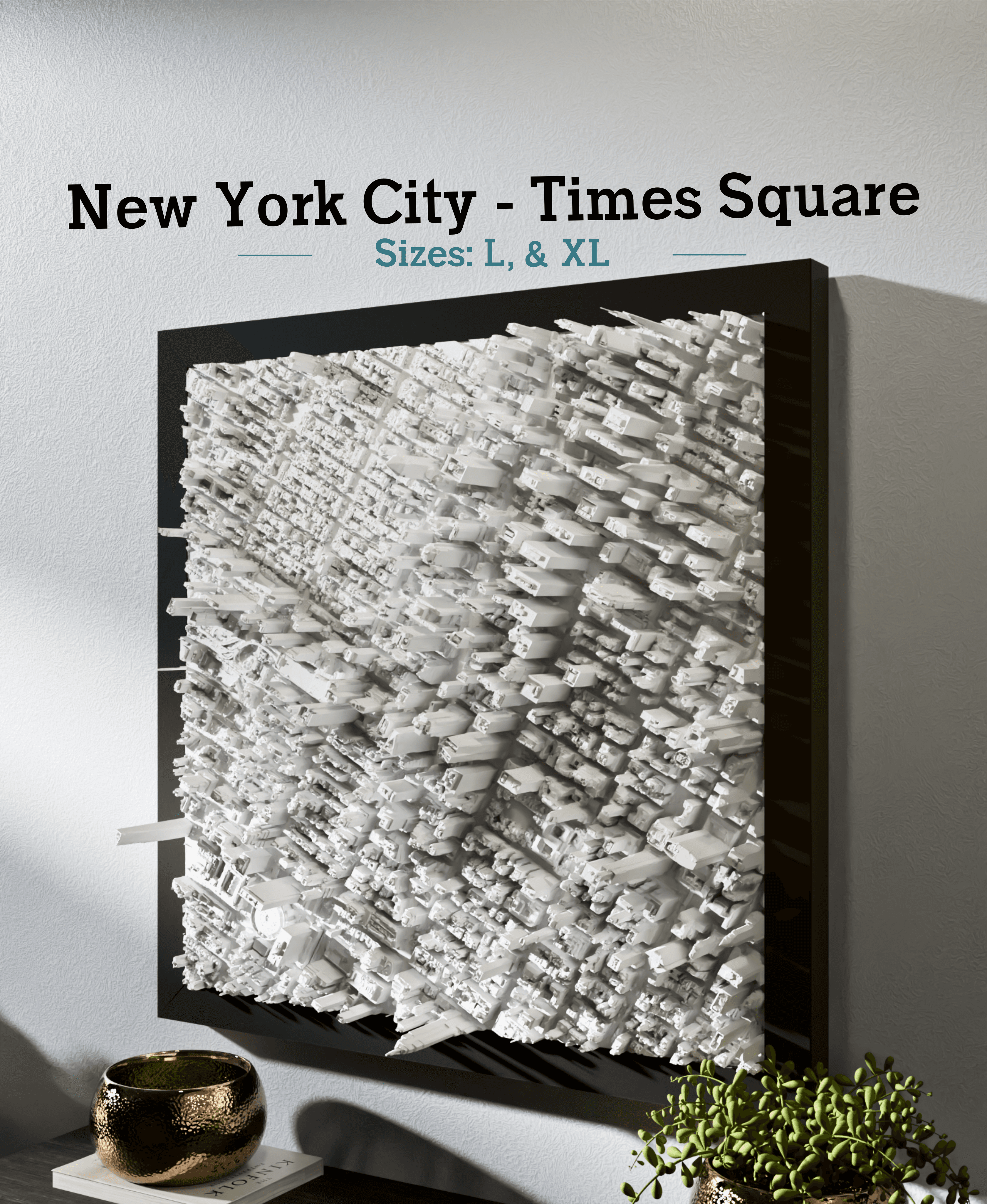
New York City - Times Square - S, M, L, & XL
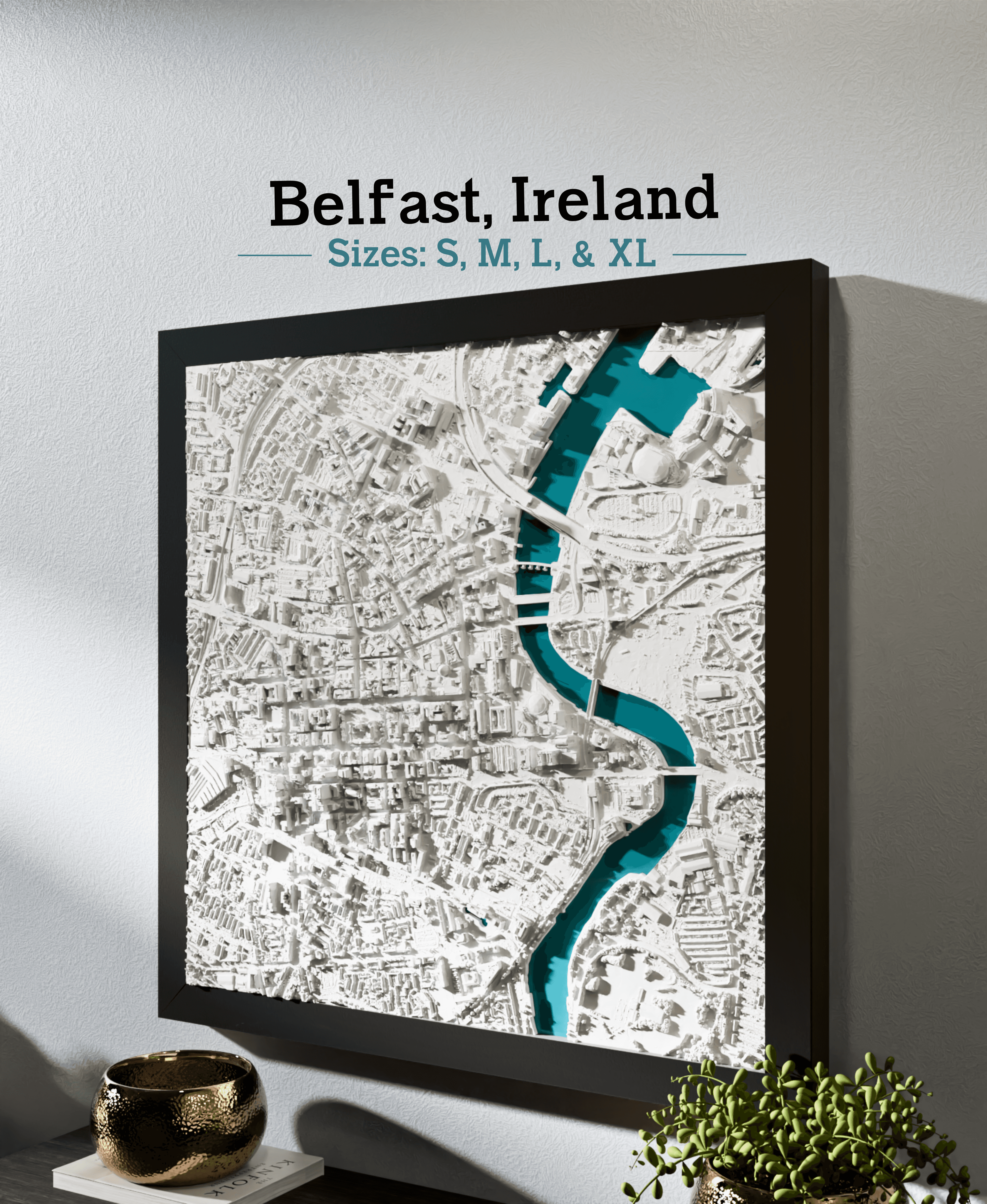
Belfast, Ireland - S, M, L, & XL
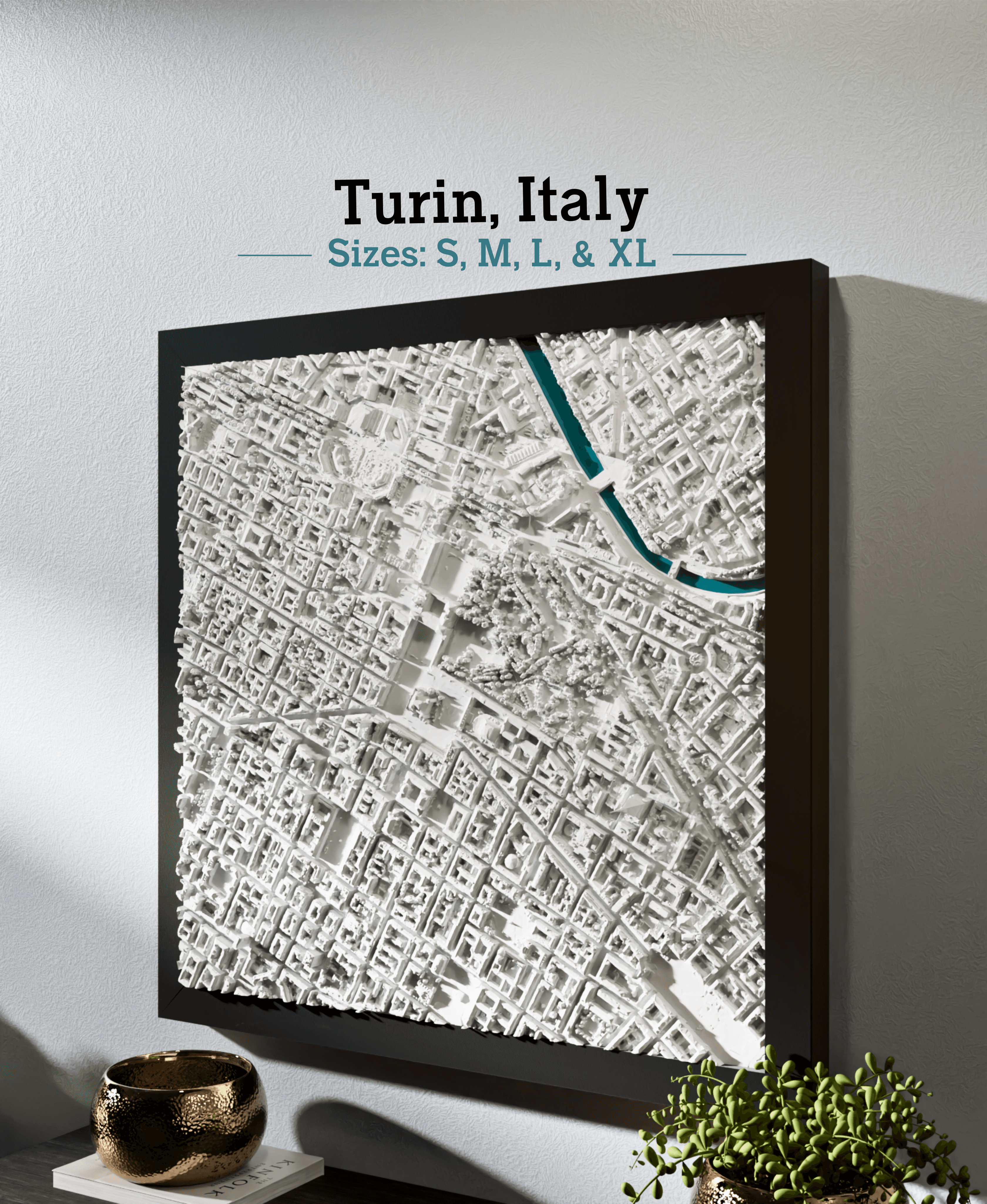
Turin, Italy - S, M, L, & XL
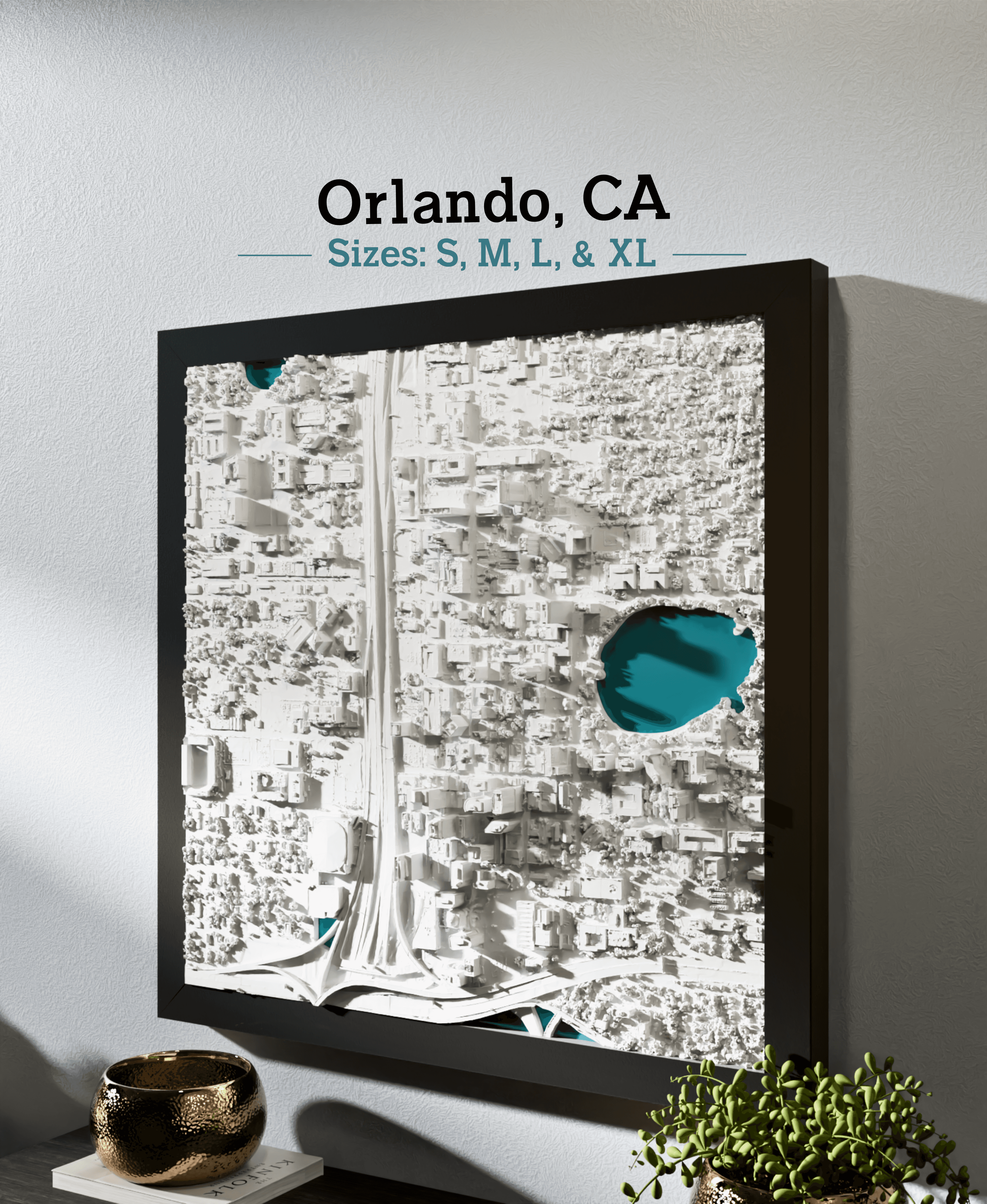
Orlando, FL - S, M, L, & XL
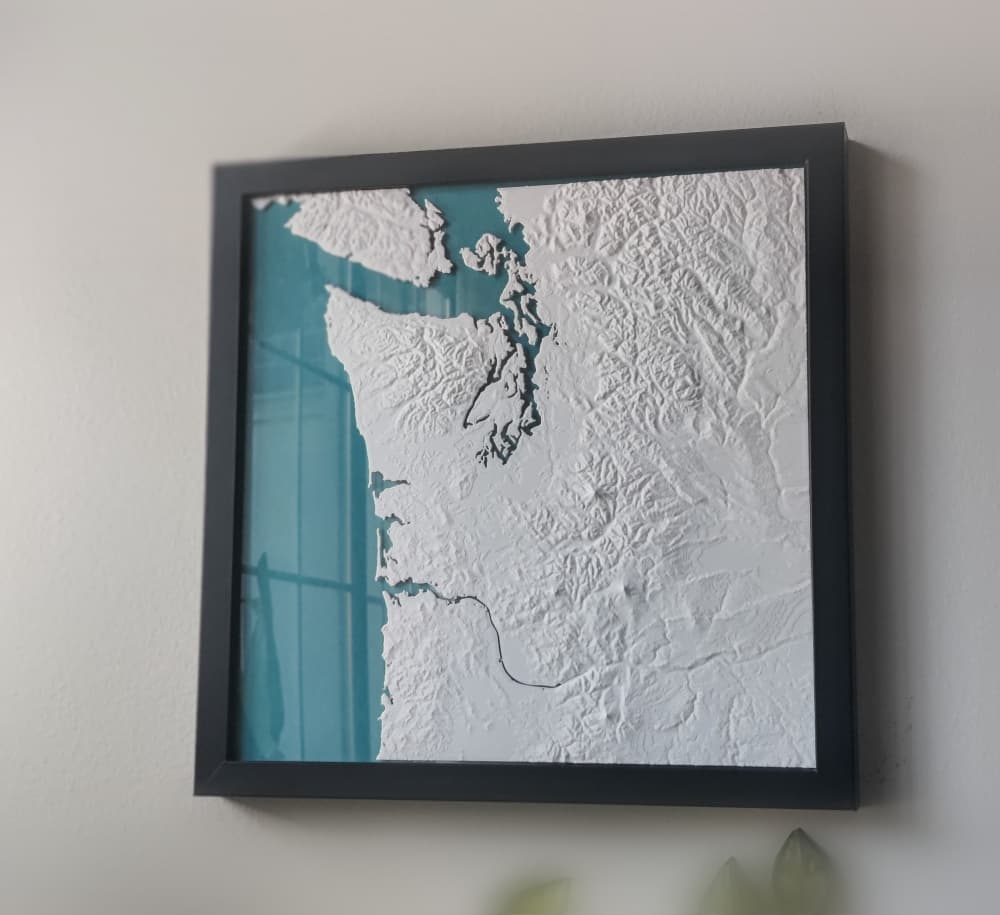
Pacific Northwest
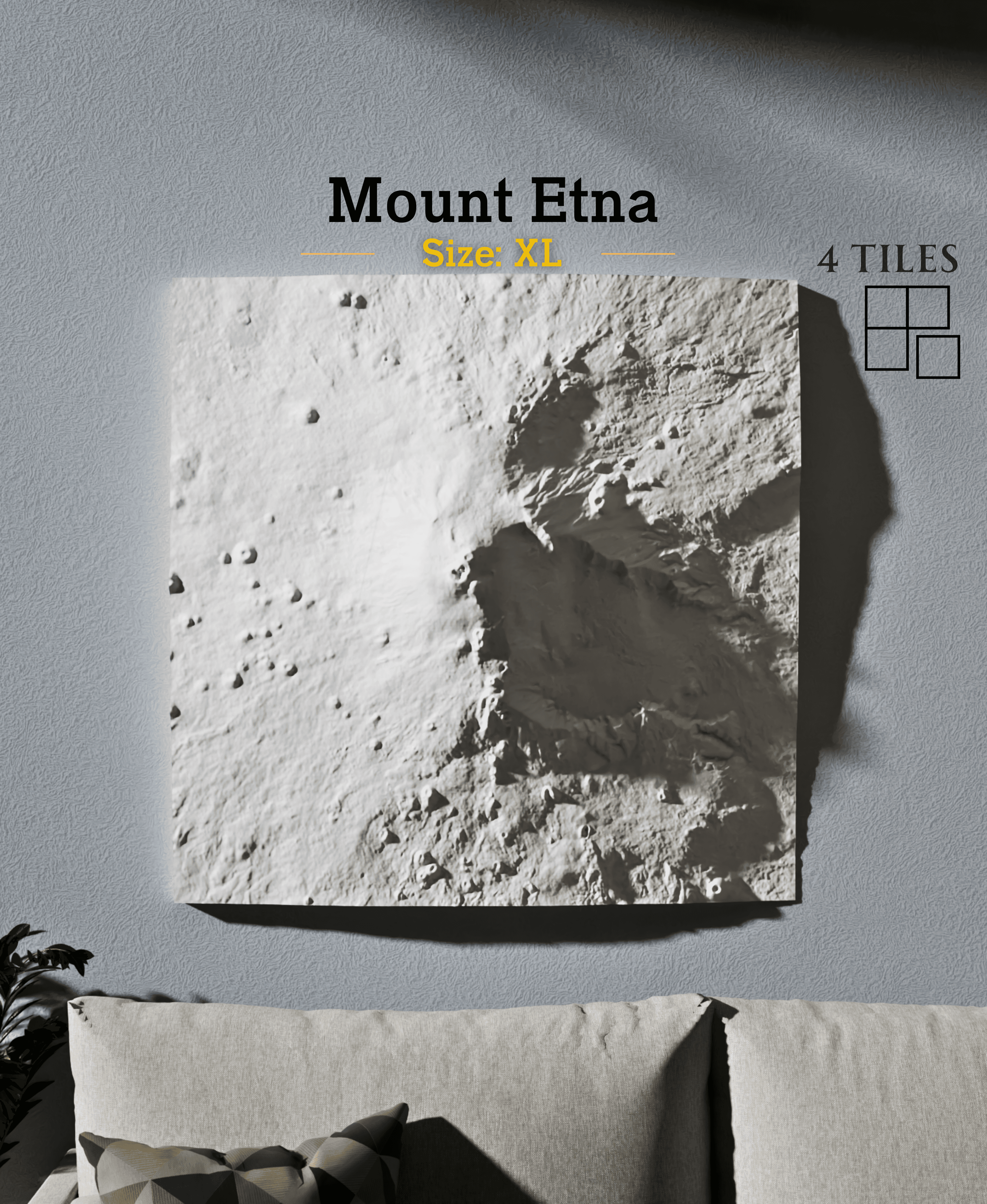
Mount Etna
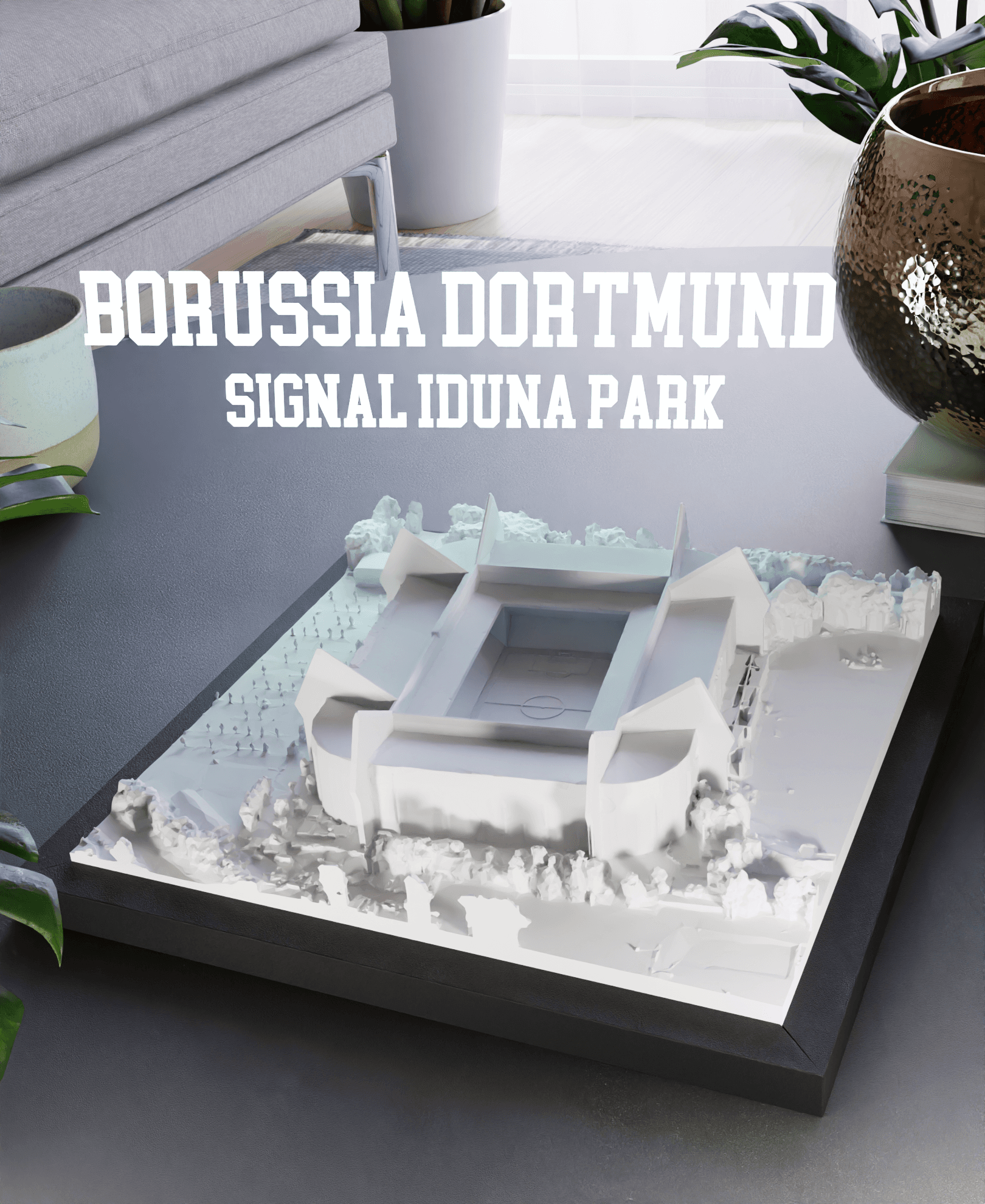
Borussia Dortmund - Signal Iduna Park
Where is the .PDF file?
I was updating it but it's back again- please try downloading again :)
For the waterways, are you switching color for specific layers? Any suggestions on which layers to target and/or suggestions on the best color to use?
The water layer is flat and recessed by several mm below the main portions of the land. I'd suggest switching to the water color for the entire base of the model through the top of the water surface, or for 3-4 layers that make up the top of the water surface (starting about 1mm below the top of the water).
Thanks for the quick response! I have it printing now, tried it with painting the river instead because in the slicer, looking at each layer, it was printing land and water at the same time and I wasn't sure which layers wouldn't be visible if I did it that way. This run may just be an experiment ;)
The Land portion that's printed with the water should be covered up by land on subsequent layers, but let me know how it turns out and if this is not the case :)
I'm receiving a couple errors on the purchased Austin, TX print in Bambu Studio, not sure if I need to take action on these or if they can be reasonably ignored.
"It seems object Austin_TX_Solid.stl has floating regions. Please re-orient the object or enable support generations". I can confirm the STL is flat on the plate.
"Error: 9712 non-manifold edges. Type :"Fix model" feature is currently only on Windows. Please repair the model on Bambu Studio (Windows)"
Hello, I've found the Bambu slicer is very sensitive to small overhangs which can be ignored. I design with support where actually needed. I would proceed with the print. Also, switch the wall generator from Arachne to Classic if you've not already; that can help with the floating regions bug. I test printed this one without issues on my K1 Max, but if there are any issues with the model on your printer let me know! Should print fine with very light post-processing cleanup.