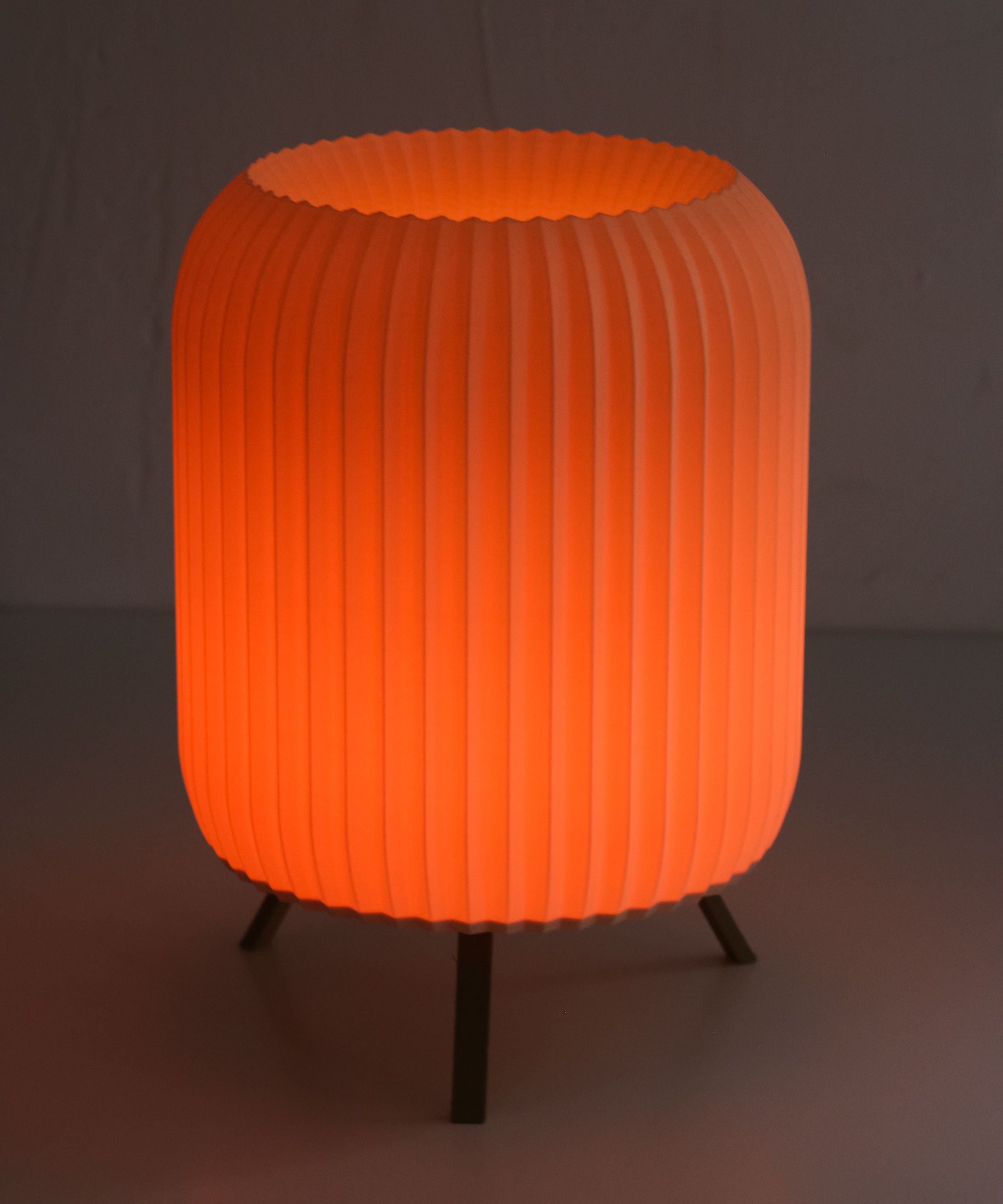
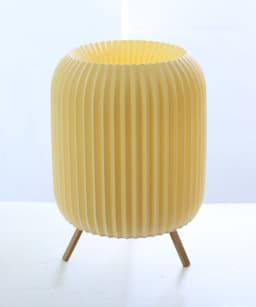
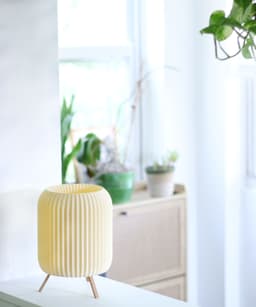

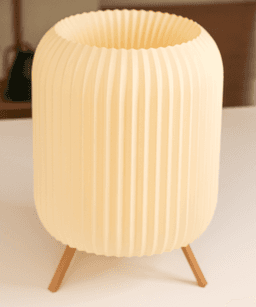

MODERN PAPER LAMP 265x190 MM (10.43x7.5 IN)
Watch the video here: https://www.tiktok.com/@tracklightinventions/video/7374049209193975086
If you wish to sell this print for a profit, you have to be an active member to obtain the commercial license for all my files here https://than.gs/u/1144840? or patreon.com/TracklightPD
Illuminate Your Space with Elegance and Innovation
Introducing our 3D Printed Paper Lamp – a perfect blend of modern design and functional artistry. This unique lamp is not just a source of light; it’s a statement piece that adds sophistication and warmth to any room.
Features:
Innovative Design: Crafted using advanced 3D printing technology, this lamp features a delicate paper shade that exudes a soft, ambient glow, creating a cozy and inviting atmosphere. Versatile Decor: Whether it’s for your living room, bedroom, or office, this lamp seamlessly fits into any decor style, from minimalist to contemporary. Easy Assembly: Simple and quick to assemble, you'll have your space illuminated in no time. The design allows for easy bulb replacement as well. Perfect Gift: With its unique design and practicality, this 3D printed paper lamp makes an ideal gift for friends and family who appreciate innovative and stylish home decor. Specifications:
Material: 3D printed PLA Dimensions: 265x190 MM (10.43x7.5 IN) Light Source: LED bulb - https://amzn.to/4aNu89l Power Source: Battery powered LED Light (85 mm or 3.3 inches diameter max) Transform your space with this exquisite 3D printed paper lamp and experience the perfect harmony of technology and art.
Purchase now on Thangs and bring home a piece of innovation and elegance!
If you wish to sell this print for a profit, you have to be an active member to obtain the commercial license for all my files here https://than.gs/u/1144840? or patreon.com/TracklightPD
MODERN PAPER LAMP 265x190 MM (10.43x7.5 IN)

Mesa - Modern Coaster Set with Holder

ArClock - Secret-Storage Desktop Clock

Waveline - Wavy Sconce Lamp

HibiKey - Surfboard Key Holder

SlimeRoller - Cable Roller, print-in-place

LumoDino - Hanging Lamp

Modern Propagation Tube Holder Collection - Tallo Series

Pina Twist Off Drip Tray Pot

Compact Phone and Planter Desk Tray – Sumi
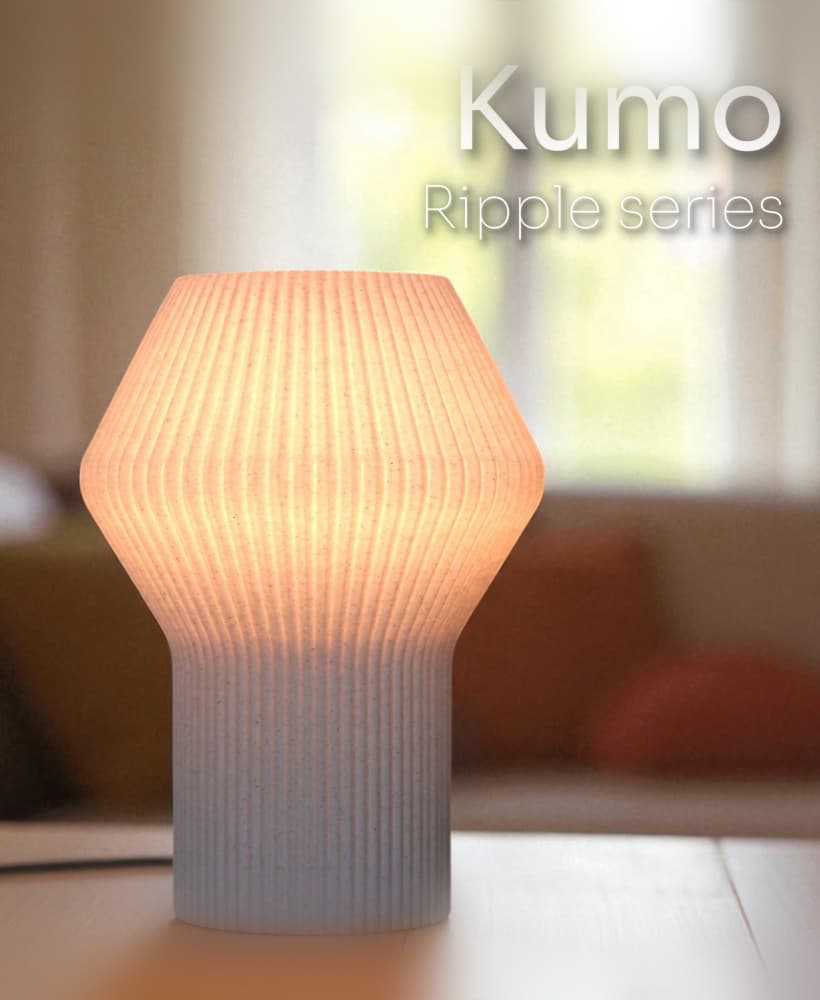
Kumo Table Lamp - Ripple Series
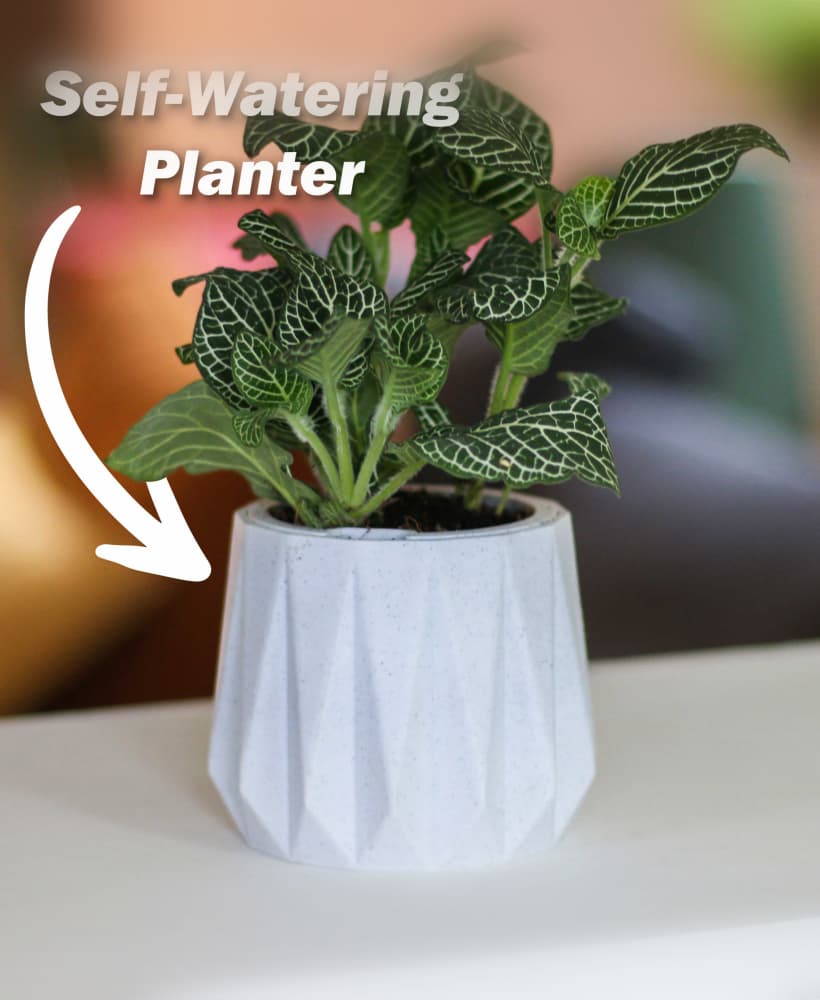
Self Watering Planter - Surface

Desk Tray with Phone Stand & Twist-Off Planter

Bathroom Organizer Coral Mirror Ocean-Inspired
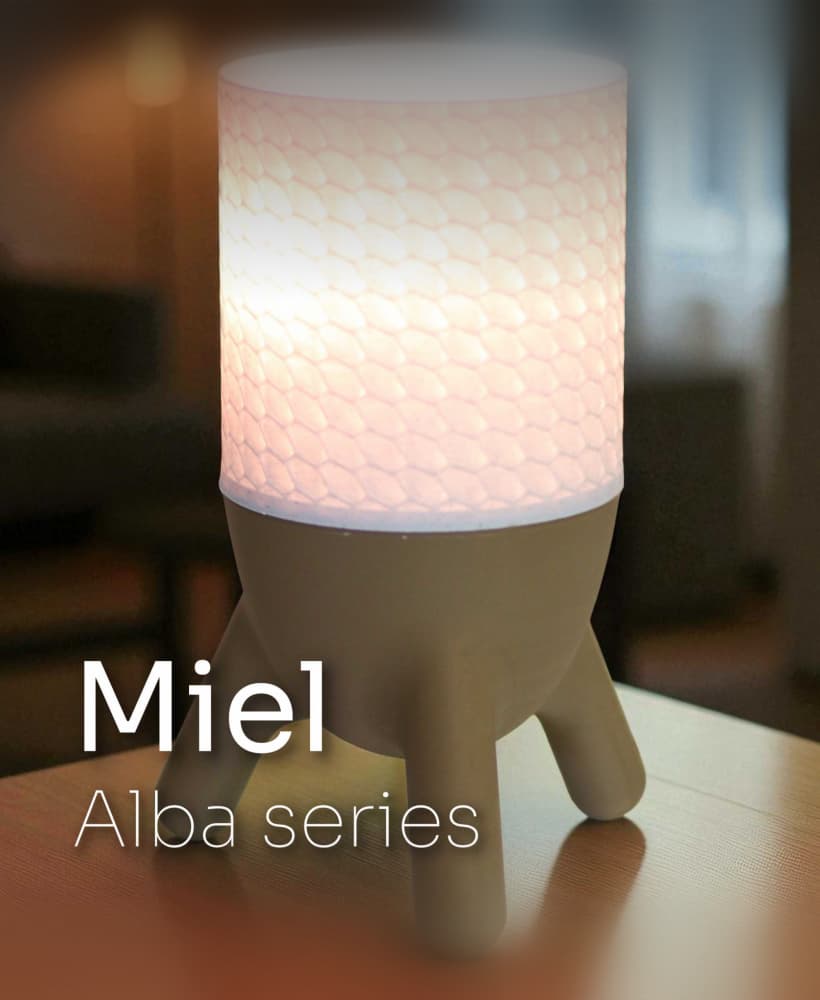
Miel Hexlight Table Lamp

Hanging Planter Pod with Twist-Off Drain Plate
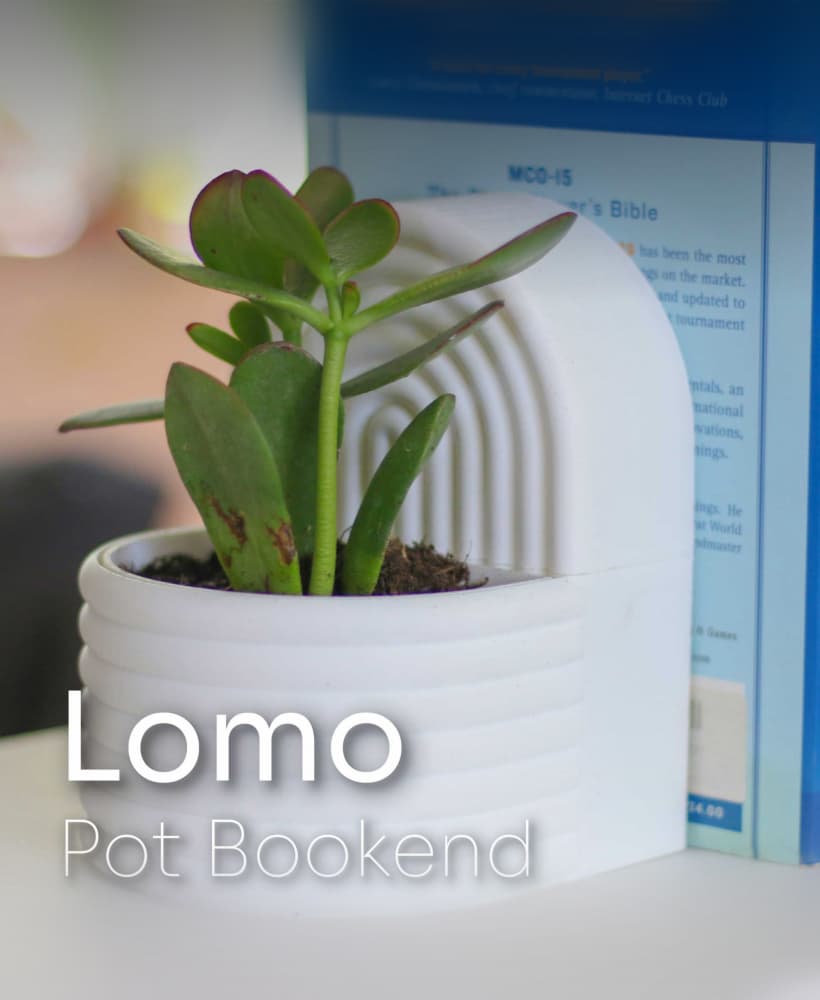
Modern Arc Bookend with Hidden Storage & Planter - Lomo

Sunglasses Holder - The Cubist Rack
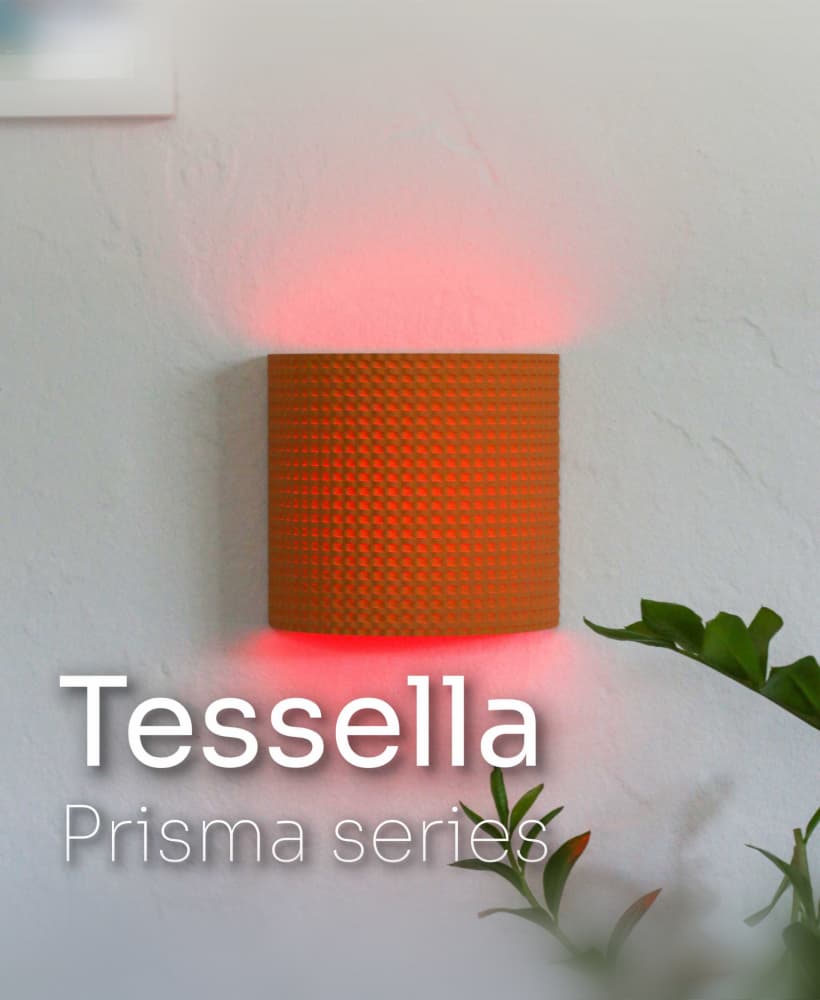
Wall Lamp – Modern Plug-In-Free Light with Magnetic LED Mount

Mars Mission Desktop Zen Garden Set

Hi, thanks for coming back. I solved it by enabling "Detect thin walls" and it has sliced OK - just started the print now :)
Awesome :)
I use either Anycbic slicer or Orca slicer and both give the following message which says the object cannot be printed.
"Warning: The object has empty layers between 16.4 and 194.6 and can't be printed. Parts of the object at these heights may be too thin or the object may have a faulty mesh."
My layer height is 0.2mm, using Classic wall generator. Top shell layers = 5, bottom shell layers = 3; 2 Wall loops. Infill = 15%, supports on (for leg holes), no brim. Oriented with base on bottom
Try setting the slicer with Arachne instead of Classic
Hi, what are the optimal settings for printing the shade?
Hi there! Thank you for reaching out :) it should print with standard settings on a 0.4mm nozzle with 0.2mm layer height. if you start running into issues with the top overhang, you can try variable layer height (https://wiki.bambulab.com/en/software/bambu-studio/adaptive-layer-height), this should reduce the layer height at the overhang sections. Let me know if that works, or if you have any other questions, I will be happy to help!