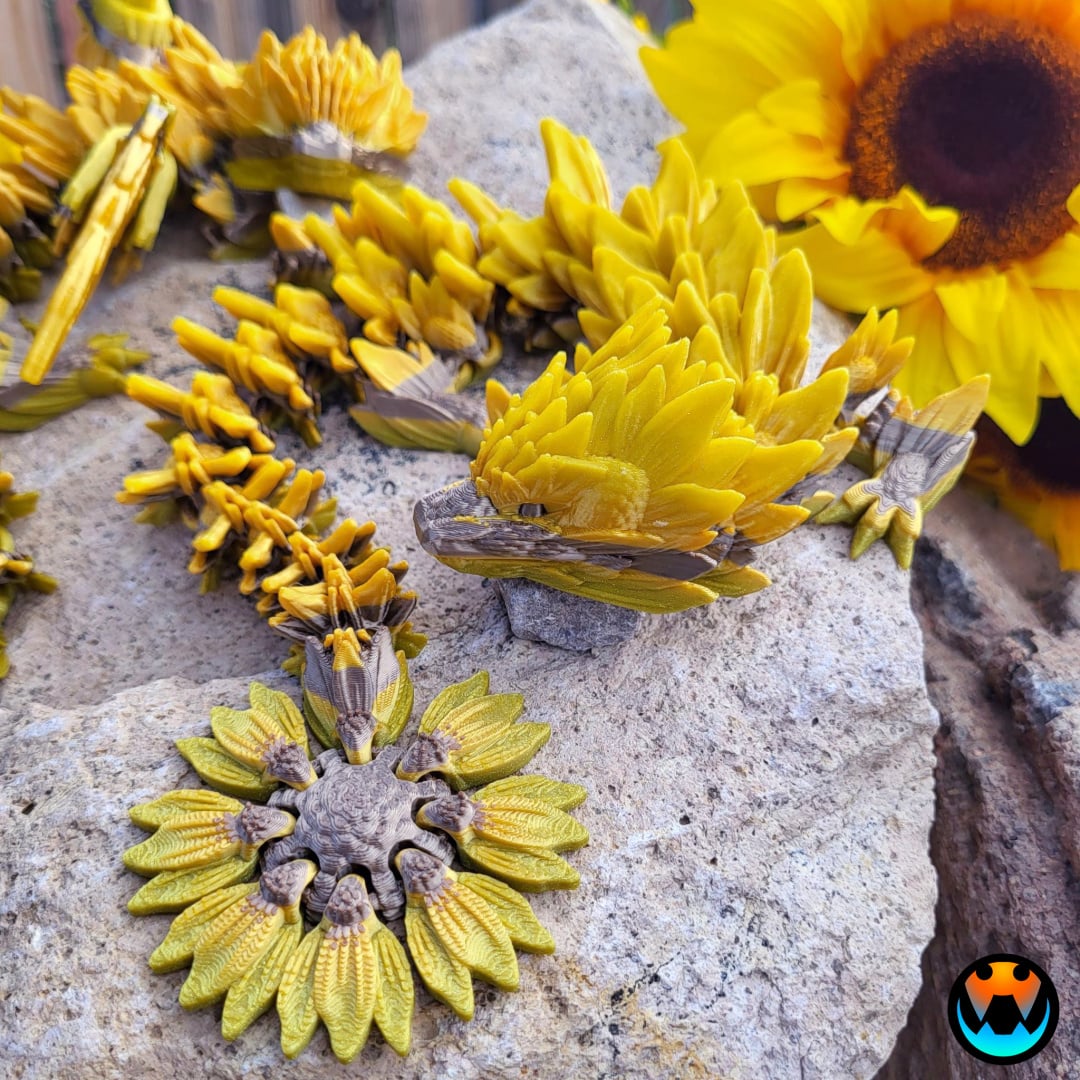
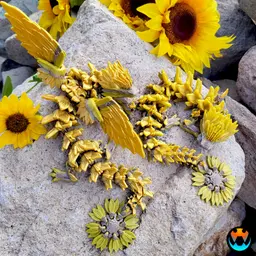

Sunflower Dragon
Introducing the SUNFLOWER DRAGON! Honestly, this is my new favorite dragon! I love its striking features and it's so fun to hold! Hope you all enjoy it too!
Files Included: Winged Sunflower Dragon .3mf Winged Sunflower Dragon (Colored, Courtesy of @pbxbarbie) Wingless Sunflower Dragon .3mf Wingless Sunflower Dragon (Colored, Courtesy of Admin @Jazzy) Sunflower Dragon Tail Keychain (The dragons printed in the photos above were a very quick test paint and I ended up loving how it looked, plus it printed faster. Using the easy Bambu Slicer tool, I colored complete layers from very top of the foot to just under the eyeline. I then manually filled in the eyes, top of the nose, and circle center of the tail. Took about 5 minutes. This print only has those 2 colors.)
- Tracy
Hi, I'm Tracy! Veteran, full-time mom, and entrepreneur at heart! I love creating unique and fun designs!
This design (like all Cinderwing3D designs) is under copyright. Which means, upon purchase, you do NOT have the right to sell commercially. If you would like to legally sell them commercially, please join my Membership and subscribe to the tier for commercial resale. Link Below! The Digital files are never to be re-sold, shared, or given away!
For commercial license and monthly bonus models, click here!
Filaments I use! Not an exhaustive list but if I remember, it'll be here! Amazon Affiliate links!
3D PRINTING SETTINGS
FDM Settings 3 walls 10-25% infill No supports Raft or brim if you have adhesion issues. Models tested between 60-100% generally
Resin Settings No supports, flat on plate 50 um layer thickness Light off delay can be helpful to let resin drip from links.
Proper bottom exposure tuning is recommended. Models, particularly in clear resins, can suffer from overexposure and fused links. The Ameralabs Town testing is highly recommended to tune your settings as to get proper articulated prints! Exposure varies greatly between resins, printers, and environments.
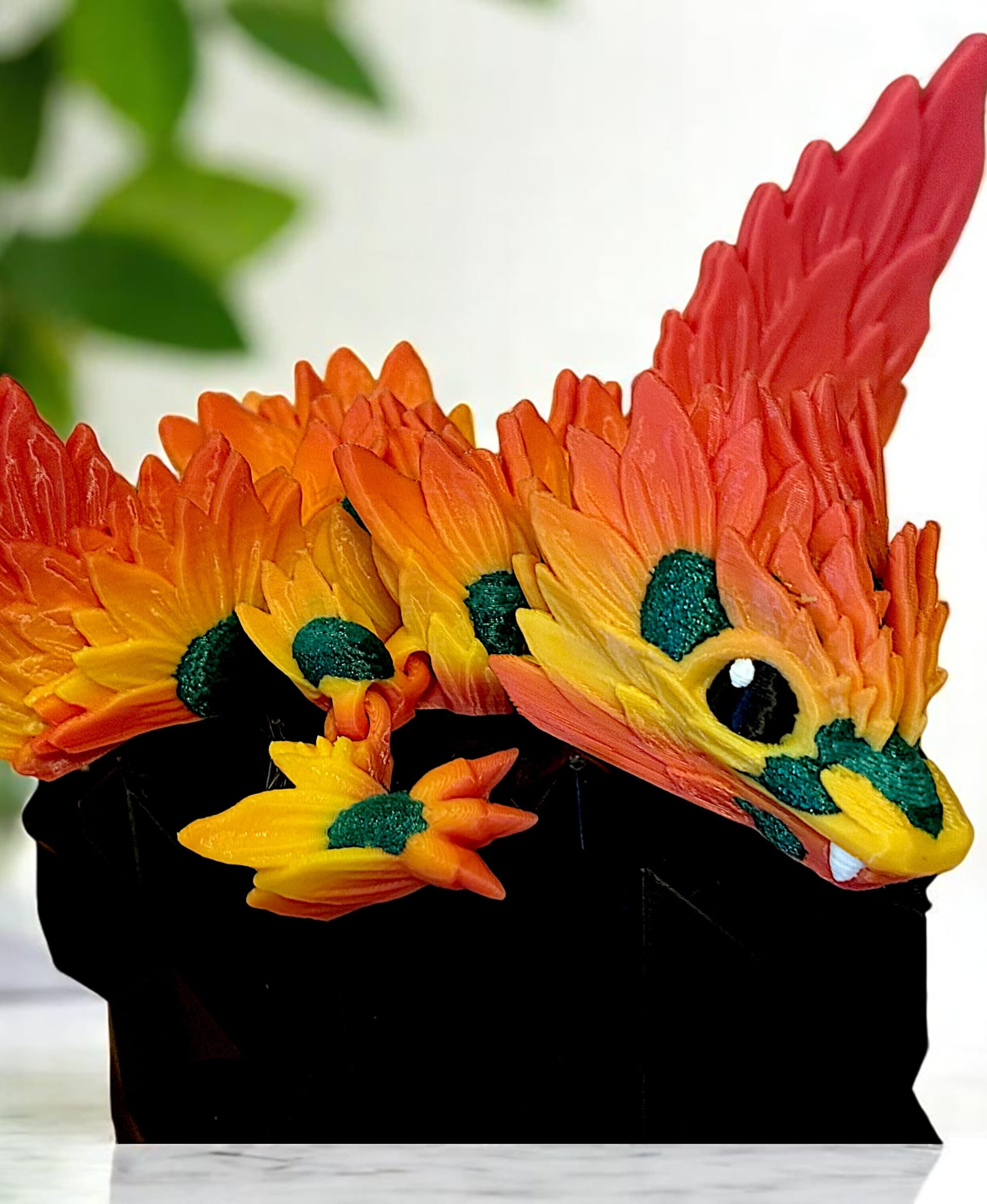
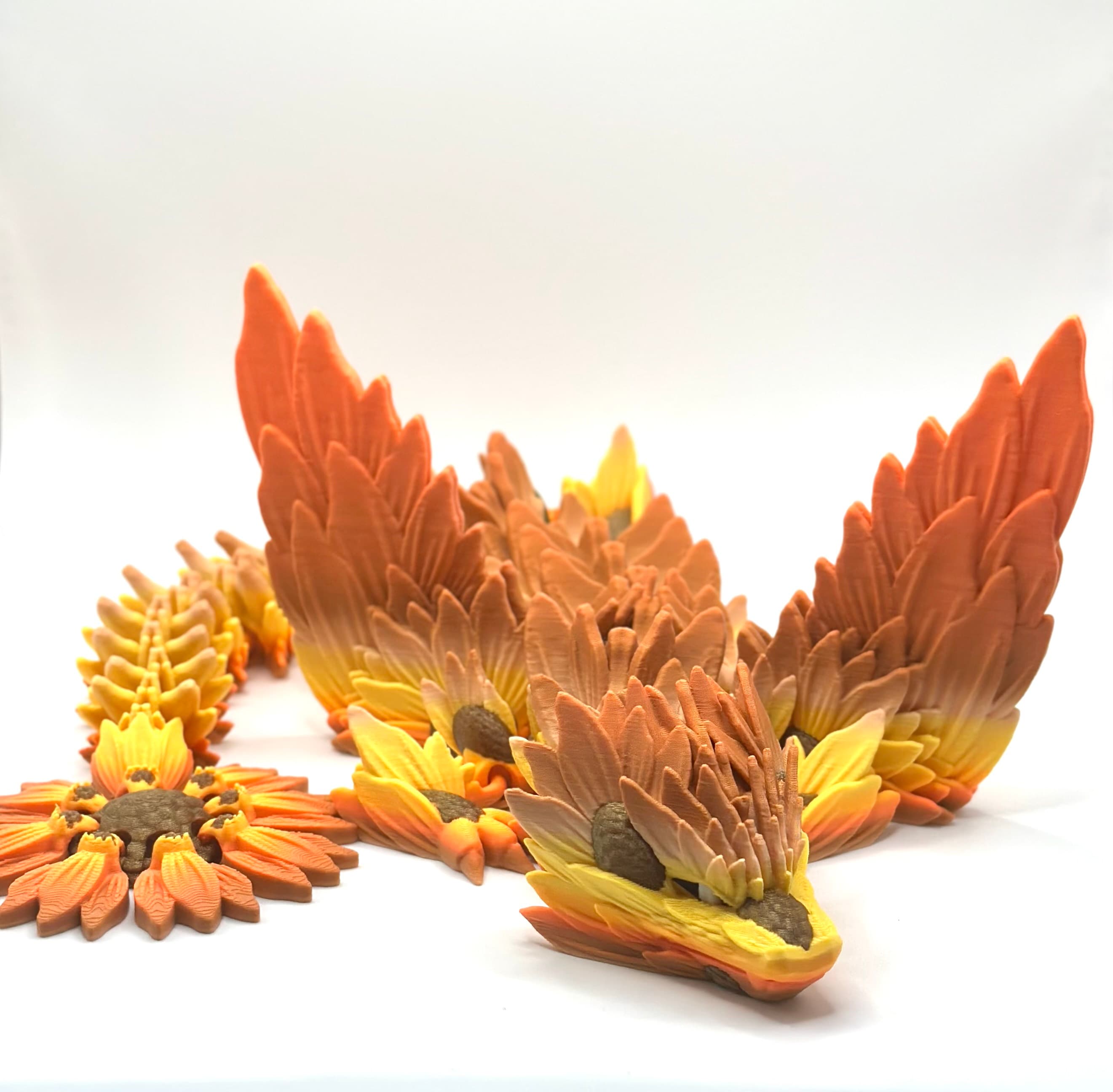
Sunflower Dragon

Dumpling Dragon

Baby Dumpling Dragon

Dumpling Clicker

Rottweiler - Hatchling

Pug - Hatchling

Labrador - Hatchling

Poodle - Hatchling

German Shepherd - Hatchling

Doberman - Hatchling

Tiny Eagle

Tiny Yeti

Tiny Bigfoot
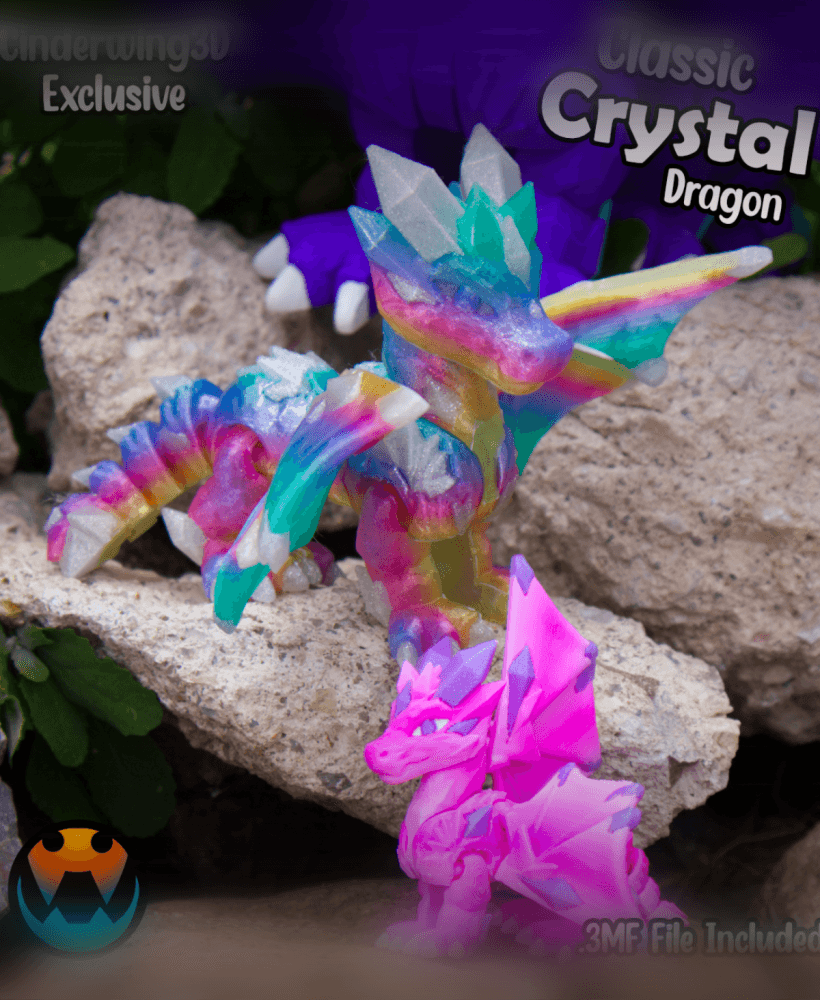
Classic Crystal Dragon
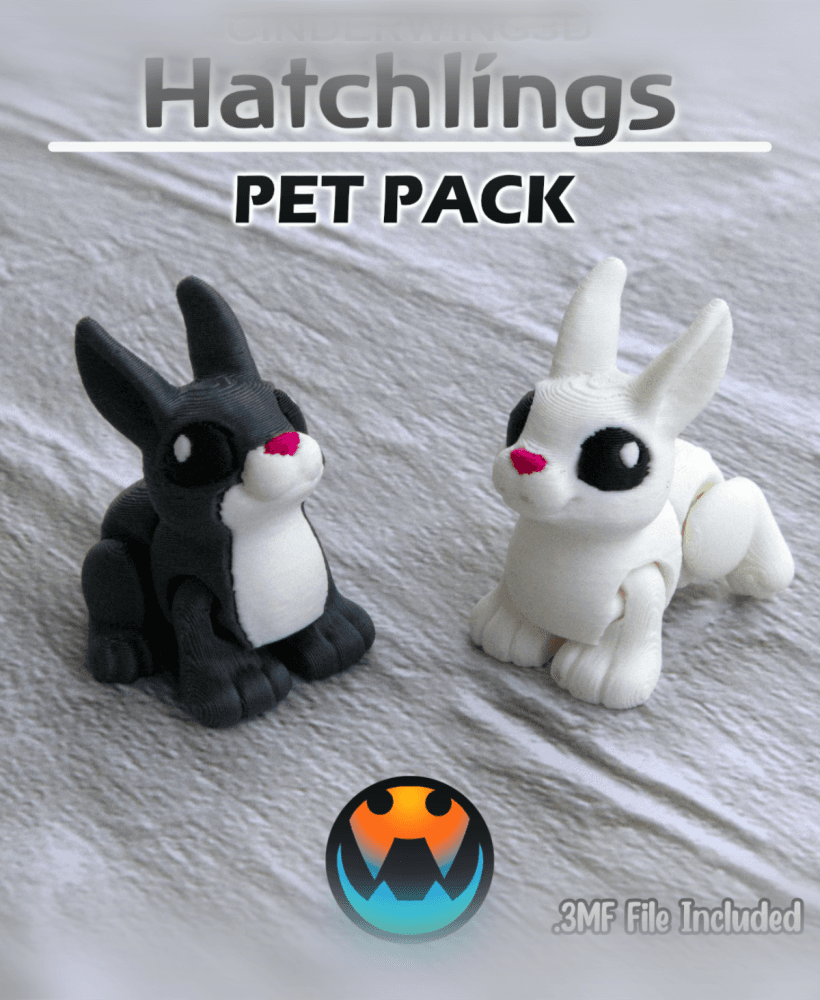
Rabbit - Hatchling
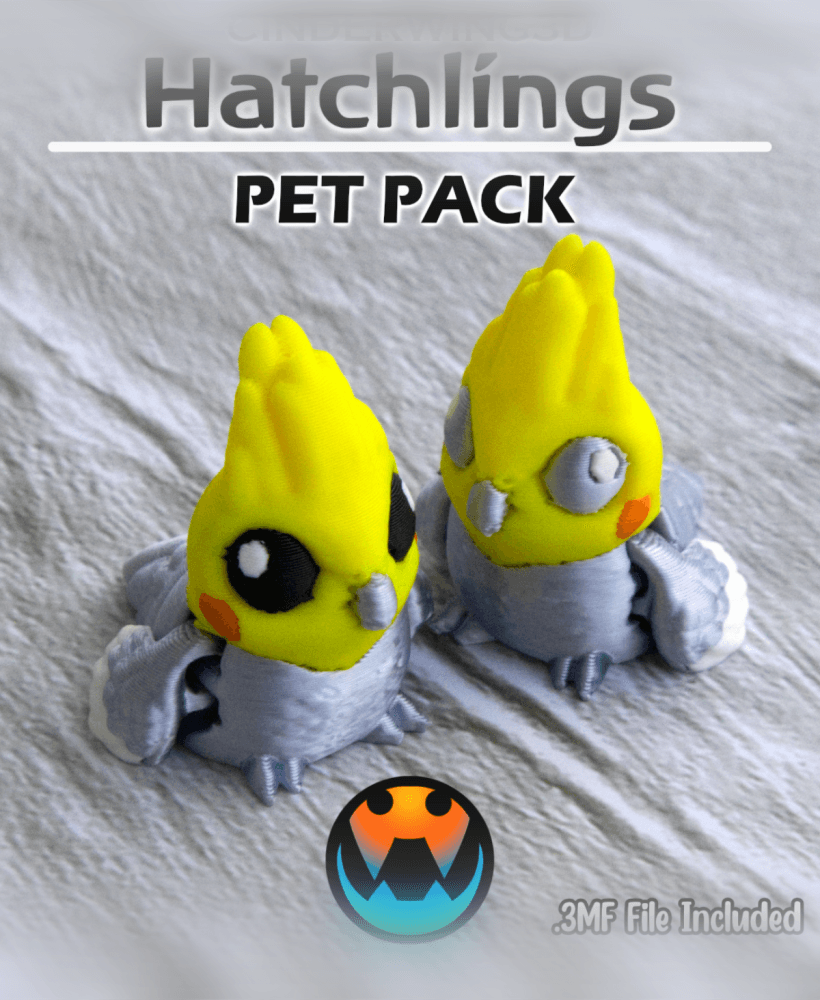
Cockatiel - Hatchling
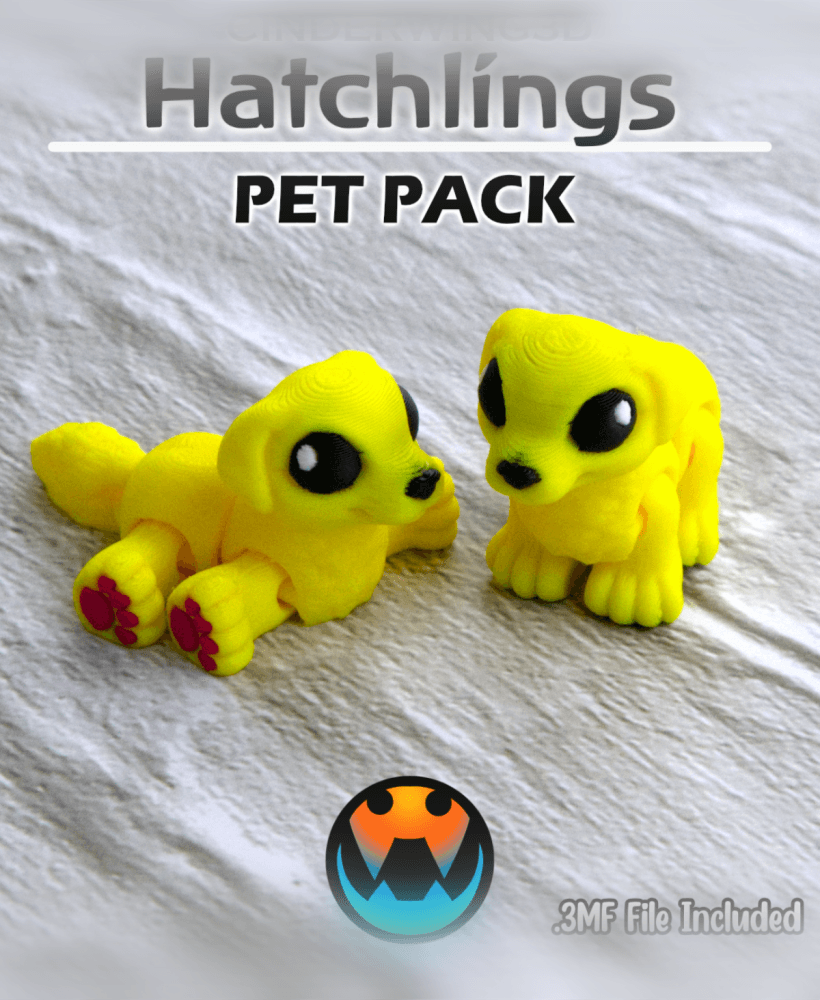
Golden Retriever - Hatchling
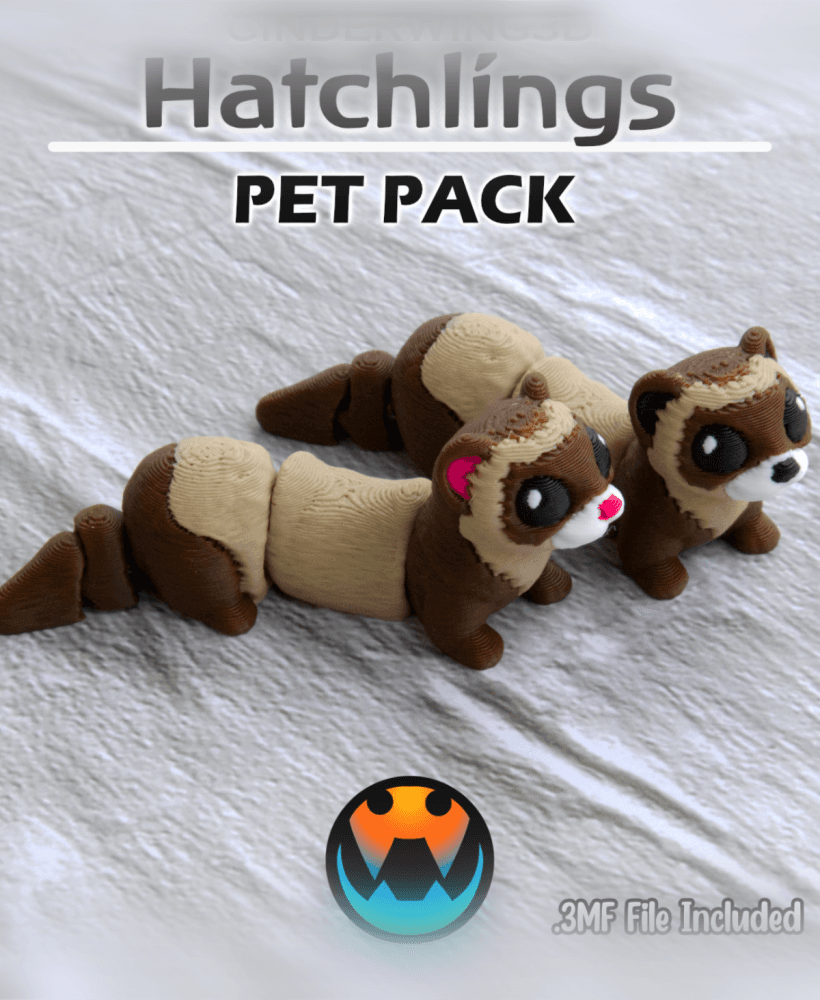
Ferret - Hatchling
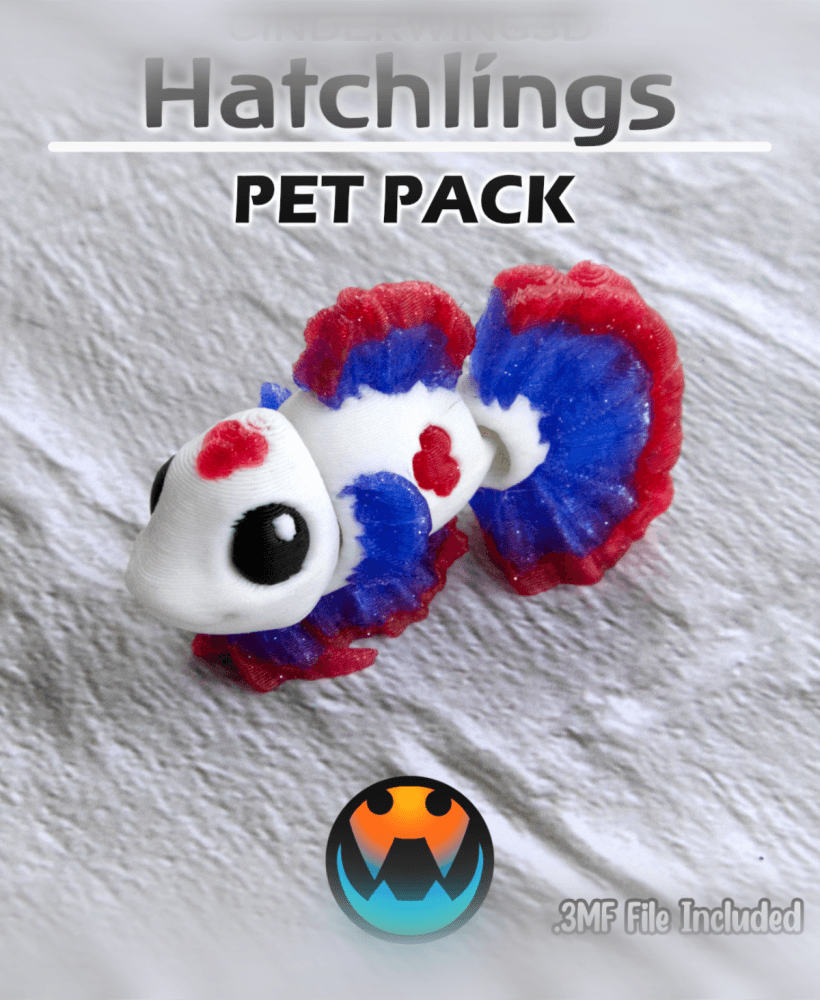
Betta Fish - Hatchling
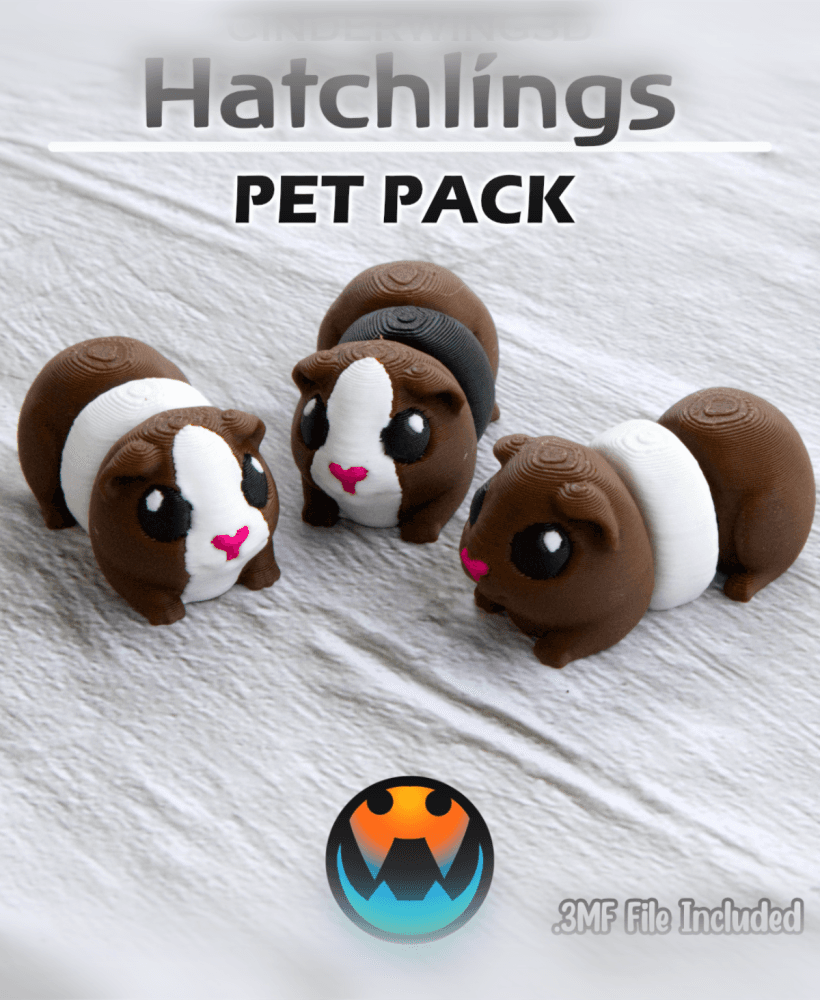
Guinea Pig - Hatchling
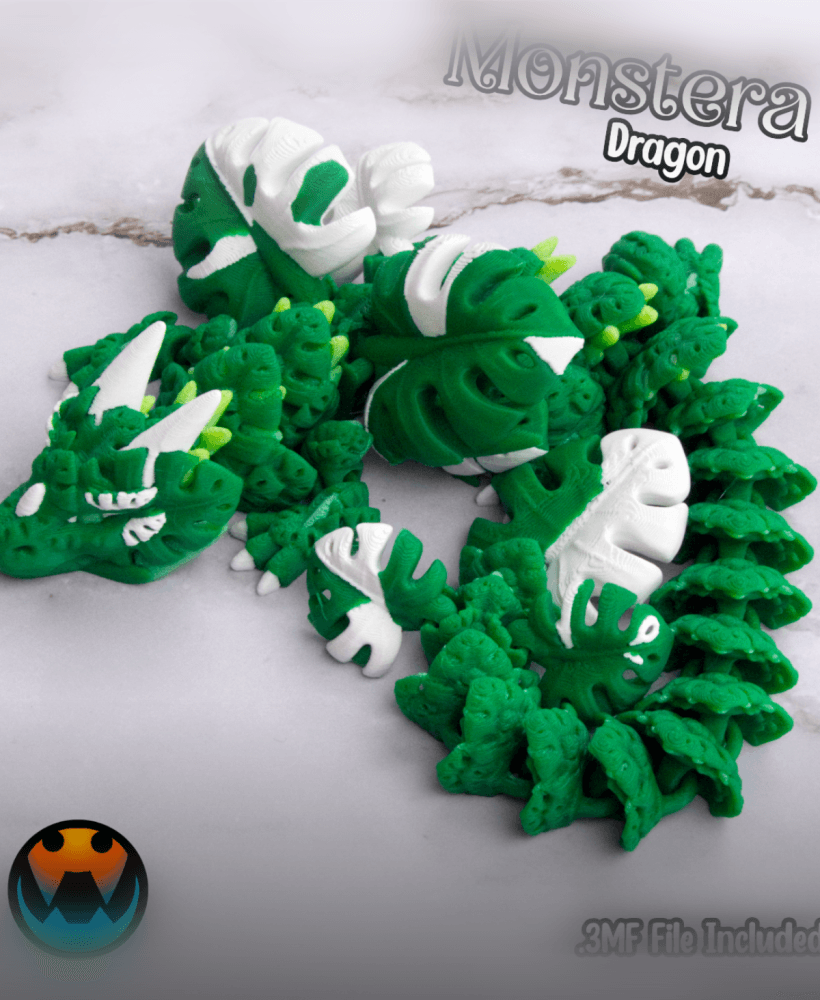
What color filament is this?
What color is this filament
how do you get those grey colored parts on the face of the dragon is it from make that part a wast part?
From how it looks, I'd guess it's a layer of the grey across the entire model. Happy printing!
Yeah I just did a filament swap for this one! I did multicolor the eye though!