


Melbourne - 3D Miniature
Capture the beauty of Melbourne's city landscape with this topographic miniature! This 3D model represents the geographic area around the geo coordinates -37.816, 144.959 (LatLng).
It is scaled down from a geographic area of around 2.919 km x 2.037 km to a 3D printable miniature in the dimensions of 170.5 mm x 119.5 mm. The scale from the geographic area (5.947 sq km) to the miniature is approximately ~17119:1.
The terrain is modeled from geographic data for realistic terrain representation. Ideal for educational purposes, architectural visualization, or as a decorative piece.
Like what you see? Follow me for more awesome miniatures! Find more miniatures in my collection! You want a custom miniature of a specific location? Subscribe and let me know - I will see what I can do!
Included Frames:- 190.70 x 139.70 x 13.22 mm, no text engraving, with hanging holes
- 190.70 x 139.70 x 13.72 mm, text engraving "Melbourne", with hanging holes
- 178.70 x 127.70 x 13.22 mm, no text engraving, with hanging holes (fits A1 mini bed size)
- The provided print profiles provide specific (multicolor & single color) settings for the Miniature and the appropriate frame(s).
- The print profile includes two highly specialized print profiles "classic" and "arachne". For optimal results, use "arachne" (note: expect long slicing times).
- Gently put the miniature into the frame. Depending on your printer's calibration, that should be enough to hold the miniature.
- If in doubt, use some super glue. For PLA, I use this glue* (thick variant). I experienced best results with glue that contains Ethyl-2-cyanacrylat.
- Hanging Holes: My frames always have a hole pattern divisible by 10 mm - for this miniature's size the "Hanging Hole Distance" results in 60 mm between holes.
Contains information from OpenStreetMap, which is made available here under the Open Database License (ODbL).
*affiliate link: This post contains affiliate links. I earn from qualifying purchases at no extra cost to you.
Melbourne - 3D Miniature
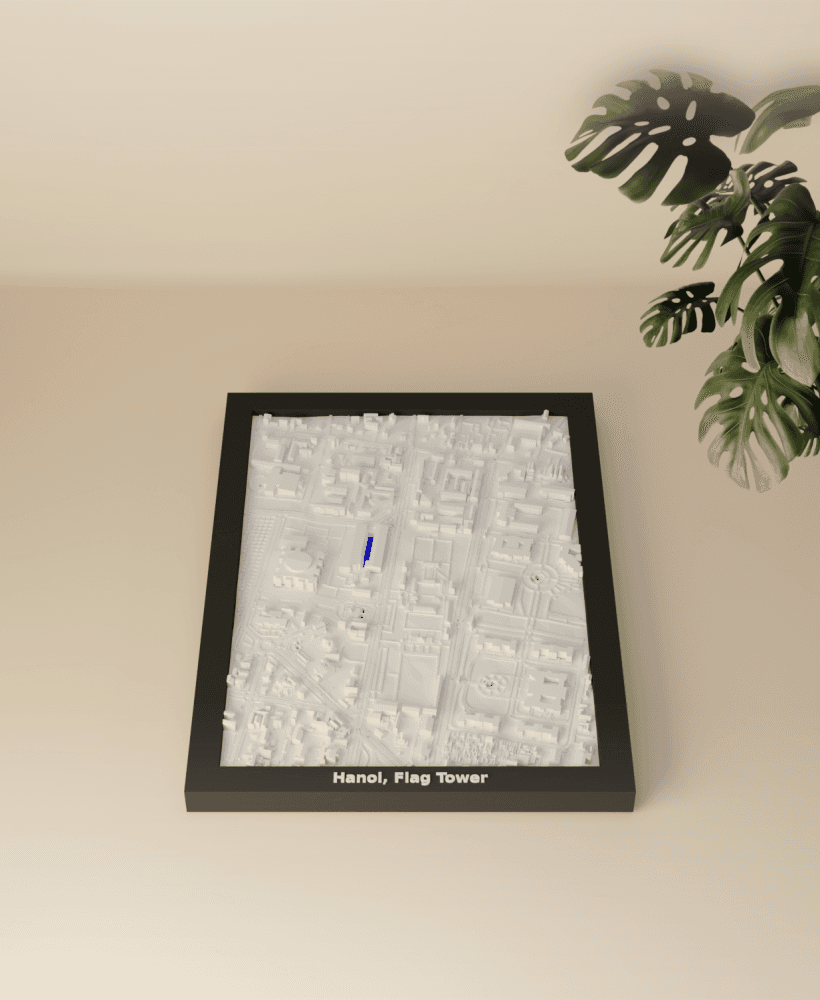
Hanoi, Flag Tower, Vietnam - 3D Miniature
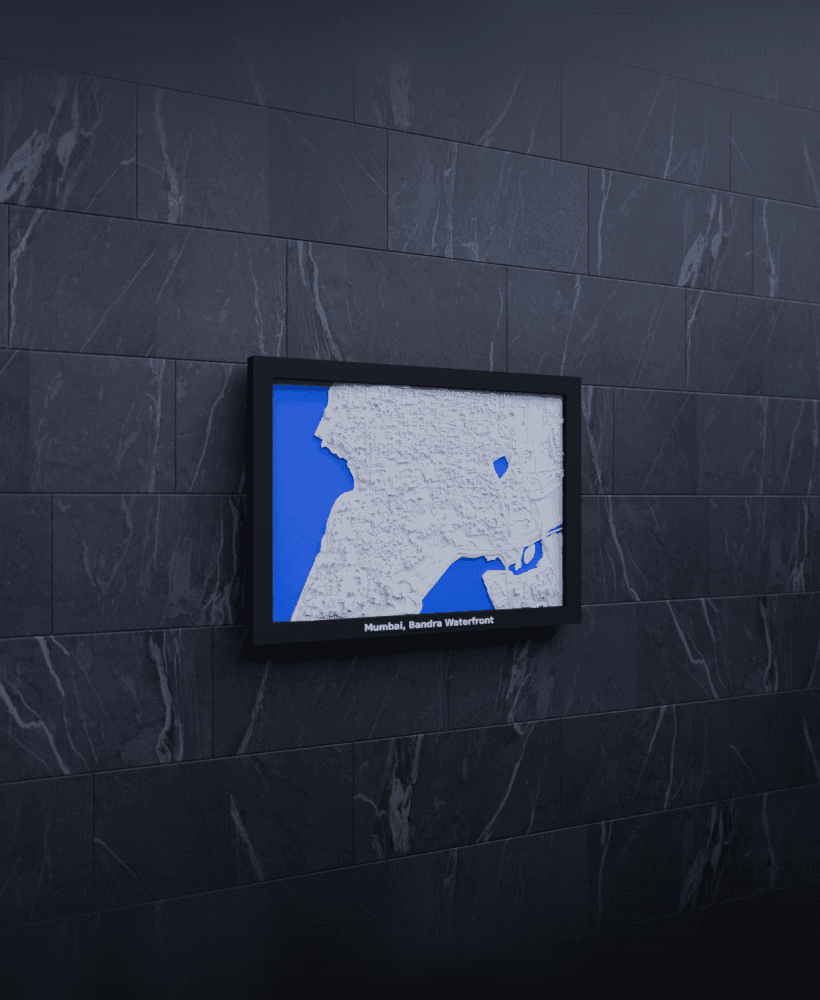
Mumbai, Bandra Waterfront, India - 3D Miniature
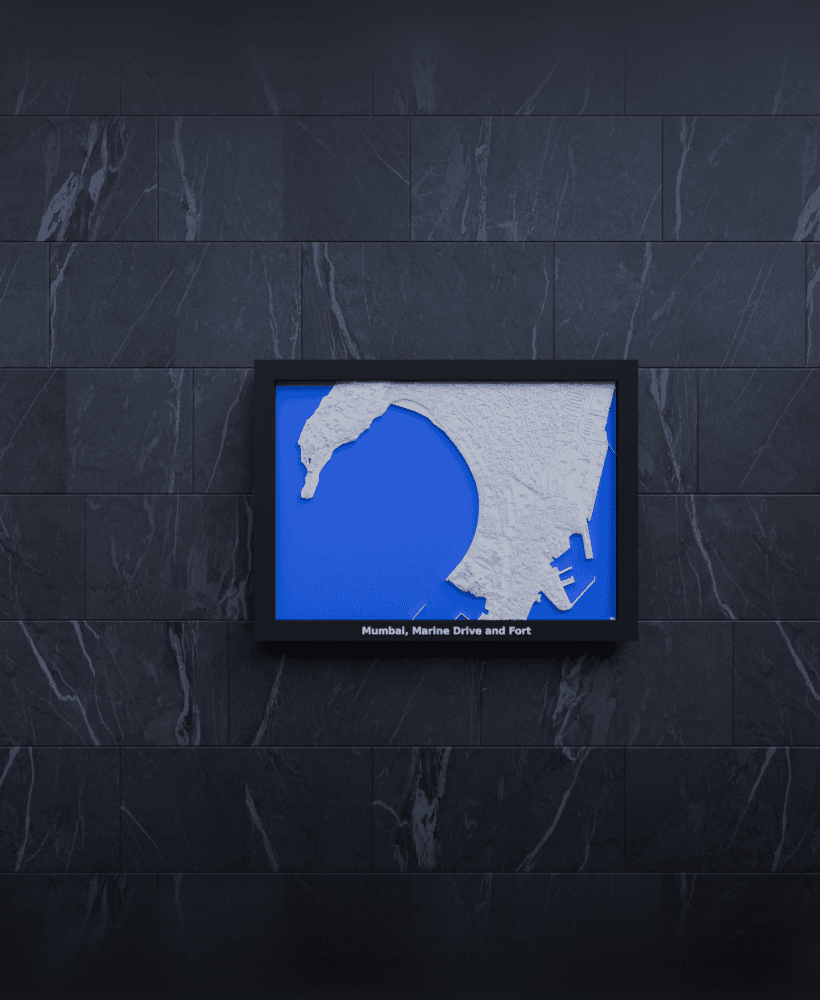
Mumbai, Marine Drive and Fort, India - 3D Miniature
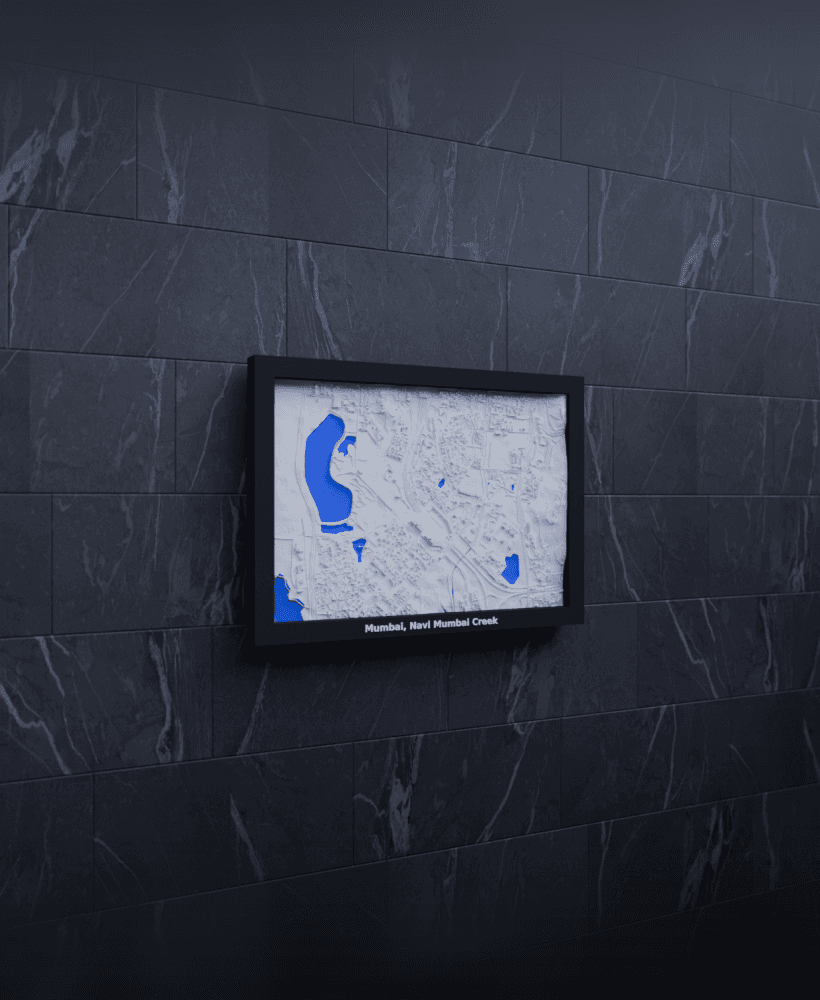
Mumbai, Navi Mumbai Creek, India - 3D Miniature
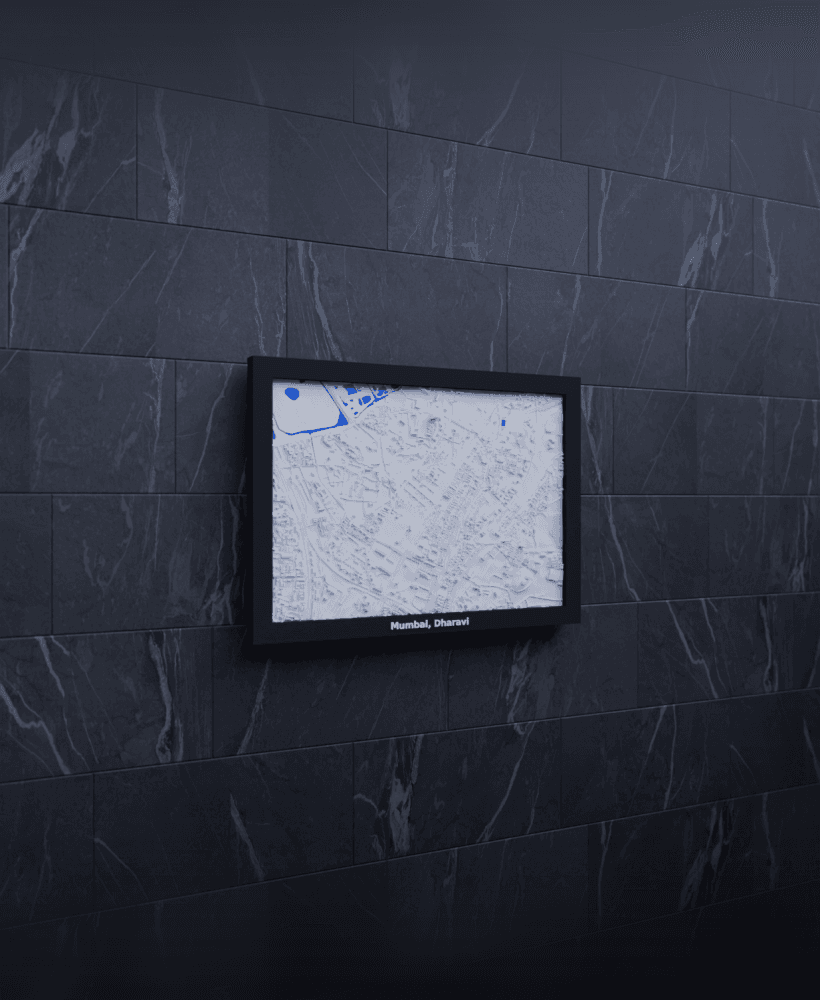
Mumbai, Dharavi, India - 3D Miniature
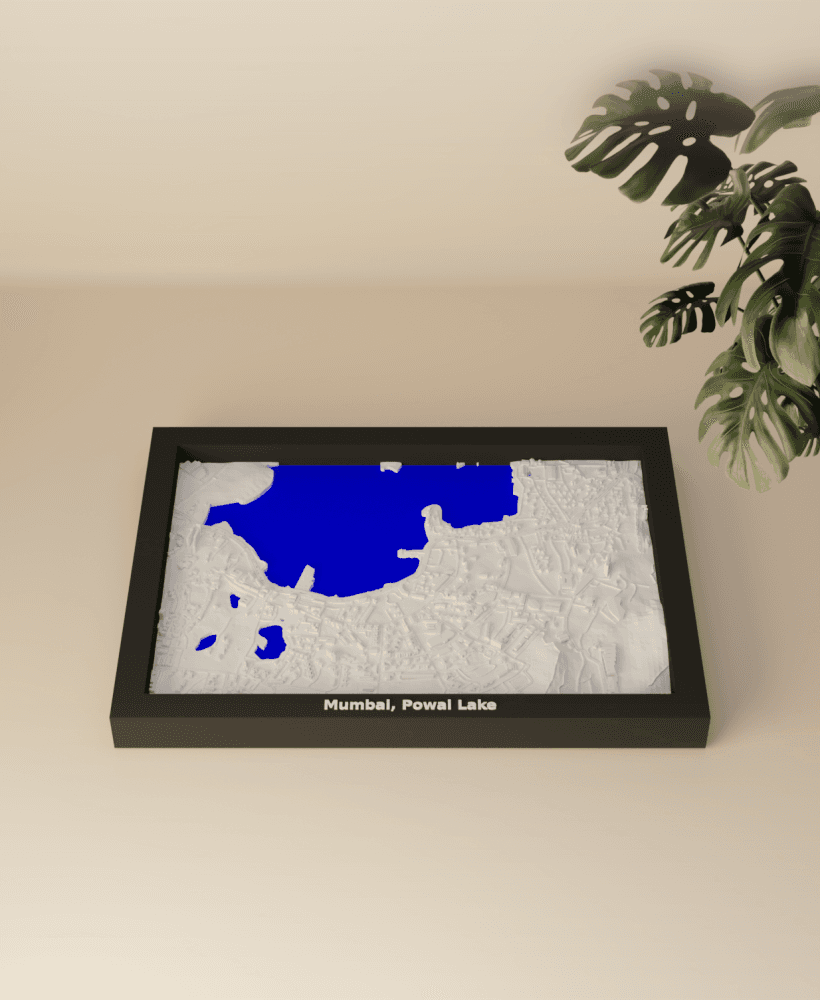
Mumbai, Powai Lake, India - 3D Miniature
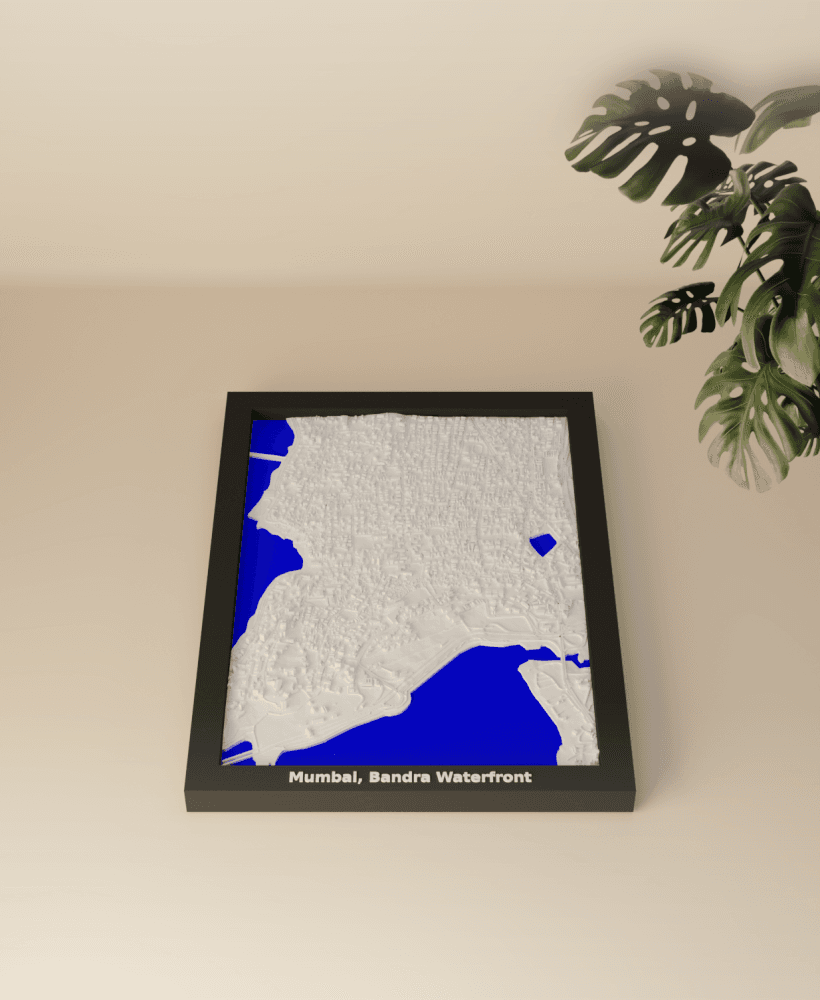
Mumbai, Bandra Waterfront, India - 3D Miniature
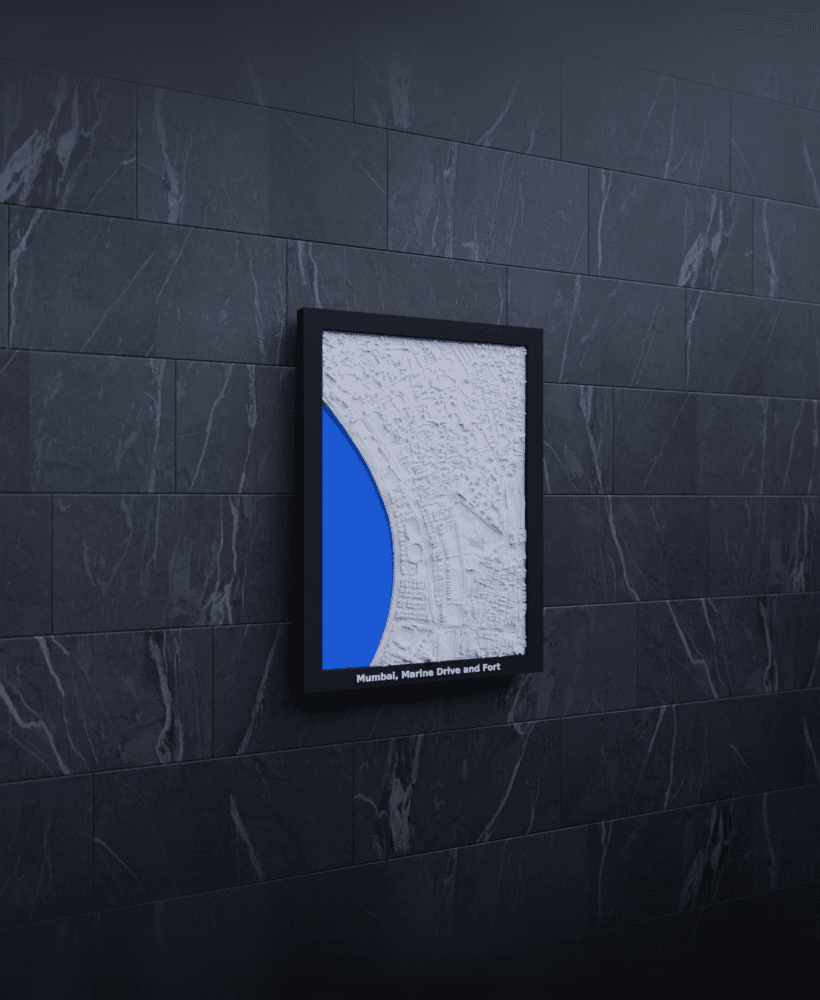
Mumbai, Marine Drive and Fort, India - 3D Miniature
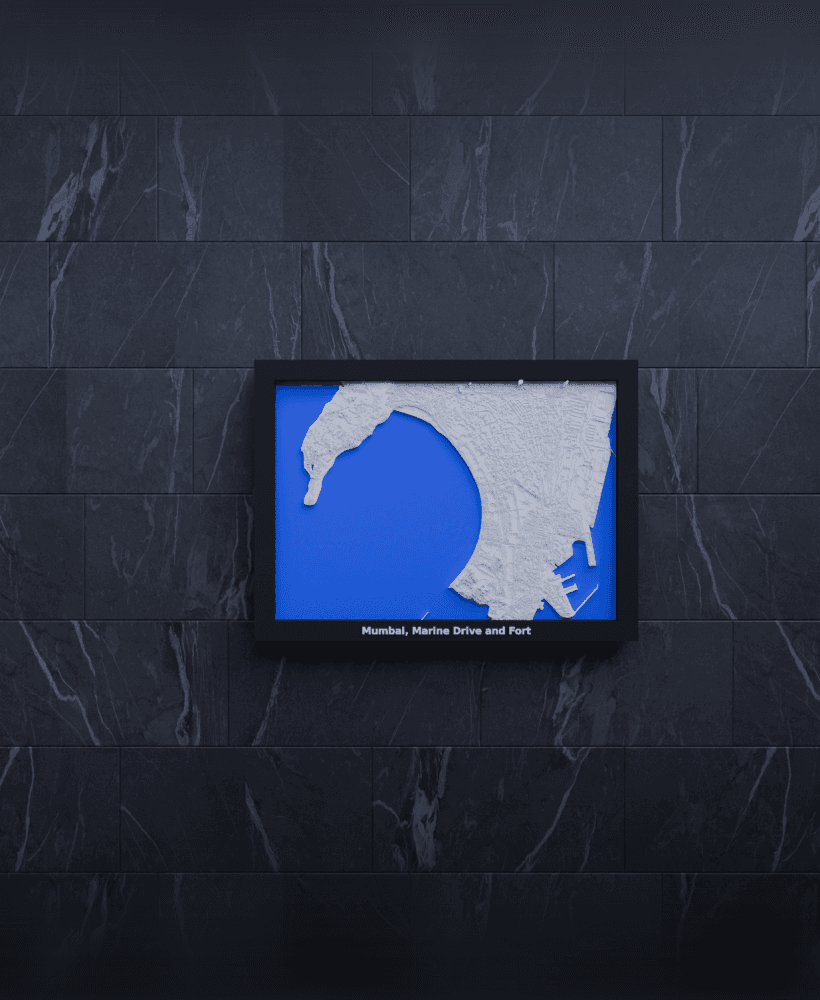
Mumbai, Marine Drive and Fort, India - 3D Miniature
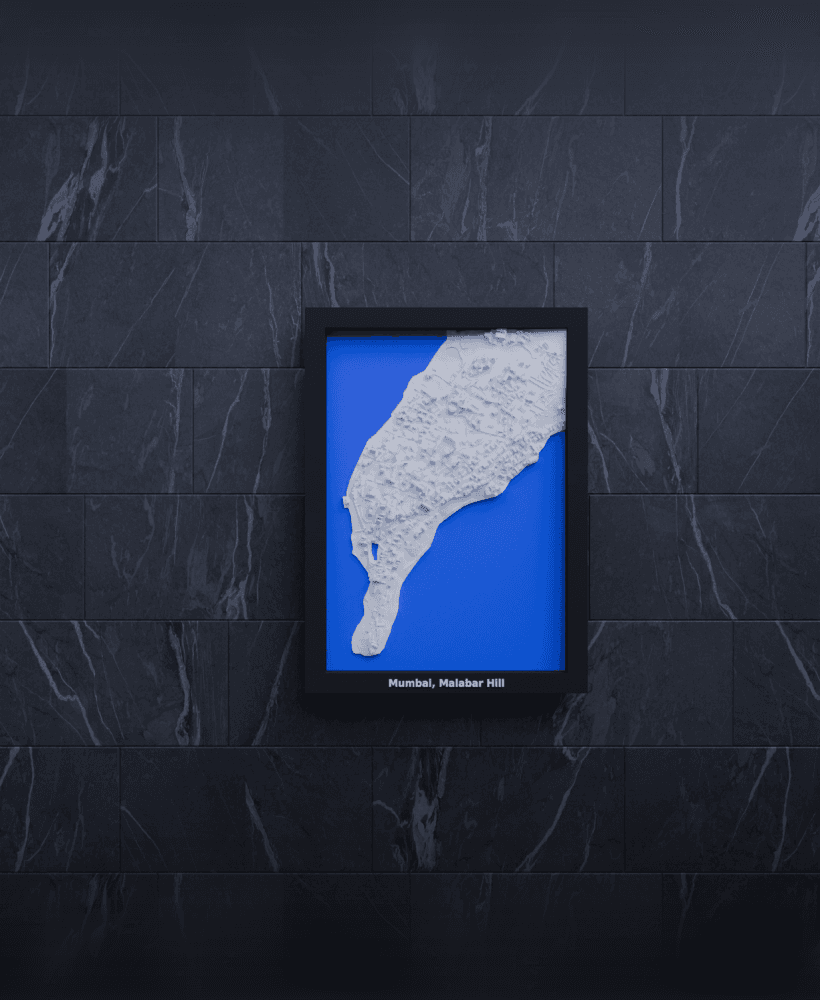
Mumbai, Malabar Hill, India - 3D Miniature
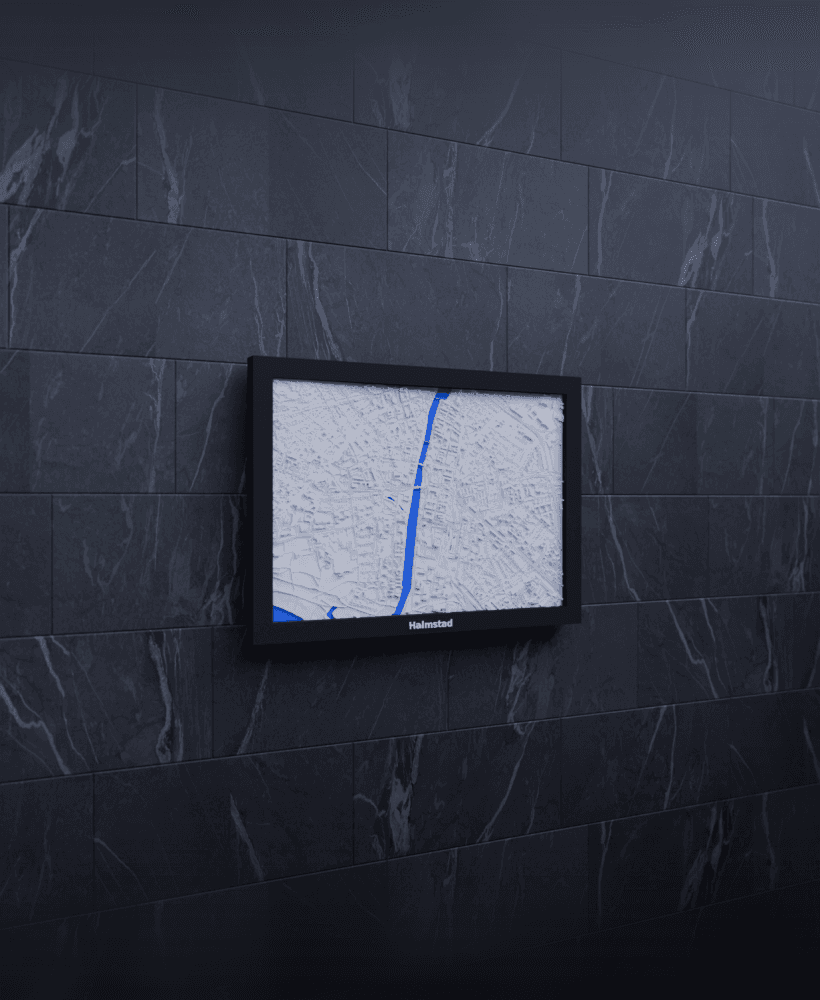
Halmstad, Sweden - 3D Miniature
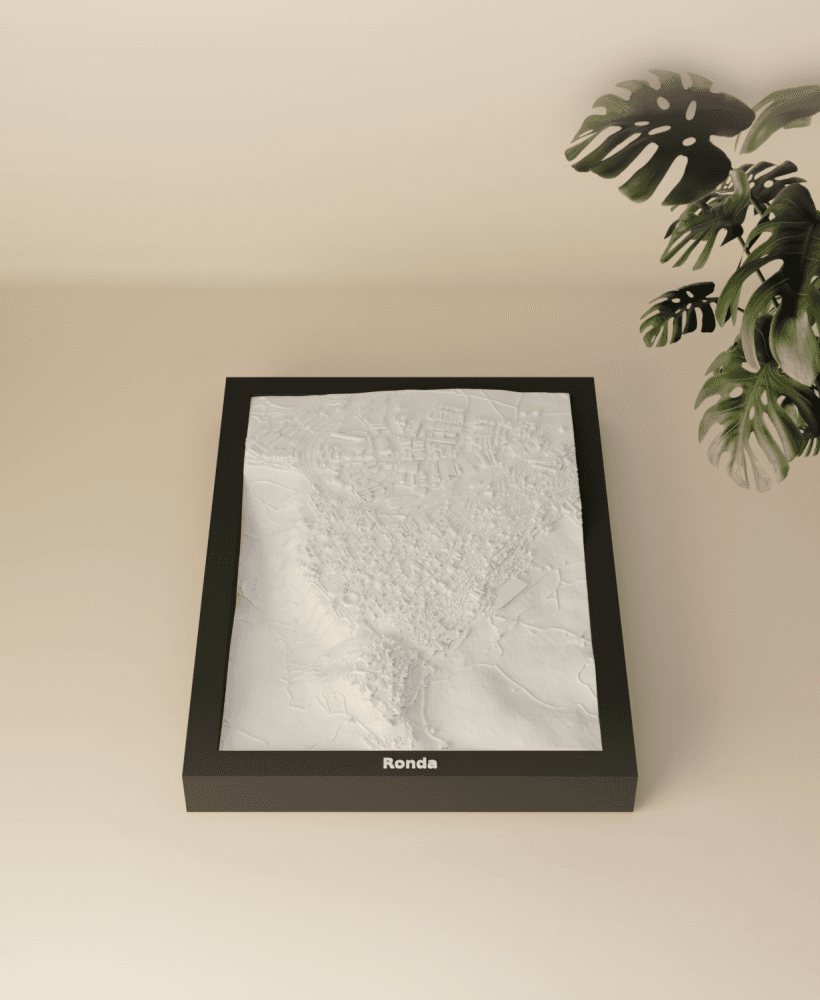
Ronda, Spain - 3D Miniature
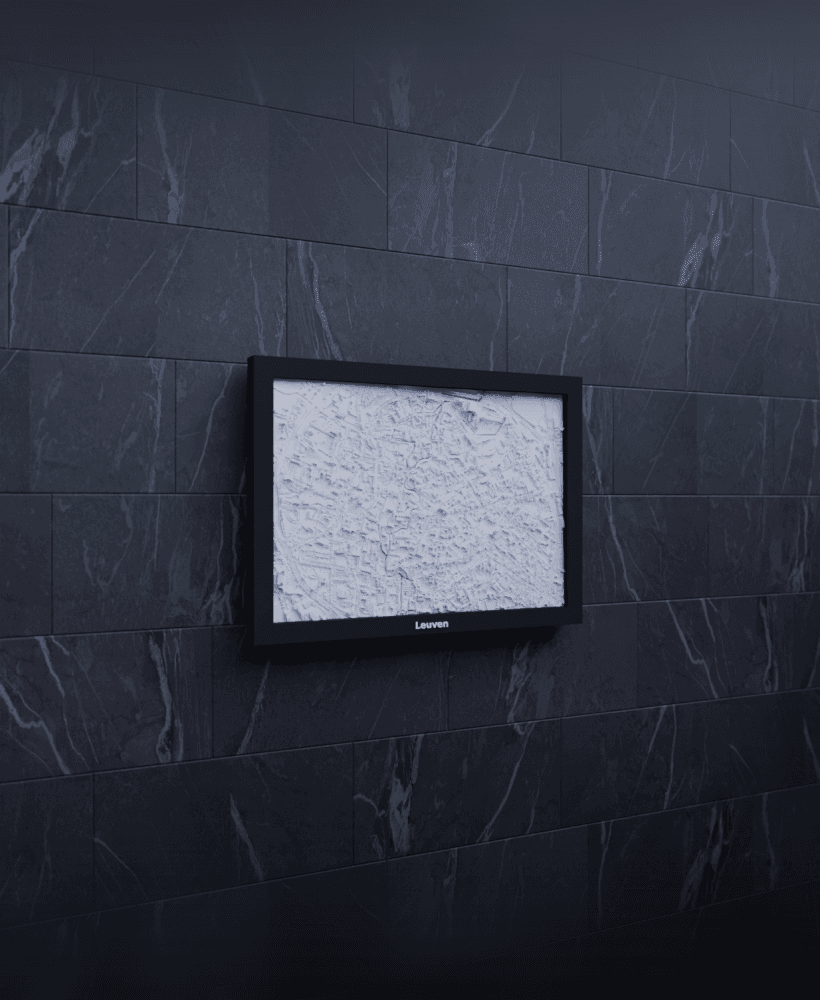
Leuven, Belgium - 3D Miniature
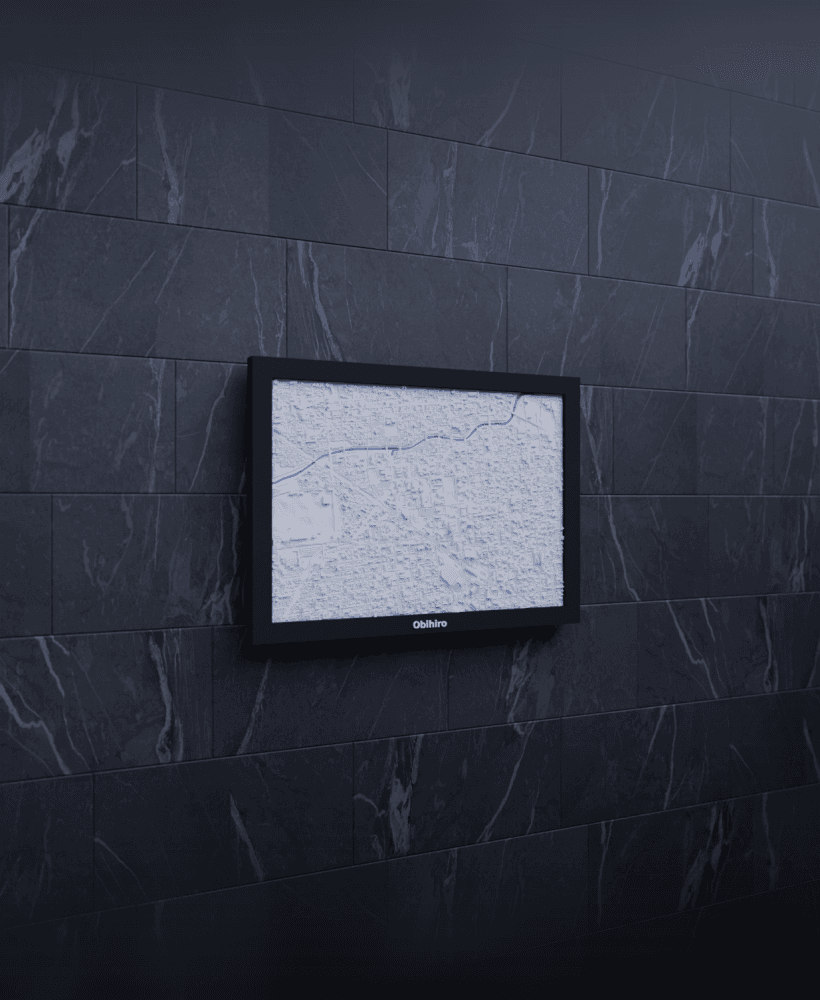
Obihiro, Japan - 3D Miniature
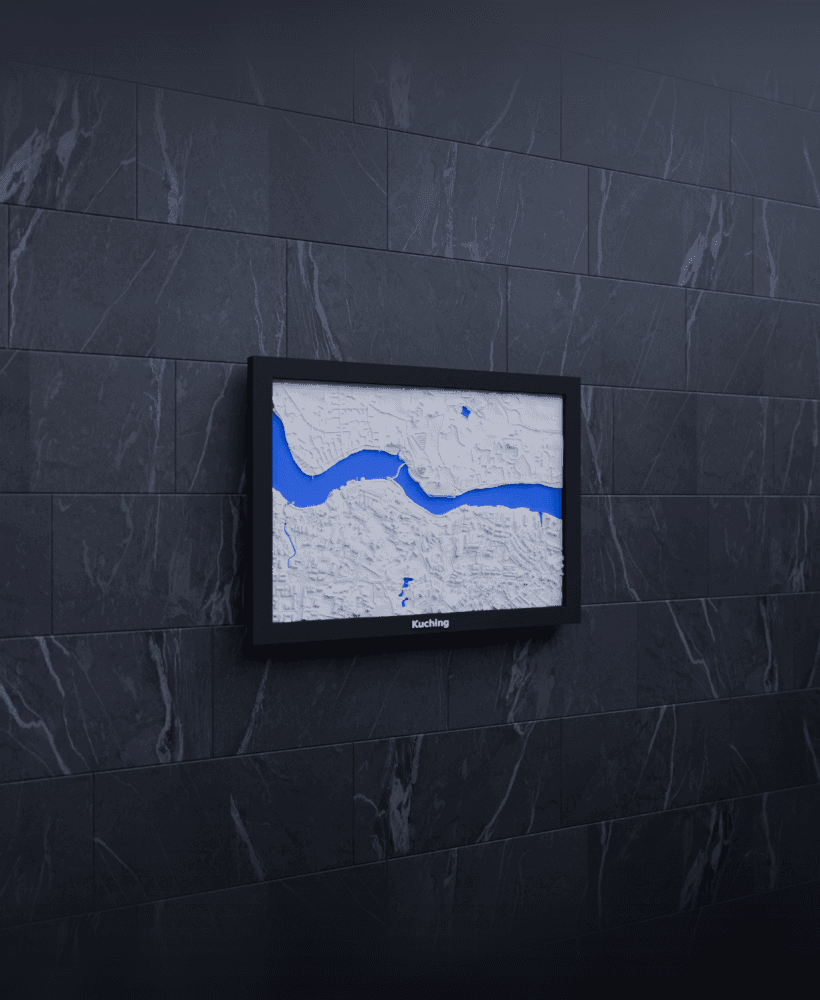
Kuching, Malaysia - 3D Miniature
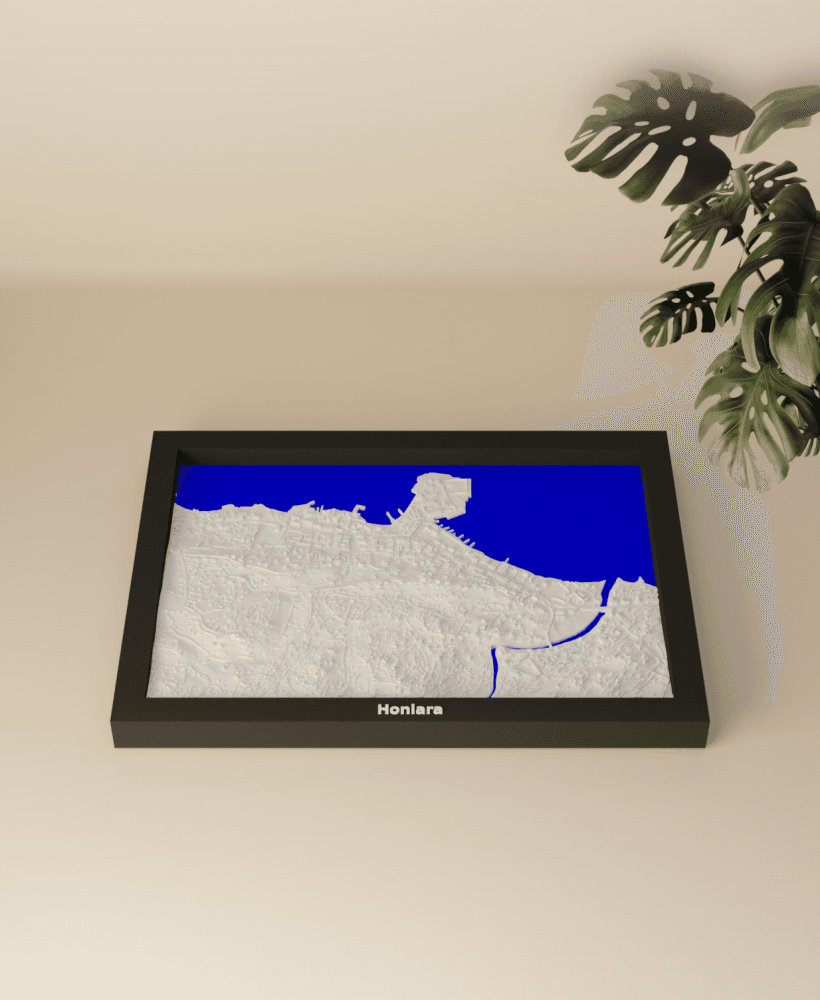
Honiara, Solomon Islands - 3D Miniature
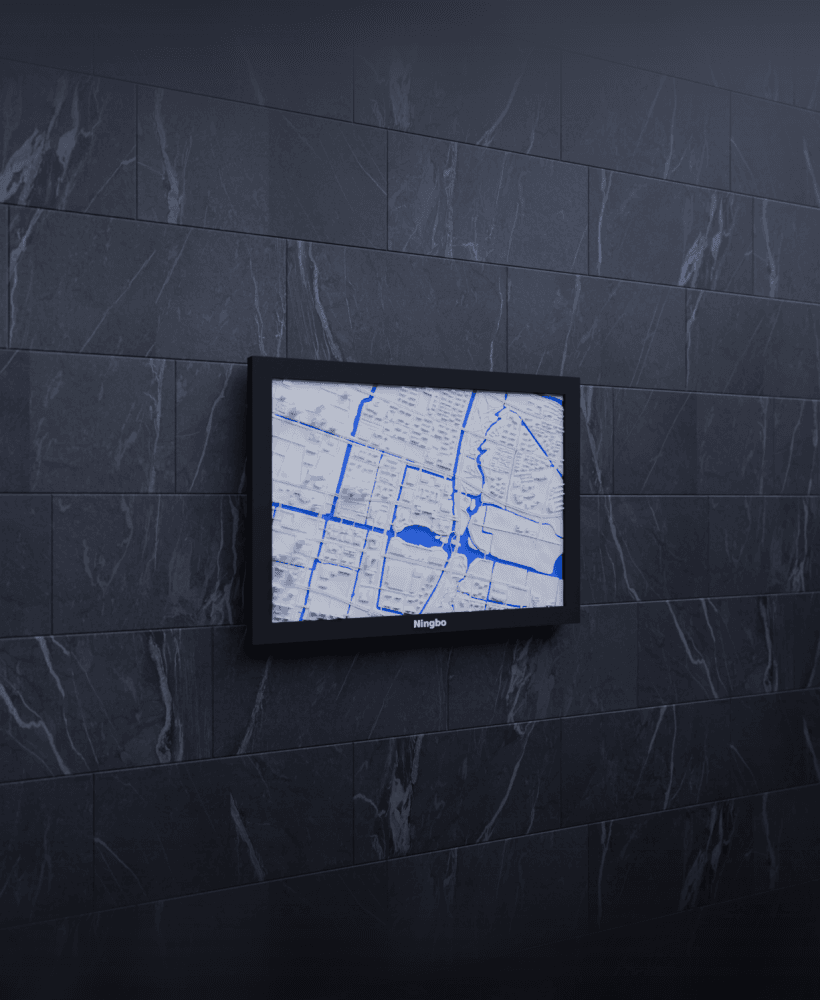
Ningbo, China - 3D Miniature
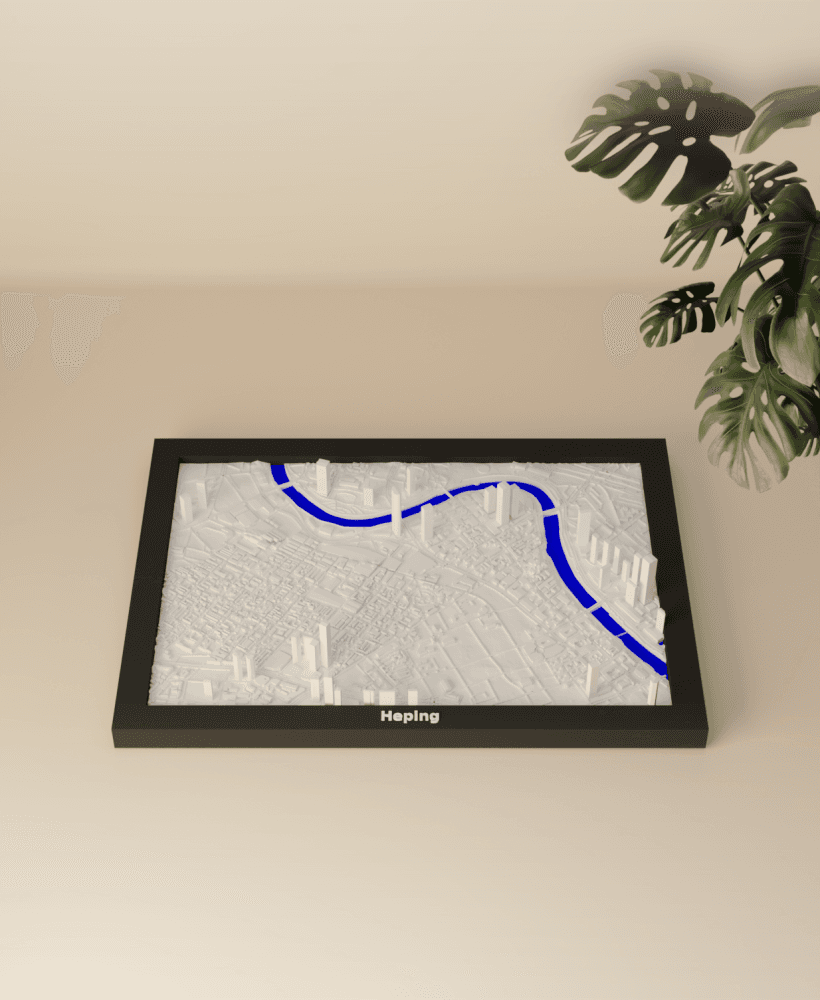
Heping, China - 3D Miniature
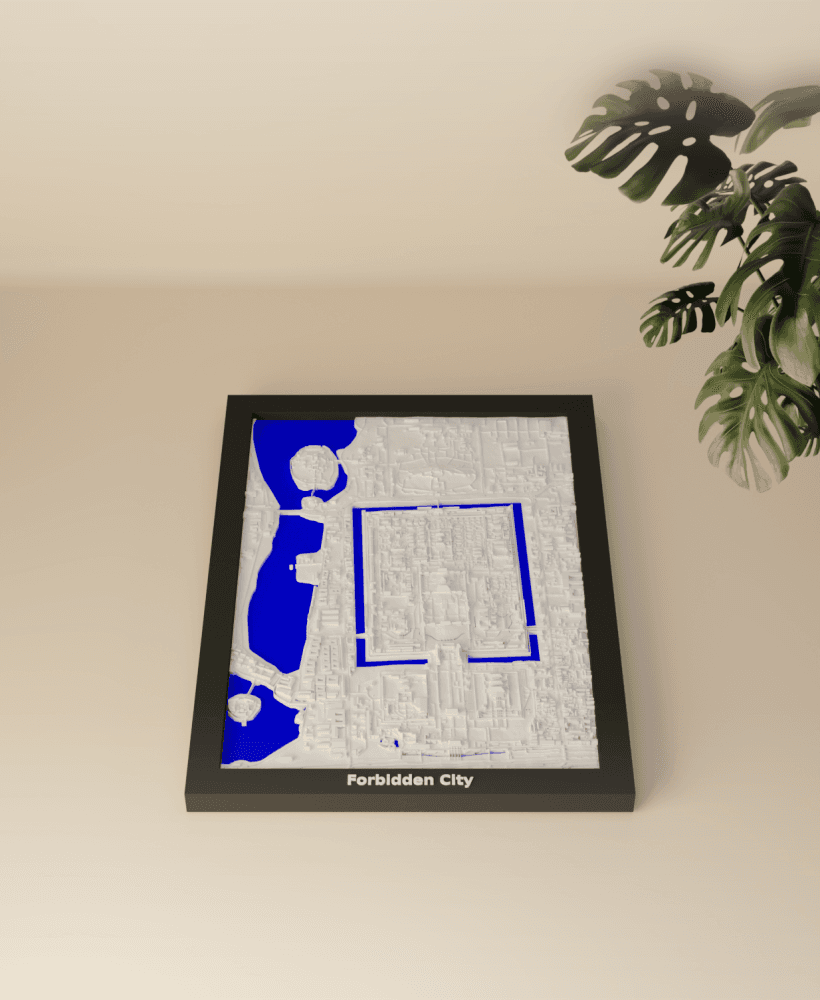
Forbidden City, China - 3D Miniature
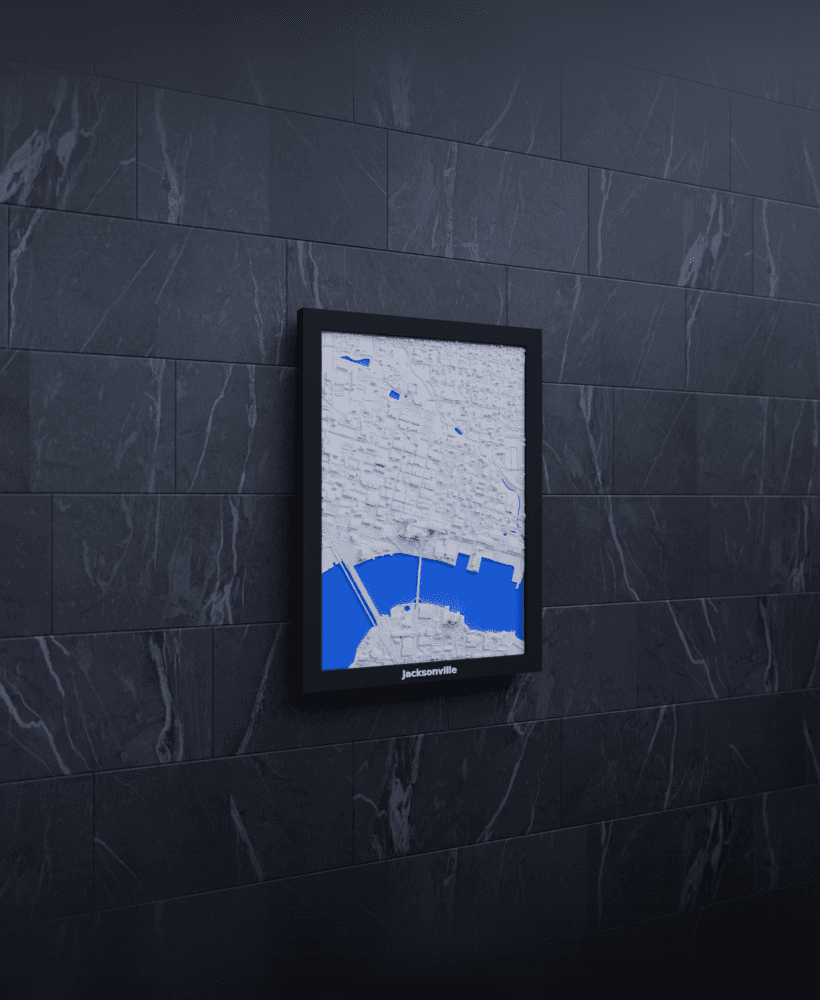
hey there we bought the files but it seems like there are lots of non manifold errors which make it unsuitable for printing please fix this issue asap thanks.
Hey, you can ignore the non-manifold edges. The slicer will take care of this and the printing profiles are tuned to mitigate this. Those edges are unfortunately unavoidable due to the creation process. Just select the included print profiles in the _bambu.3mf file or follow the printing guide: https://framescapr.hgross.eu/miniature-printing-guide/