


SEKANDO Lamp - Table Lamp
Interested in selling physical prints of my designs? Want to access a growing library of exclusive 3D models? 🚀 Unlock exclusive benefits and premium access with my membership.
Membership: Exclusive models + Commercial License
Flowalistik Studio Discover our collection of functional and minimal interior design objects. Explore the full collection: Flowalistik Studio
SEKANDO Lamp
The SEKANDO Lamp features an elegant wave-like design with vertical patterns. Its two-tone aesthetic, achieved through interchangeable 3D-printed color filters, adds a distinctive accent to any space.
The lamp's design draws inspiration from One Piece's Monkey D. Luffy, specifically mimicking the triple-wave pattern formed by his legs during Gear Two (Gia Sekando).
Product information
- 3 sizes available: Small (150mm), Medium (200mm), Large (250mm) - height as size reference
- Compatible with most lightbulb sockets (E14, E26, E27) and the Bambu Lab LED Lamp Kit 001
- Print farm optimized: Perfect for selling. Prints with 0.8mm nozzles without quality loss. No supports needed
- Scaling: Do not scale the model since it's designed to fit standard E14, E26 and E27 lightbulb sockets
- Supports: No supports are needed
3D printing settings
Lamp base
- Shell: 1.6mm
- Infill: 15%
Lamp shade & color filter
- Vase mode
- 1.5mm bottom thickness
- 0.8mm line width (can be done with 0.4mm nozzle)
Recommended 3D printers + materials
Find the 3D printers, filaments and non-3D printed objects I recommend here: Recommended 3D printers + materials
Flowalistik STL files are strictly for personal use. Unauthorized resale of these digital files is illegal and subject to legal action. Respecting this copyright policy protects intellectual property and supports the creators and the integrity of the 3D printing community.
SEKANDO Lamp - Table Lamp
DURR Side Table - Fully 3D printed coffee table
ELEGOO Pencil Holder

Pixel Chainmail - Frog Collection

Pixel Chainmail - Pokemon Collection

Pixel Chainmail - Christmas Collection

Pixel Chainmail - Mario Bros Collection

Pixel Chainmail - Replacement Link

Pixel Chainmail - Art Collection

Pixel Chainmail - 3D Printable Pixel Art
Gen 1 Starters - Keyboard clickers
Squirtle - Keyboard clicker

Charmander - Keyboard clicker

Bulbasaur - Keyboard clicker
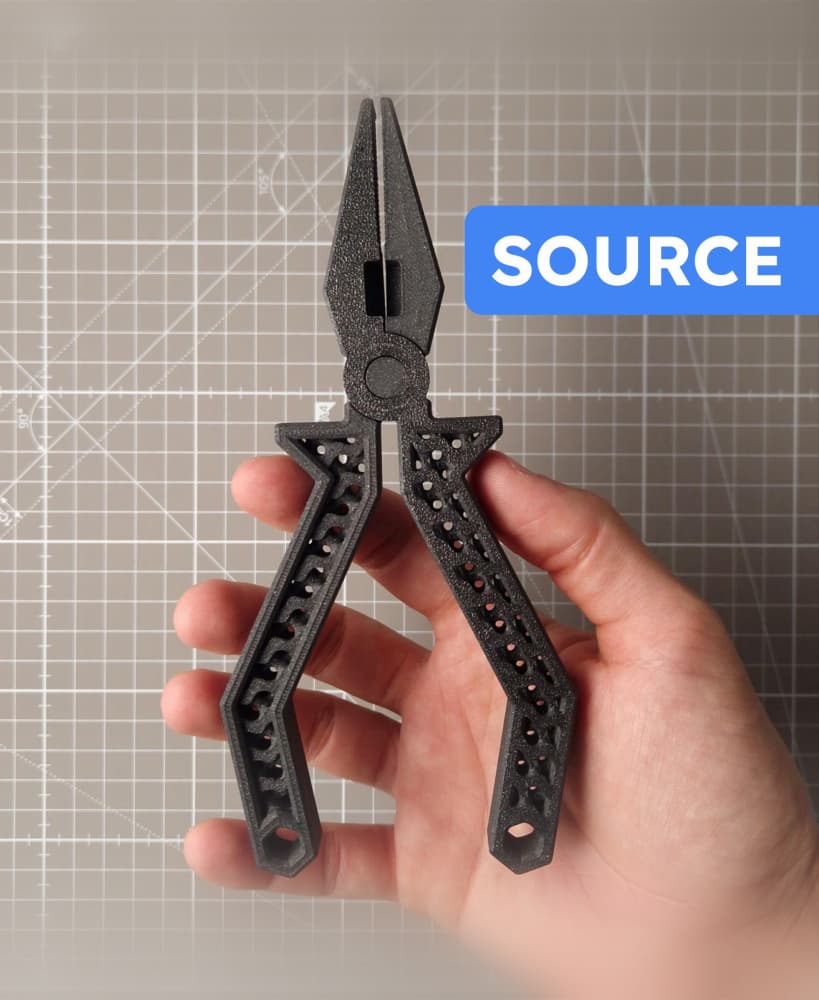
Pliers - 3D printable tool - Editable file (Autodesk Fusion + STEP)

Wrench - 3D printable tool - Editable file (Autodesk Fusion + STEP)
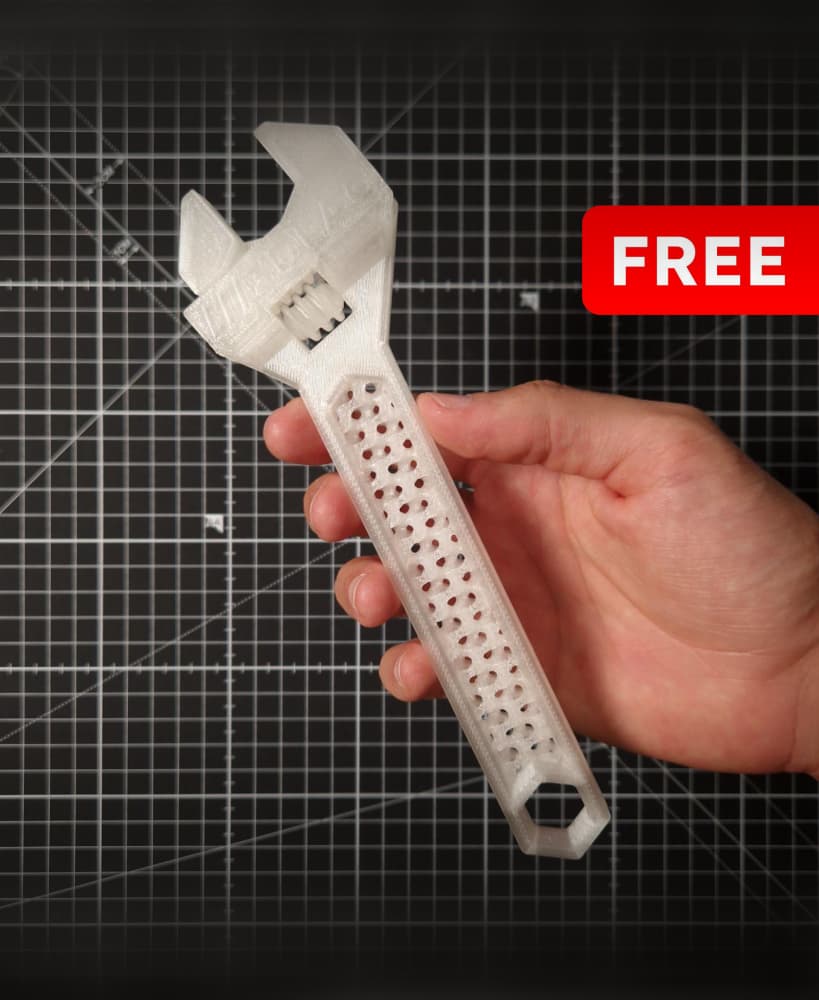
Wrench - 3D printable tool

Pliers - 3D printable tool
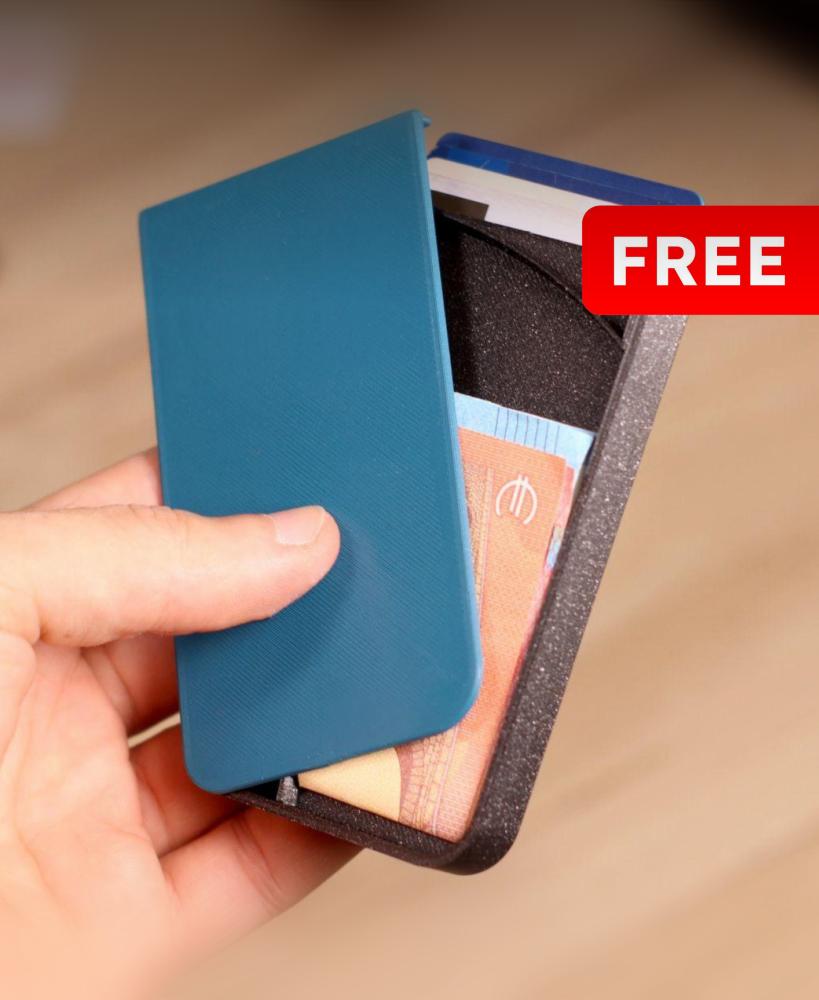
Maker Wallet - Fully 3D Printable

Voronoi Pokemon - First Generation
Hi. I've bought the file and I'm trying to print on my Bambu Lab P1S but the file has an infill, the objects are not hollow. How can I configure the file to print exactly as a final result?
Hi I'm have the same issues as the two above comments - was there a fix of this?
Hello I've bought the file and I'm trying to print on my Anycubic kobra S1 but the file has an infill, the objects are not hollow. How can I configure the file to print exactly as a final result?