
.png&w=256&q=75)
.png&w=256&q=75)
.png&w=256&q=75)

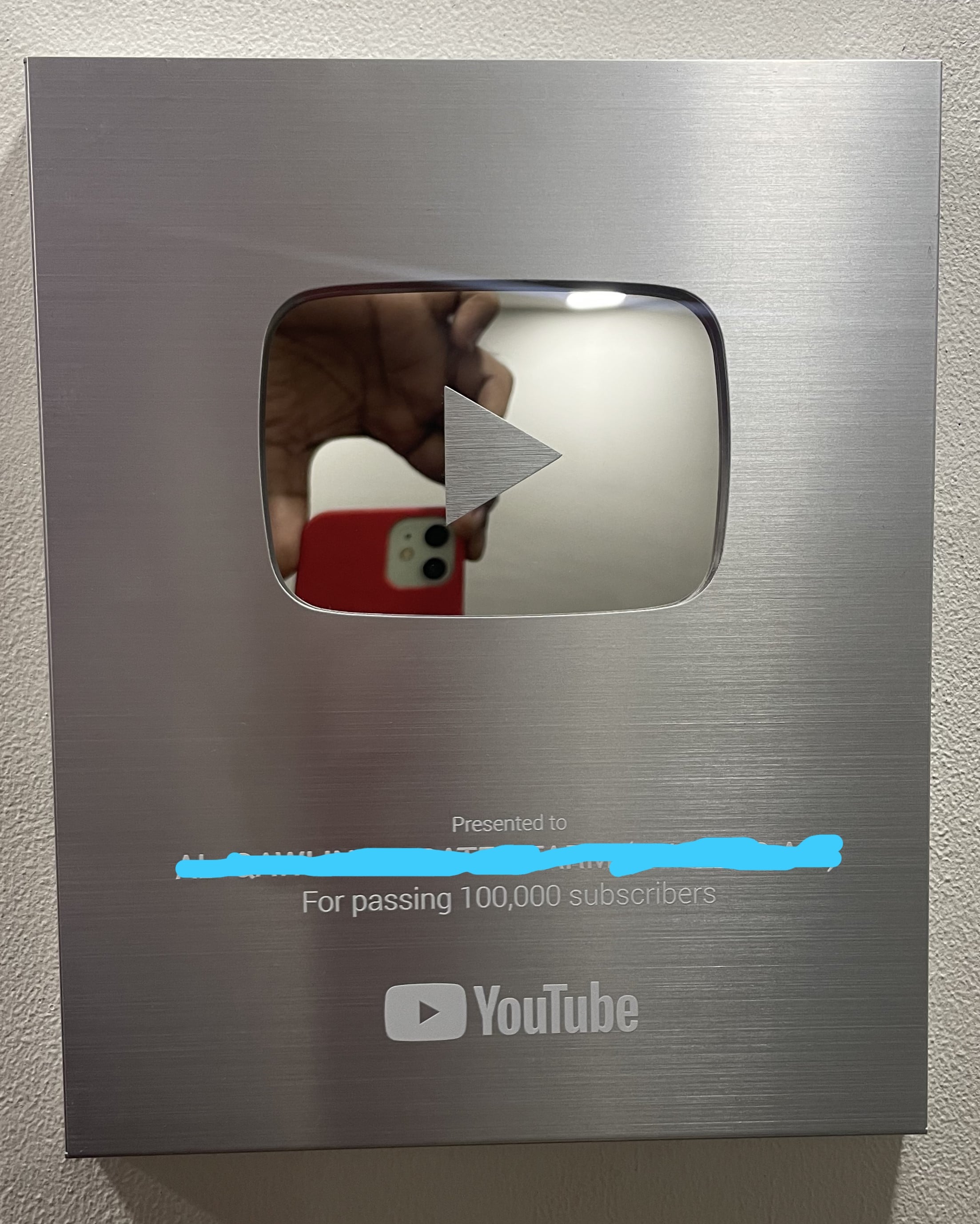
YouTube Silver Play Button
13 downloads · 2 years ago · Please follow these steps:
Open the Youtube_Button.stl file in your slicer software.
Add your name
Please follow these steps:
Open the Youtube_Button.stl file in your slicer software. Add your name or channel name using the text emboss option in your slicer. Proceed to slice the model. Prepare a mirror with dimensions of 90mm x 120mm, ensuring the mirror thickness is 7mm or less. Alternatively, you can use a mirror sticker of the same dimensions and apply it to the back. Finally, attach the YouTube triangle logo in the center of the mirror. Once these steps are complete, your project will be ready.
Alternatively you can use "Youtube_Button_No_Name.stl" file if you want to play with the font type.
YouTube Silver Play Button
13 downloads · 2 years ago in and
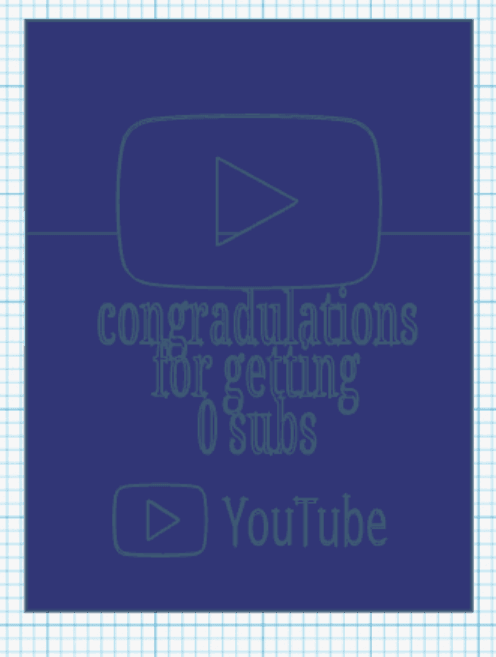
youtube play button
Bundle

YouTube Subscribers Customizable Play Button
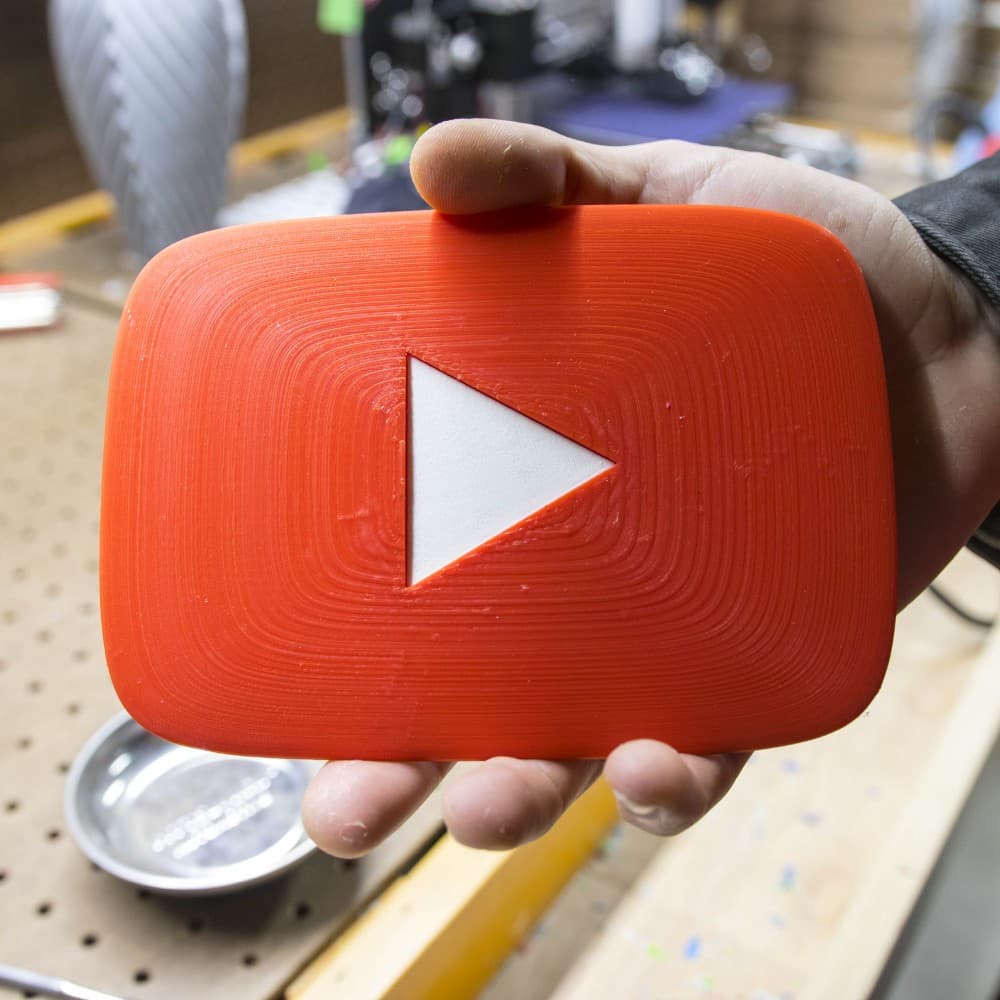
YouTube Play Button Pegboard Logo // Peg Anything
Bundle
Play Button Shape Cutter & Stamp, Cookie Fondant Tool, 3 Sizes S/M/L, 6-Piece Set PRODUCT_14

Youtube Play Button.igs

Live Play Button Lightbox LED Lamp
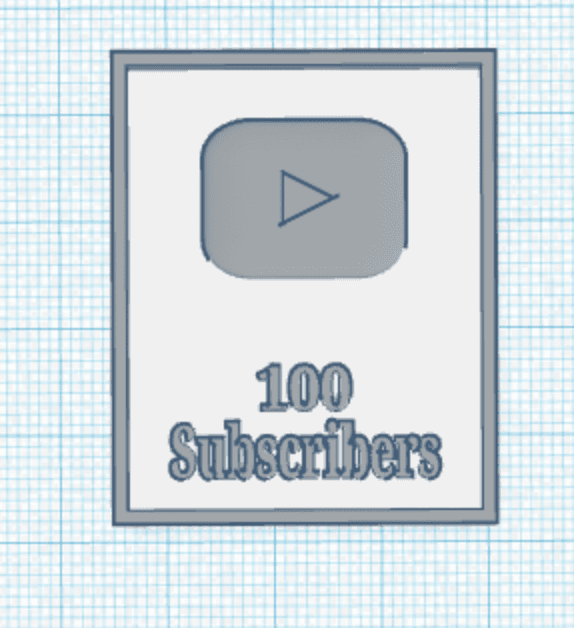
100 subscriber play button
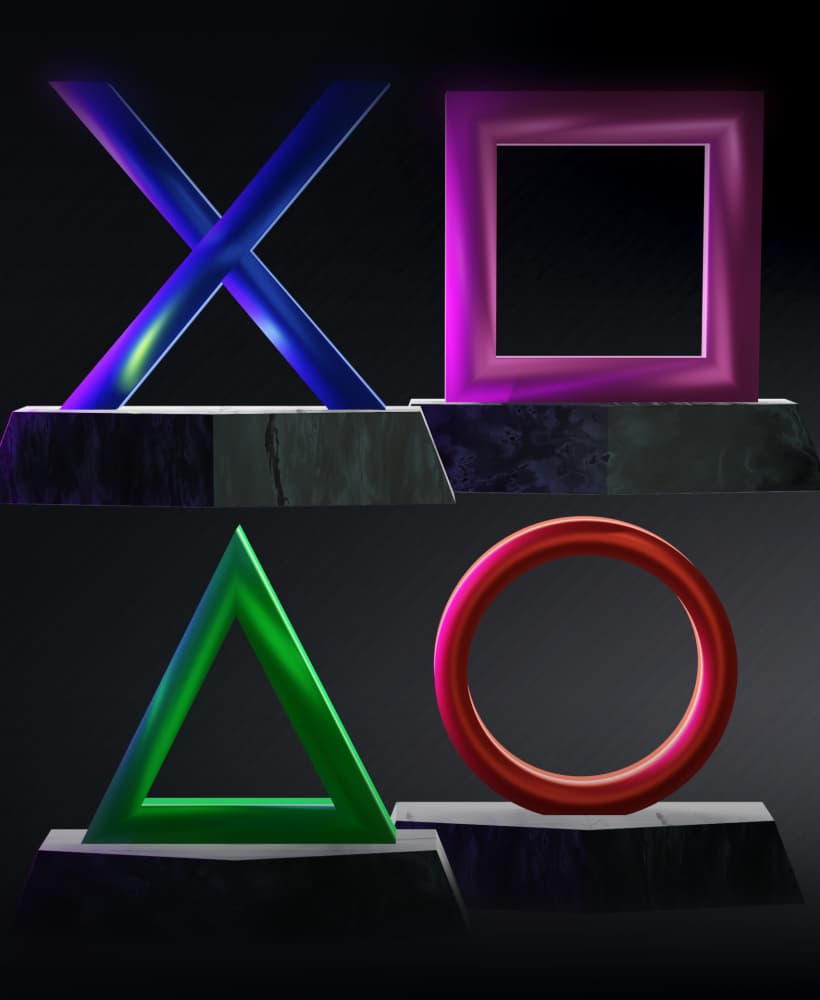
FREE Play Station Icons, Buttons Alone And Base Version
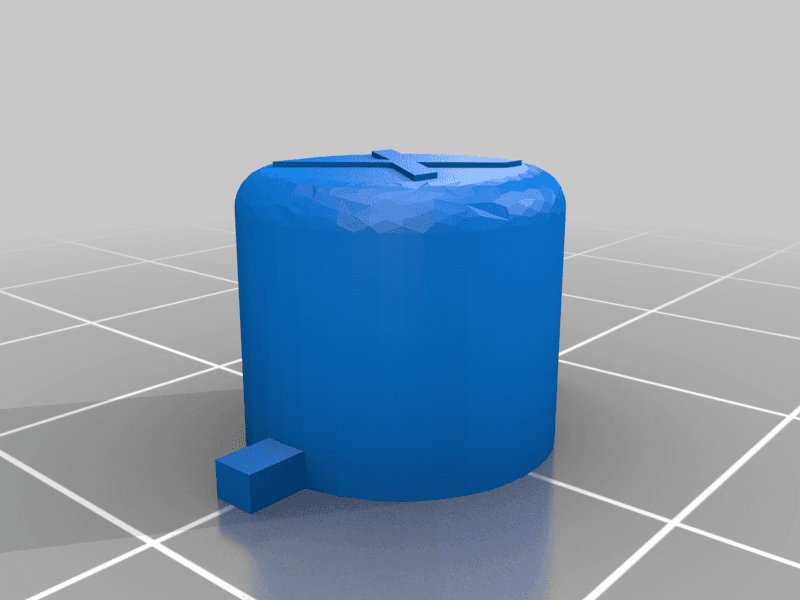
Play station controller buttons(XOTriangleSquare only)
Play station controller buttons(XOTriangleSquare only)

Cargo Containers - 1x1 (Mini Modular Storage)

Rails 1x1 - Cargo Connect

Cargo Containers - 2x1 (Medium Modular Storage)

Cargo Containers - 3x1 (Large Modular Storage)

Hook 1x1 - Cargo Attachment

Gripper 1x1 - Cargo Attachment

Frames - Cargo Connect

Box & Bolt, Cardboard Crafting Tools

Cargo Connect: Shelf - 3x1 (Large Modular Shelf)
