.png&w=3840&q=85)
.png&w=256&q=75)



PlayBook'd - Four in a Row
Instructions Hardware Filaments
Four in a Row - Intermediate The classic four in a row game is now a book. I've had the idea to design books that transform into board games for so long, and I really should have made these sooner. Because this thing is awesome.
Four in a Row is going to be the first of many board game books in the series i'm calling PlayBook'd.
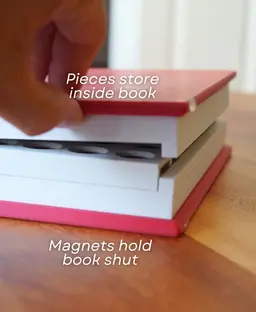
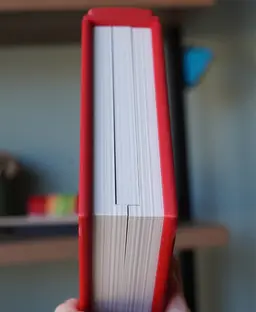
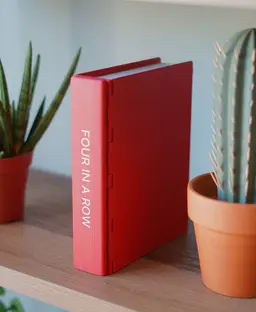
Disguised as a book This design blends in on your bookshelf or table. But when you're ready to play, turn the page and you're playing four in a row. The book folds open and stand up to form the board. And all the pieces are stored within it!
Easy Storage Since this looks like an book when you're not playing. You can store it anywhere. And since the covers hold together with magnets, all your pieces are secure inside. Just open the book to play, and shut the book to put it away.
More PlayBook'd Games Coming Soon Let me know what game you want to see PlayBook'd next! I'm going to make an entire series of these books so you can fill your shelf with games.



Goose Hydra - Tabletop Miniature

FlexiDesk Vertical Modular Organizer
Goose Hydra Transformation - Tabletop Miniature (Pre-Supported)
Goose Hydra Bundle - Tabletop Miniature (Pre-Supported)
Draegloth - Tabletop MIniature

Knitting Counter - Commercial Version
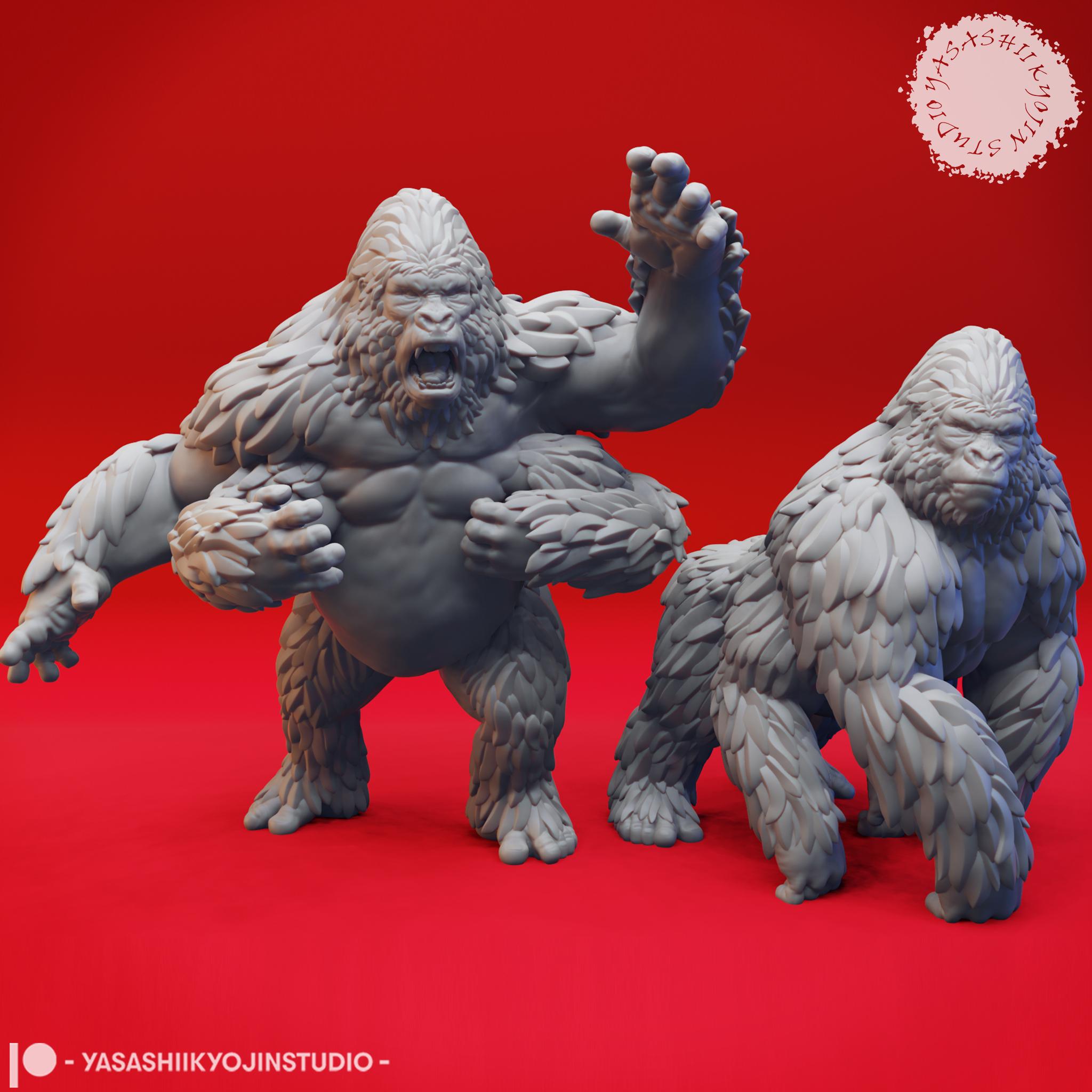
Band of Girallon - Tabletop Miniatures (Pre-Supported)
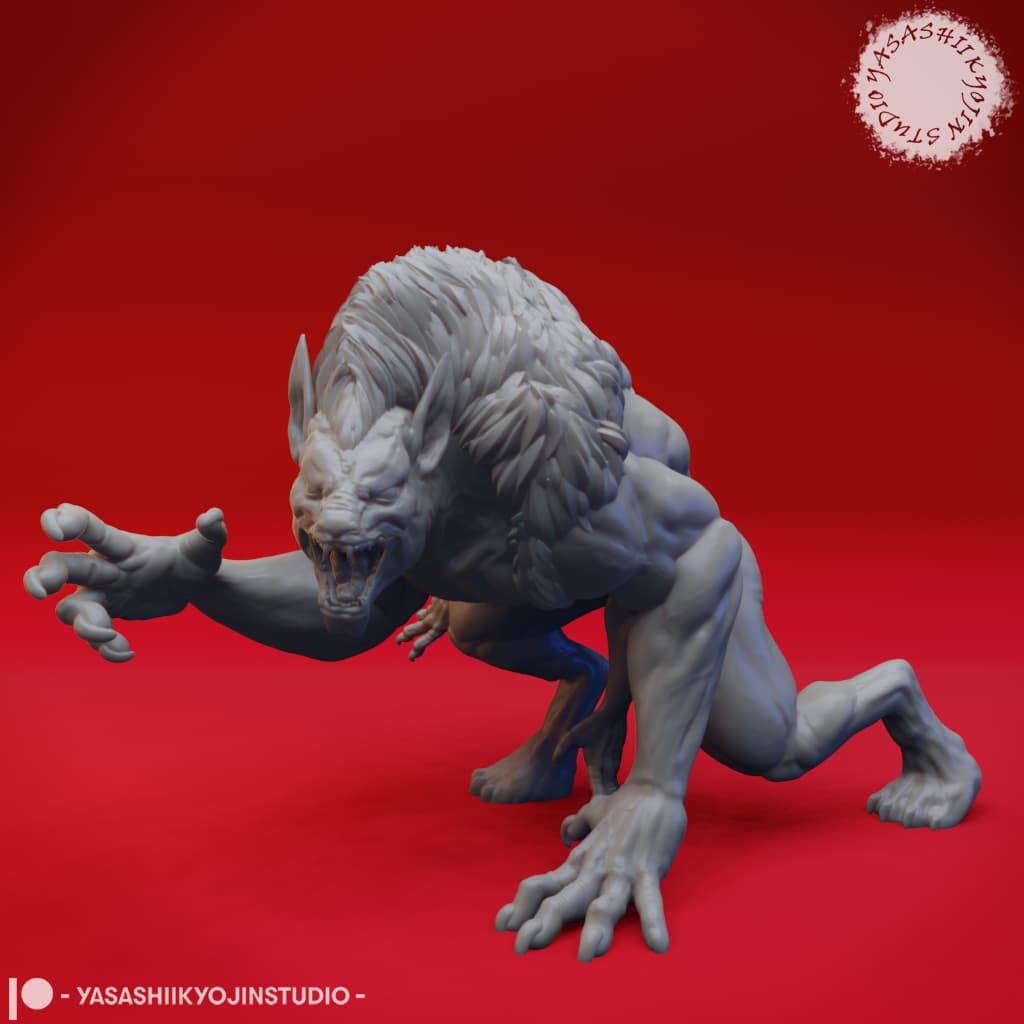
Draegloth - Tabletop Miniature (Pre-Supported)
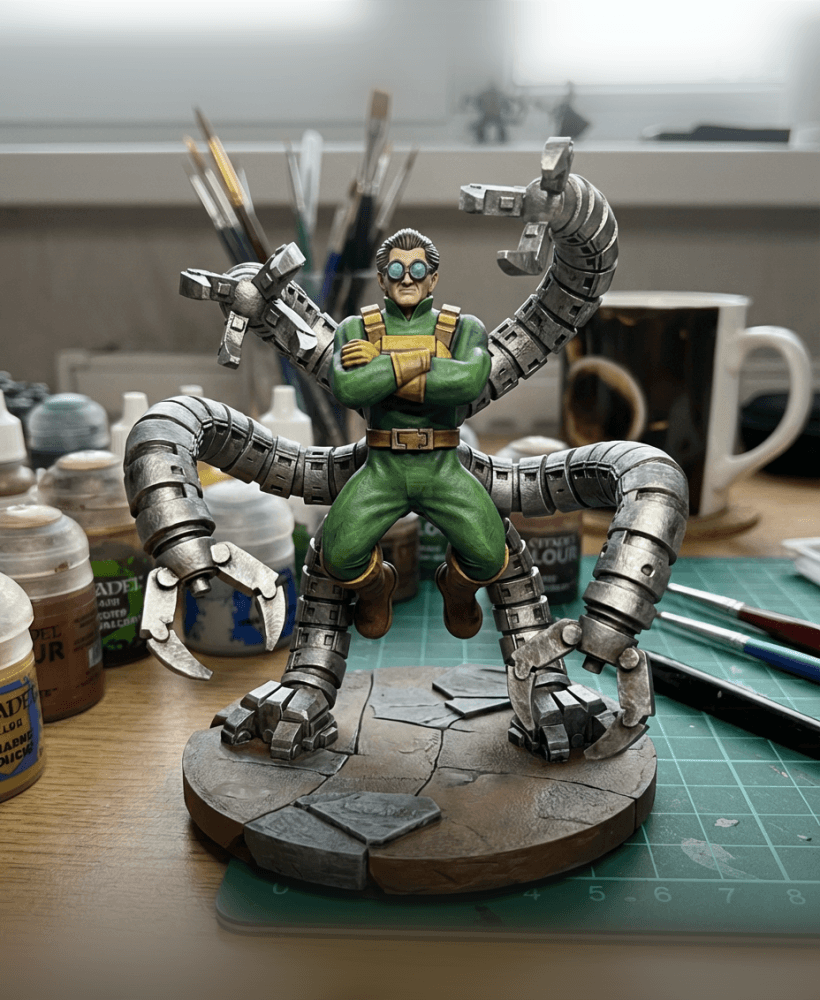
Doctor Octopus Figure | Spider-Man Foe with Mechanical Arms

Tentacled Eye Monster Wall Art

Not So XL Rudolph

XL Rudolph
Prusa MUTANT Upgrade Kit (for MK2.5S, MK3S, MK3S+)
Prusa MUTANT Upgrade Kit (for MK2.5S, MK3S, MK3S+)
Klein Bottle Diamond Lattice
Girallon - Tabletop Miniature
Annoying liquor box - 84 screws, for gifting a bottle of liquor, christmas, gifts, for, him
Alone Art multicolour files

Festive Lamppost
Looking forward to printing this! I'm new to 3D printing so could use some help.
I'm using the Creality K2 and the Creality software, as BambuLabs doesn't have a profile for the K2. What settings should I change in Creality's software so I can successfully print this out?
Hi! And welcome! I am definitely happy to help! You should be able to use more default settings for this design just be sure that you have a clean build surface (washed with dish soap and warm water) that way you can ensure good bed adhesion.
Thank you! These are the error messages I'm facing:
The configuration may be generated by a newer version of CrealityPrint. Some values have been replaced. Please check them: "enable_overhang_speed" (Slow down for overhangs) : "1,1" was replaced with false "ensure_vertical_shell_thickness" (Ensure vertical shell thickness) : "enabled" was replaced with "ensure_all" (All) "nozzle_type" (Nozzle type) : "hardened_steel,hardened_steel" was replaced with "undefine" (Undefined)
Hi! all of these errors sound like they are happening due to the settings we have in the 3mf in Bambu and they may not be transferring to CrealityPrint well for you. A work around that works for most people is downloading Bambu Studio and following our Getting Started page.
Ah I see. Unfortunately the K2 hasn't been added as av available option in BambuStudio as of yet.
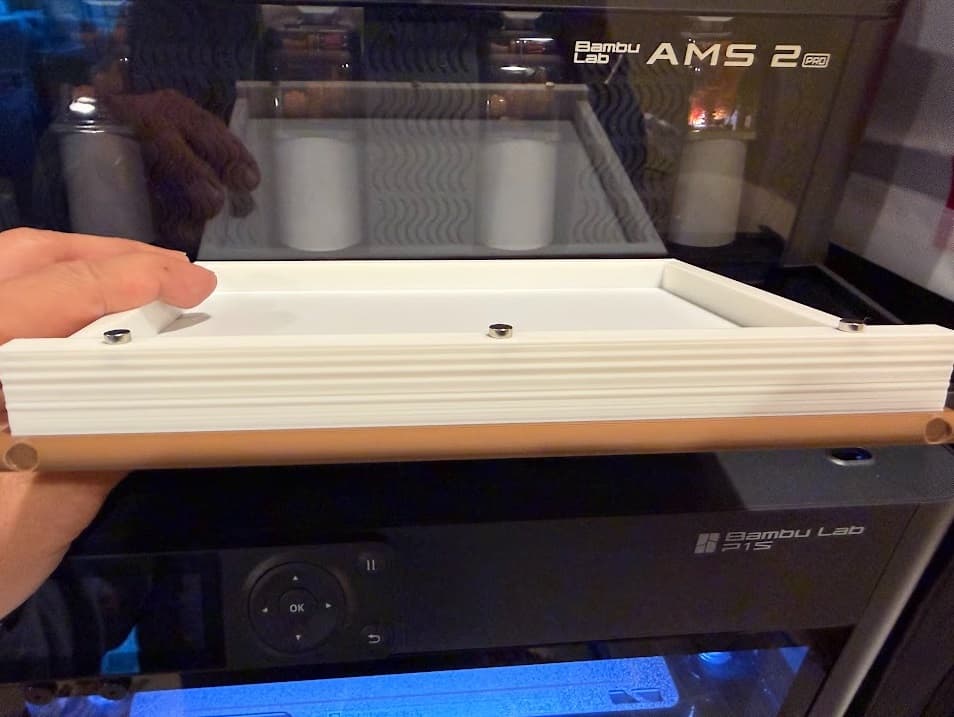
Yes you do need to be sure they are going the right way. We may re-think the magnet insertions for a future update
Hello, same issue here with my Bambu Lab A1. With a lot of weight on it and now it's better but the magnets are still not doing their jobs.
Hi, I'd love to help you figure this out. Is the center page pushed all the way into the spine?
I'm having difficulty printing the hole grid. I've tried twice and both times have resulted really strong overhangs that make the pieces difficult to slide down and not very aesthetic. I've used a deburring tool without much luck. Any other suggestions?
Hi, I'm sorry to hear the grid is giving you so much trouble. What printer and filament are you using? When we see sagging overhangs that is usually due to insufficient cooling or too high of a flow rate. I would suggest increasing the cooling to 100% and/or lower the bridge flow rate by .1. Sometimes cutting off a segment of the part and testing just one section can help narrow down what works best for your printer and filament
Great design! I love these playbooks. To make it easier to remove the pucks, it would be great if the grid could be lifted so the pucks could fall out from the bottom.
Game ideas:
The idea is very neat, but i could not get any success with the rubber feet. I bought the 3M version from Amazon and another brand to see if it makes a difference. After putting superglue, the rubber feet stays on the side of the book, but it STILL slides. I even thought, the weight could be an issue. I printed 5%, 10% and 15% infill for all items. But it still slides on a wooden coffee table. which makes this quite un-sellable. I cant even display it on my shelf or table at the markets to sell.
I believe the angle of the rubber feet needs to change. It is already in elliptical form and when it is at an angle, only a little portion of it is touching the surface, which is not enough to stop it from sliding. You can all the pics people have posted, they are either on carpet or on a cloth table runner. major limitation of this series of models if you want to sell them
Hi! we just released an update yesterday (2/26/26) to fix this issue. If you re-download it will be the newest version. You can also find all of our design updates by joining out Discord server.
Hello,
No holes for the magnets printed. I printed 2 covers and no holes. What am I doing wrong? Any help is appreciated.
No holes were at the pause or the final print.
Hi How recently did you download the design?
Hello,
I printed cover twice, no magnet holes. What am I doing wrong? Any help is appreciated.
Hi! How recently have you downloaded the file? Originally we had the holes put in as a pause but have since changed it to have the magnets insert after printing is complete.
I downloaded about a week ago.it paused but I did not see holes then either.
I just re-downloaded and the holes appear. I must have downloaded the old one. Thanks for your response.