
Rey's Collapsing Lightsaber
Ray’s Print-in-place Collapsing Lightsaber Print-in-Place Version
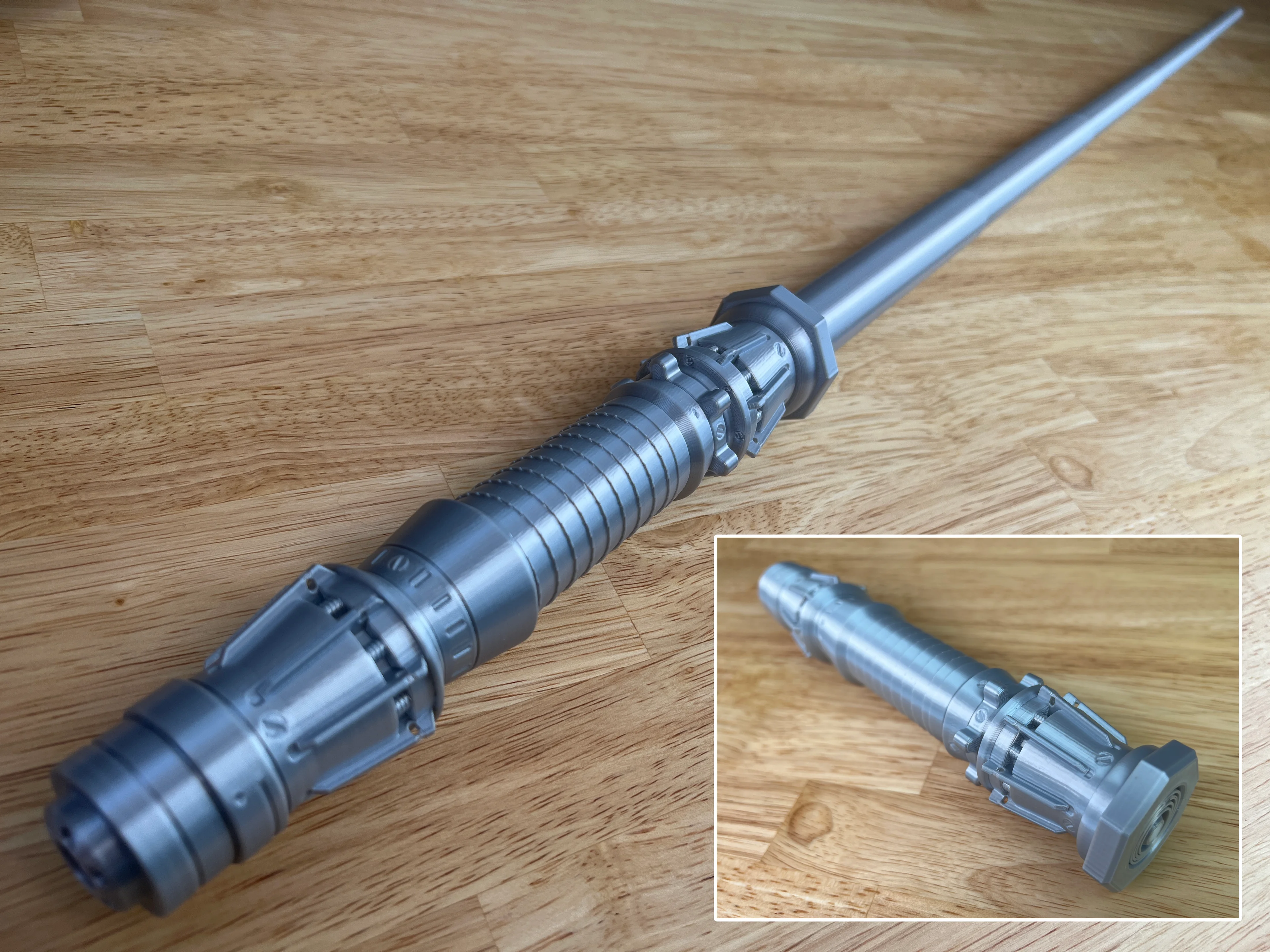
This Lightsaber is designed to be printed all as one part as a single print-in-place assembly containing both the hilt and the blade. It prints 231mm tall but extends to over 1000mm long.
The Replaceable Blade and the Dual Extruder versions are available to my Thangs Members.
Printing Supports are not required, there is a built in support for the on/off switch. I have detailed instructions on how to print collapsing swords on my website. If this is your first time printing, I would suggest you try the test print first.
Printed on the Muldex rep-rap IDEX printer with Polymaker Silk Silver PLA(aff.)
Other Collapsing Lightsabers ROTJ Dual Extrusion Vader’s Single Extrusion Vader’s Dual Extrusion Leia’s Dual and Single
Support and Licensing If you would like to help support more free models please consider joining my Thangs Membership To get permission to sell physical copies of my models, consider joining my Patreon
Rey's Collapsing Lightsaber
Print-In-Place Miniature Easel :: Art & Hobby Display Stand

Assembly Lightsaber - Jedi Survivor

Destroyed Apartment Buildings
BrickSaber: LEGO-Inspired Functional Lightsaber

Rey Dau Mandalorian

Patience Lightsaber - Jedi Survivor

Marvel Rivals Gambit Collapsing Staff

Rengoku Lightsaber

Destroyed Apartment Buildings - 8, 12 and 16 Storey

BICSaber – Write with the Power of the Force!

Jod Na Nawood's Blaster - Skeleton Crew
Comically Small Collapsing Saber! - Free for a limited time!

Tomioka Lightsaber

Crushed Bottle Artist’s Catchall – 3D Printed Acrylic Paint Tube Holder (Sculptural Studio Organizer
Block Pen Saber – Double Blade Edition

Luke Skywalker ROTJ V2 lightsaber - Star Wars

Asajj Ventress lightsaber (Dark Disciple)
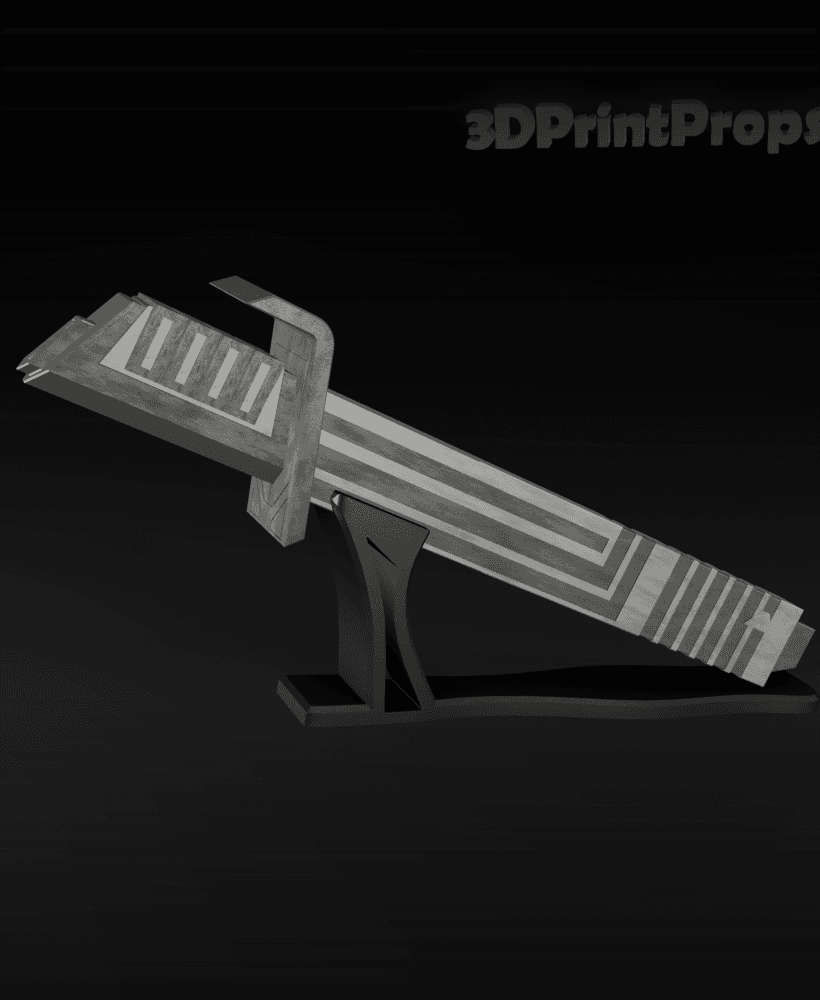
Darksaber from Star Wars

Star Wars - Yoda Lightsaber

This is just an .stl so it can't be printed in multicolor, at least that's what my slicer shows.
This is the multi-color version. https://than.gs/m/861004
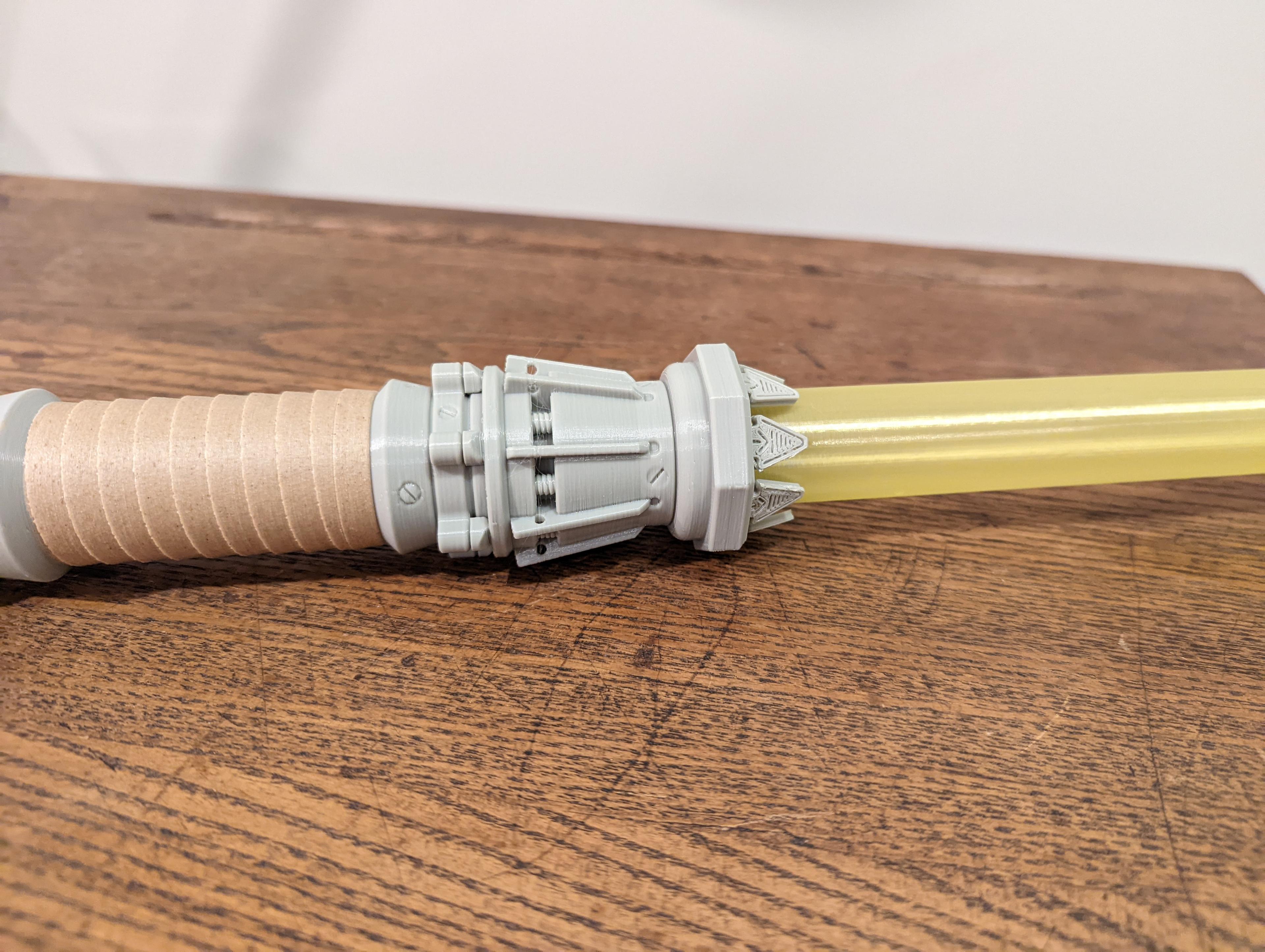
in the pictures there are like flaps like on the real one. but the arent on the model? why is that?
They are only available on the replaceable blade version. Its not possible to have them on the print in place version.
Where my extruder starts and stops for each layer causes an excess of filament to come out.. Its effectively causing the blade to be glued together. Would love some help with this. Thanks
You can reduce the size of your layer seam with retraction settings. I would tray a negative extra retraction distance, if the issue is the start of the seam.