


Pokebox Switch DS 3DS Game Case
This Pokeball styled game cased has a hinged top with latch and a release button to open it.
It has a hinged top and spring loaded latch so you don’t have to worry about it opening and losing your games. The Switch box will hold 10 games and 6 mirco SD cards. The 3DS and DS version will hold 10 games. Both versions use all the same parts with the exception of the bottom, which is different for each version.
All the parts can be printed without supports with the exception of the button which requires just a little bit of support. After printing the required parts put the ring and the button in between the top and the bottom loops with a .5" long pen spring behind the button and glue the rings together. Then glue the loop assembly onto to the base. There are alignment guides so it can only be glued in the correct orientation Attach the hinge on the lid to the hinge on the top loop using some 1.75mm diameter filament and glue the filament in place on both ends.
This is my go to filament when it comes to red, white, and black. It’s really cheap but I buy a lot of it and have never had a single quality issue and I think it looks great! Solutech White: https://amzn.to/2TL9JLF Inland Black: https://amzn.to/2Bz1hrR Inland Red: https://amzn.to/2ByrOWk Amazon Affiliate link: https://amzn.to/2D76JU0
Pokebox Switch DS 3DS Game Case

Game Boy Cartridge for Switch 2, Switch, 3DS & DS
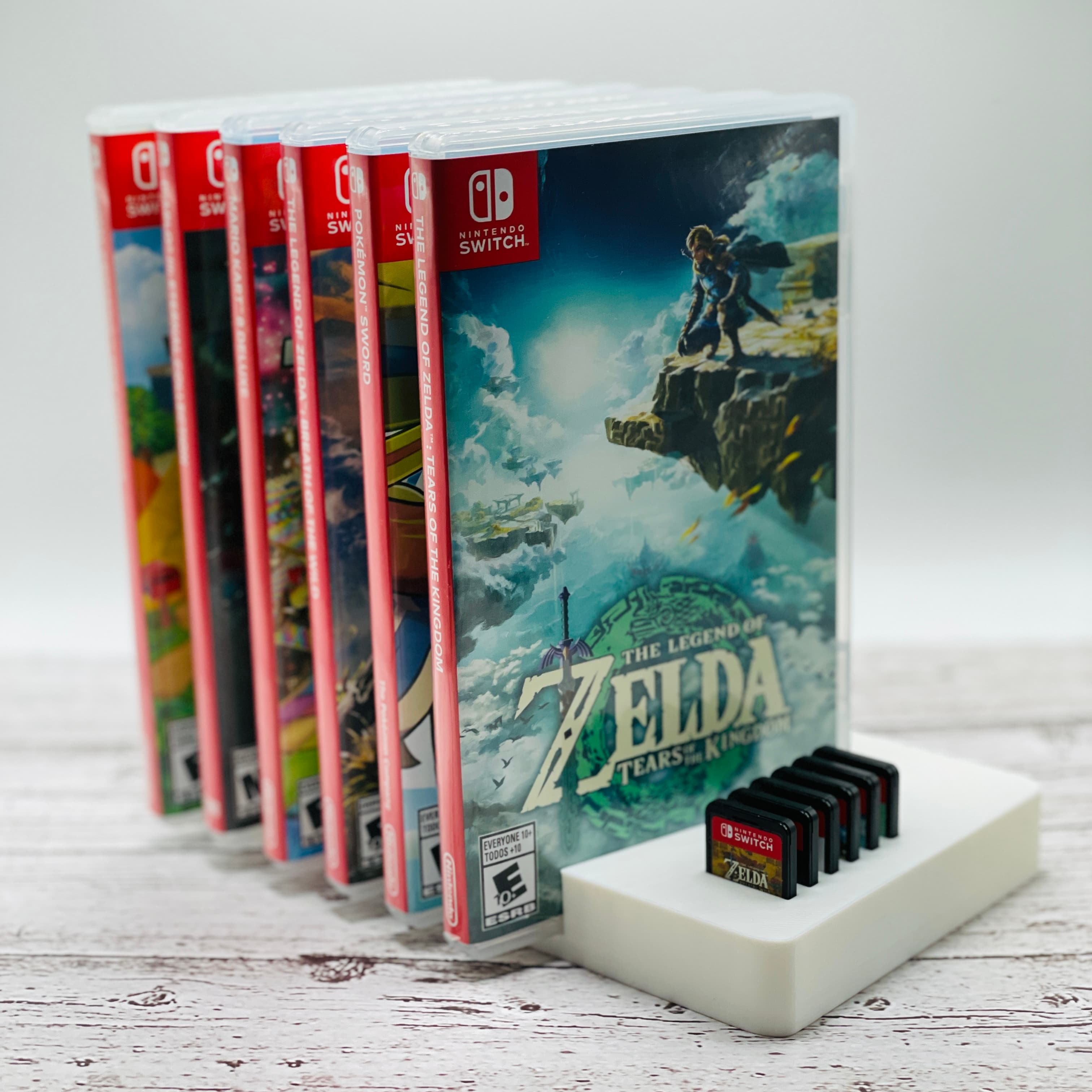
Switch Case and Game Stand
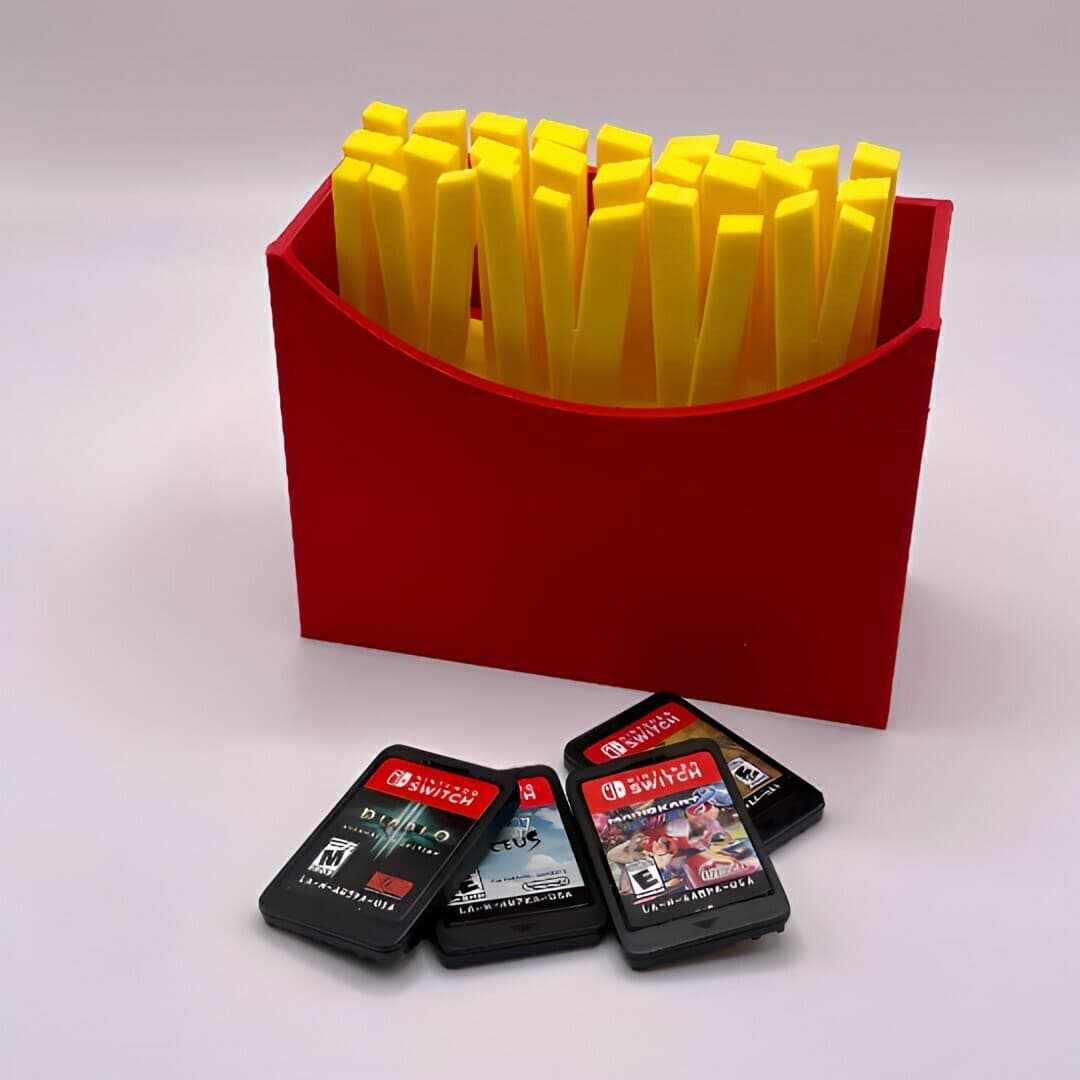
French Fries Switch Game Case
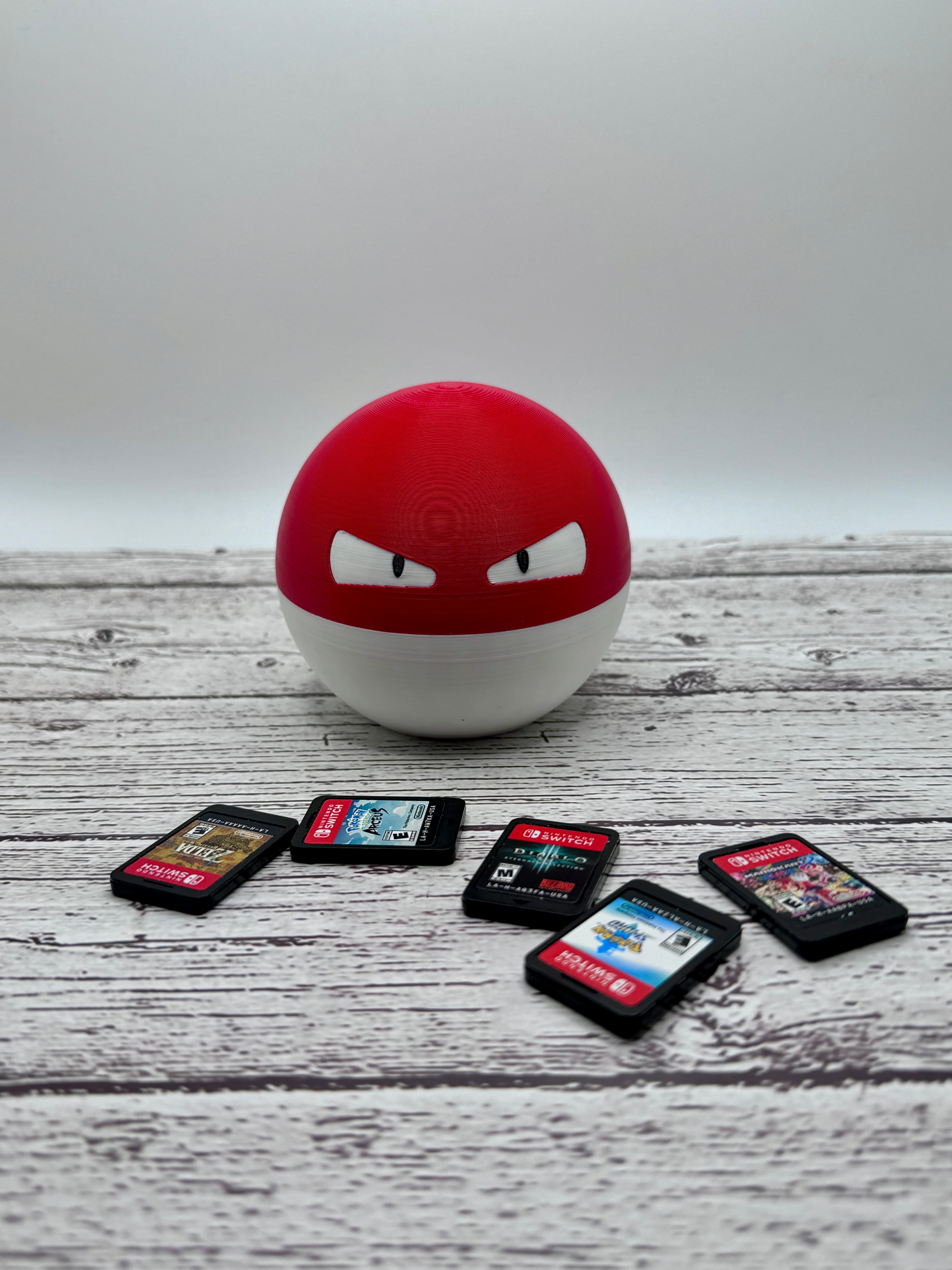
Voltorb Switch Game Case

Gameboy Style Switch Game Holder
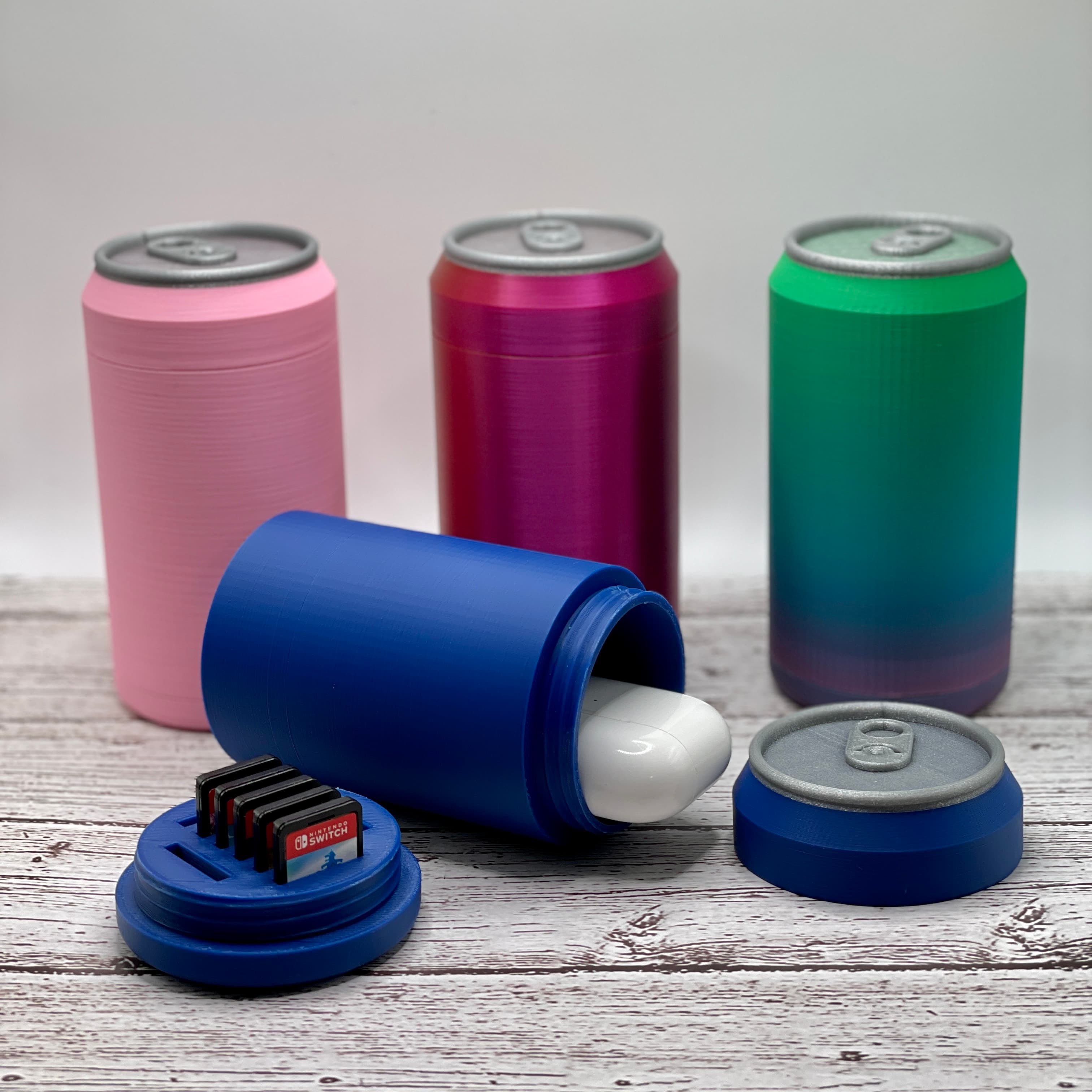
Soda Can Game Holder and Container
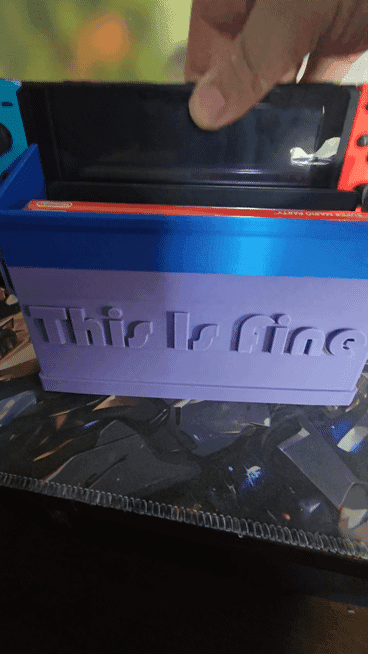
Switch Dock - Dumpster - This Is Fine - Meme

Large Foldable Stand - Multi Angled - Steam Deck / Switch / Mobile Phone / Tablet

Knitting Counter - Commercial Version
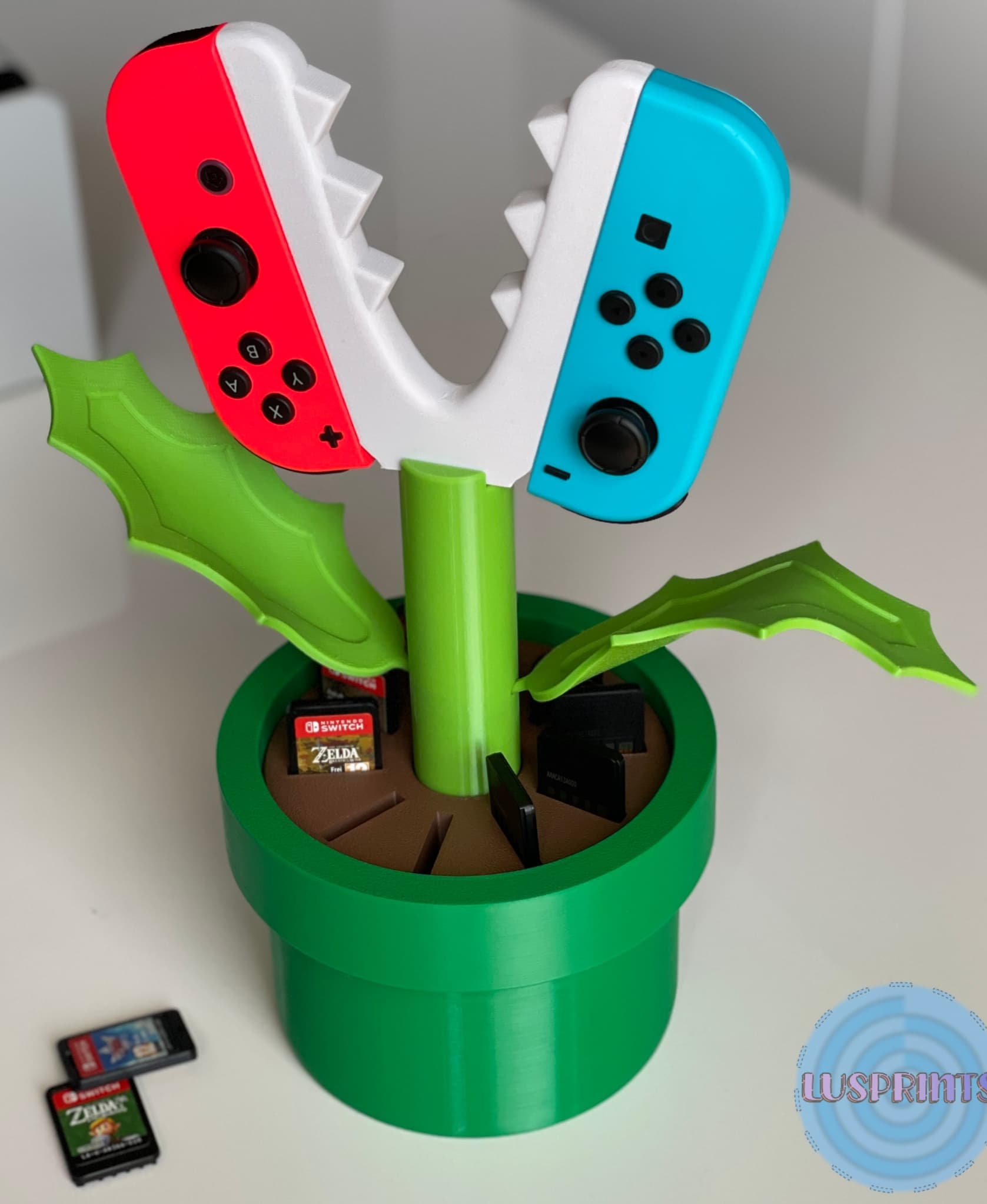
Piranha Plant JoyCon Grip | Cartridge Holder
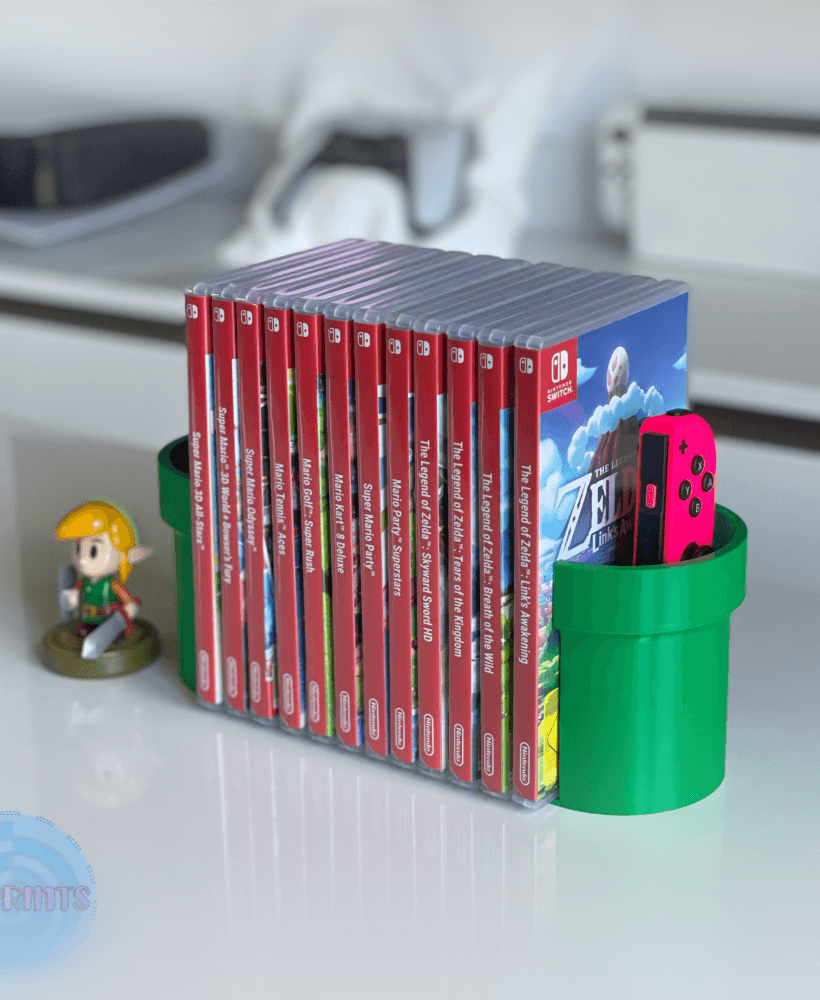
Nintendo Switch Pipe Game Holder + Joy-con Holder
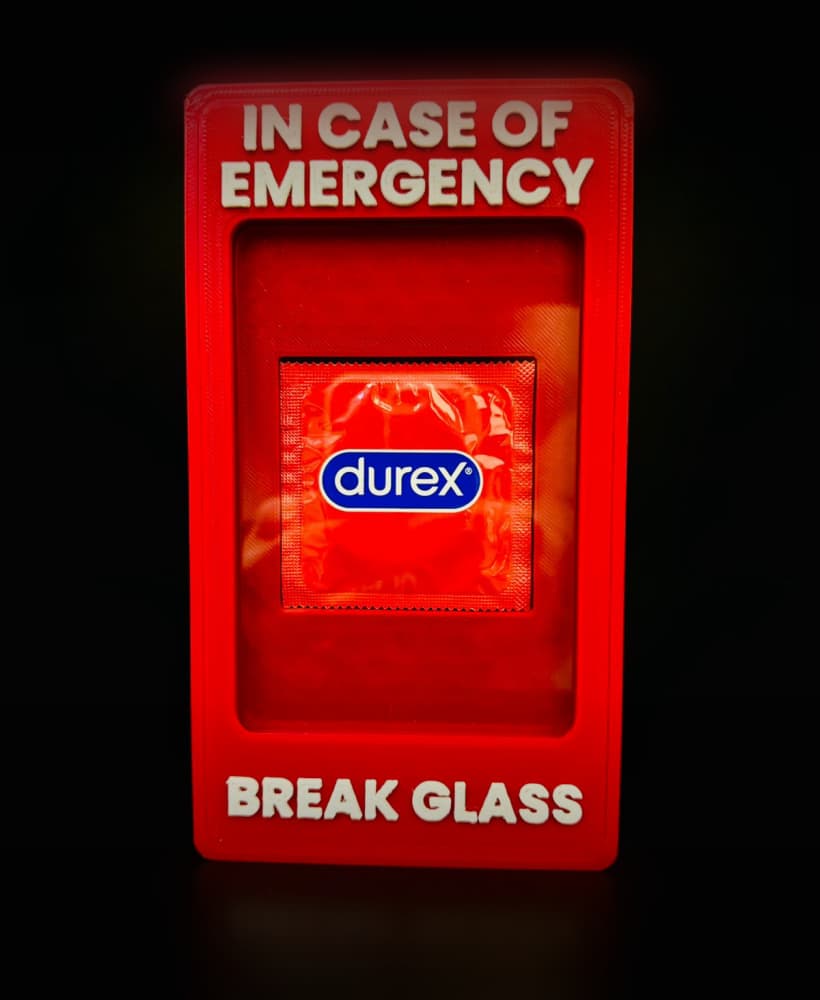
In Case of Emergency: Durex Edition
.png&w=3840&q=75)
Duck Switch Holder - Single Color
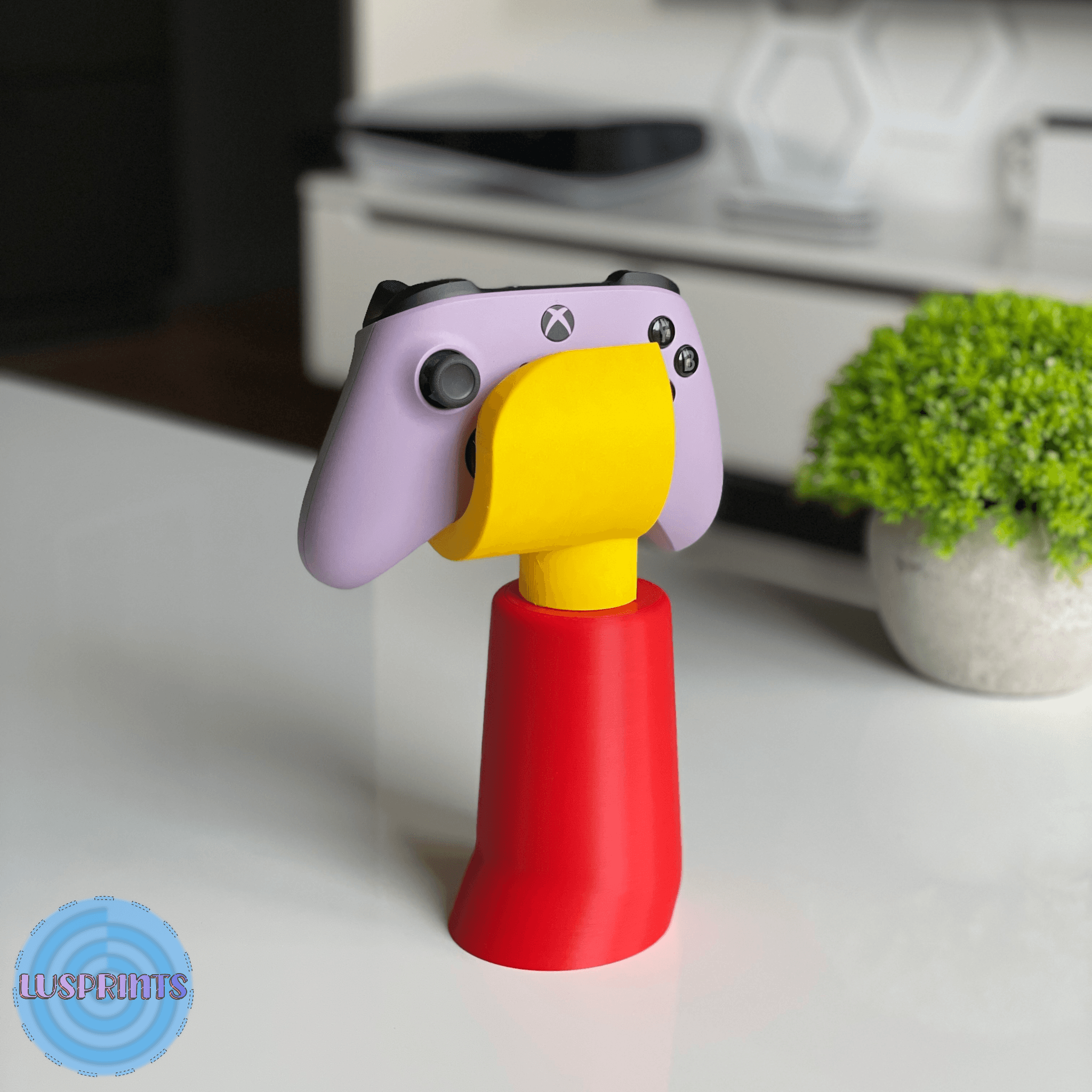
Universal Controller Stand | Lego minifigure inspired hand
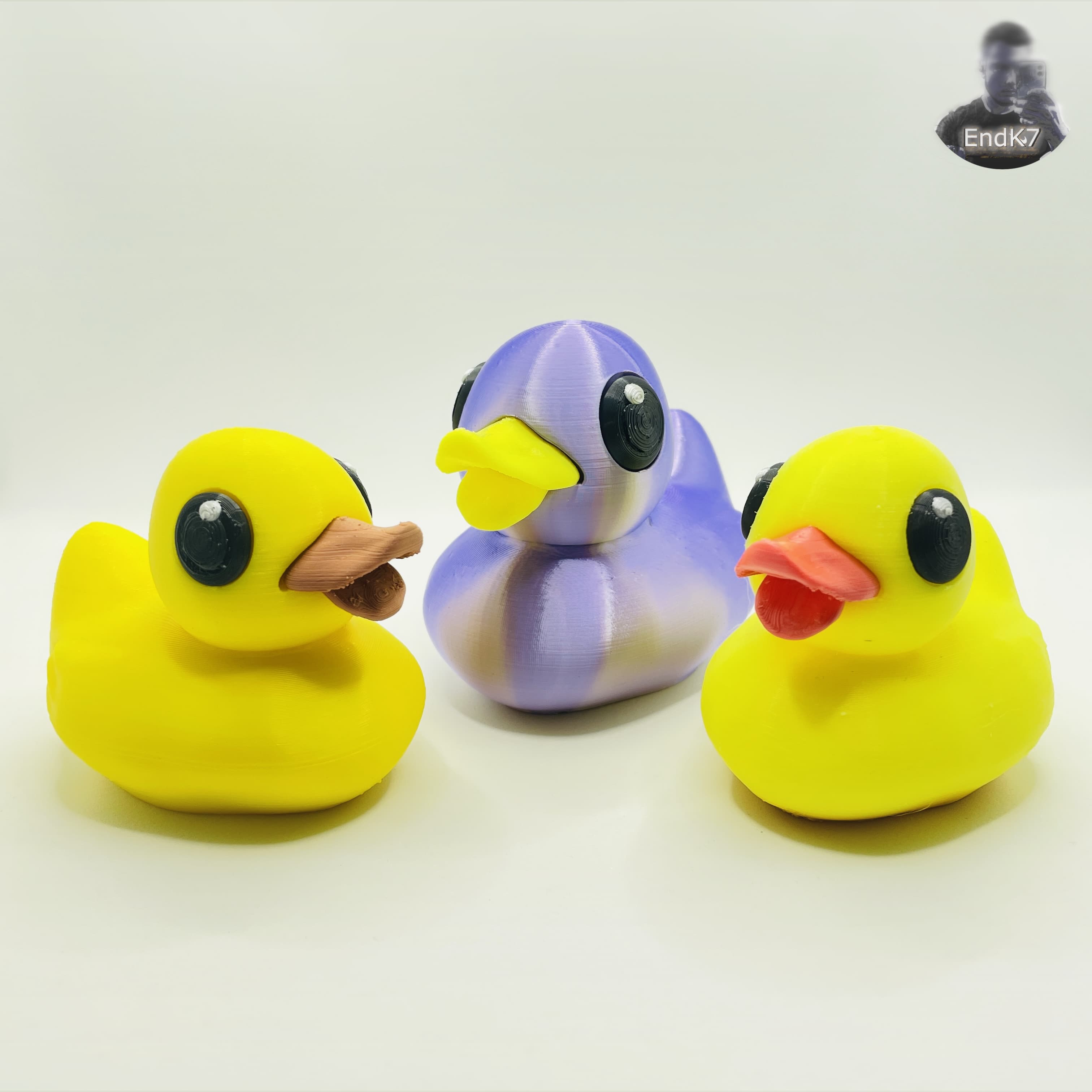
Rubber Duck - Bottle Opener & Figurine - movable beak - separated Parts

Minimalist Modern Pen Holder, Minimal Desk Organizer, Pencil Cup | Vase mode
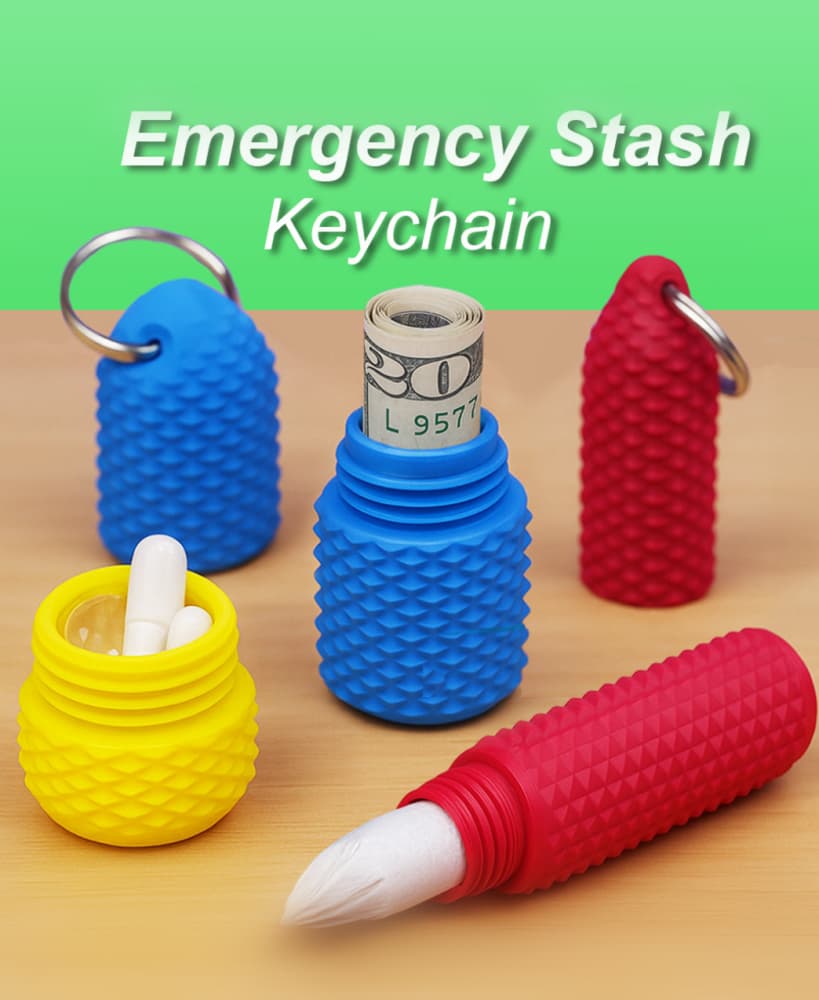
Emergency Stash Keychain
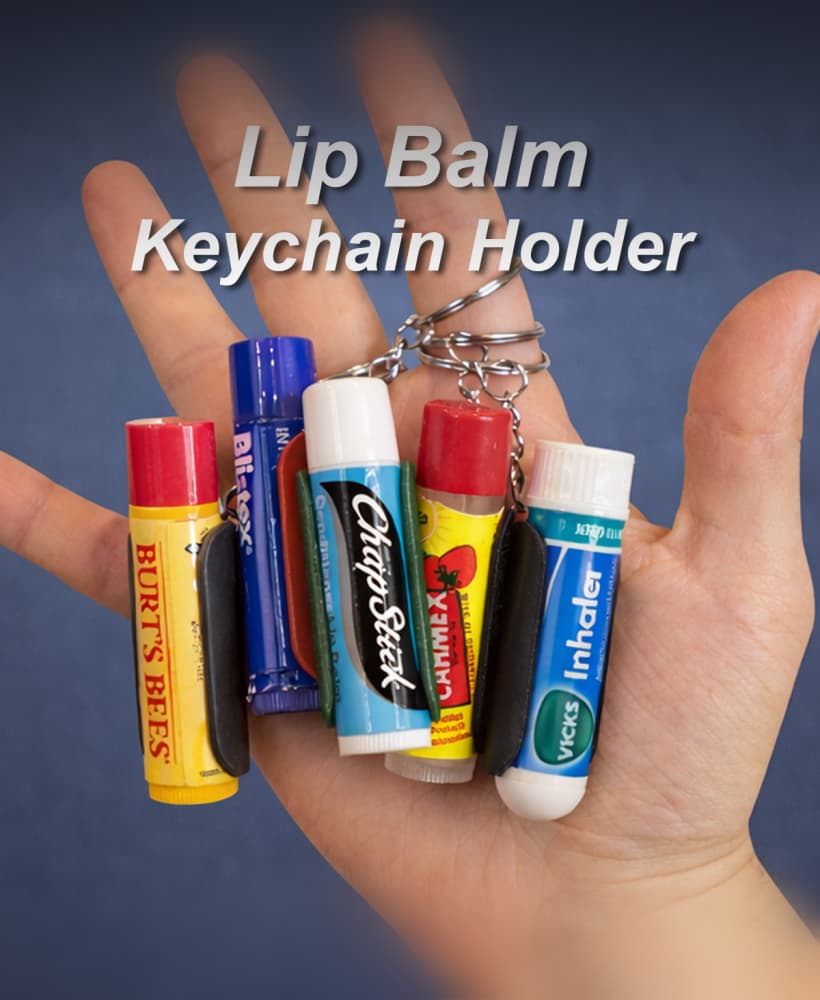
Universal Lip Balm Keychain Holder
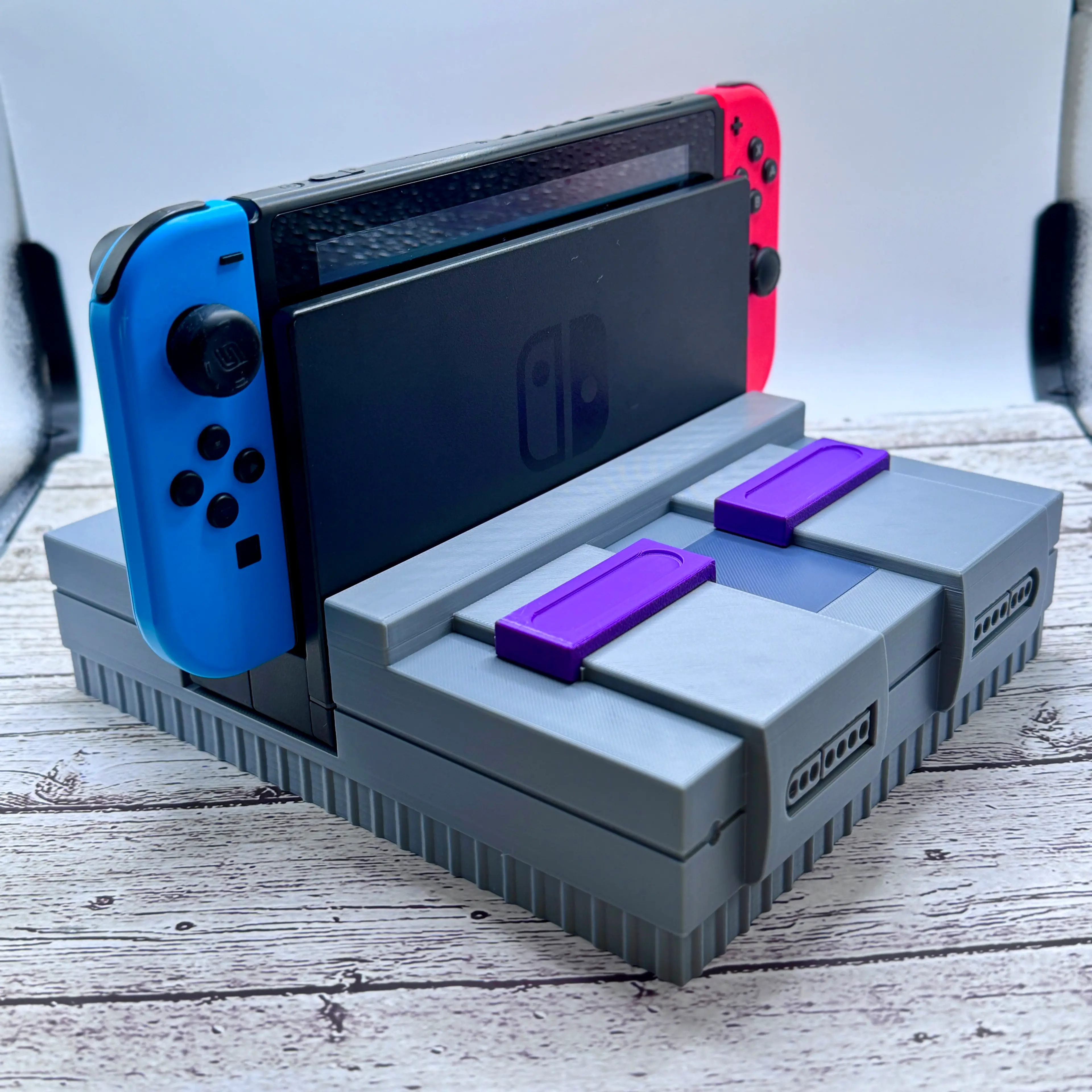
SNES Switch Dock Stand
Is there a spring of some kind you put behind the button for these boxes?
Ope! Just figured out how to see the instructions:)
Where can I find a hinge pin for this?
Its 1.75mm filament.
I really want to love this model, but something about my filament doesn't agree with trying to print the logo on the bottom. I've had to restart it about 9 times now because the logo itself wont stick when everything does. Maybe my filament's fault, but i've been trying all kinds of different temps and settings to no avail. If it keeps failing I'll probably just open it in blender and remove the logo. Been trying really hard to not do that lol.
Weird, you could lower the print .5mm in the slicer so it doesn't print it. The walls are pretty thick, it shouldn't hurt anything.