



Multiboard AA Battery Storage 2x4x0.5 Multibin Insert
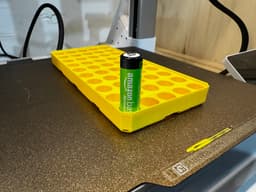
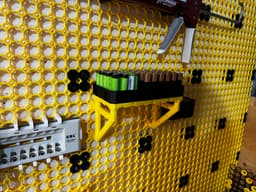
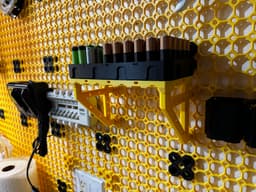
Ultimate AA battery storage solution for multiboard. Includes everything you need, including brackets, spacers, bolt lockers, small threads, heavy-weight snaps, moderate-weight snaps, 2x4 multibin base plate, 2x4x0.5 multibin shell and of course, a custom-designed 2x4x0.5 and a 2x2x0.5 multibin insert to hold either 50 AA batteries or 25 AA Batteries. The holes in the multibin insert are 15mm in diameter. Some batteries I had were smaller than 15mm, but the largest ones I had were Amazon rechargeable ones, so that's why I used the 15mm diameter. Tolerances will vary by battery. I have also added a 2mm radius to the top of each hole to make it easy to slide them in and out.
Everything has been directly sourced from multiboard, and I have only designed the multibin insert using the official multibin insert remix file.
Assembly
- The most challenging part about the multiboard is knowing what you need to print, so I have included everything you need in this file.
- The heavy-weight snaps (ones with hook pieces) go on the top wall-mounted part of the bracket with a small thread multipoint (countersunk style screws) at the end of the bracket to hold the snap on. The moderate-weight snaps go at the bottom wall-mounted connection with the arrow facing up and have a small thread multipoint to hold them in.
- The spacers get added to the top of the brackets and then the multibin base plate is secured to the top of the bracket using the mid-hole bolt lockers (thicker style of the screw).
- The rest is straightforward: attach a bracket to the wall and place the shell on top of that and the battery is inserted inside of the shell. I did not include any screws to secure the baseplate to the shell as I didn’t think I needed them.
Note
- Two multibin shells are in the file, but you only need one. I have included the topped version, which has the multipoint mounts on the side, and the simple version, which has no side multipoint mounts; choose which one you want.
- Two multibin inserts are included, you only need to print one, depends if you want to be able to hold 25 or 50 batteries. If you opt for the 2x2 option that holds 25 batteries you can print one of my other 2x2 inserts for AAA or D batteries.
FYI I also tried just mounting the multibin shell to the wall using small thread multipoint but it sagged down to much due to the weight and looked terrible so the brackets are the only solution to the weight requirements.
Print Settings: I printed it with PETGH HF, but any PLA or PETG will work. Used Multiboard’s standard settings. 0.2 layer height. 3 Wall. 15% infill.
Multiboard AA Battery Storage 2x4x0.5 Multibin Insert

MDO - Battery Drawer

Strong Little Jars
.png&w=3840&q=75)
Cute Crochet Ghost with Dog Candle Holder
Wall mount Oculus shelf with battery storage - Print in place

Festive Lamppost

IKEA skadis extentsion boxes

Steampunk Owl Lamp

Coin Cell Battery Storage Case - CR2032 - Smart Home
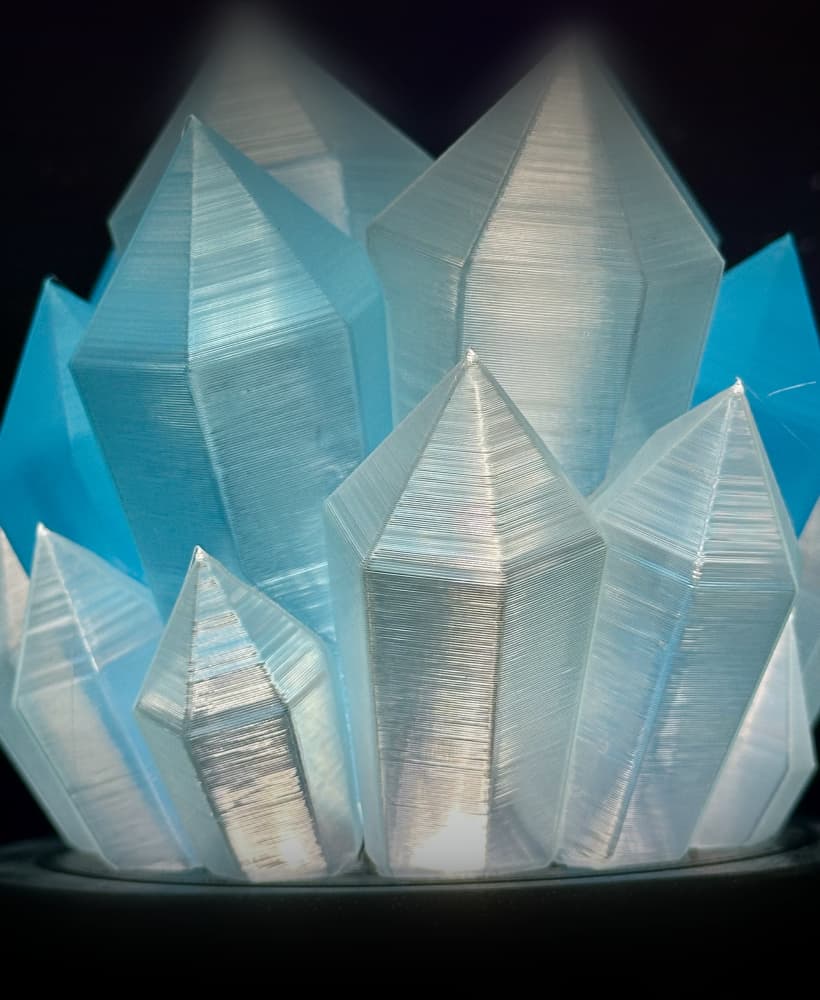
Crystal Lamp

Flame Lamp

Hand Crank Card Shuffler (Fully printable)

Fidget Spinner Valentine's Tealight
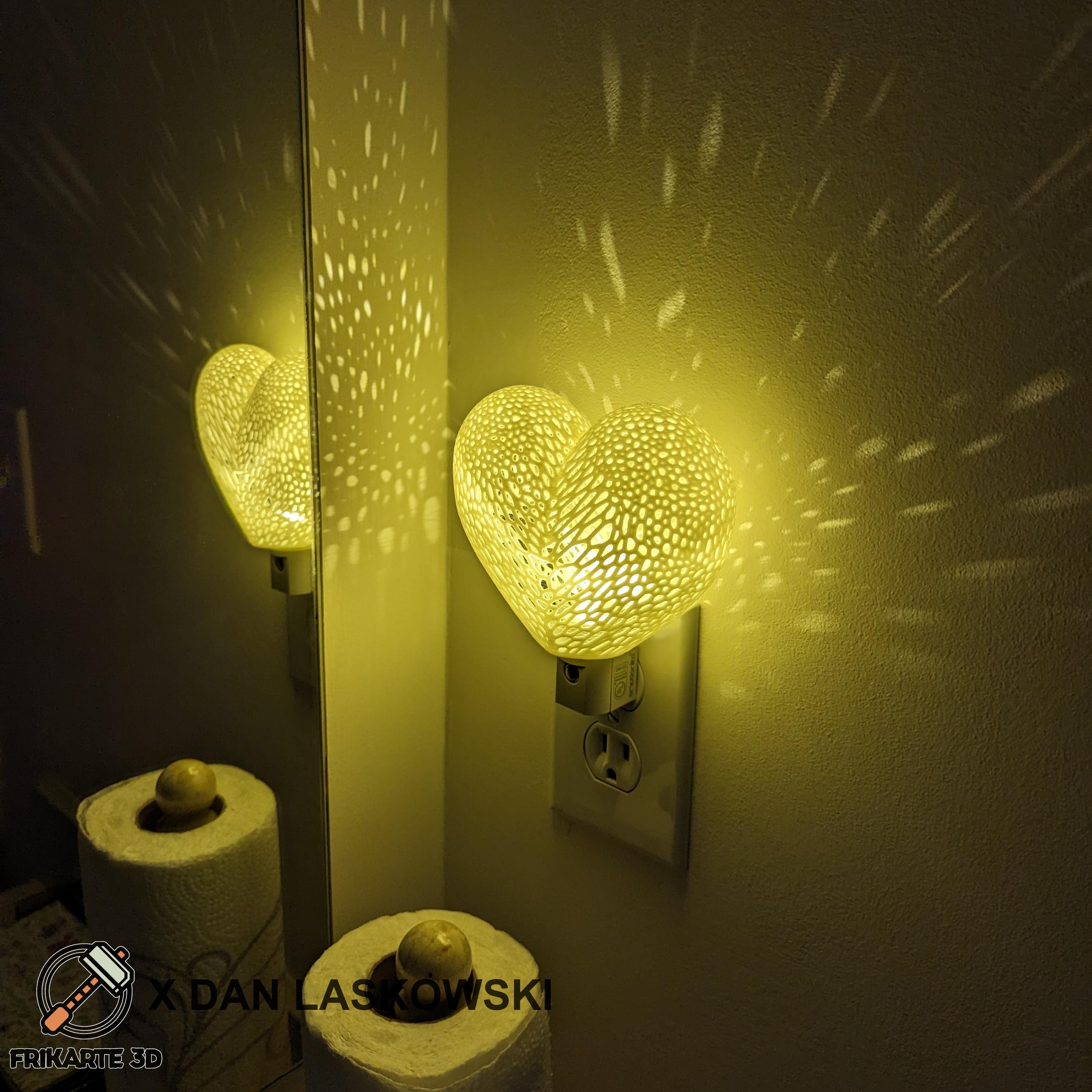
Voronoi Heart Plug Night Light
.png&w=3840&q=75)
Fidget spinner Tealight 13
.png&w=3840&q=75)
Fidget Spinner Tealight 6

Fish Tealight Holder

Pegboard - Grinder Holder.stl

M12 Driver and Drill Insert (Top-n-Bottom) V3.stl

Drill Combo Set - Wall Holders
