%2520.png&w=3840&q=85)
%2520.png&w=256&q=75)
%2520In%2520aciton%25202.png&w=256&q=75)
%2520In%2520aciton%25203.png&w=256&q=75)
%2520In%2520aciton%25201.png&w=256&q=75)
.png&w=256&q=75)
Snap (DS Part A) - ScrewOn Flush Mount
This is a Part A Snap that mounts a tile flush onto a surface using screws.
For maximum strength, use the Faceless Snap (DS Part B) on the front side.
Printing Guidelines:
Use 3 perimeter wall thickness, 0.2 mm layer height, 15% infill, and no supports. Apart from that, use your printer's default settings.
The printing orientation is as provided in the file. Make sure the downloaded files are .STL. This part has been designed with a tolerance of 0.25 mm. Your printer will need to be able to bridge gaps of up to 30 mm for some designs.
This object is part of Multiboard, a FREE and ridiculously modular organization system with thousands of parts to create the most adaptable workspace possible. Learn more and find ALL the parts at https://multiboard.io

Snap (DS Part A) - ScrewOn Flush Mount

Toilet Dice Tower - For tabletop Gaming, D&D, Cards, Dice Tower, Dice Games

In Case of Emergency: Cigarette & Lighter Edition
.png&w=3840&q=75)
Articulated Skeletal Basilosaurus

Pac-Man Pistachio Bowl

Decorative Christmas Tree With Ornaments and Train - Support Free

3D Printed Buckets – With Lids, Handles & Tray Insert
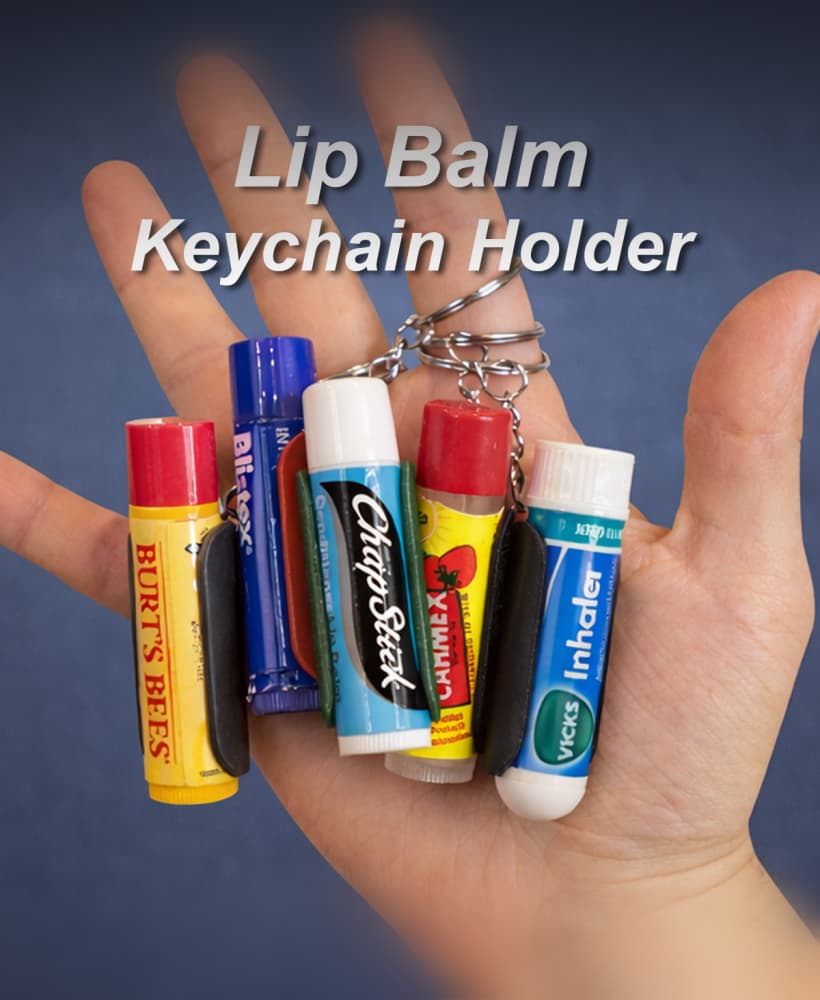
Universal Lip Balm Keychain Holder

Red Nose Reindeer
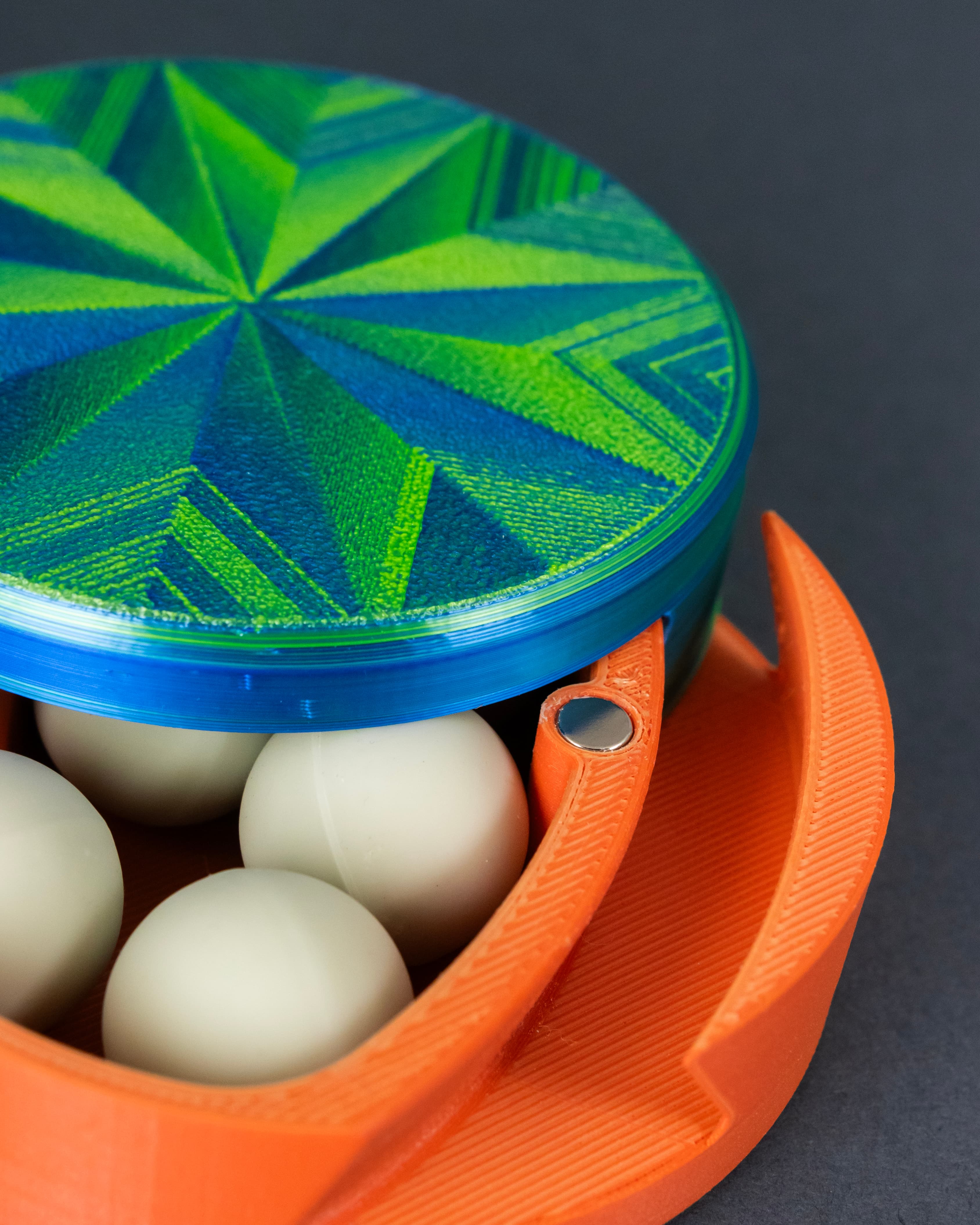
Dastardly Dovetail Box (Round Magnetic)
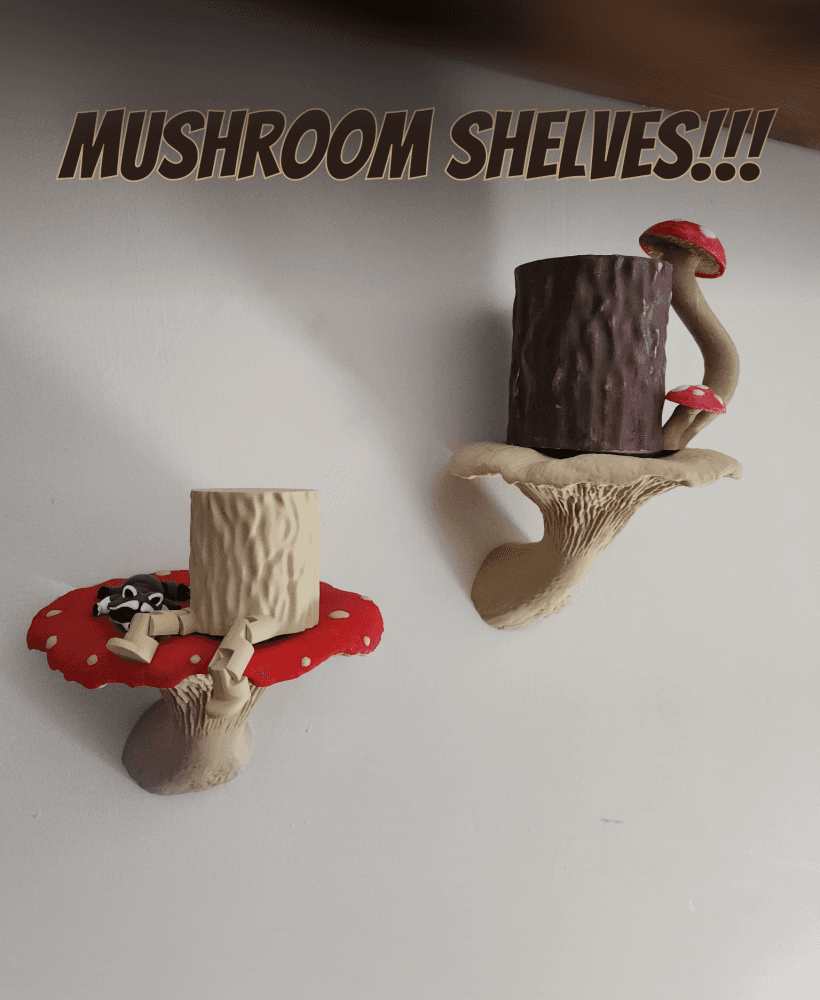
Mushroom Shelves!!

Not So XL Easter Bunny - for smaller build plates

HDx Bins with lids and storage racks
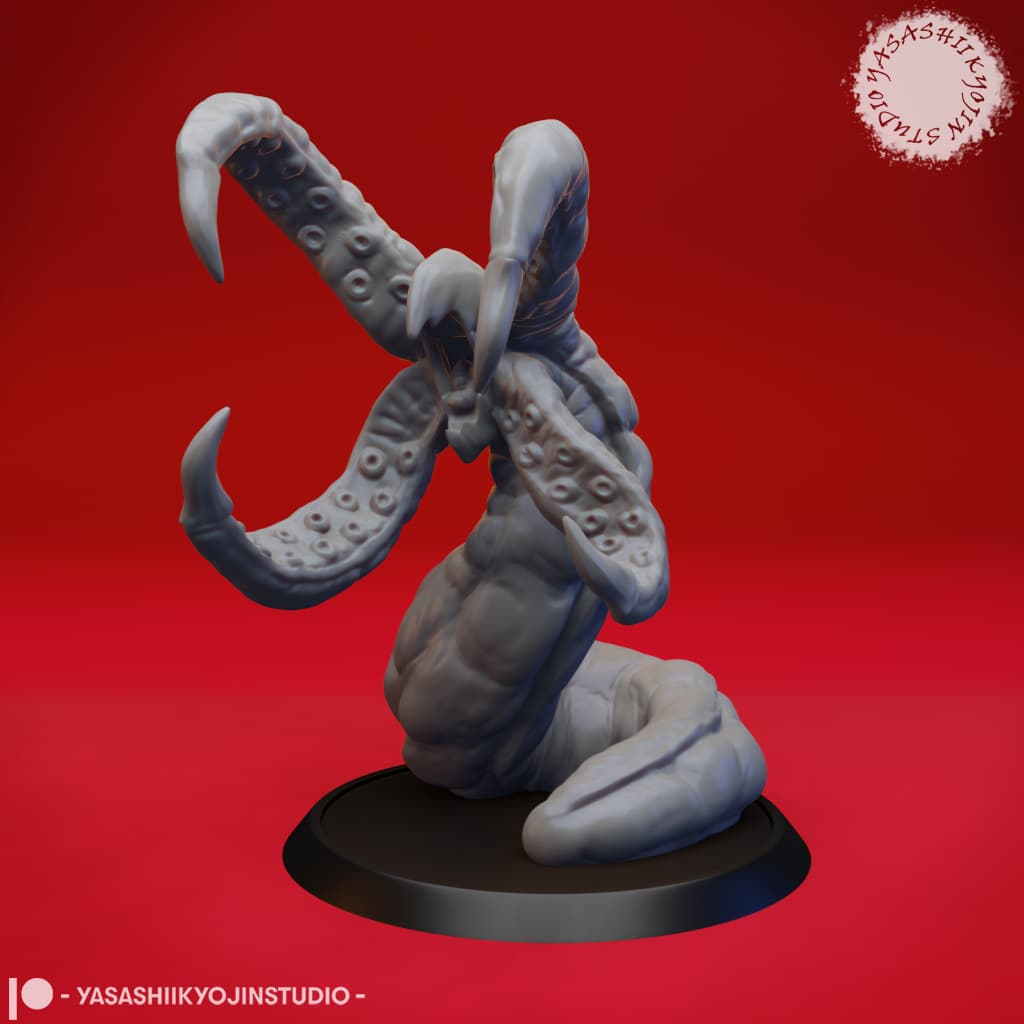
Grick - Tabletop Miniature

HDx Mini Bin System – New Lids, New Racks, Larger Bins

Elf Door
Vintage mosaic lamp

Hedgehog Slime

Game Boy Cartridge for Switch 2, Switch, 3DS & DS

Not So XL Girl Elf

Does anyone know how to get this part properly solid modeled in OnShape?
Could you perhaps add a tiny hole in the middle of the first 2/3 layers so that the middle is always hit when the screw is screwed in?