
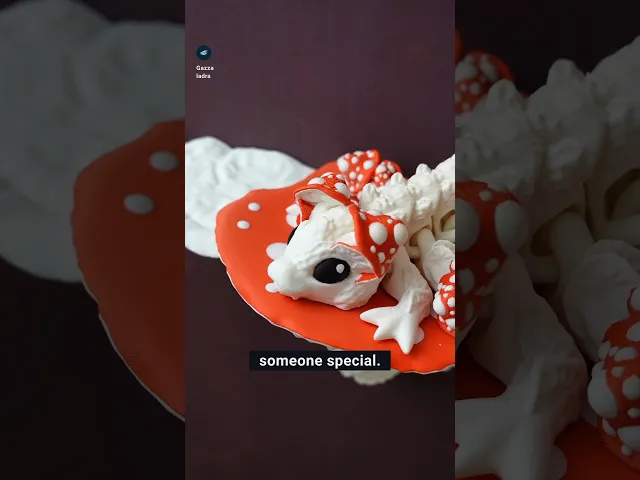



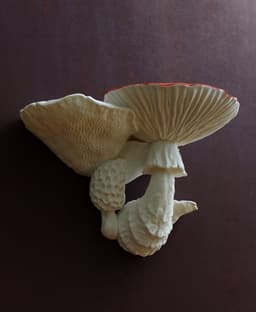


Mushroom dragon and shelf
701 downloads · 11 months ago · This is a collaborative project with [Cinderwing3D](https://thangs.com/designer/Cinderwing3D)
**A cu
This model is restricted by licensing terms.
View license.
This is a collaborative project with Cinderwing3D A cute little mushroom dragon with its own shelf.
Single and multi-color printing models are included as STL and 3MF! They work with all current and usual multi color setups.
The holder has a screw-hole diameter of 5.5 mm. If you want a huge version, scale up the shelf and use the holder_for_upscaling – the only difference is the screw-hole size of 3mm that will be usable when scaled.
Instructions for single color
- Print your dragon, the top, bottom and holder of the shelf
- Print as many spots for our shelf as you want. They are provided in three different sizes
- Glue the top onto the bottom
- Glue on your spots
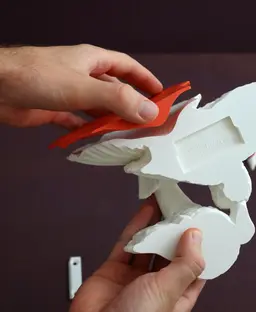
- You can either screw or glue the holder onto your wall. There are various glue or tape products for wall fixation out there. I used 3M Tape. Old fashioned screws and dowels are the most reliable fixation.
- Insert the shelf by moving it horizontally onto the holder until the holder is completely inside the cutout. Then proceed to move the shelf down and the holder locks.
Instructions for multi color
- Print your dragon, shelf and holder
- You can either screw or glue the holder onto your wall. There are various glue or tape products for wall fixation out there. I used 3M Tape. Old fashioned screws and dowels are the most reliable fixation.
- Insert the shelf by moving it horizontally onto the holder until the holder is completely inside the cutout. Then proceed to move the shelf down and the holder locks.
Print settings Required build volume: 210 x140 mm
Material: PLA Print direction: files are rotated correctly Support: none Nozzle size: 0,4 mm Line width: 0,4 mm Layer height 0,2 mm Infill: 15% Build plate adhesion type: none
This model is restricted by licensing terms.
View license.
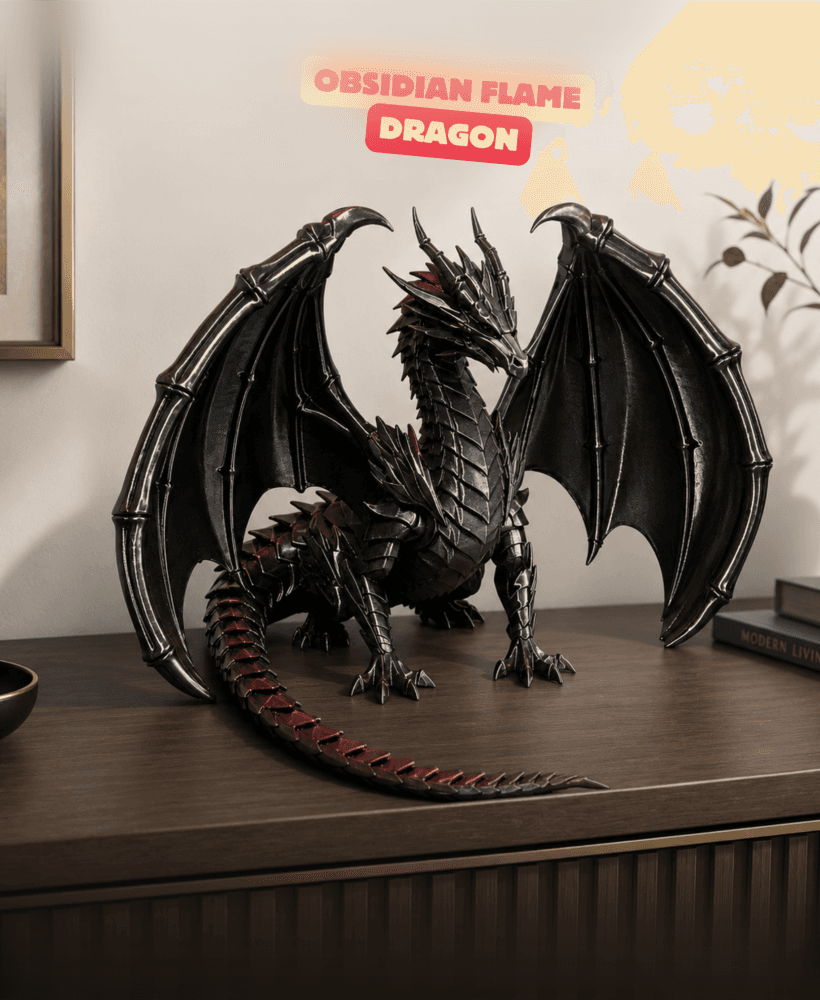
OBSIDIAN FLAME DRAGON / GOTHIC DECOR / SHELF SCULPTURE DECOR / MODERN DRAGON SCULPTURE
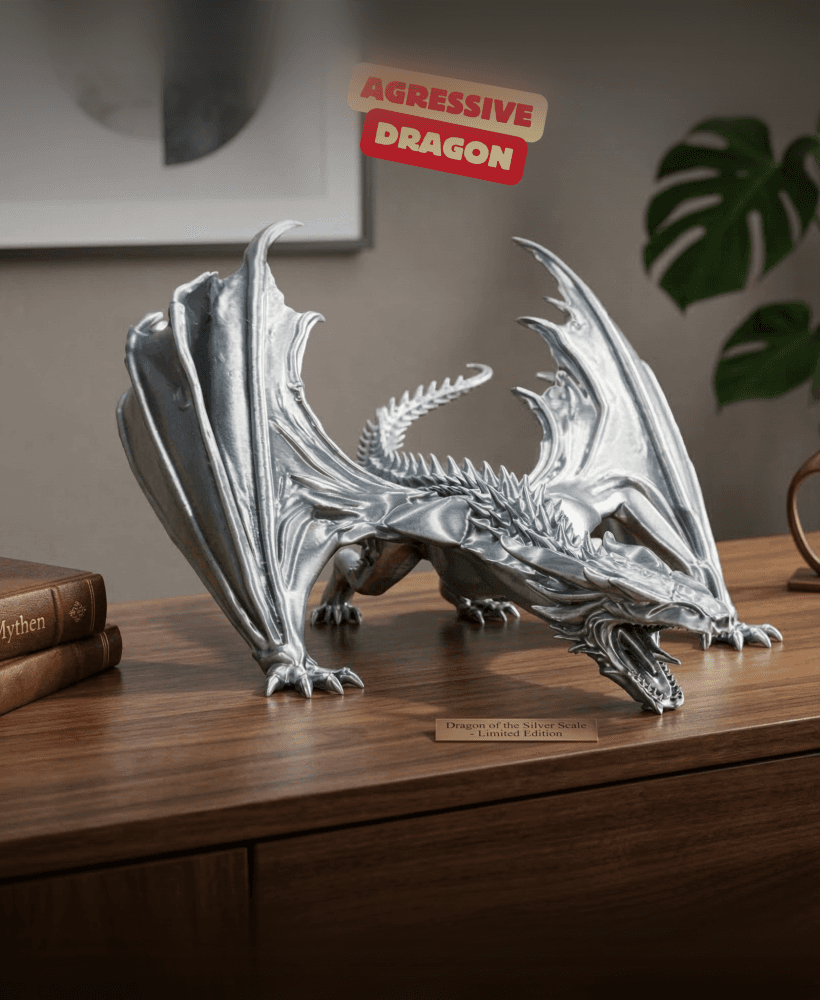
AGRESSIVE DRAGON / GOTHIC DECOR / SHELF SCULPTURE DECOR / MODERN DRAGON SCULPTURE

PROUD DRAGON / GOTHIC DECOR / SHELF SCULPTURE DECOR / MODERN DRAGON SCULPTURE

Dragon Gothic Wall Shelf – 3D Printable Fantasy Display Shelf and Dark Home Decor
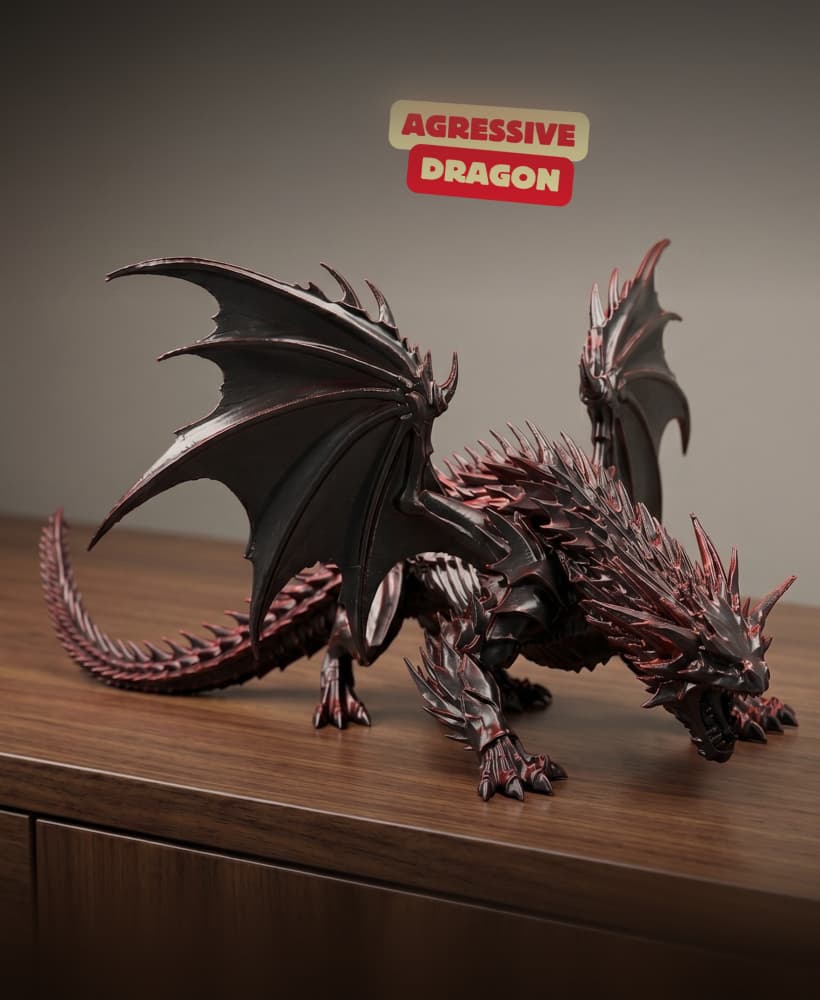
AGRESSIVE DRAGON SCULPTURE / GOTHIC DECOR / SHELF SCULPTURE DECOR / MODERN DRAGON SCULPTURE
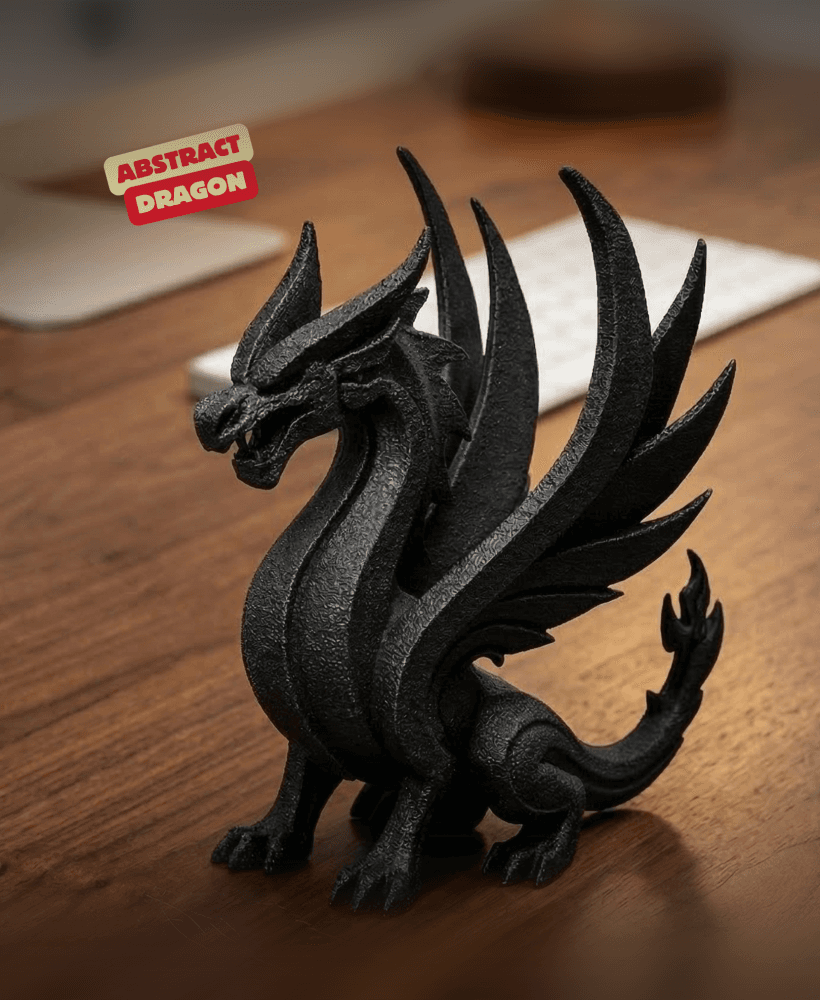
ABSTRACT DRAGON SCULPTURE / GOTHIC DECOR / SHELF SCULPTURE DECOR / MODERN DRAGON SCULPTURE
%2520(1).jpg&w=3840&q=75)
Dragon Gothic Shelf Organizer – 3D Printable Fantasy Display Rack and Home Decor

Fantasy Dragon Shelf - Curio & Crystal Display
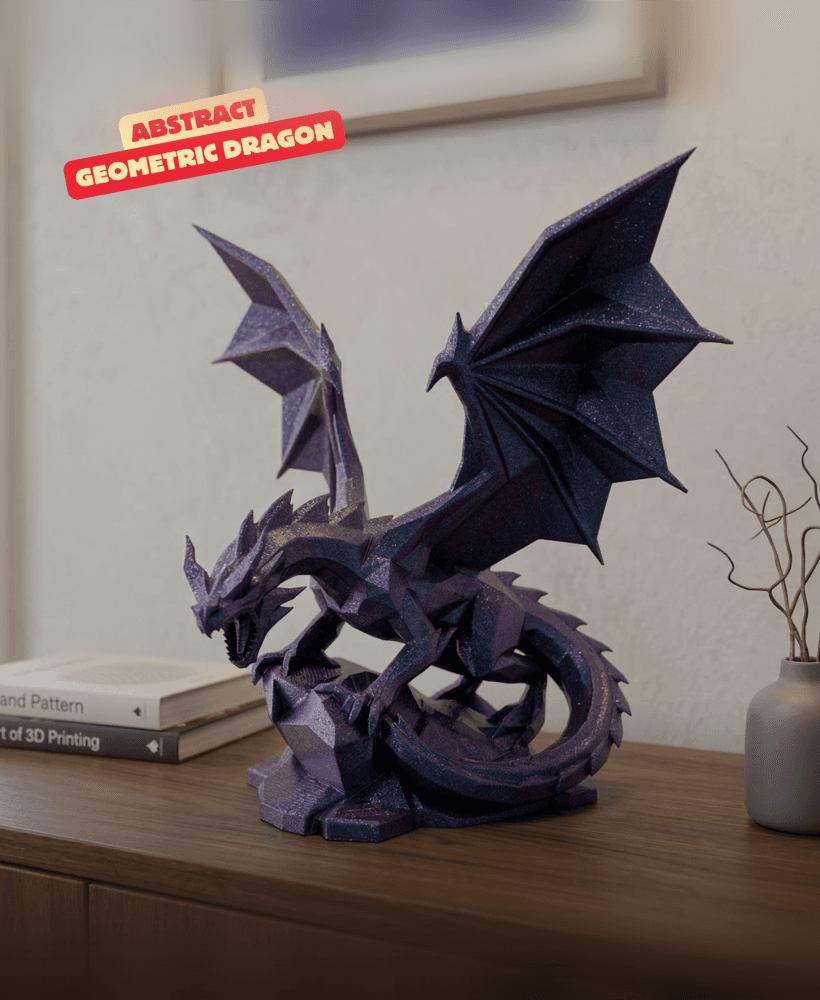
ABSTRACT GEOMETRIC DRAGON SCULPTURE ON ROCK / GOTHIC DECOR / SHELF SCULPTURE DECOR / MODERN DRAGON S
.png&w=3840&q=75)
Viking Dragon Ship Wall Shelf – 3D Printable Planter and Display Holder
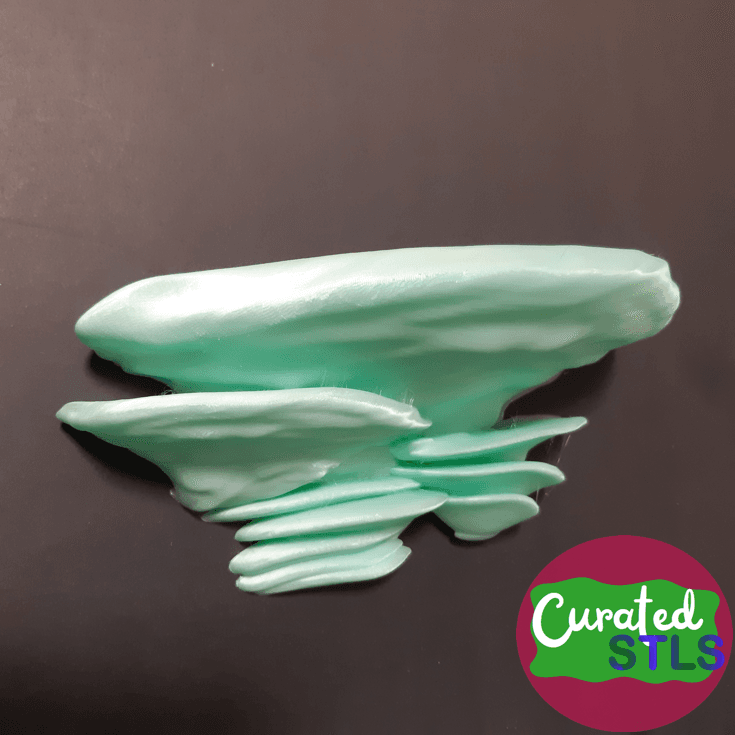
LARGE MUSHROOM FLOATING SHELF FOR WALL, PEGBOARD OR SKADIS

dragon corbel shelf

viking dragon boat shelf

OYSTER MUSHROOM TRAY / SHELF FOR SKADIS, PEGBOARD OR WALL
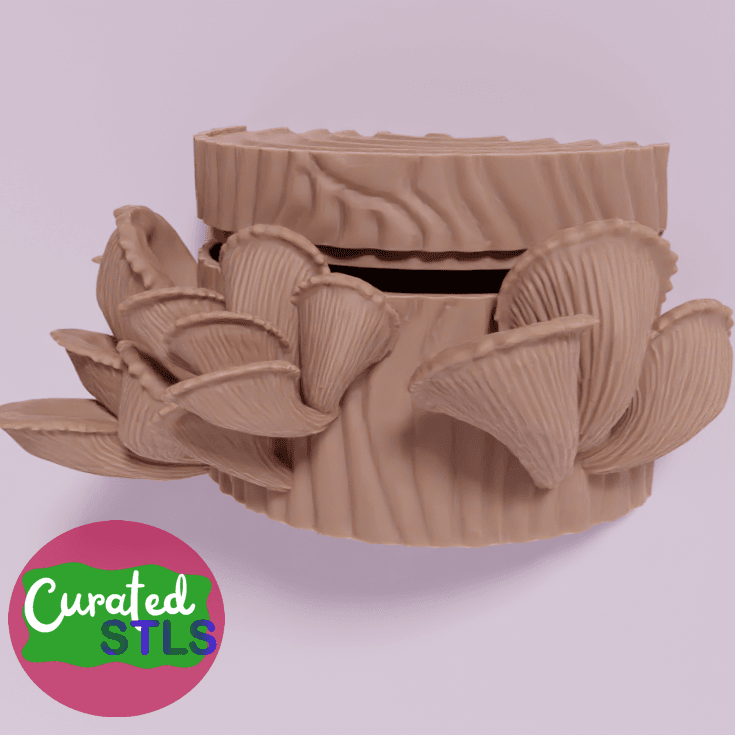
OYSTER MUSHROOM FLOATING WALL SHELF WITH HIDDEN CONTAINER WITH REPLACEABLE BRACKET FOR SKADIS, PEGBO

MAJESTATIC DRAGON SCULPTURE / GOTHIC DECOR / SHELF SCULPTURE DECOR

Dragon Claw Corbel

Ribbed Mushrooms
.png&w=3840&q=75)
Dracosin dragon head shelf.3mf

Is there a trick to printing the dragon? My Cura-Slicer reports that the 3mf-file does not contain a model. Or does my printer not support something in the model? I also can't open the dragon model in Freecad. ^^'
I did not use cura in a few years, can you open it in a different slicer?
Thanks for the reply! Can you recommend a slicer? I tried orcaslicer, but I'm a bit overwhelmed with the options. It reports an error, that relative extrudor coordinates require to reset the extruder position in each layer and recommends to add G92 E0 to layer_gcode.
Orca would be the tool, or the slicer that your printer manufacturer delivers!