

Sand Castle Gnome
91 downloads · 1 year ago · **Sand Castle Gnome**
This Sand Castle gnome is the first in our Beach Gnome series. His vacation a
This model is restricted by licensing terms.
View license.
Sand Castle Gnome
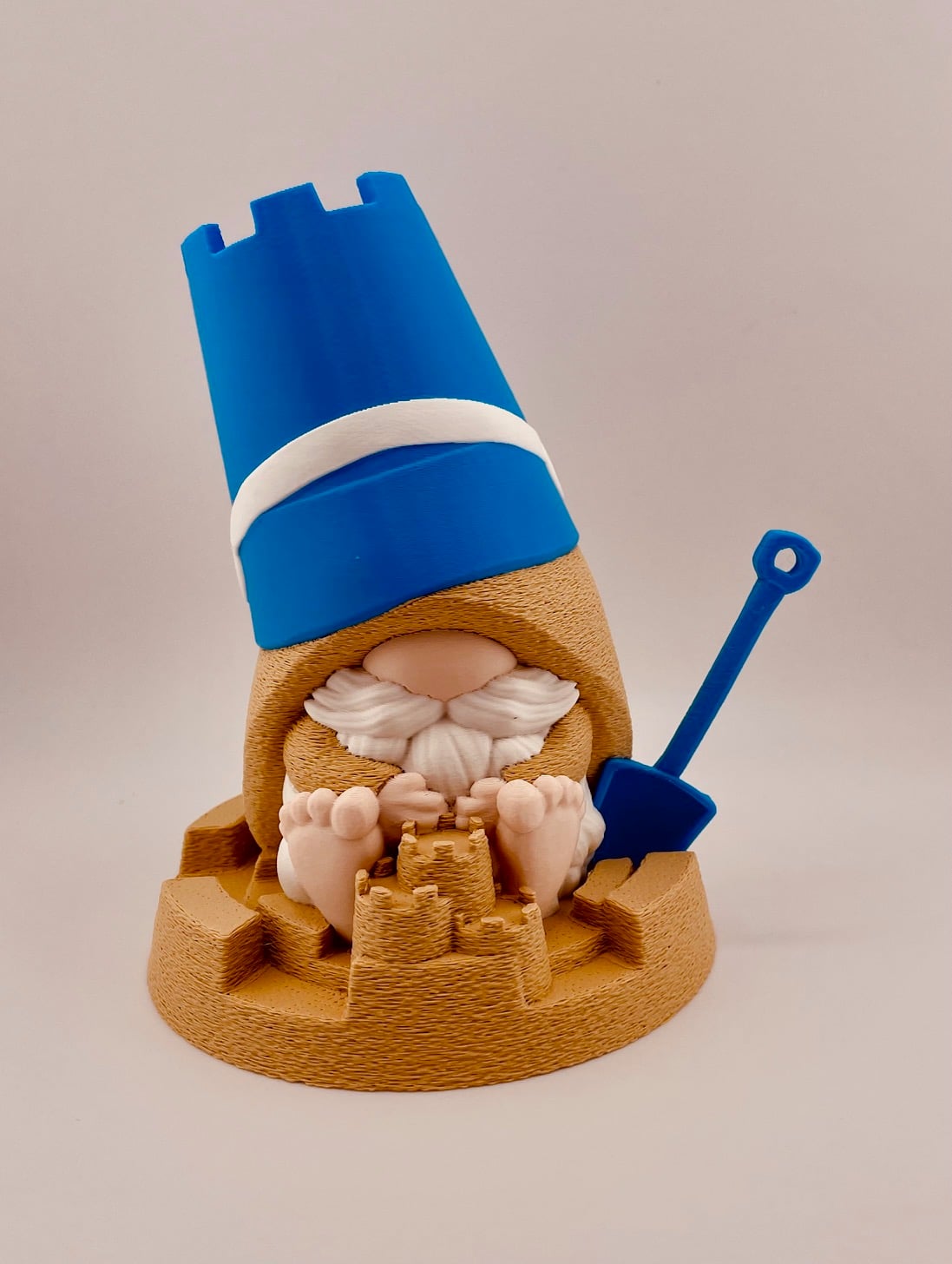
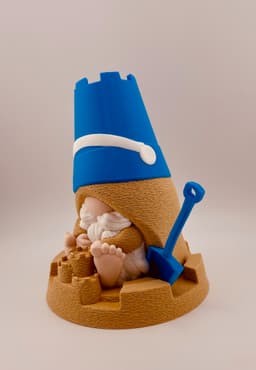
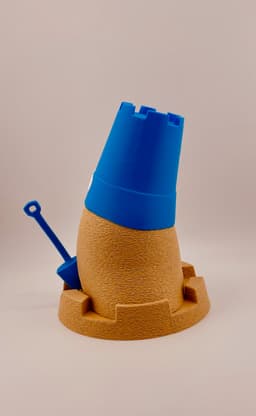
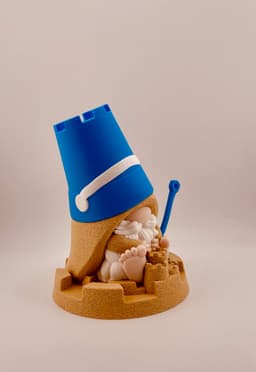
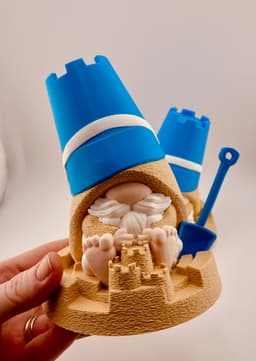
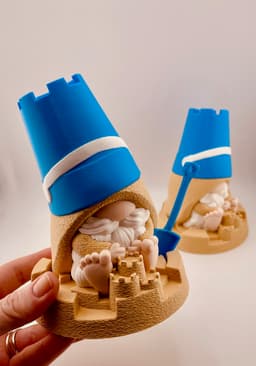
This Sand Castle gnome is the first in our Beach Gnome series. His vacation already started and he's busy building little sand castle to stay in.
He prints in place with no supports needed.
Printing Notes: The gnome's clothes, and the sand castle are printed using the fuzzy skin setting.
Model Files in Download 4 Color .3mf 1 Color .3mf Original .stl
Filaments Used in Photos Bambu Ivory White Matte PLA -Beard Bambu Beige PLA -Nose/Feet Bambu Desert Tan Matte PLA -Sand Bambu Cyan Blue PLA -Bucket/shovel

Sand Castle Gnome
91 downloads · 1 year ago in and
This model is restricted by licensing terms.
View license.

Dress Up Porch Goose for Goose Gear

Bucket and Spade with Sand Castle

Sand Castle Cookie Cutter, Biscuit Cutter

Sandcastle Cookie Cutter & Stamp Set, Ocean Beach Vacation Theme, 3 Sizes S/M/L, Perfect for Fondant Baking PRODUCT_1129

Female Gargoyle Corbel Shelf Bracket – Gothic Wall Shelf Support

Gothic Werewolf Shield Corbel - Mythical Direwolf Floating Shelf 3D Print

Crusader Helm
Catapult Crush !

Set of 3 Gnomes – Plain & Magnet
Castle - Support Free

Verdant Guardian Gnome.3mf

CALIZ | Woven Table Lamp E14 & E26/27
Sword of Sir Valentine Kingdom Come Deliverance II

WoW Orc Gorehowl Cosplay Axe
Santa Gnome Ornament
Brick castle dice tower! Print in place!
Elf Gnome Ornament
Shipto you
Zen Garden

Frosty Gnome Ornament

Gorgeous!
How did you get the fuzzy skin only on those parts and not the entire model?
Hi! In the slice you first click on your "Objects" list. This is usually next to "Global" and just below where you filaments are listed. Then in the objects list find the object you would like to have fuzzy skin. Below the list you will see most of the list for options "quality" "strength" "speed" "other". For fuzzy skin it is in other and choose "all walls" This is also how you change other setting per object i.e. top surface patter, wall thickness, speed, etc. Have fun!
Ah I see! Thank you so much!