
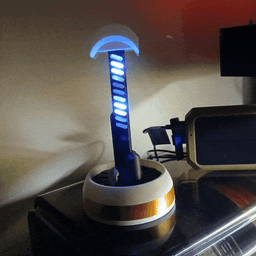
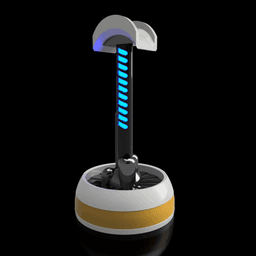


Fallout Institute Headphone Stand
INSTITUTE ENGINEERING DIVISION Advanced Surface Integration Protocol – Revision 4.2 Device Classification: Peripheral Support Unit – Type H (Headset) Designation: Vertical Audio Dock – White Series
ABSTRACT: The Vertical Audio Dock is a precision-engineered support structure designed to house and stabilize auditory interface equipment (headphones) within controlled laboratory or command environments. Developed under Directive 7.3.1 for surface-compatible workstation enhancements, this unit reflects the Institute’s commitment to clean design, modular integration, and zero-defect fabrication.
SPECIFICATIONS:
Structural Composition:
-
Base: White polymer composite with gold accent banding.
-
Column: Carbon-core vertical shaft with segmented blue illumination array.
-
Cap: Semi-dome retention cradle with passive glow emitter.
Functional Highlights:
-
Passive Stabilization: Maintains headset alignment and prevents surface contact degradation.
-
Visual Feedback Array: Blue segmented illumination powered via USB LED strip, optimized for ambient sync and low-voltage operation.
-
Modular Compatibility: Designed for seamless integration with Institute desk modules and containment units.
Power Source:
- USB 5V input via standard Type-A interface.
NOTES: This unit is approved for deployment in Synth Command Stations, Surface Recon Labs, and Overseer Liaison Terminals. Unauthorized replication or modification of the Vertical Audio Dock is a violation of Institute fabrication protocols and will result in disciplinary review.
FOR INTERNAL USE ONLY Preserve. Perfect. Progress.
3D printing settings:
Resolution: 0.16mm to 0.2mm Infill: 20% - Gyroid Support: Yes, tree/organic Outer Wall Speed: 45mm/s Brim: Headphone Column, Diffuser, and Perch Skirt: 5 loops Multi-Color Print or Paint
Material:
White PLA Shiny Metallic Gold PLA (Giant Arm) Shiny Metallic Silver PLA (Giant Arm) Black PLA+ or PETG (for Heaphone Column Part) Space Grey PLA (Overture) USB 5V LED Strip
Assembly:
- Print Parts
- Place glue in Headphone Body Outer part.
- Insert Headphone Body Inner into Headphone Body Outer part. They are keyed to ensure alignment.
-
Place glue in Headphone Body Inner part where Headphone Column inserts. Be careful not to get glue in the opening for the LED Strip.
-
Insert 5V RGB LED Strip until the end of the strip is through the base and column until the light controller wiring (where it meets the strip) is just inside the headphone stand. Remove adhesive backing from strip and press into the backing of the column through the diffuser slots. Cut off excess LED strip.
-
Place glue in the hole in the bottom of the Headphone Perch part and press on.
-
Party on, Dudes!
Fallout Institute Headphone Stand
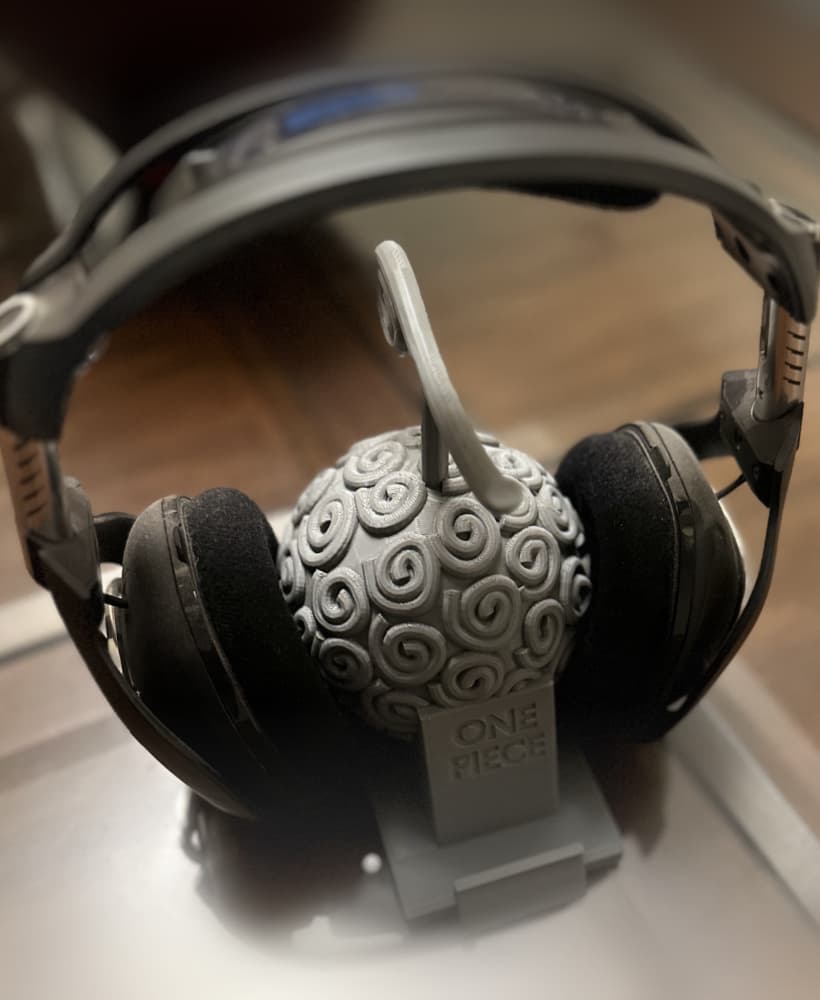
Gum-Gum Phone Stand and Headphone Stand
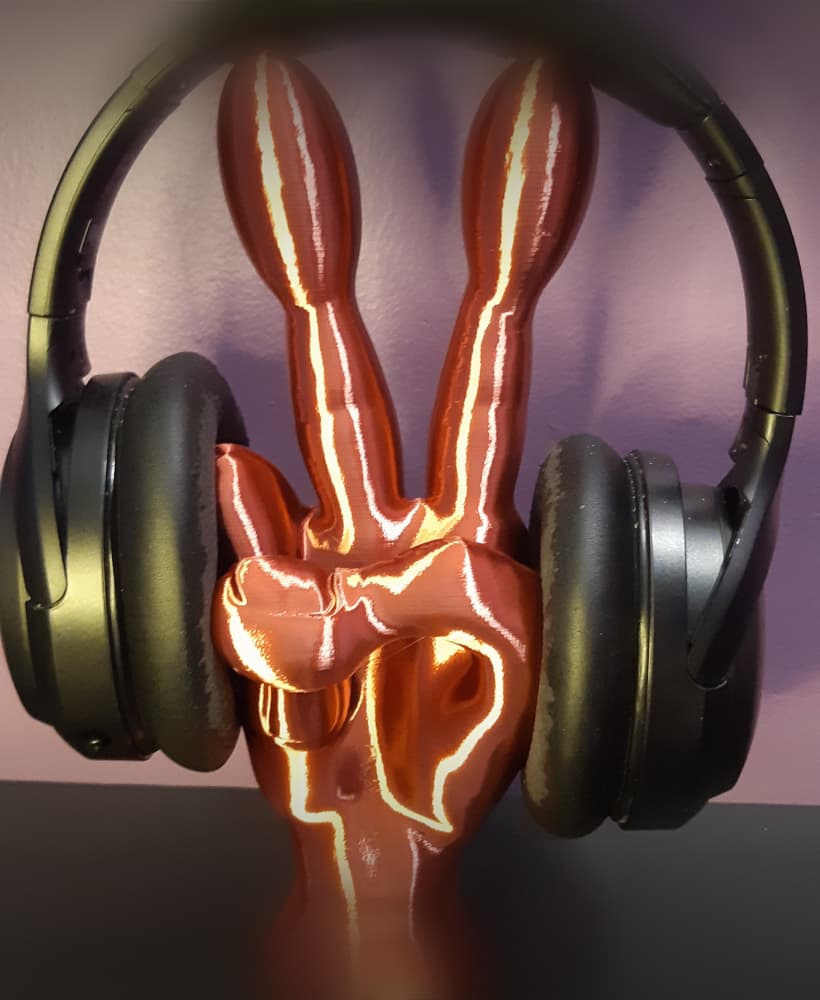
Peace Sign Alien Hand - Support Free - Free Standing Sculpture - Headphone Stand

Blue Bear Headphone Stand - Cute Office Decor

Elegant Headphone Stand

Zombie Headphone Stand

Tiki Headphone Stand - Tribal Gaming Headset Holder
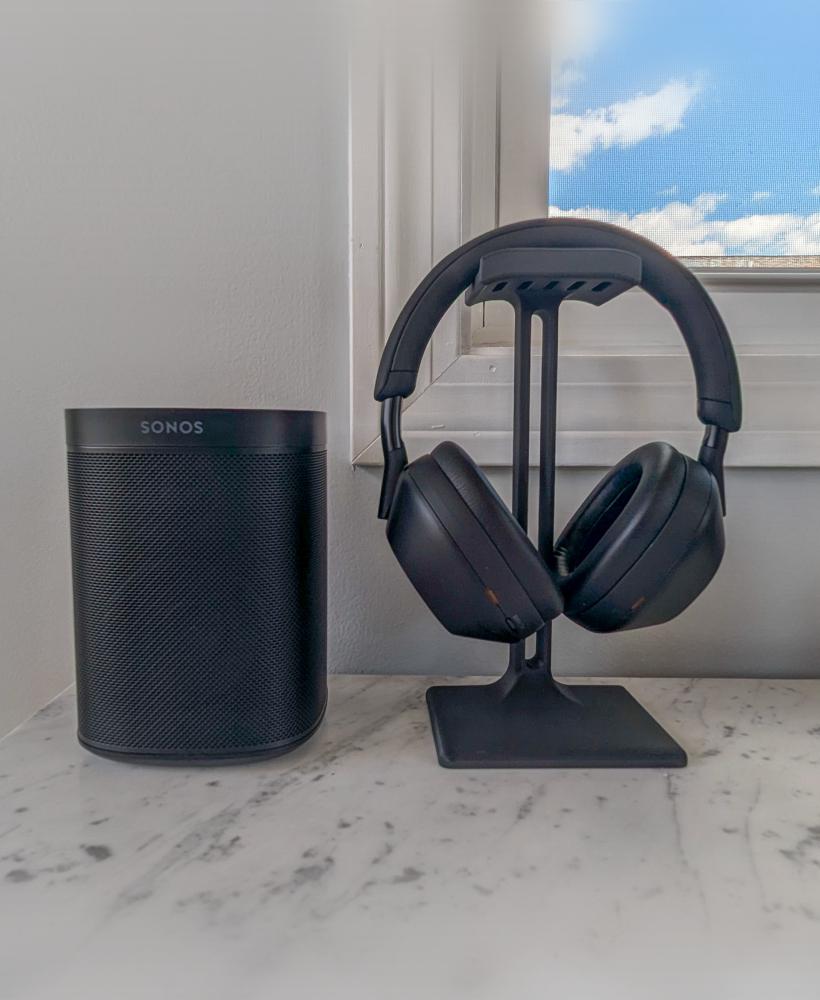
Modern Headphone Stand

Cute Chibi Dragon Headphone Stand – Low-Poly Mountain Base

Headphone Stand - Jedi

Headphone Stand - Republic

Headphone Stand - Rebel

Headphone Stand - Sith

Headphone Stand - Empire

Headphone Stand for Small Printers - Support Free

Minimalist 3-Part Headphone Stand with Storage Trays – 3D Printable Organizer
.png&w=3840&q=75)
Pikachu Headphone Holder
.png&w=3840&q=75)
Snorlax Headphones Holder

MARTIAN SCULPTURE - HEADPHONES HOLDER -SEVERAL VARIATIONS

Gengar Headphone Holder - Multipart
