


Fortnite Flow Berry Fizz
The Flowberry Fizz in Fortnite is like a refreshing burst of bubbly energy with a twist of magic! Imagine popping open a fizzy drink that's glowing in a vibrant purple—yup, that's Flowberry Fizz! When you drink it, it doesn't just quench your thirst—it sends a wave of electrifying speed through your entire body.
Now imagine holding that same power in your hands, for real! With our 3D printable Flowberry Fizz, you can bring Fortnite's iconic drink to life. Perfect for cosplay, party props, or just a fun desk ornament to make your friends jealous. It's the ultimate accessory for gamers and fans, and all you need is a 3D printer to make it happen. So, why just play Fortnite when you can have a piece of it right next to you? Download the file, print it for yourself or a friend, and let the Fizz flow IRL!
I have included 3MF files for Bambu owners ease of printing. Also have attached STEP files too. Scaled to 100mm tall, 0.12mm layer height I found is best for this using a 0.4mm nozzle. Print in your own colours, or any colour of your choice! Happy printing! 🎮🎨
Fortnite Flow Berry Fizz
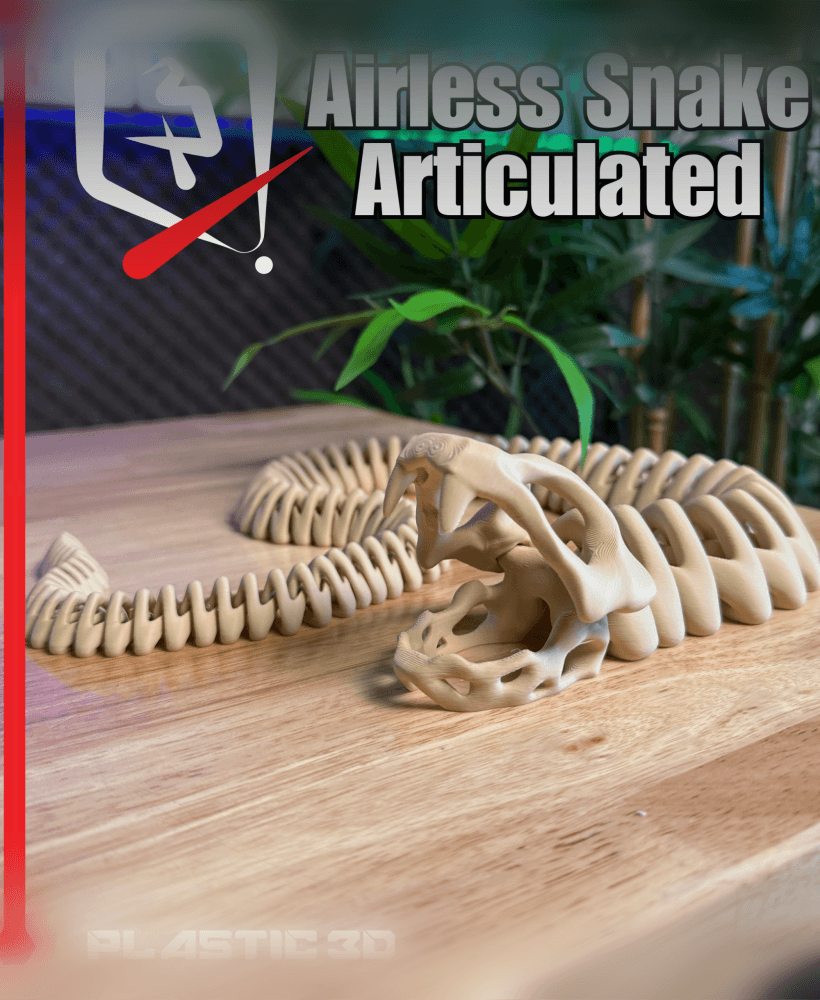
Articulated Airless Snake
.png&w=3840&q=75)
Adorable Wizard Mouse 3D Printable Collectible Figure - Fantasy Magic Themed
.png&w=3840&q=75)
Inferno Articulated Dragon
.png&w=3840&q=75)
Articulated Dragon 4 – HeartWing

Autumn Leaf Vase — Nature-Inspired Design

Strawberry Keychain Pill Container

Collection of Patriotic Flexi and Articulated Flags for Fouth of July and Canada Day
.jpg&w=3840&q=75)
Rocaille Decorative Tray - Ornate Baroque-Inspired Decor
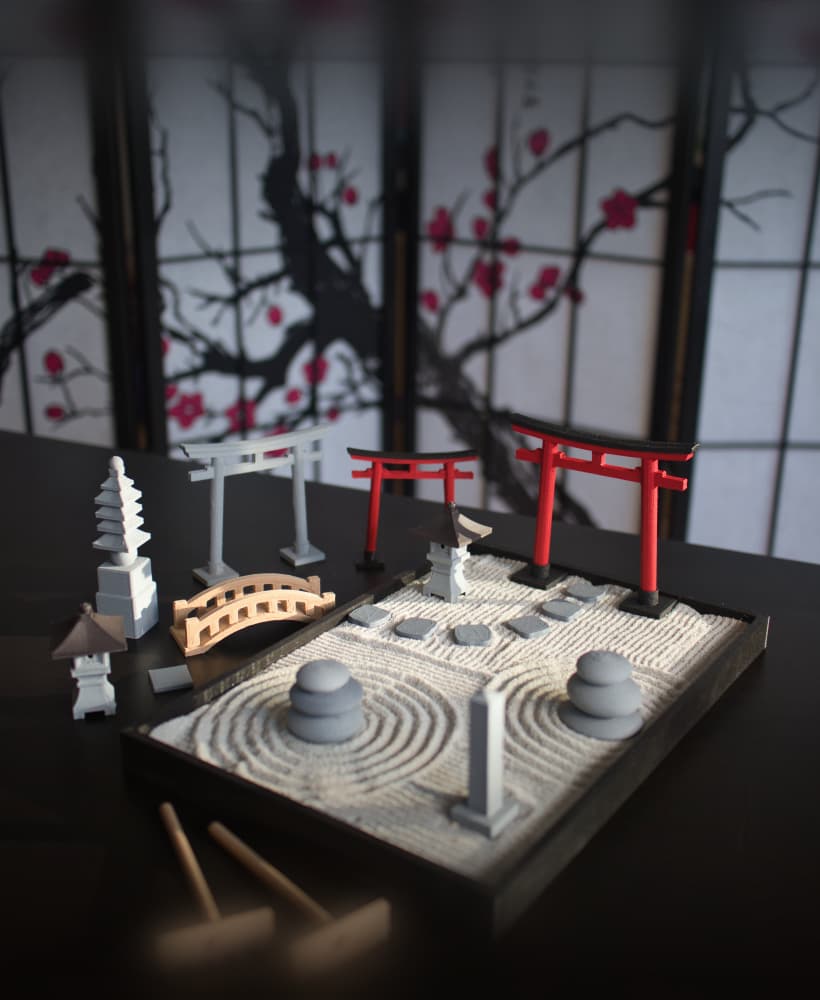
Zen Garden
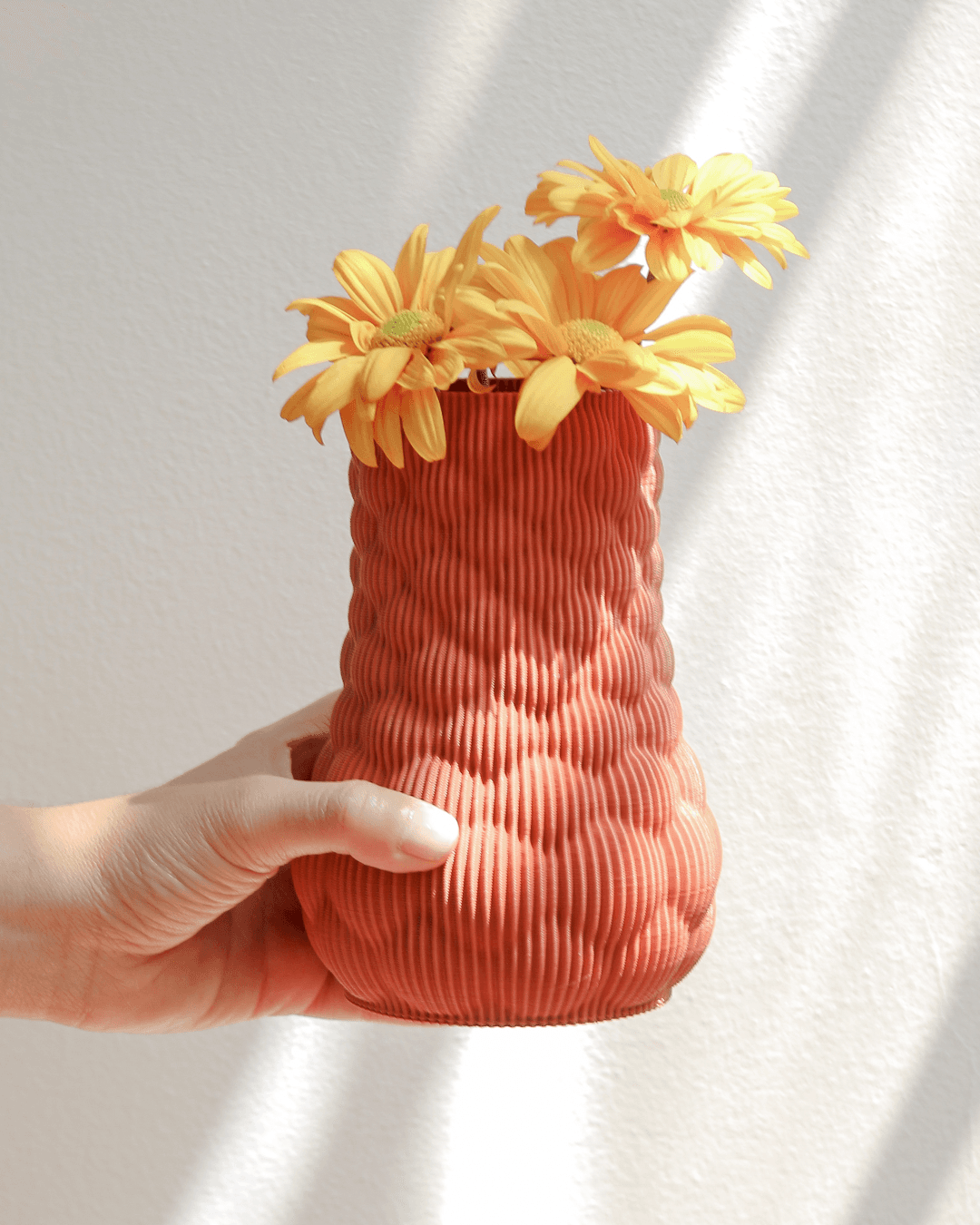
Berry Flower Vase - Vases & Planters By Lunfardo

Bruma Lamp

Not So XL Gingerbread Man

Hedgehog Slime

Aquarius - Small Table/Bedside Lamp

Tiles from Portugal (Wall, Desk or Stackable Lamp)

Spine Vase – Sculptural Vertebrae-Inspired Vase in Matte White

Enchanted Fairy Garden Desk Organizer - Coquette Aesthetic Stationery Caddy

Flowing Essence Abstract Surreal Sculpture

XL Gingerbread Man

Hey, I tried to scale up the model, but whenever I do that, the top half of one of the halves only starts printing on the second layer. Do you know why this is and how I can fix it, I can't figure it out.
Yeh that is an odd one, which model were you trying to scale up? I'll try and replicate the issue here. Also what slicer are you using and how much are you scaling?
I was trying to upscale the flowberry fizz model in the Bambu Studio slicer. I was scaling up to where each half is 250 mm long when they are laid flat.
Ahh figured it out. I modelled this design as a whole piece. I sized it to the 100mm tall size in the slicer and then cut it. I think there must be some sort of glitch when sizing up a model thats been cut.
To avoid this, I opened one of the other files that doesn't have split in the name, sized it to the 250mm tall object. Then I cut the object straight up the middle and it was fine, no floating layers. Then paint the objects as you like. Hope that helps!
Thank you! I will definitely try that.