


Lego Lightsaber Print-in-Place
1.3K downloads · 3 years ago · **Collapsing Lego Lightsaber**
_Print-in-Place Version_
This is a 10:1 scale of a Lego lightsaber w
This model is restricted by licensing terms.
View license.
Collapsing Lego Lightsaber Print-in-Place Version
This is a 10:1 scale of a Lego lightsaber with a collapsing blade. This version prints complete all as one piece.
The Replaceable Blade Version is available to my Thangs members.
Printing Supports are not required, for best results use a .4mm nozzle. Find detailed instructions on how to print collapsing swords on my website. If this is your first time printing, I would suggest you try the test print first.
Printed on the Muldex rep-rap IDEX printer.
Support and Licensing If you would like to help support more free models please consider joining my Thangs Membership. Get permission to sell physical copies of my models by joining my Patreon

Lego Lightsaber Print-in-Place
1.3K downloads · 3 years ago in and
This model is restricted by licensing terms.
View license.

I AM BATMAN: Print-in-Place Articulating Figure

Flexi Scorpion STL – Articulated Print-in-Place Scorpion Toy | No Supports | Easy FDM 3D Print
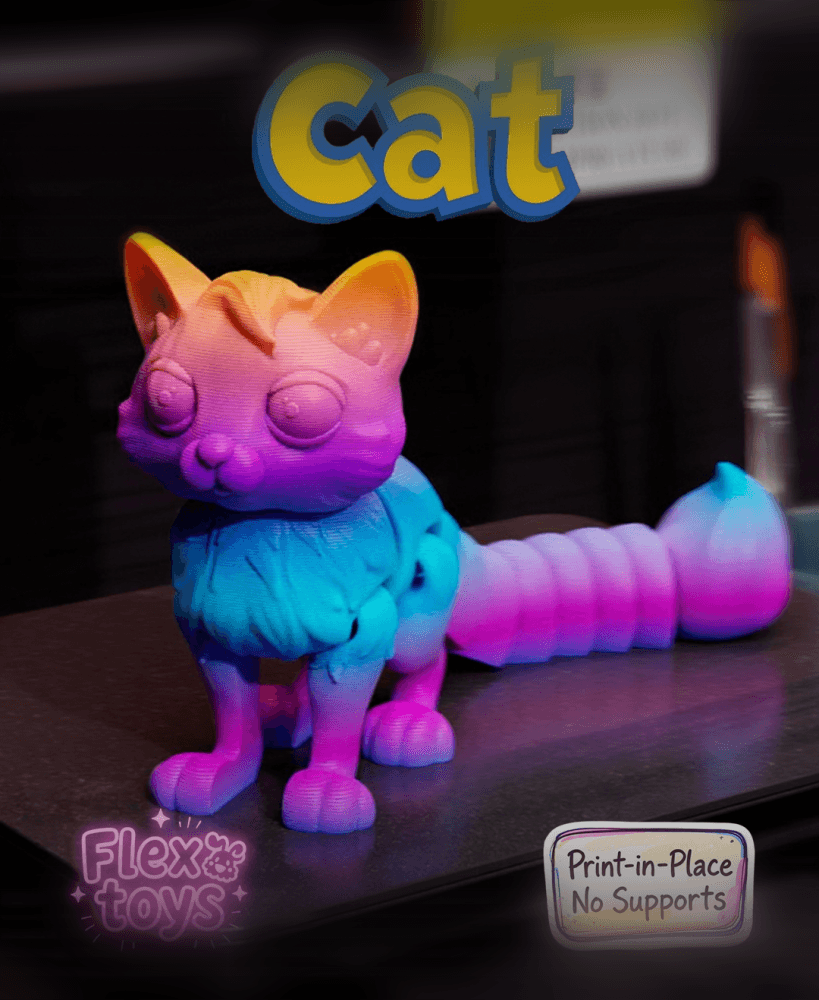
Flexi Cat Felix — Articulated Print-In-Place 3D Printable Cat Toy (No Supports Required)

James P. Sullivan Hand – Print-in-Place Flexible Toy

Flexi Donkey – Articulated Print-in-Place Model

Flexi Easter Bunny – Articulated Print-in-Place Model

Print-in-Place Mini Dumpster Fire Model – "This Is Fine" Edition

Flexi Love Cat | Print-in-place | No Support

Tactical 12oz Can Cup (Poser Edition) – Print-in-Place Multicolor STL | Display Style Drink Holder
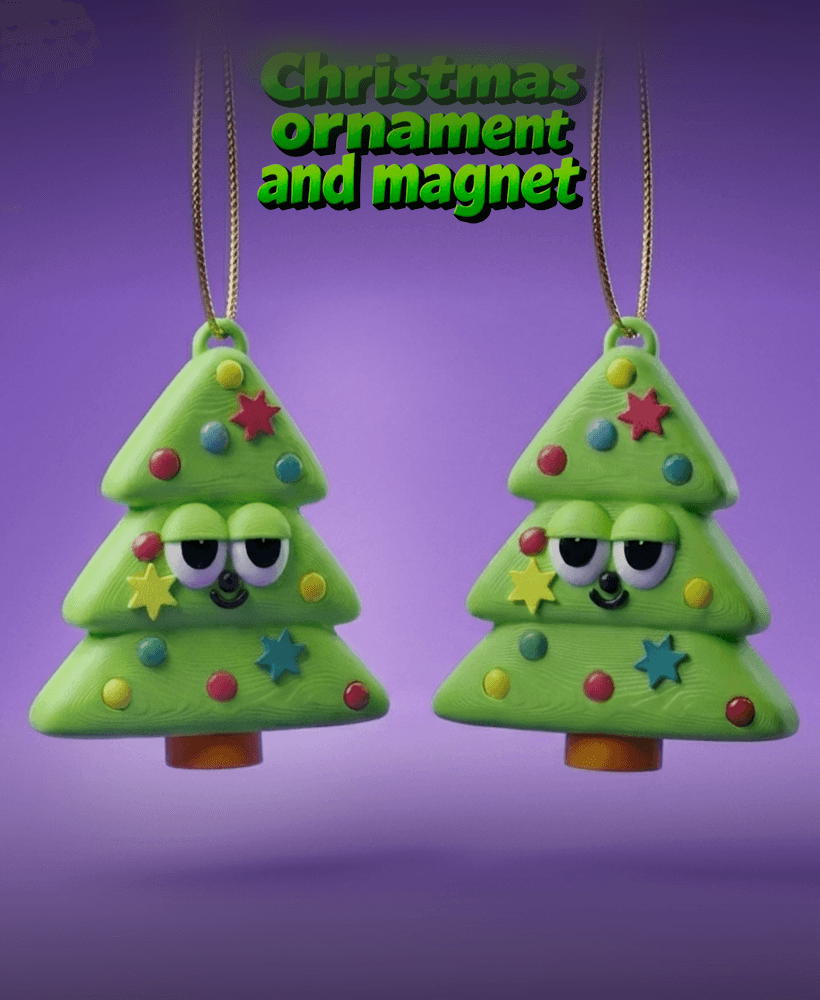
Christmas Tree Ornament – Print-in-Place Flexi Toy (No Supports)

ORIGAMI STILT | Table Lamp E14, E26, E27 print-in-place

CheeseCube – Print-In-Place Infinity Cube
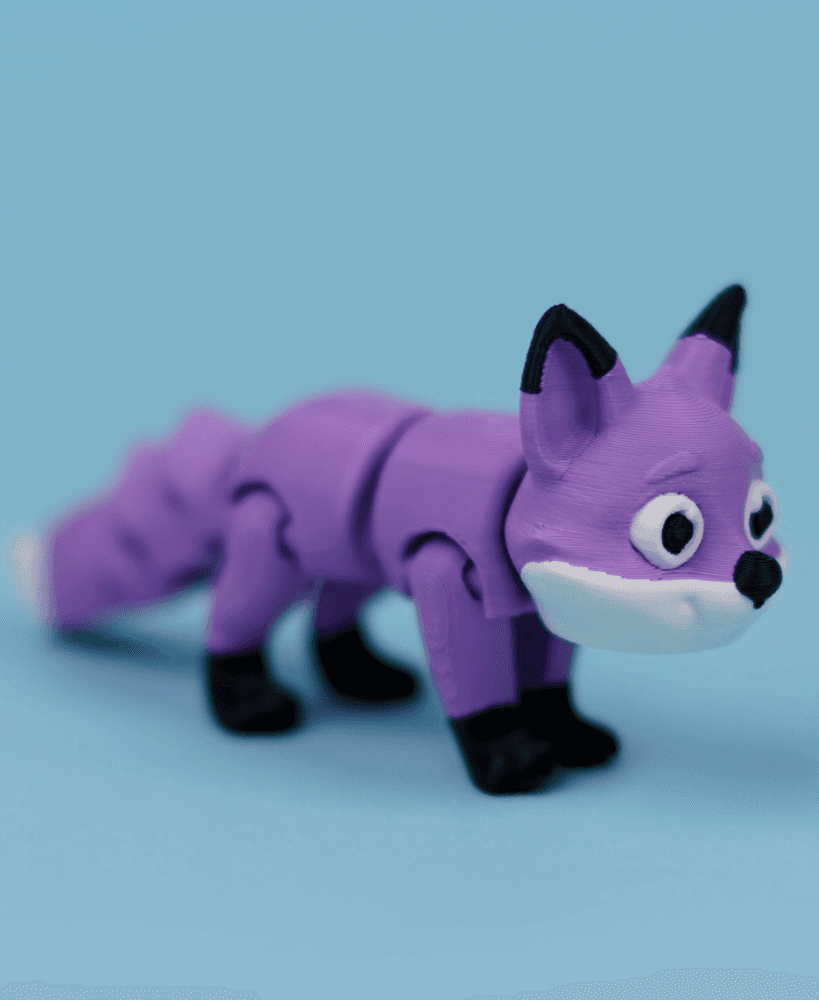
Flexi Fox | Print-in-place | No Support

Flexi Border Collie | Print-in-place | No Support

Flexi Crocodile | Print-in-place | No Support

Flexi hanging Monkey | Print-in-place | No Support

Skeleton Unicorn – Articulated Print-in-Place Toy

Witch's Cauldron – Print-in-Place Halloween Toy (No Supports Needed)
.png&w=3840&q=75)
Squeak Articulated Dragon Print-in-Place Mesh Mayhem

now I'm not a member but... I'm not saying you should do this if you take the model into meshmixer separate shells and delete the outer part and export the inner parts as an stl. print that in the color of the blade you want then go to mesh mixer and do the same thing just delete the inner part and print that stopping it at z 152.72mm then place your blade into the hole then print again then you will have a multi-color Lego light saber
You can separate the blades in your slicer, no need to use meshmixer.
now I'm not a member but... I'm not saying you should do this if you take the model into meshmixer separate shells and delete the outer part and export the inner parts as an stl. print that in the color of the blade you want then go to mesh mixer and do the same thing just delete the inner part and print that stopping it at z 152.72mm then place your blade into the hole then print again then you will have a multi-color Lego light saber
If you shrink the lightsaber and the blade dosent come out then what do you do.I tried everything and i can not get the blade out.
If you shrink the lightsaber and the blade dosent come out then what do you do.I tried everything and i can not get the blade out.