
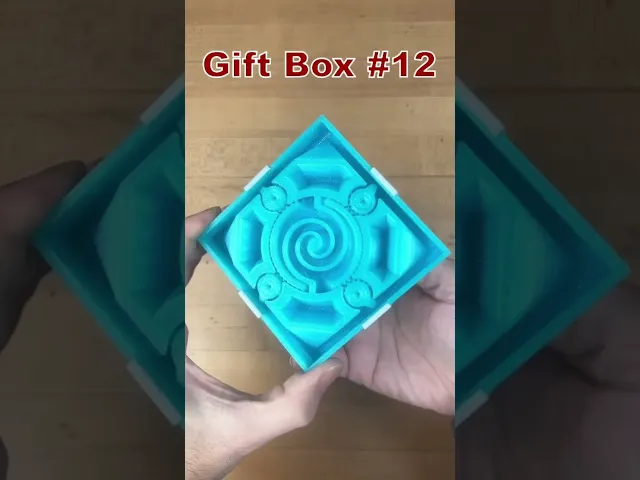


Gift Box #7 Print-in-Place
Gift Box #7
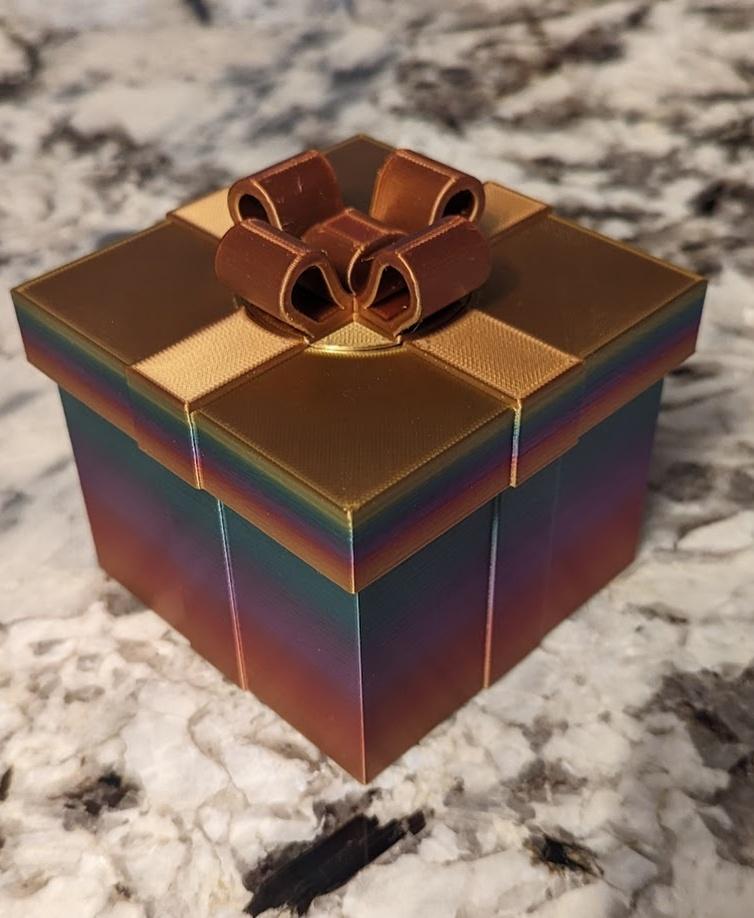
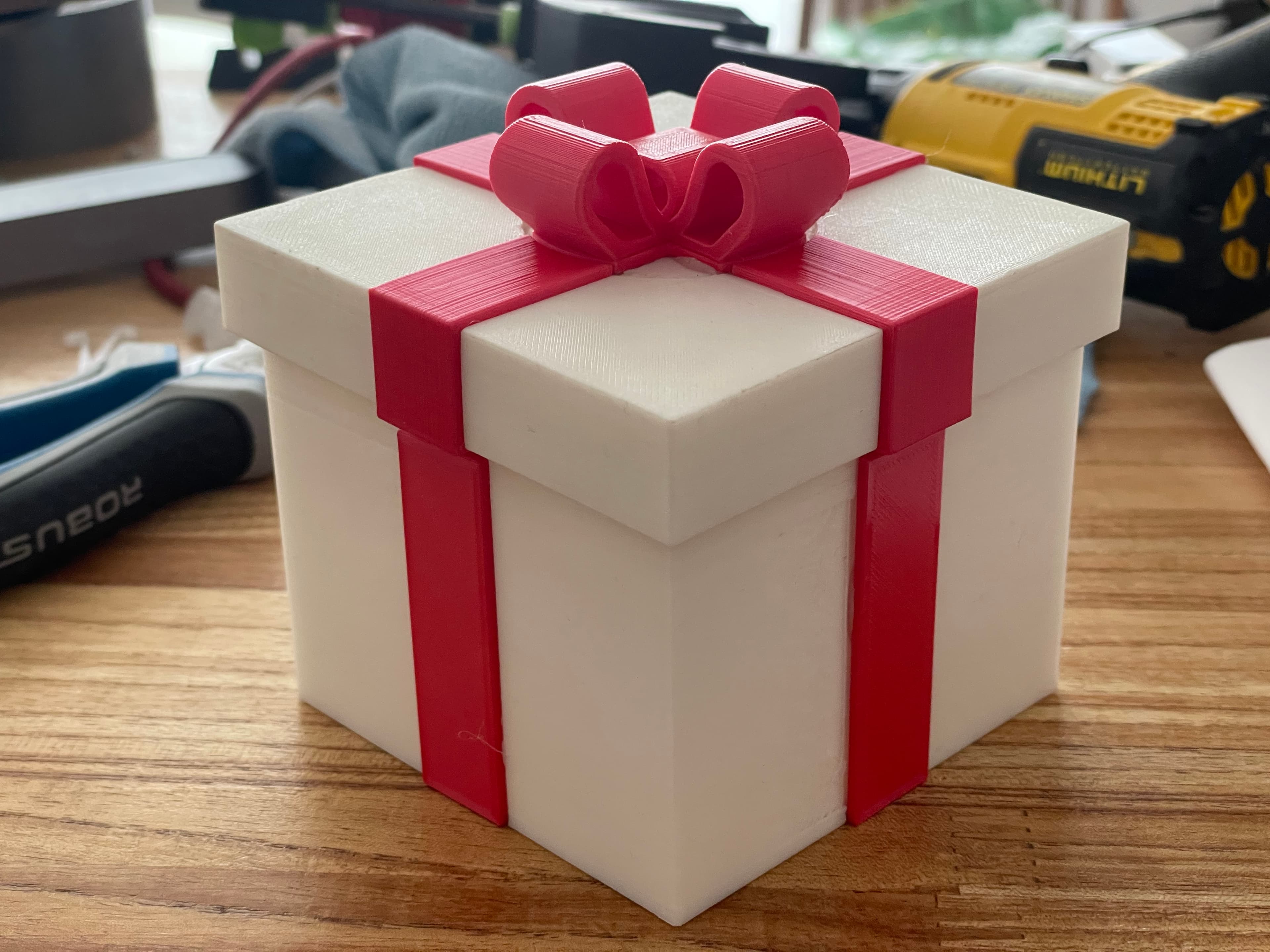
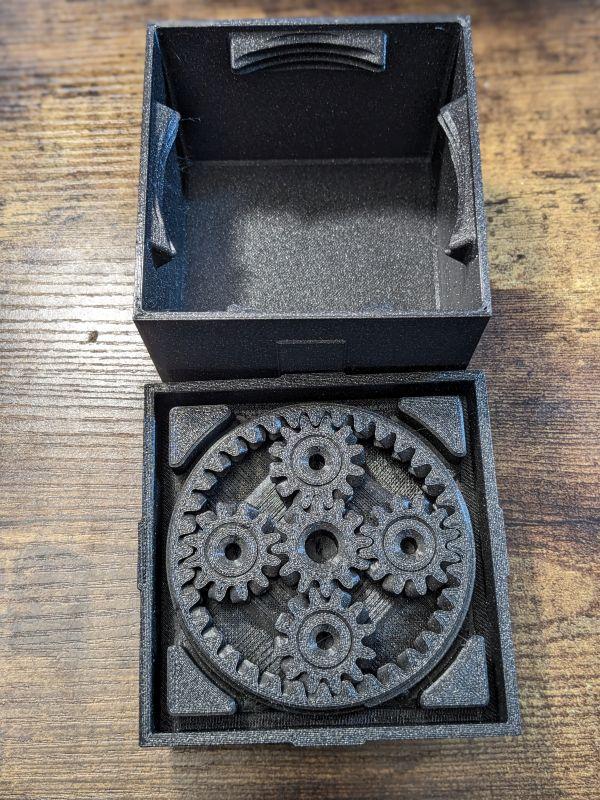
This is the seventh version in a series gift boxes that may look the same on the outside but they each have a secret way of opening. This one uses a planetary gear stage! Turning the bow rotates the sun gear which results in the ring gear turning at a 3:1 ratio. There are external threads on the ring gear which engage with female threads on the box. The planetary gears are aesthetically pleasing but they actually work against you as it takes three more turns to unthread. It’s easy to cross thread, make sure the top is on flat before tightening.
This box is the same as Gift Box #7 but the top and bottom print entirely as one piece, so you don’t have to glue the bows and ribbons on.
Its roughly 100mm x 100m x 80mm tall. The top prints in place as one part, none of the parts require supports. I printed all the parts in the orientation the stl’s are provided in.
Printed on the Muldex rep-rap IDEX printer.
Note: Assembly model for reference only.
Other Gift Boxes You can find ALL the other gift boxes in the Puzzle Present Collection.
Support and Licensing If you would like to help support more free models please consider joining my Thangs Membership. Get permission to sell physical copies of my models by joining The Collapsing Arsenal


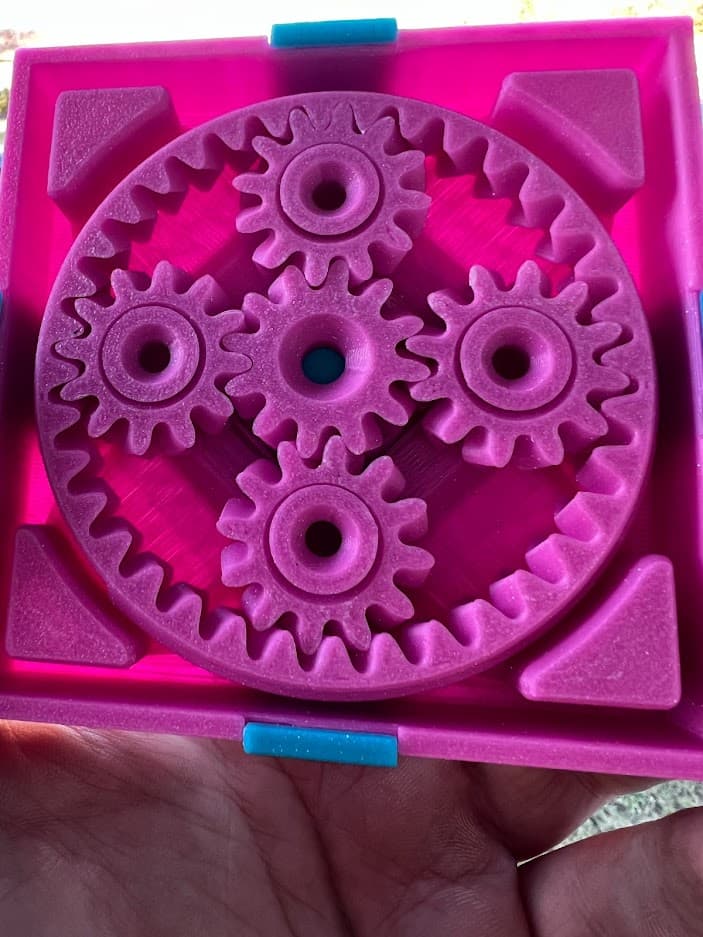
Gift Box #7 Print-in-Place

PRINT IN PLACE BOXES / MULTIPURPOSE ORGANIZER BOXES / MODERN HOMEDECOR / OFFICE ESSENTIALS

Cute Gift Box – Ornament / Magnet (Print-in-Place, No Supports)

I AM BATMAN: Print-in-Place Articulating Figure

Flexi Scorpion STL – Articulated Print-in-Place Scorpion Toy | No Supports | Easy FDM 3D Print

Yin Yang Annoying Box – 84-Screw Puzzle Gift Box

Flexi Love Cat | Print-in-place | No Support

Flexi Donkey – Articulated Print-in-Place Model

Flexi Easter Bunny – Articulated Print-in-Place Model
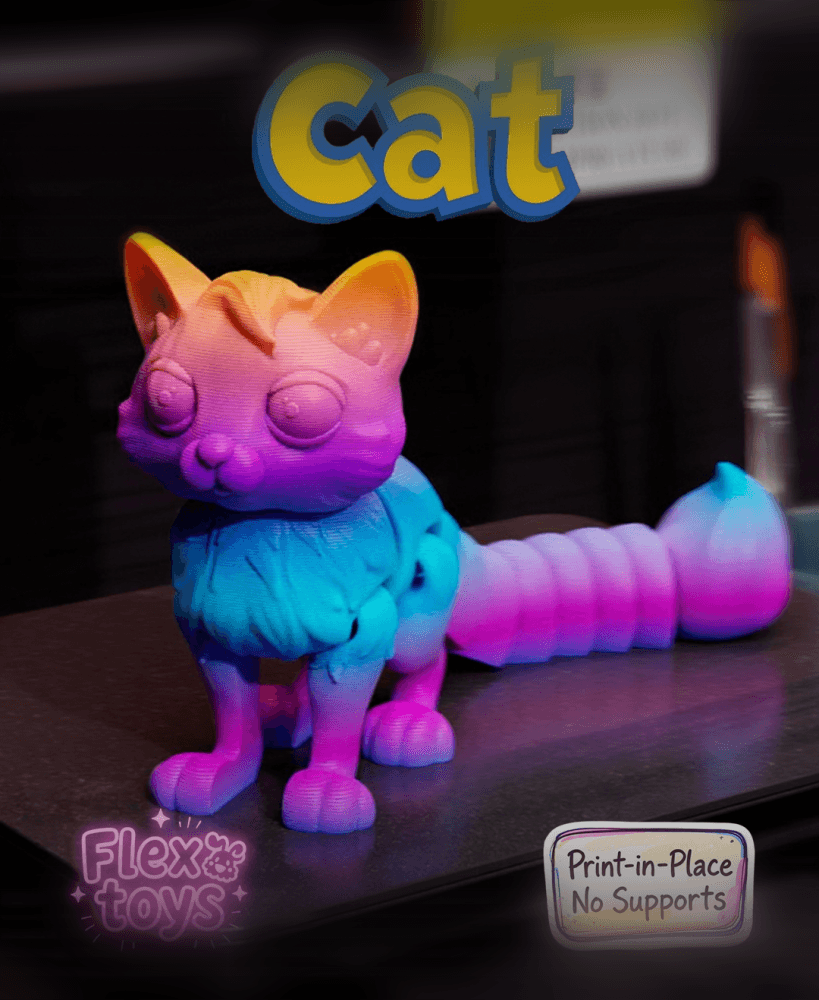
Flexi Cat — Articulated Print-In-Place 3D Printable Cat Toy (No Supports Required)

Print-in-Place Mini Dumpster Fire Model – "This Is Fine" Edition
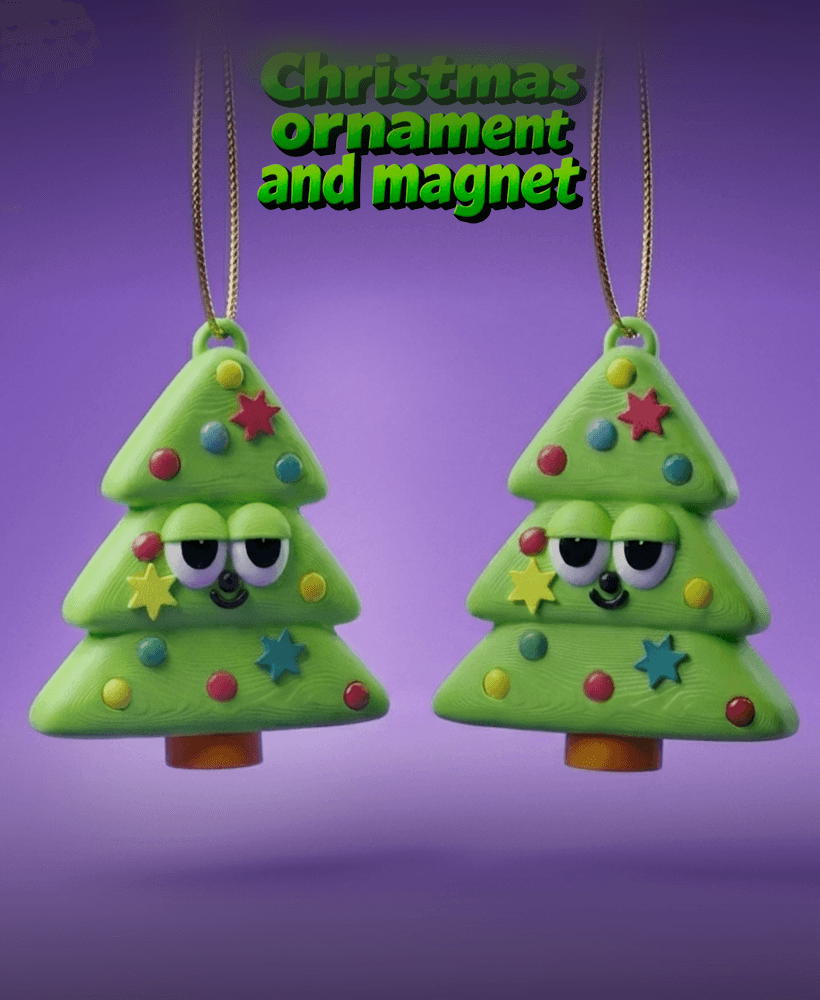
Christmas Tree Ornament – Print-in-Place Flexi Toy (No Supports)

CheeseCube – Print-In-Place Infinity Cube

Flexi Crocodile | Print-in-place | No Support

Flexi hanging Monkey | Print-in-place | No Support

Tactical 12oz Can Cup (Poser Edition) – Print-in-Place Multicolor STL | Display Style Drink Holder

Print-in-place Walnut Container with Twist Lock!!!

ORIGAMI STILT | Table Lamp E14, E26, E27 print-in-place
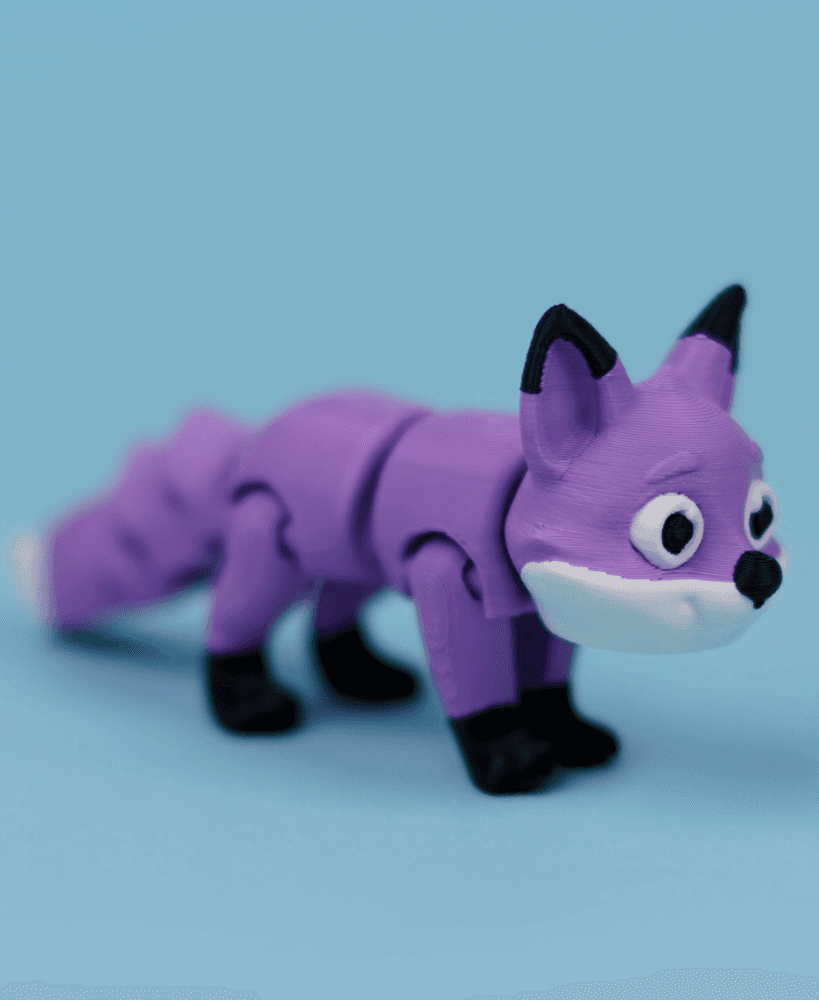
Flexi Fox | Print-in-place | No Support

Flexi Border Collie | Print-in-place | No Support

I've colourised this in Bambu Studio if you'd like me to send you the 3mf file to upload here?
Please do not repost my designs, it is against the license.
could you share the colorized bambu studio 3mf file with me?
Sharing or reposting my designs are against their license. I have this version for my members as well as a version that can be assembled.
Hi guys. I tried 50% compensation and its not working well. gears are stucked and in kind of one piece :(
the one pieceeeeeeeee
the one pieceeeeeeeee
I would not recommend printing it smaller.
I'm using Cura and Union Overlapping Volumes is ON, should I turn this off? My first print, the gears and inner circles are pretty much one piece. I tried sanding down the first layer and even using a hot utility knife to cut through but I couldn't get anything to turn. I'm trying different settings now but I noticed this one setting is on.
I figured it out. I didn't have to change that setting, but I did have to lower the bed temp and speed up the printing a bit. I did another print and it works wonderfully. Awesome design!
I'm not familiar with that command, sorry. I am not using Cura. Is it just the first layer? If so it could be because its too low.
Hi, do you print the cover without any type of support?
Turn them off, I guess. 😉 If your printer can bridge 1" it should be able to print it without supports.