
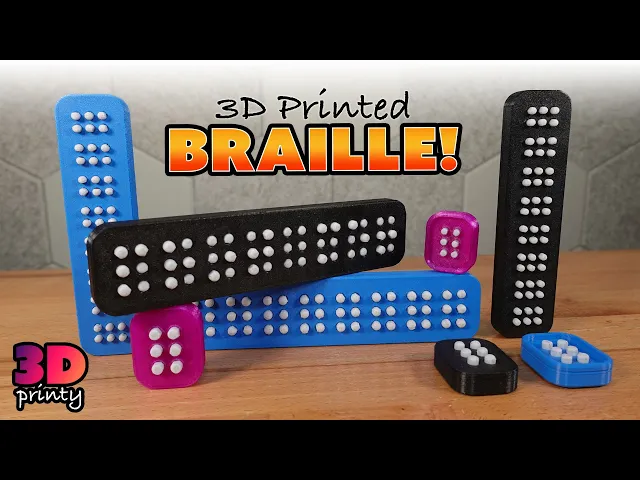


Braille Training Cell - 6MM
Teaching aid for learning to read and write braille with large 6mm diameter dots.
Customization
Case Size
- Single cell
- 8-cell
Case Style
- Hard Case with embedded TPU inserts
- Fully TPU Case
Button Options
- Flat
- Round
Printing
- All parts can be printed without supports
- Cases are printed upside down (walls facing up) so there is no bridging
- 92A durometer or softer TPU is recommended for all flexible parts
- Print buttons in PLA or other rigid material
- If printing the hard case on a multi-material printer, turn on “Interface Shells” so the - TPU gasket has a solid base to print on
- If printing the hard case on a single-material printer, pause the print just before the layer where the case begins to bridge. Insert the TPU gasket so that the top is entirely flush
- 2 perimeter walls is sufficient for all flexible parts, but additional perimeters may provide better results if the buttons feel too loose
Assembly
- Press fit buttons into the case.
- That's it!
Filament
You can get drastically different results depending on what filaments you use for the flexible parts of this design. This video by Filament Stories includes some recommended options.
Can I sell copies of this?
Yes! This project was shared under the Creative Commons - Public Domain license.
This license grants you permission to download, distribute, alter, print, and sell copies of this design.
This license applies only to the model files (STL, 3MF, STEP, F3D) included in this project. It does not apply to photos, videos, my logo, or other supplemental graphics attached to or displayed with this project.
Braille Training Cell - 6MM

Pump Shotgun Keychain — Functional Blaster Toy

Decorative Christmas Tree With Ornaments and Train - Support Free
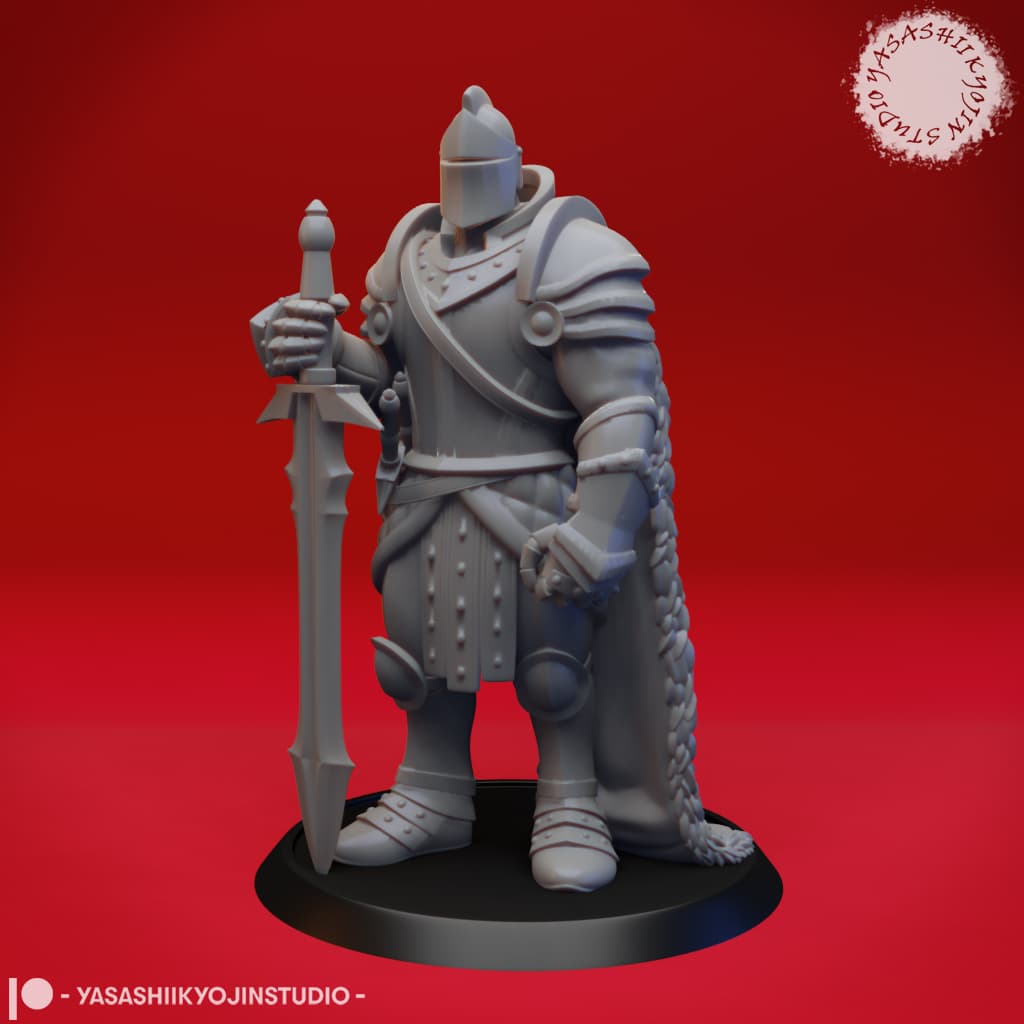
Armored Fighter / Knight - Tabletop Miniature

ORIGAMI STILT | Table Lamp E14, E26, E27 print-in-place
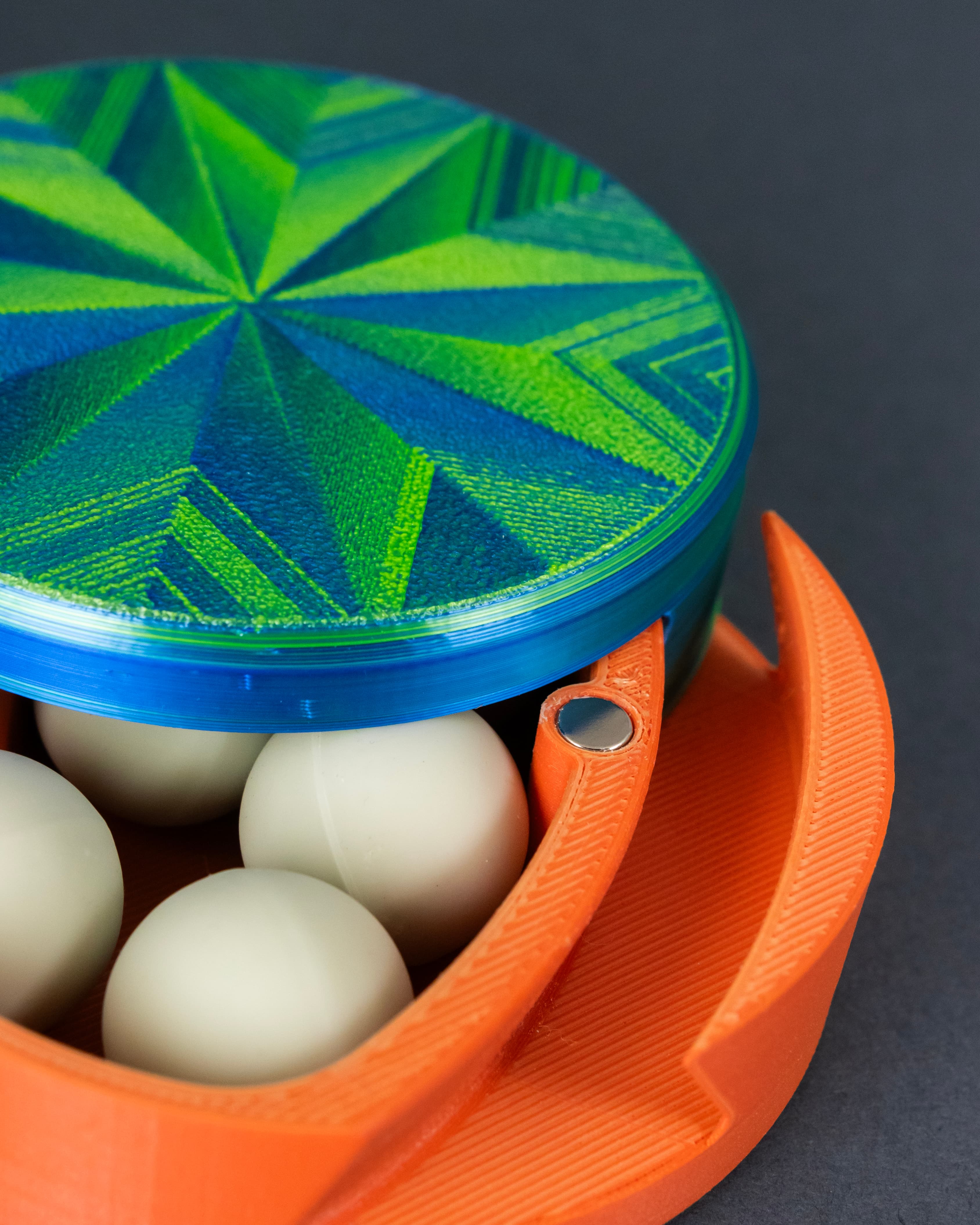
Dastardly Dovetail Box (Round Magnetic)

Hair_Brooch_002.3mf

FLEXI SPINY BUSH VIPER
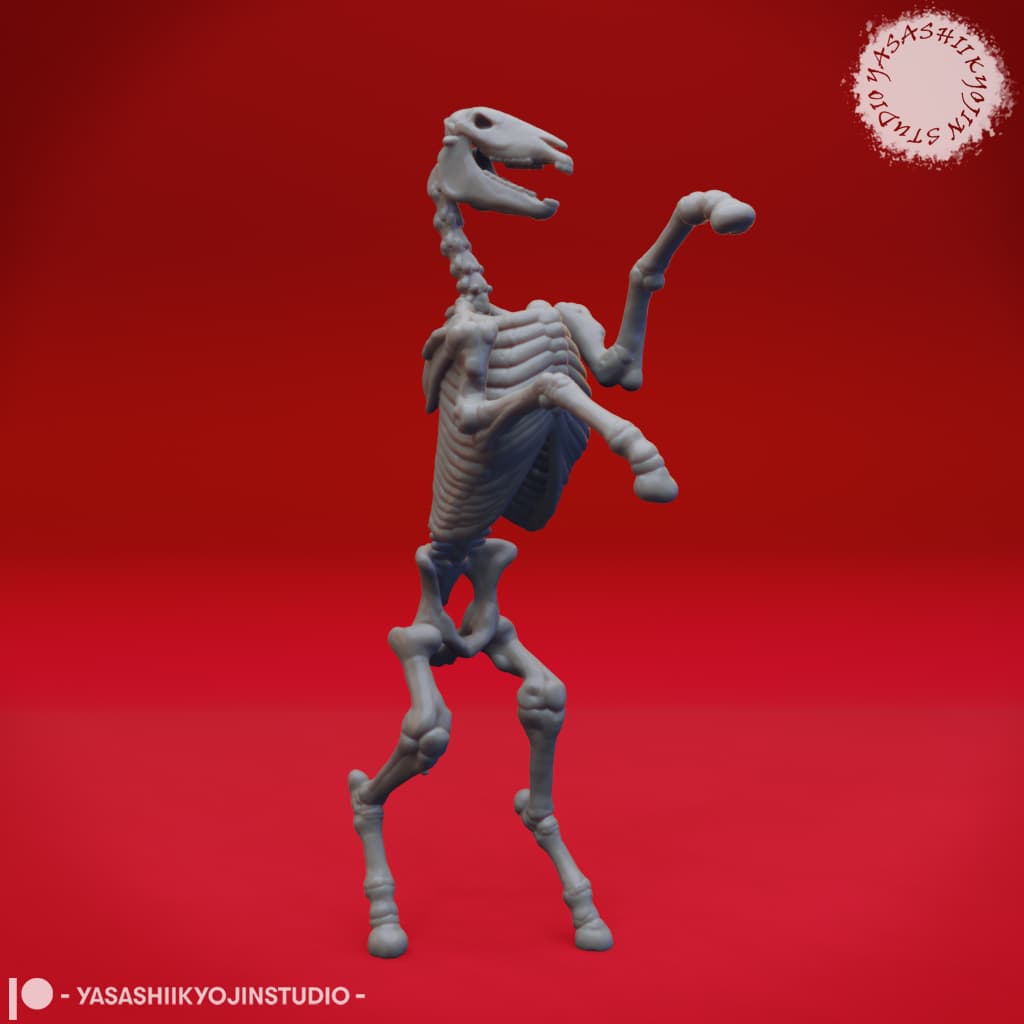
Undead Skeleton Horse - Tabletop Miniature
Star Wars BB8 Stained Glass Light Box
KYOTO | Self-Watering Planter
.jpg&w=3840&q=75)
Fox_Hairpin_014.3mf

Coin Cell Battery Storage Case - CR2032 - Smart Home

Dragons_Hair_Brooch_009.3mf

Moon_Hairpin_004.3mf
Storm Legionary Riflemen
Storm Legionary Demolition man
Storm Legionary Plasma gunner

Toilet Dice Tower - For tabletop Gaming, D&D, Cards, Dice Tower, Dice Games
FHW: Stellar Coalition Corps Elite Zappa
This is so awesome of you to make, and public domain at that. I wish the best for you and your future, you are awesome.
Thanks so much :)
absolutely love the design and the idea behind it! I was wondering if you could adapt the cells for 8 dots per cell, as there is an 8 dot standard for working with braille displays for computers.
Great idea!
I've included STEP files in the project so it can be modified easily, but you can actually create an 8-dot version using only your slicer. Just split the the cell into 2 halves so that one half has 4 dots per cell. Delete the scrap half and duplicate the remaining larger piece. You can then rotate that copy and merge it back together :)
I hope I explained that clearly enough.
For easier alignment, here are the grids used for both sizes: 6mm dots - 10mm grid 4.5mm dots - 7.5mm grid
I congratulate and commend you on this design and they way you're sharing it with everybody!
I don't know if this could be a good idea, but could you add a small nipple on one of the short sides so whenever a blind person takes one of these in their hands with the buttons already raised, they will know which side is up?
I failed to mention it in the video, but one side of the cell has a vertical line carved into it for that exact purpose :)
This is really cool! You're doing an amazing thing, thank you!
Do you have any particular infill percentage/pattern that you recommend?
Excited to post my results!
Glad you like it! I stuck to my usual infill settings - 15% gyroid.
The key is using a soft TPU (92A or even softer). Good luck :)