Status S
StatusSymbol6.1K followers
Follow
StatusSymbol
StatusSymbol
|
Image 1 of 4
Mechanical Counter 0-10 - V1 3d model
StatusSymbol
StatusSymbol
|
Image 1 of 4
Mechanical Counter 0-10 - V1 3d model

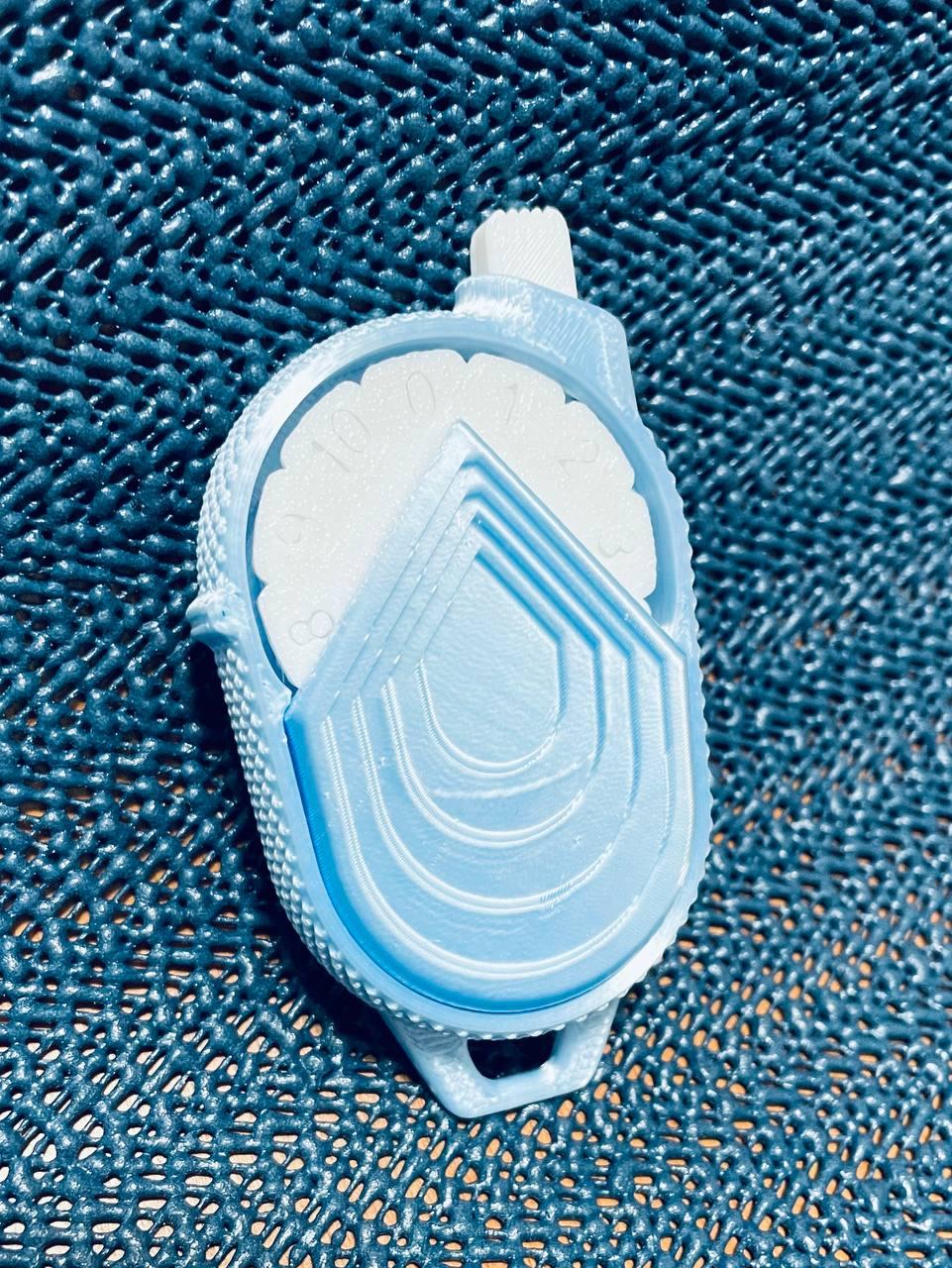
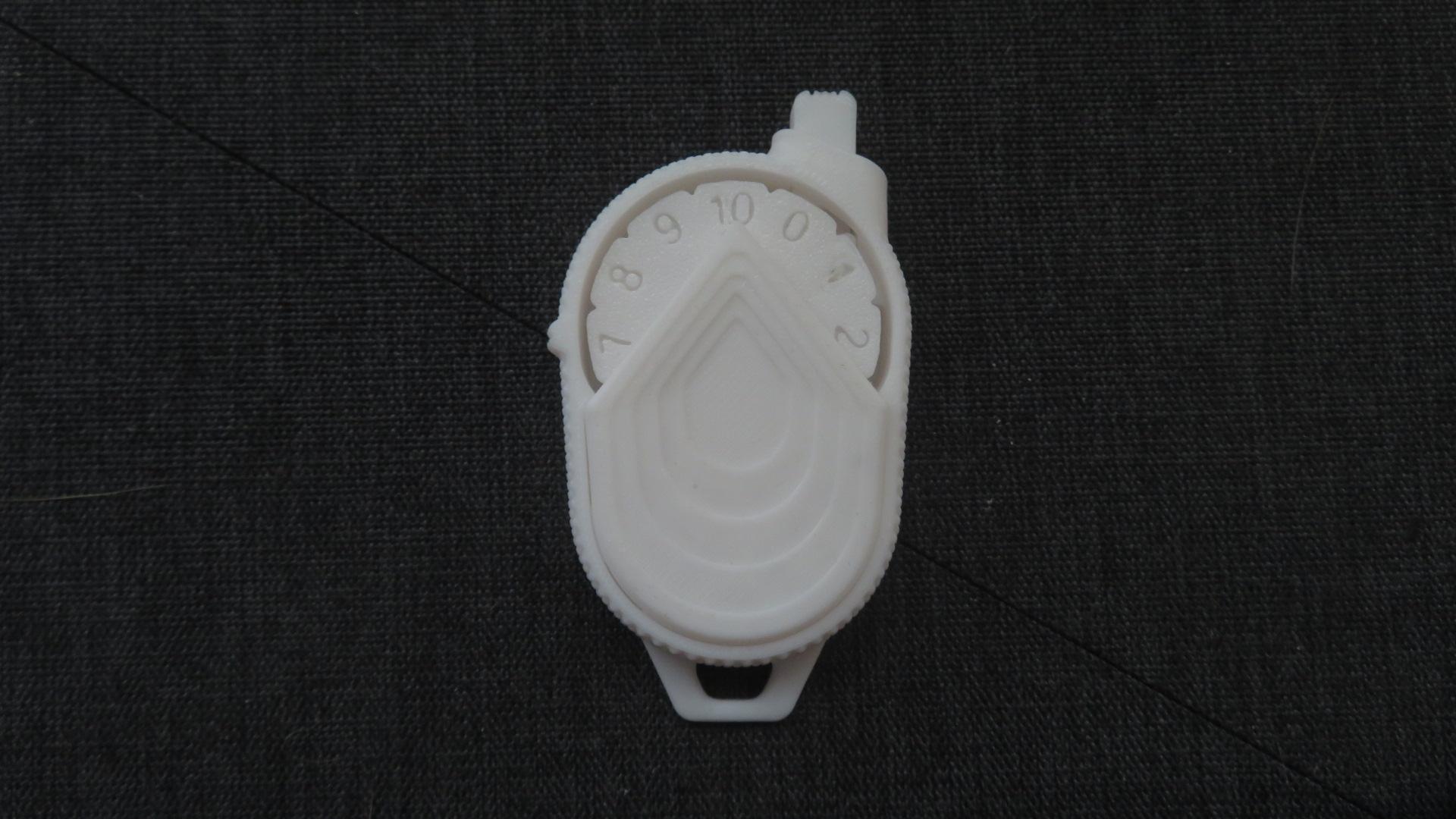
Mechanical Counter 0-10 - V1

This model is restricted by licensing terms. 

NEW DESIGN AVAILABLE: https://than.gs/m/1102391


Thank you for visiting my page! If you can, please consider supporting my art with a subscription. Members will unlock ALL of my designs as well as the commercial rights to sell physical prints for as long as they are members.

_I also invite you to join my Discord channel, whether you're a reseller or a fan. You'll find a dedicated space where you can communicate directly with me and other members: https://discord.gg/pUW67mEFrb


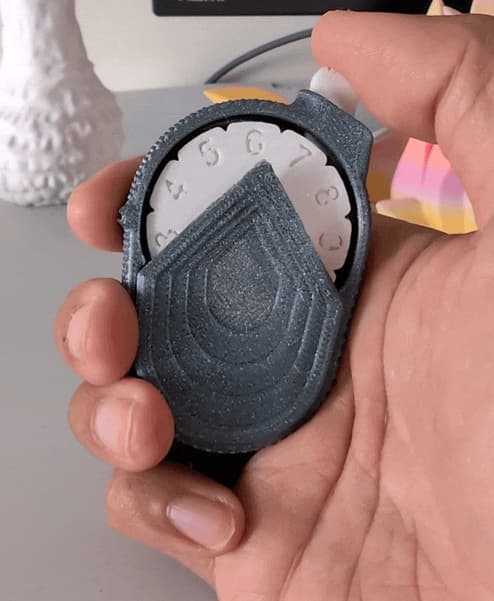
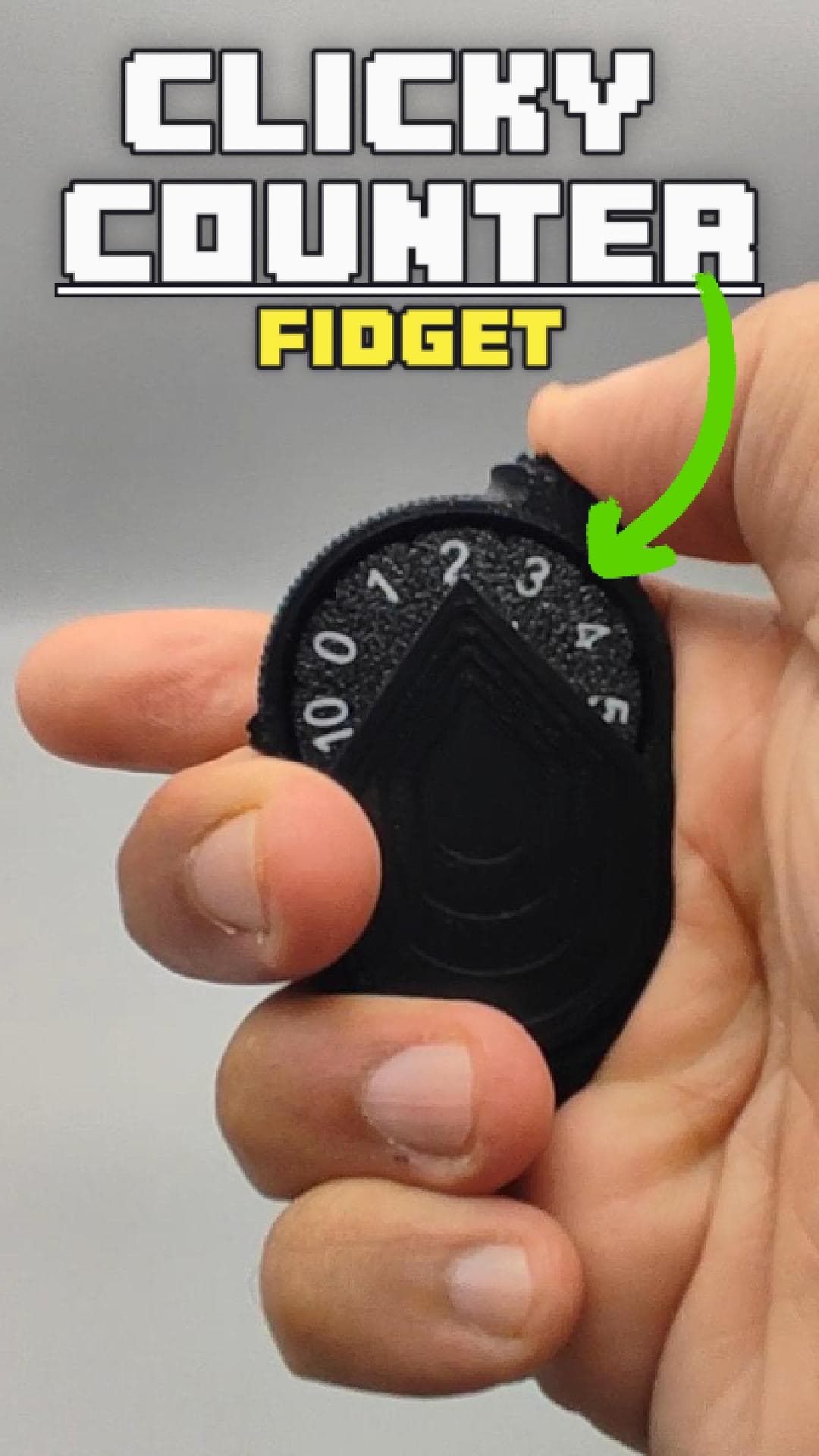
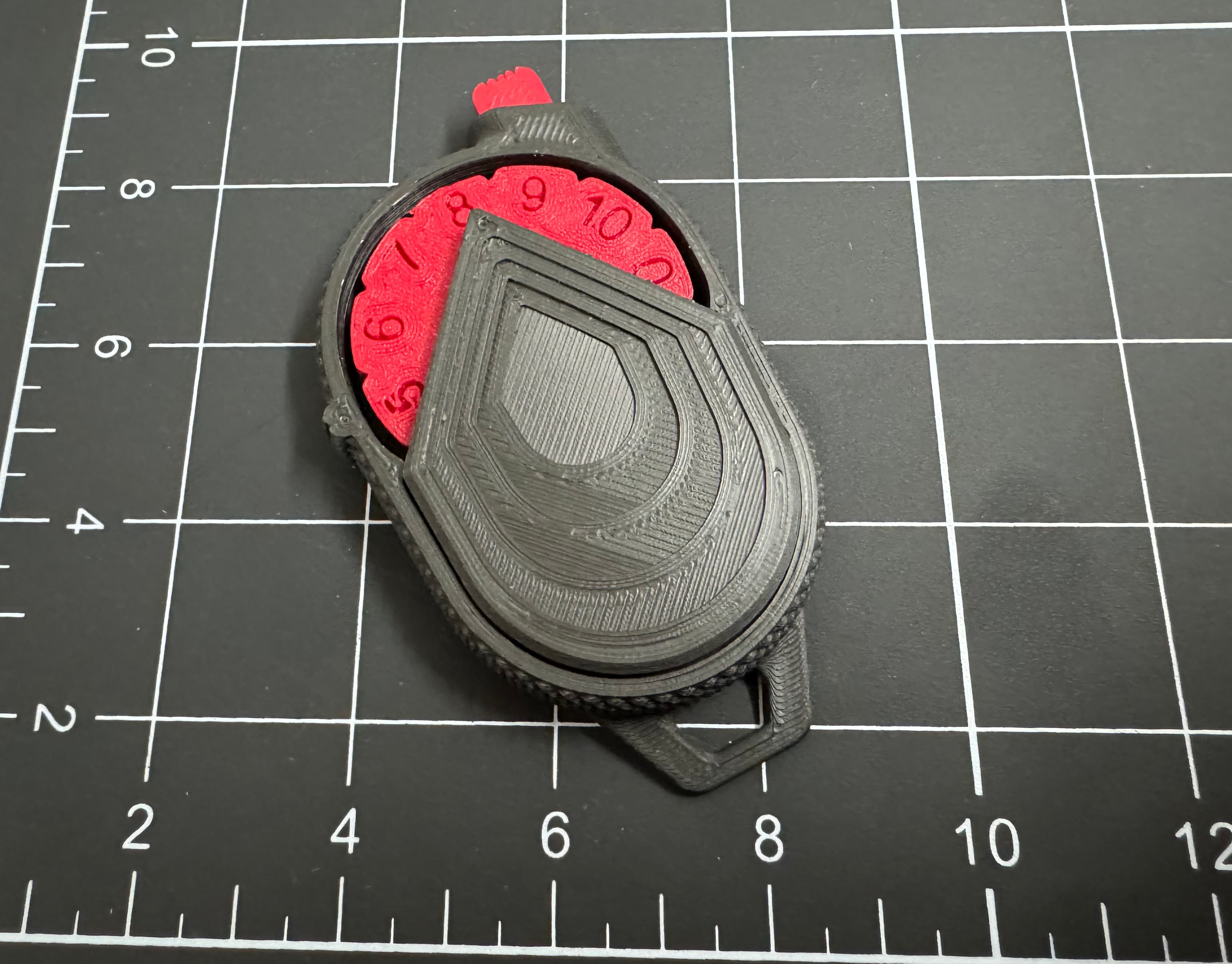
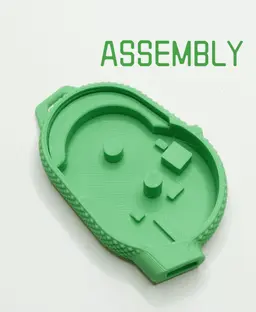
The Mechanical Counter 0-10 is a versatile and fully 3D printable device designed to be used in various daily contexts without the need for external components or glue. This compact and robust counter is ideal for tracking numbers up to 10 in a simple and practical way.

Key Features: Fully 3D Printable: All parts of the counter are designed to be 3D printed, ensuring easy assembly without the use of glue or additional components. Versatile Usage:

  • Counting sets in the gym: Perfect for keeping track of the number of sets completed during a workout, helping to maintain concentration and rhythm.

  • Teaching children to count: An excellent educational tool to help children learn numbers from 0 to 10 in an interactive and fun way.

  • Monitoring work breaks: Ideal for offices and workplaces, allowing you to keep track of the number of coffee breaks or work breaks taken during the day.

  • Managing limited resources: Useful for counting the number of uses of a limited resource, such as the number of times a tool is used before needing to be sharpened or replaced.

  • Counting cigarettes to quit smoking: A valuable support for those trying to reduce cigarette consumption, helping to monitor the number of cigarettes smoked daily.

The 3D Printable Mechanical Counter 0-10 is a practical and useful accessory for anyone needing to keep track of limited counts easily and without complications. Perfect for domestic, educational, and professional use.


REMEMBER THAT ALL MY FILES ARE PROTECTED BY A CC LICENSE AND ARE NOT INTENDED FOR COMMERCIAL PURPOSES UNLESS YOU HAVE SUBSCRIBED TO A MEMBERSHIP PLAN ON THANGS - IF YOU USE MY 3D FILES FOR COMMERCIAL PURPOSES, YOU HARM MY WORK AND MY COLLABORATORS - DON'T DO IT!

Warning: The content in question is protected by a Creative Commons license that does not allow the creation of derivative works or remixes. This means that it is not permitted to modify, transform, or further develop the material in any form. Make sure to comply with the terms of the license to avoid copyright violations.


3D Model done with Rhino8: https://www.rhino3d.com/

How do I take such high-quality photographs? Here's my equipment:

Camera: https://amzn.to/3RPDj2c Lightbox: https://amzn.to/4btNvV0 Tripod: https://amzn.to/3L51fuT

Community Makes (8)
Make by user
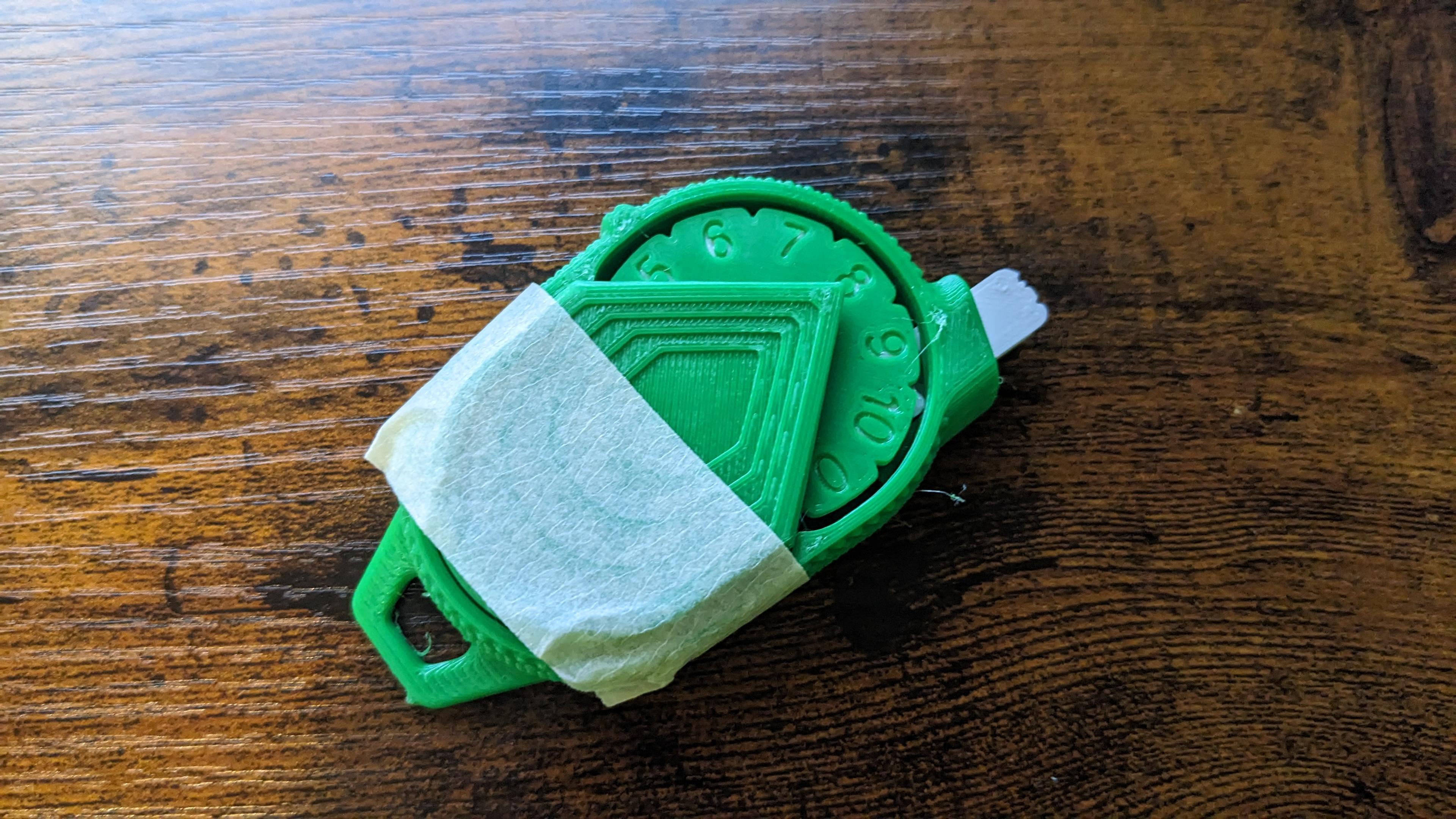
It helps a lot if you glue down the racket. Not really a requirement but it does help if you get occasional miscounts. Tilt it slightly left if you don't want to glue and it helps also.
The cover doesn't stay on well. At least for me. I used supports.
My first picture is an animated GIF :) Very clean design. I love it. 

Note: I had some issues with the "clock face" in the default orientation, due to floating parts. To fix it, I added normal supports to the clock face and increased the z-height (z-height only) to 120%. This solved the problem where the clock face prevented the timer from moving. Could have been me or my filament, but it prints and moves smoothly after I made that adjustment.

Printer: X1C 
Profile: All default settings
Filament: eSUN and Geeetech
Thank you. great design. I made a small modification to to extrude numbers as separate bodies so that I can print them in multicolor. I made a short video of your design.

https://youtube.com/shorts/ohd-XxBm2P0
thanks for the easy print design and it's got a really satisfying click
Make by user
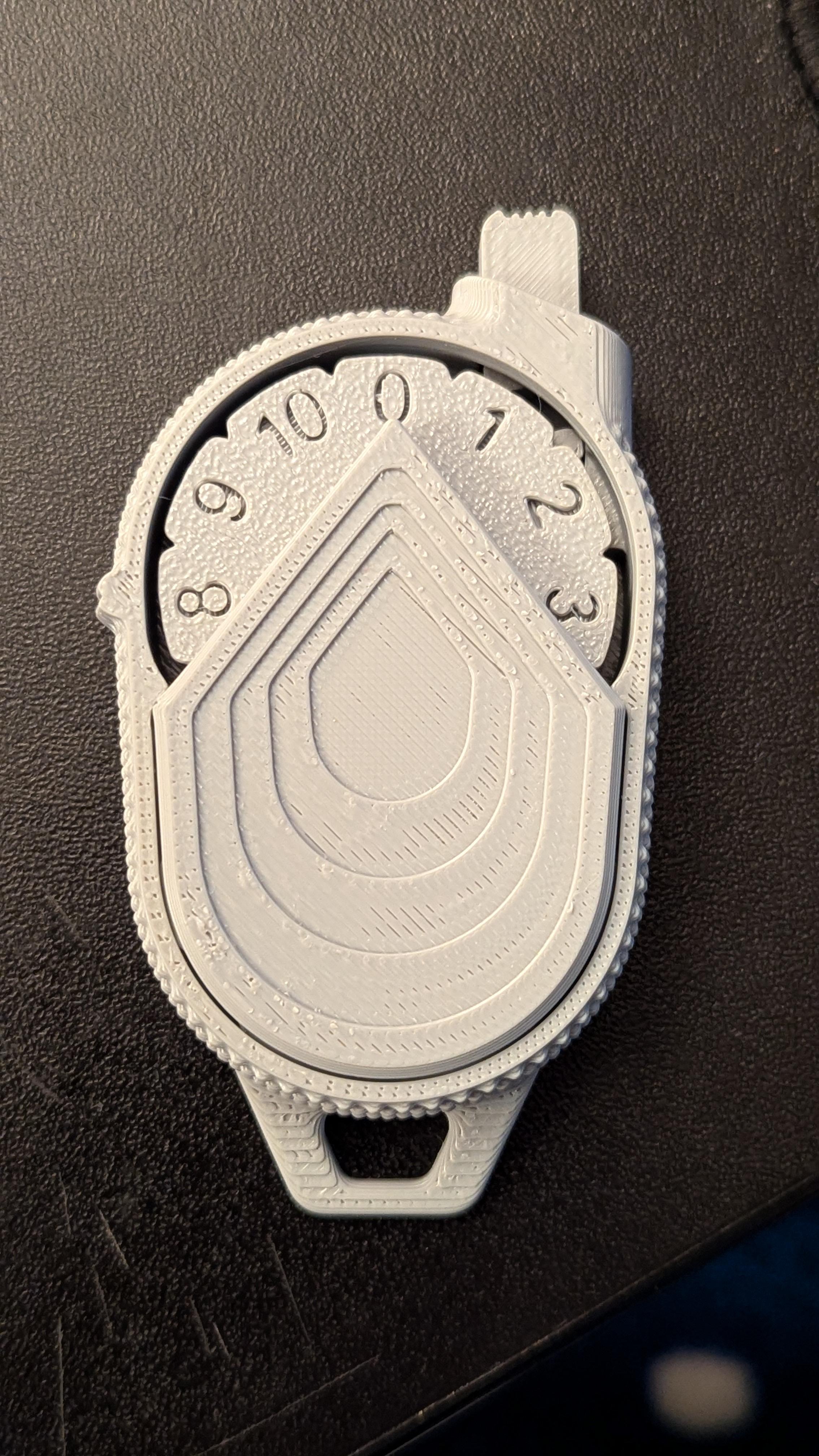
Printed on an A1 Mini at .12 mm layer height using Anycubic PLA in under 1.5 hours, good click and very quick and easy to assemble.
Make by user
It helps a lot if you glue down the racket. Not really a requirement but it does help if you get occasional miscounts. Tilt it slightly left if you don't want to glue and it helps also.
The cover doesn't stay on well. At least for me. I used supports.
My first picture is an animated GIF :) Very clean design. I love it. 

Note: I had some issues with the "clock face" in the default orientation, due to floating parts. To fix it, I added normal supports to the clock face and increased the z-height (z-height only) to 120%. This solved the problem where the clock face prevented the timer from moving. Could have been me or my filament, but it prints and moves smoothly after I made that adjustment.

Printer: X1C 
Profile: All default settings
Filament: eSUN and Geeetech
Thank you. great design. I made a small modification to to extrude numbers as separate bodies so that I can print them in multicolor. I made a short video of your design.

https://youtube.com/shorts/ohd-XxBm2P0
thanks for the easy print design and it's got a really satisfying click
Make by user
Printed on an A1 Mini at .12 mm layer height using Anycubic PLA in under 1.5 hours, good click and very quick and easy to assemble.


Community Makes (8)
Make by user
It helps a lot if you glue down the racket. Not really a requirement but it does help if you get occasional miscounts. Tilt it slightly left if you don't want to glue and it helps also.
The cover doesn't stay on well. At least for me. I used supports.
My first picture is an animated GIF :) Very clean design. I love it. 

Note: I had some issues with the "clock face" in the default orientation, due to floating parts. To fix it, I added normal supports to the clock face and increased the z-height (z-height only) to 120%. This solved the problem where the clock face prevented the timer from moving. Could have been me or my filament, but it prints and moves smoothly after I made that adjustment.

Printer: X1C 
Profile: All default settings
Filament: eSUN and Geeetech
Thank you. great design. I made a small modification to to extrude numbers as separate bodies so that I can print them in multicolor. I made a short video of your design.

https://youtube.com/shorts/ohd-XxBm2P0
thanks for the easy print design and it's got a really satisfying click
Make by user
Printed on an A1 Mini at .12 mm layer height using Anycubic PLA in under 1.5 hours, good click and very quick and easy to assemble.
Make by user
It helps a lot if you glue down the racket. Not really a requirement but it does help if you get occasional miscounts. Tilt it slightly left if you don't want to glue and it helps also.
The cover doesn't stay on well. At least for me. I used supports.
My first picture is an animated GIF :) Very clean design. I love it. 

Note: I had some issues with the "clock face" in the default orientation, due to floating parts. To fix it, I added normal supports to the clock face and increased the z-height (z-height only) to 120%. This solved the problem where the clock face prevented the timer from moving. Could have been me or my filament, but it prints and moves smoothly after I made that adjustment.

Printer: X1C 
Profile: All default settings
Filament: eSUN and Geeetech
Thank you. great design. I made a small modification to to extrude numbers as separate bodies so that I can print them in multicolor. I made a short video of your design.

https://youtube.com/shorts/ohd-XxBm2P0
thanks for the easy print design and it's got a really satisfying click
Make by user
Printed on an A1 Mini at .12 mm layer height using Anycubic PLA in under 1.5 hours, good click and very quick and easy to assemble.

Discussions
linkeroniw
linkeroniw
Printed on an A1 Mini at .12 mm layer height using Anycubic PLA in under 1.5 hours, good click and very quick and easy to assemble.
Printed on an A1 Mini at .12 mm layer height using Anycubic PLA in under 1.5 hours, good click and very quick and easy to assemble. 3d model
 3d model
 3d model
Andrew B
The Pesmat
It helps a lot if you glue down the racket. Not really a requirement but it does help if you get occasional miscounts. Tilt it slightly left if you don't want to glue and it helps also.
It helps a lot if you glue down the racket. Not really a requirement but it does help if you get occasional miscounts. Tilt it slightly left if you don't want to glue and it helps also.  3d model
Dan P
ThangsDan
My first picture is an animated GIF :) Very clean design. I love it. Note: I had some issues with the "clock face" in the default orientation, due to floating parts. To fix it, I added normal supports to the clock face and increased the z-height (z-height only) to 120%. This solved the problem where the clock face prevented the timer from moving. Could have been me or my filament, but it prints and moves smoothly after I made that adjustment. Printer: X1C Profile: All default settings Filament: eSUN and Geeetech
My first picture is an animated GIF :) Very clean design. I love it. 

Note: I had some issues with the "clock face" in the default orientation, due to floating parts. To fix it, I added normal supports to the clock face and increased the z-height (z-height only) to 120%. This solved the problem where the clock face prevented the timer from moving. Could have been me or my filament, but it prints and moves smoothly after I made that adjustment.

Printer: X1C 
Profile: All default settings
Filament: eSUN and Geeetech
 3d model
 3d model
 3d model
Loris M
loris.montagner
 3d model
Michael K
miketkapp
The cover doesn't stay on well. At least for me. I used supports.
The cover doesn't stay on well. At least for me. I used supports.  3d model
 3d model
Andrew N
k3football123

perhaps some glue instead? Or maybe your printer needs some maintenance?

G
golekipro
Thank you. great design. I made a small modification to to extrude numbers as separate bodies so that I can print them in multicolor. I made a short video of your design. https://youtube.com/shorts/ohd-XxBm2P0
Thank you. great design. I made a small modification to to extrude numbers as separate bodies so that I can print them in multicolor. I made a short video of your design.

https://youtube.com/shorts/ohd-XxBm2P0 3d model
Fabian W
fabianwitthoff

This design is wonderful! Love your work!!!!

Status S
StatusSymbol

Thank you!! :)

rnd h
avrndhp
thanks for the easy print design and it's got a really satisfying click
thanks for the easy print design and it's got a really satisfying click 3d model
Dan P
ThangsDan

Nice color choices 😁

D
Davidfritsche
 3d model
MaterialPLA
Layer height0.2 mm
Infill density20 %
SupportsNone
BrimNo
View all 14 discussions

Mechanical Counter 0-10 - V1

2.5K downloads · 2 years ago in  and 
Status S
StatusSymbol6.1K followers
Follow
This model is restricted by licensing terms.