
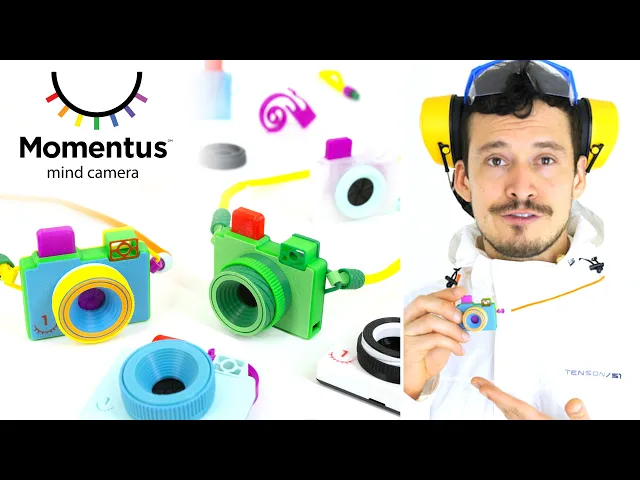


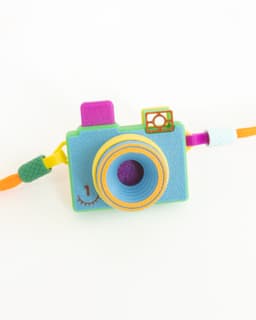



Momentus Mind Camera PRO // Fidget Clicker + Memory Device
The Momentus Mind Camera is a breakthrough device capable of capturing vivid memories and storing them directly in your brain. The incredibly satisfying and effective clicking noise triggers a Pavlovian response that your brain will come to associate with important memories. Made possible by navigating a narrow labyrinth of legal loopholes, you can now 3D print your own! So get out there and make some memories (at your own risk)!
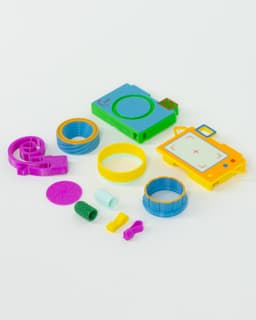
This is the PRO Kit, which includes a bunch of styles and options for your custom mind camera. Try out a basic kit for free here.
Printing Guidelines
Watch the attached assembly video for detailed printing and assembly instructions!
-
0.4mm nozzle, 0.16mm layer height, 3 walls, 10% infill, 5 top and bottom layers.
-
All parts were designed to work with PLA, and should hold up for hundreds of snaps but a more resiliant material like PETG or ABS may increase shutter life. I would avoid softer PLA variants like silk/matte, especially for the Trigger. As always keep PLA parts out of hot environments.
-
Front_loose.stl part is included to compensate for imperfect prints, but it's highly suggested to use a tuned printer that works with the default parts for best operation.
-
If using a softer filament or want an extra finger workout you can print the 'firm' and 'stiff' versions of the Trigger, but the standard one should work well for most cases.
-
For the multicolor version of the back, make sure to use the correspondening strap type ('noStrap','StrapA', or 'StrapB') for both the face and main STLs.
-
Designed to work with my printable Keychain Loop or any standard keychain.
-
No adhesives should be necessary, but if you want to glue parts together for extra strength, I suggest E6000.
Photographed models were printed on the Bambu Lab X1-Carbon 3D Printer using Bambu Lab PLA.*
These affiliate links give me a commission on sales at no additional cost to you. Thanks for supporting Make Anything!.
Momentus Mind Camera PRO // Fidget Clicker + Memory Device
Mailbox Indicator Flap // Spider
Clover // Flatland Keychain Magnet

Starburst // Flatland Keychain Magnet

Mailbox Indicator Flap // Raccoon

Mailbox Indicator Flap // Fuschia Flower

Drill Mixer // Stirring Stick

Super Plunger // Sink and Shower Drain Plunger

Palpa Hummingbird

Nazca Condor // Líneas de Nazca
75mm PERSPEKTIVA Cube

Raindrop Cup Top

Fuzzy Stripes Planter // 90x60mm

Awesome Blossom // Rejected Animals Decal
Great Wide Shark // Rejected Animals Decal

Cloud // Flatland Keychain Magnet
Tsugite Cube 3x3 Puzzle (Version A)

Puddle // Flatland Keychain Magnet
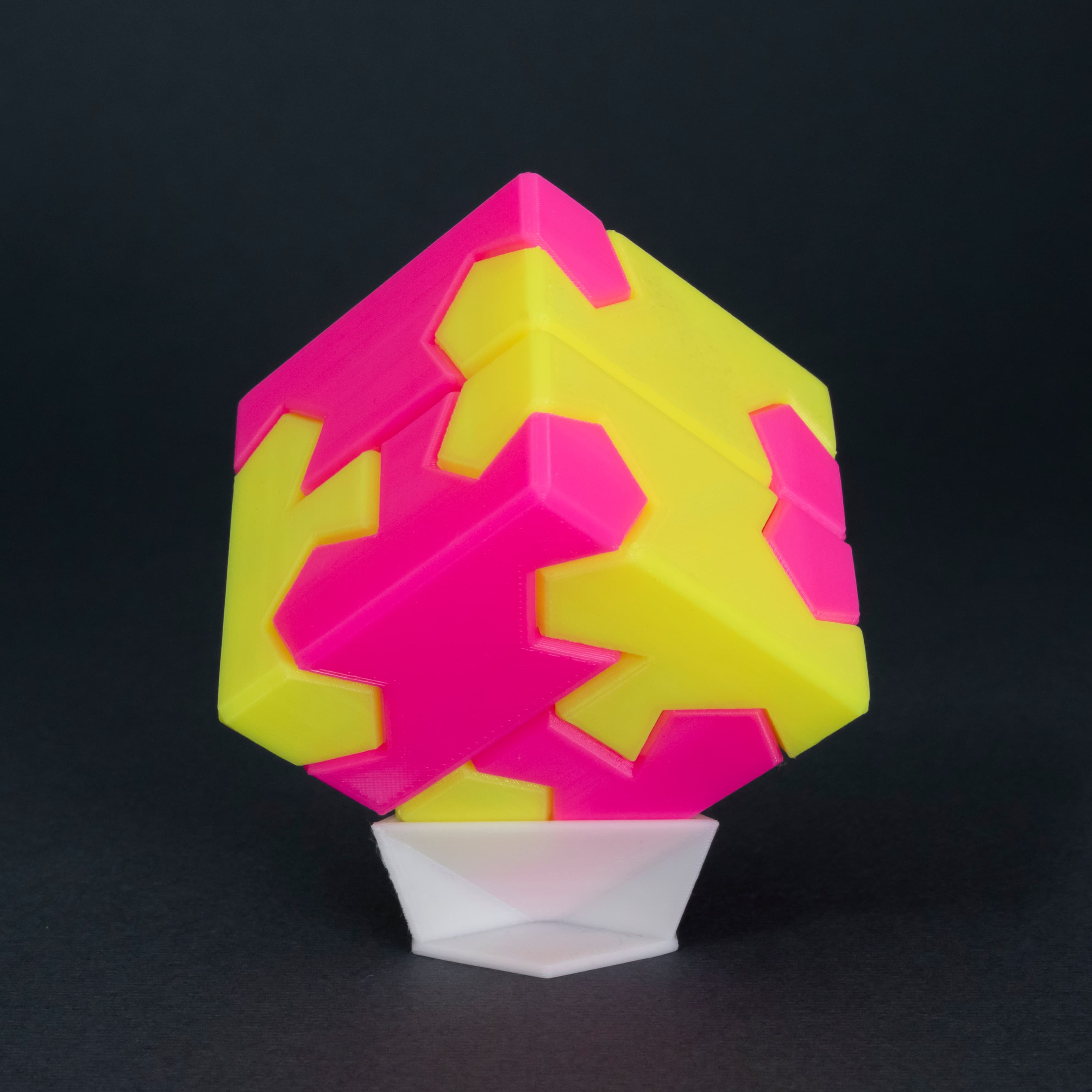
Tsugite Cube 2x2 Puzzle (3 sizes)
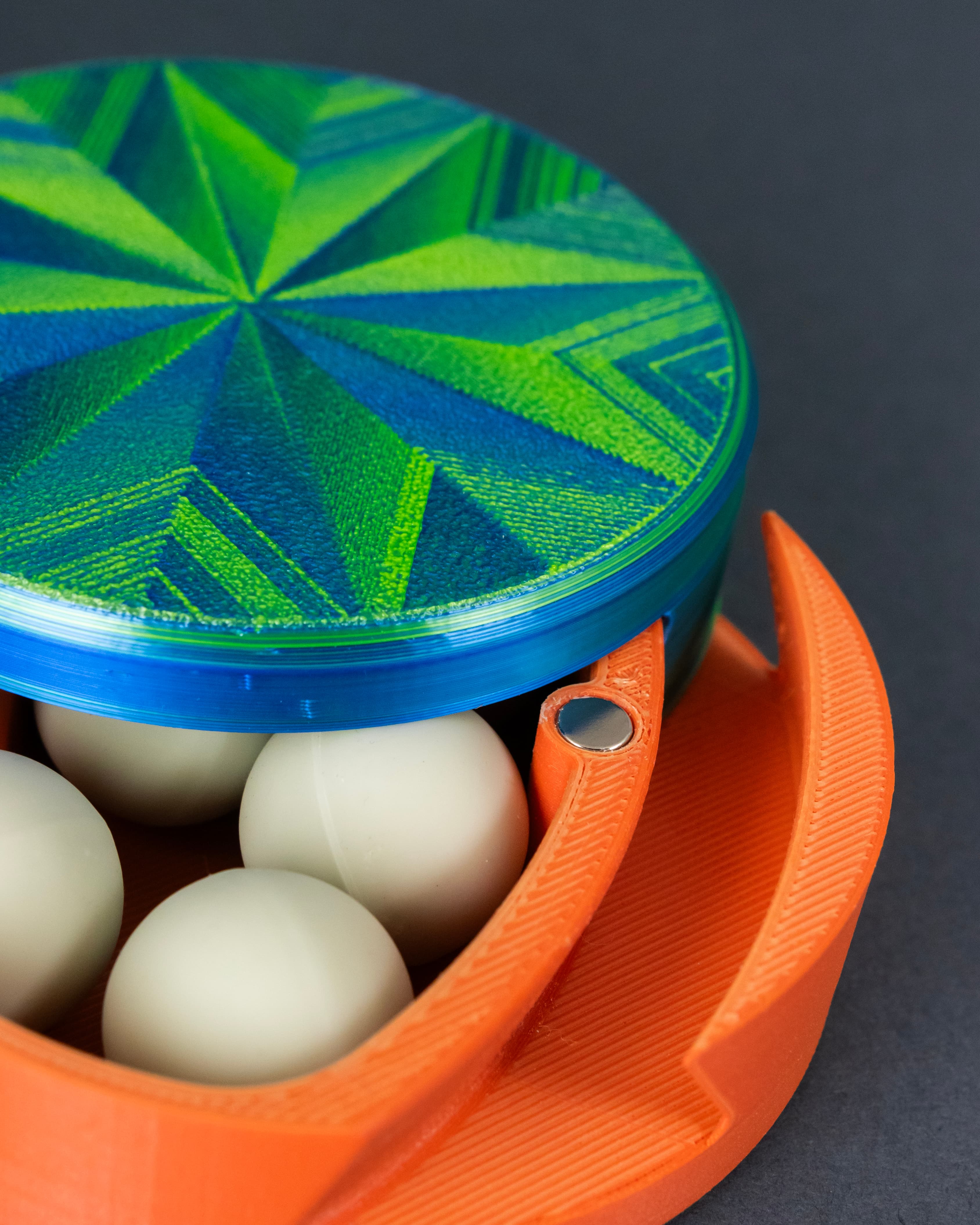
Dastardly Dovetail Box (Round Magnetic)
Having a hard time with the zoom inner and mids printing with too tight of tolerances. I tried adjusting the mid and outer up 0.5%, but still too tight. I have to sand the inner down to get it to work. Any advice?
Can you tell which surfaces are causing resistance? Is the print seam sticking out?
Seems to be the barrel part of the inner is too thick, causing it to rub on the inner and outer interior walls of the middle part. If I sand down the inner on the inside and outside of the barrel, it fits. I have my printer pretty well dialed in and it interferes every time I have tried.
Hmm, well there's a 0.2mm clearance between every surface, but since the parts are printed in the same orientation it may be that your layers are 'locking' together. I wonder if printing one at 0.16mm layer height and the other at 0.17mm height would reduce that. Otherwise maybe just lower flow/extrusion multiplier, and using Arachne wall generator (if available in your slicer) may also help so the 0.6mm thick walls are printed as a single extrusion vs. two thin walls smushed together.
Looks like it was number of walls. I printed on a newly acquired Prusa i3 MK2 and its default setting was 2 walls in PrusaSlicer. When printed on that printer they fit much better. Cheers!
I will try them separately to see if I can get them to fit better. Thanks for the troubleshooting.