



GEN2 Ryobi Tool Holder
| Visit JERRARI3D.com for Instructions and a complete look at the GEN2 collection
The GEN2 Modular System is a 3D printable storage solution offering ultimate flexibility and customization. Perfect for home users, hobbyists, and small businesses, so you can print exactly what you need and customize every piece to fit your space and style.
Unlike store-bought sets, GEN2 lets you print only what you need and expand your setup whenever you want. The drawers snap together seamlessly, giving you endless expansion possibilities. With the unique QuickLock mechanism, rearranging or relocating drawers is quick and effortless, so your storage can grow and adapt with you.
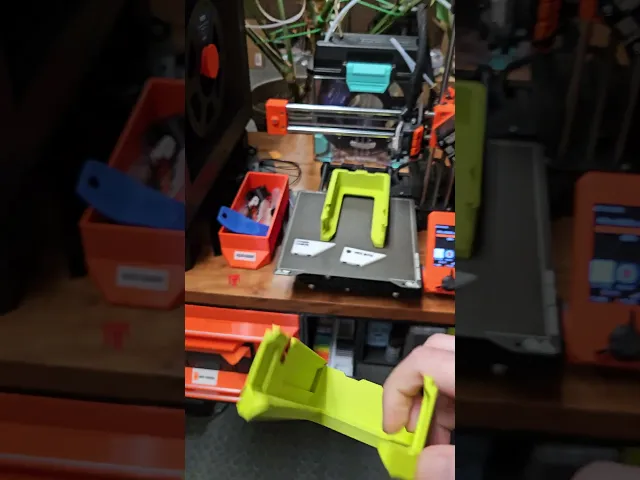
GEN2 Ryobi Tool Holder Mount your RYOBI drills and drivers under any GEN2 drawer and keep bits and accessories organized above. With the GEN2 rail system and QuickLock, you can slide, swap, and rearrange tool holders in seconds.
STEP 1: Location
Find these kits at JERRARI3D.com
• UNDER TABLE (GEN2 RAILS) Attach GEN2 drawers under any surface by installing the GEN2 RAILS. Once installed drawers can slide and lock into place, they can then be swapped out and rearrange in seconds.
What You'll Need This Tool Holder Design will fit under any GEN2 Drawers from 165 to 270 length
Visit Jerrari3D.com for a list of all compatible drawers.
HARDWARE Includes affiliated links to help support my projects • Filament I highly recommend checking out Power Tool Green from Polymaker HTPLA-GF - PLA – Easy to print, works great for most parts - PETG – Stronger and tougher, but can warp more • Screwdriver
UNDER TABLE (GEN2 RAILS) HARDWARE • Countersunk woodscrews: (https://amzn.to/4l8Zb4o) or (Metric: 3.5x16mm or longer) • Drill bit that is smaller diameter than the wood screws (My Recommendation) • Pen, Marker, or Scratch Awl (for installing under tables)
INSTRUCTIONS
🔧Visit Jerrari3d.com for Step-By-Step Instructions
**UPDATE: **
GEN2 Quicklocks added for fast installation Adjusted dimensions to better fit a wider range of Power tool shapes (Note: Power tools tend to be a bit random so I recommend printing one and testing all your tools with it first. STEP files available HERE
Please note: The Non-Commercial license refers specifically to selling prints. You're absolutely welcome to use my designs in commercial environments—I actually encourage you to use them anywhere you see fit! 👍
GEN2 Ryobi Tool Holder

GEN2 PlateStack Case – Prusa – 240-3W-1H
RETRO GameStack - PS5/PS4/PS3/Blu-ray

GEN2 Decor - Faceplates - Classic Pro Series
RETRO GameStack - NES
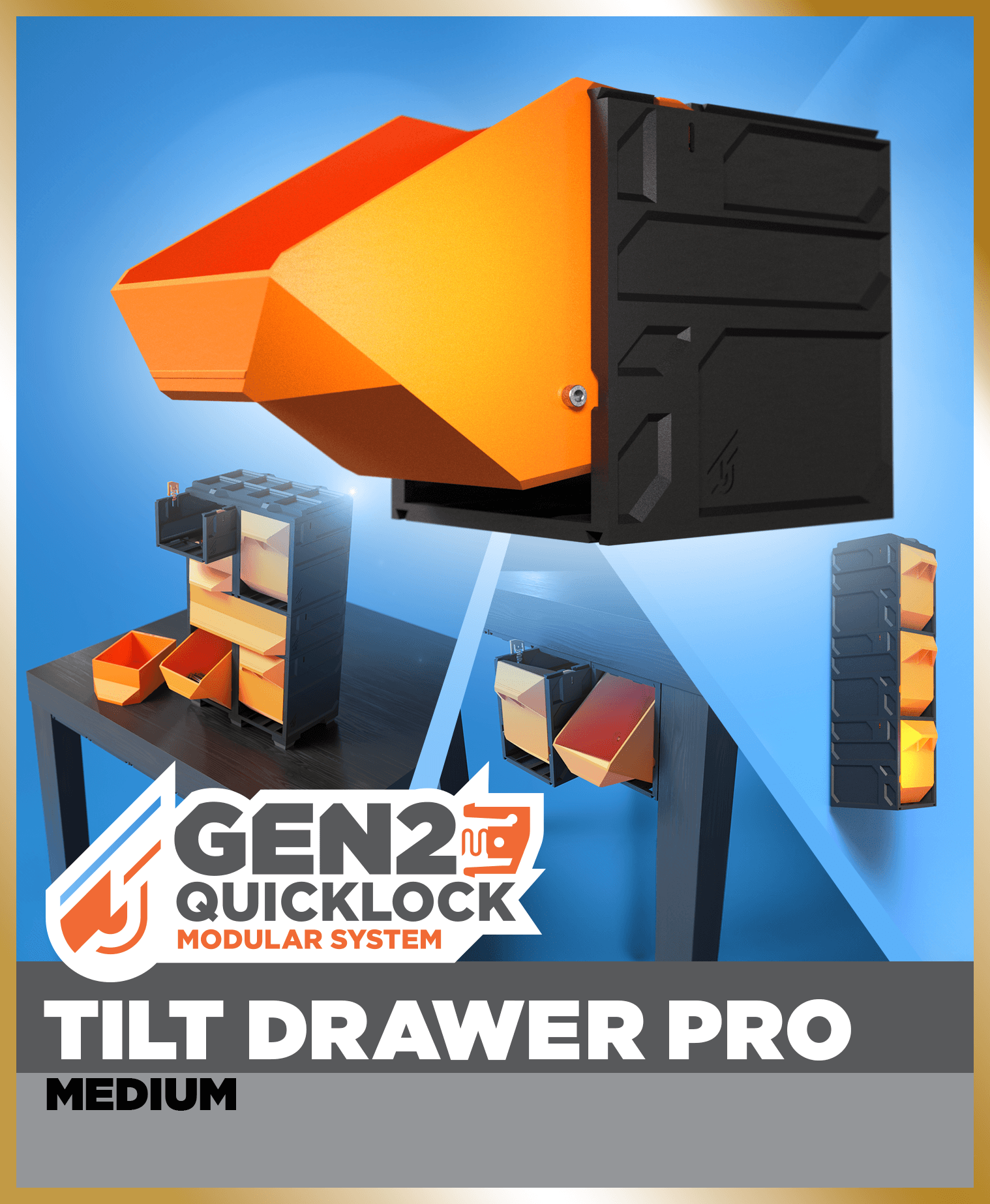
GEN2 Tilt Drawer Pro - 115
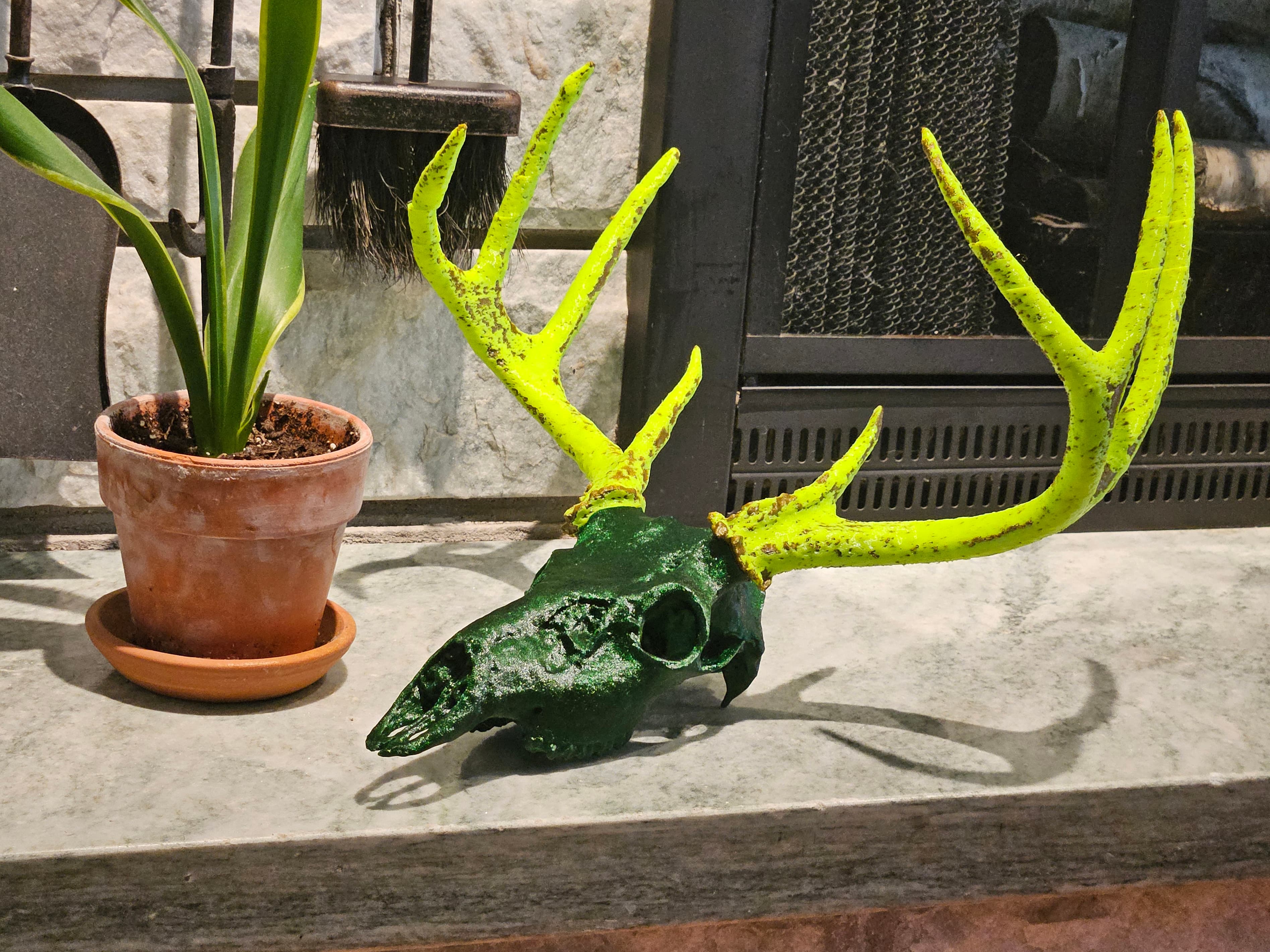
White-tailed Deer Skull - Multi-Part

Gothic Cathedral Desk Organizer - Dark Academia Stationery & Tool Holder
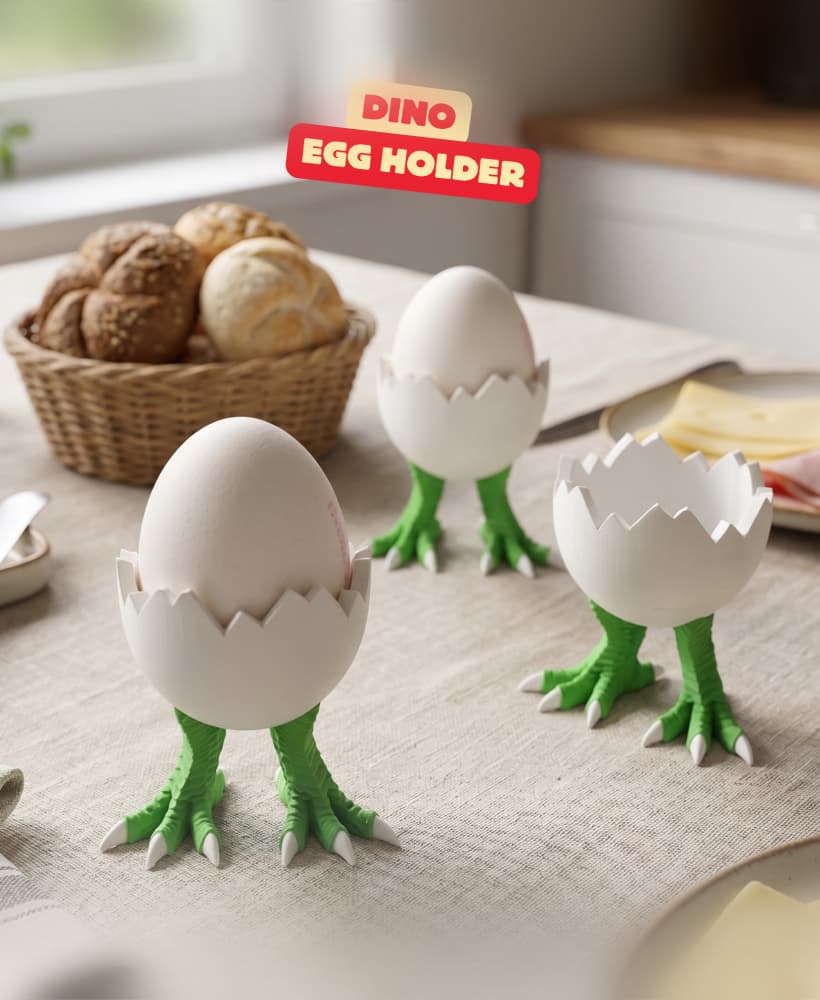
DINO - EGG HOLDER / CUTE KITCHEN DECOR / KITCHEN TOOLS / DINOSAUR EGG HOLDER

ROBOTER - EGG HOLDER / CUTE KITCHEN DECOR / KITCHEN TOOLS / ROBOTER EGG HOLDER
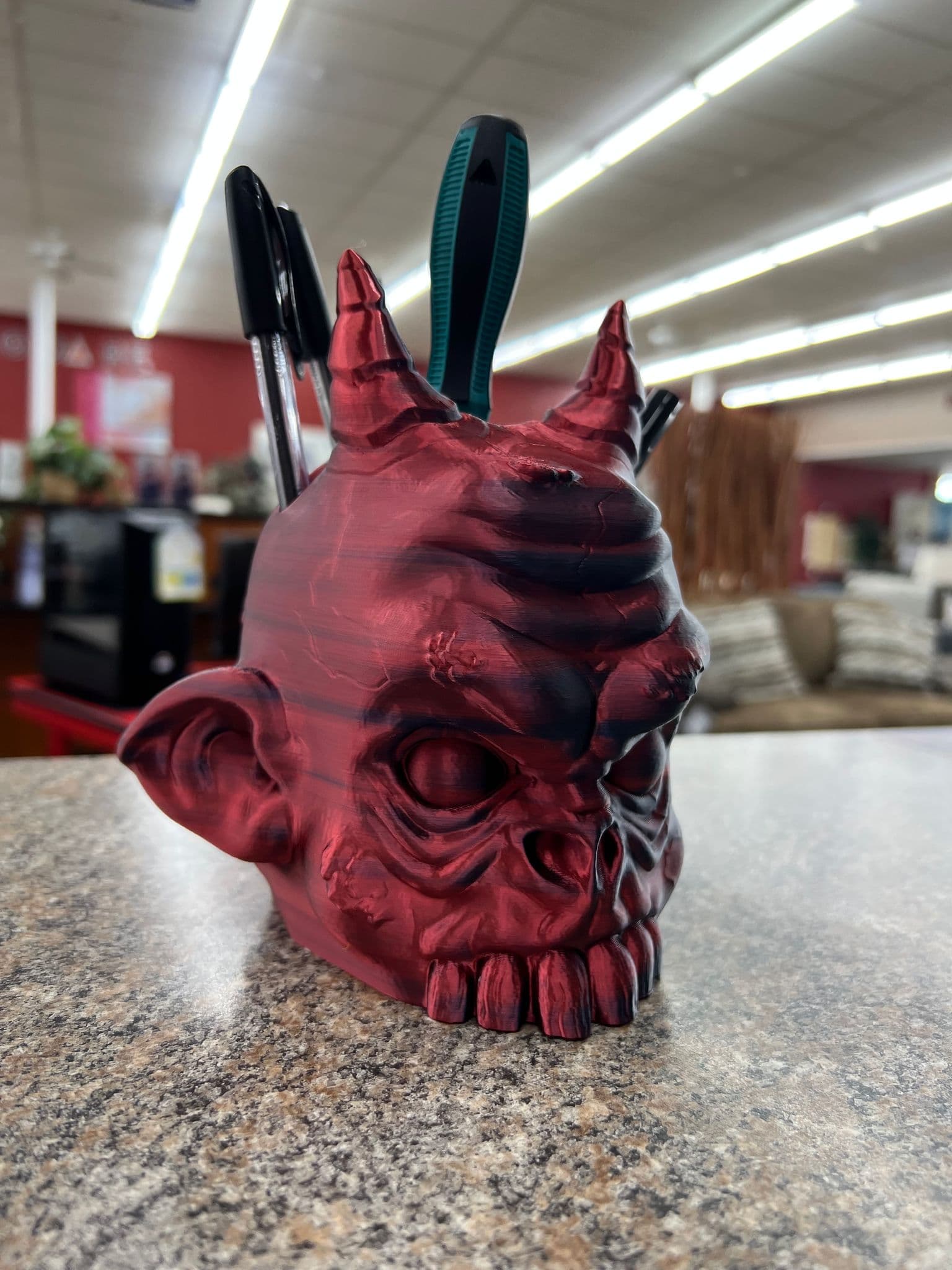
Demon head pen & tool holder
.png&w=3840&q=75)
Egyptian Pharaoh Headset Holder
.png&w=3840&q=75)
Pegboard - Oscilating Multi Tool.stl

DRACONIS - PEN HOLDER + BOWL (SET) / GOTHIC DECOR / TOOLS / ORGANIZER / DESKTOP ORGANIZER SET

Hex Bits - Wall Holders

MDO - Support Top Pen Holder

Paint and Brush Holder
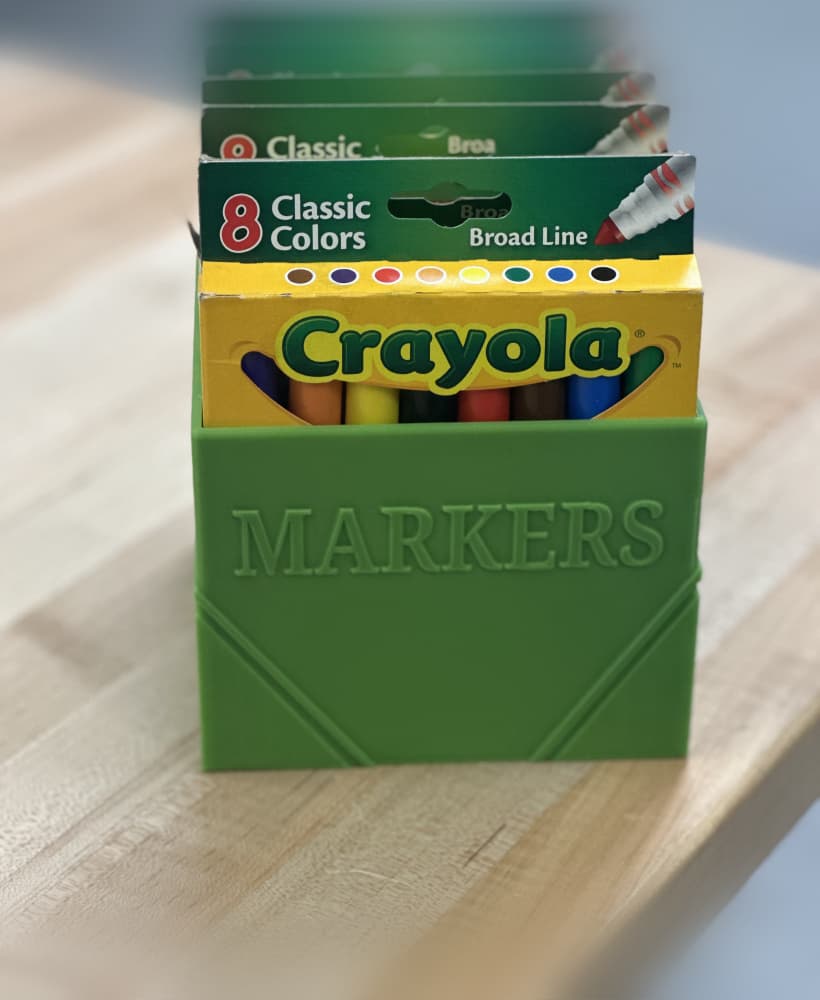
Crayola Markers Holder

Multi-Slot Brush and Pencil Holder

Drill Combo Set - Wall Holders