
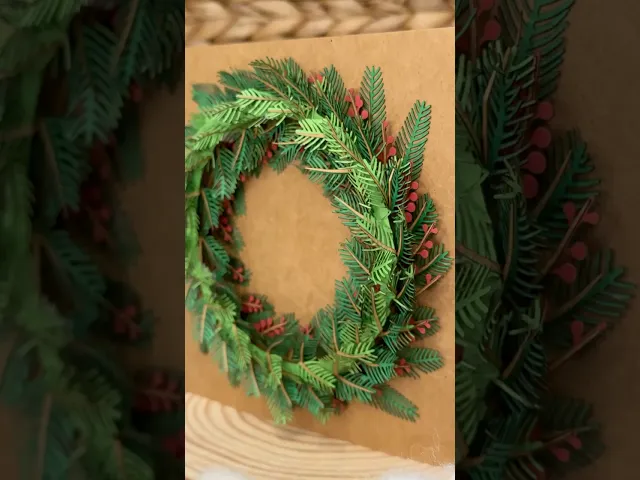


Laser Cut Wreath
This download includes .dxf and.png files for the laser cut wreath pictured. The demo .stl is not for 3D printing!
See assembly video here.
To make the wreath pictured here, you will need to laser cut all the “Needle” and “Stem” layer files.
Cut the “Berries” files and an additional “Layer 3 Stem” to go with the berries.
Glue the corresponding “Stem” cut on to the “Needle” or “Berries” cut. Use the holes to line them up.
Assemble the layers with double sided adhesive foam to add depth between layers.
Use the “Layer 3 Reversed” pieces for the top layer. Fold the needles backwards over the stem so that the needles are oriented in the same direction as the others. This final layer hides the ring and adds density to the middle of the wreath. This is demonstrated in more detail here.
Laser Cut Wreath

Industrial Construction Set - FDM

Bouali Strange Attractor Sculpture

Aizawa Strange Attractor Sculpture
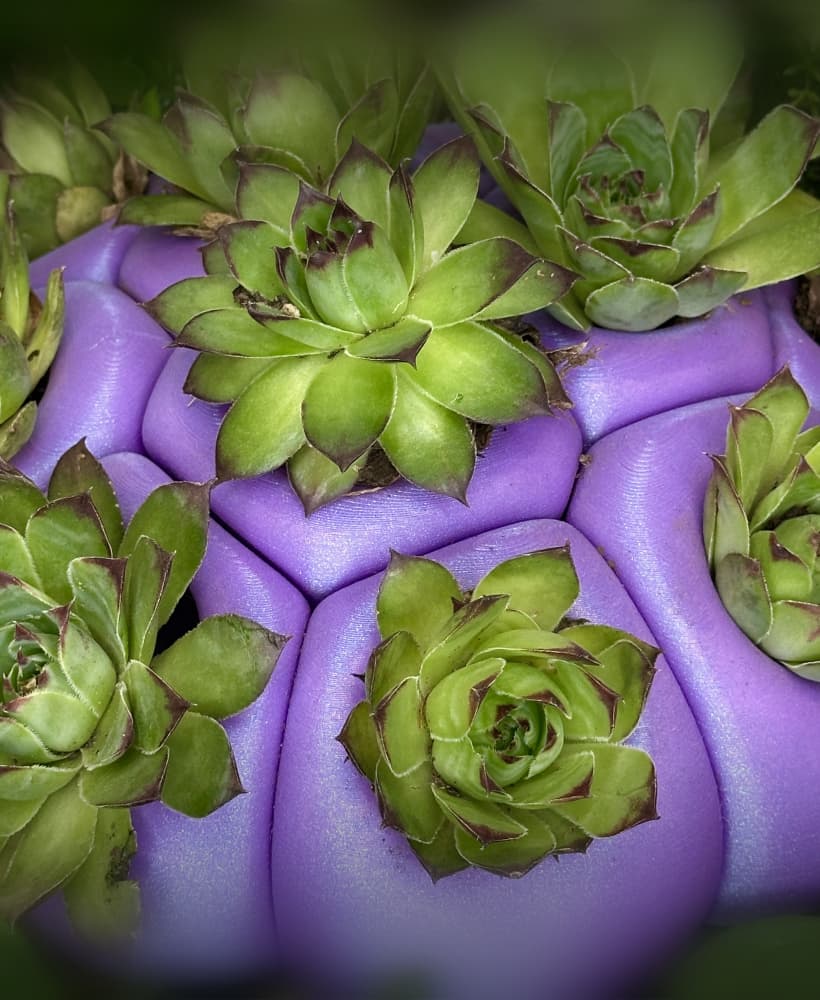
Bio Blob
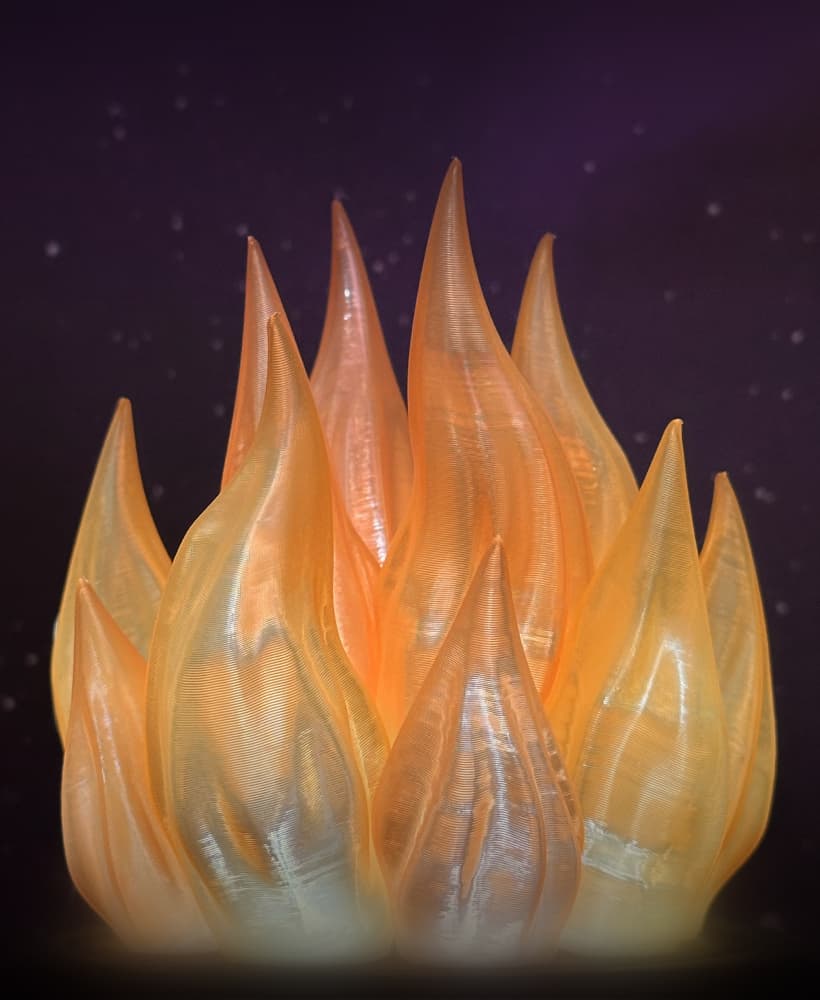
Flame Lamp
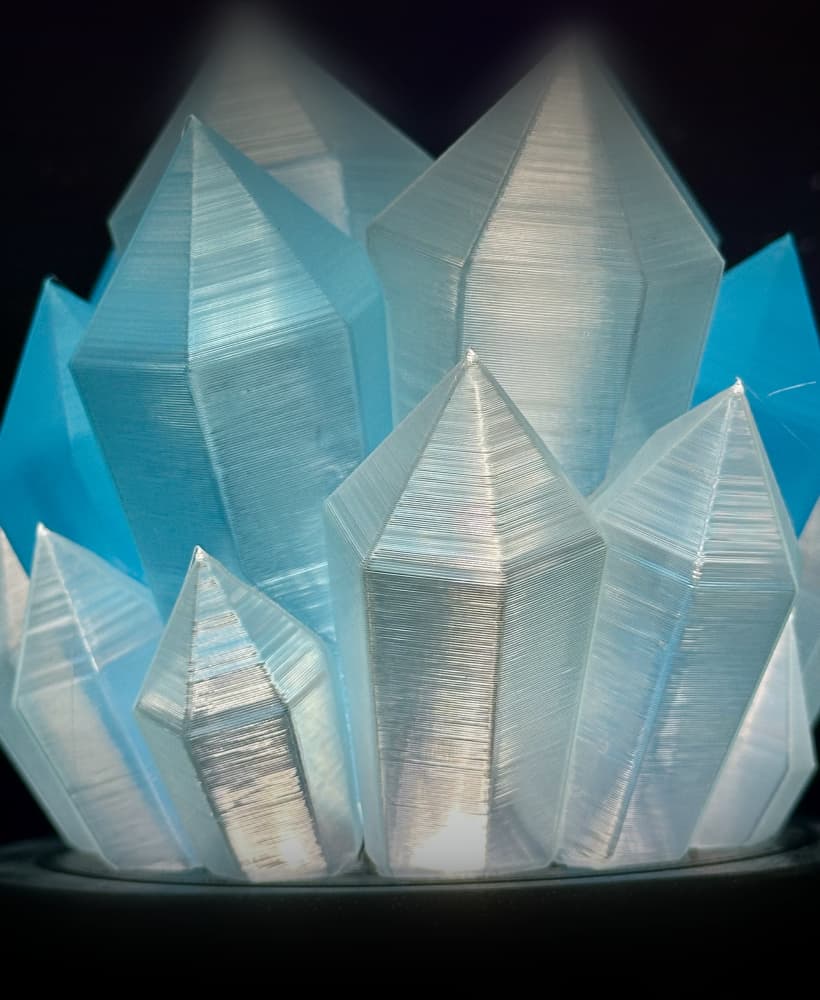
Crystal Lamp
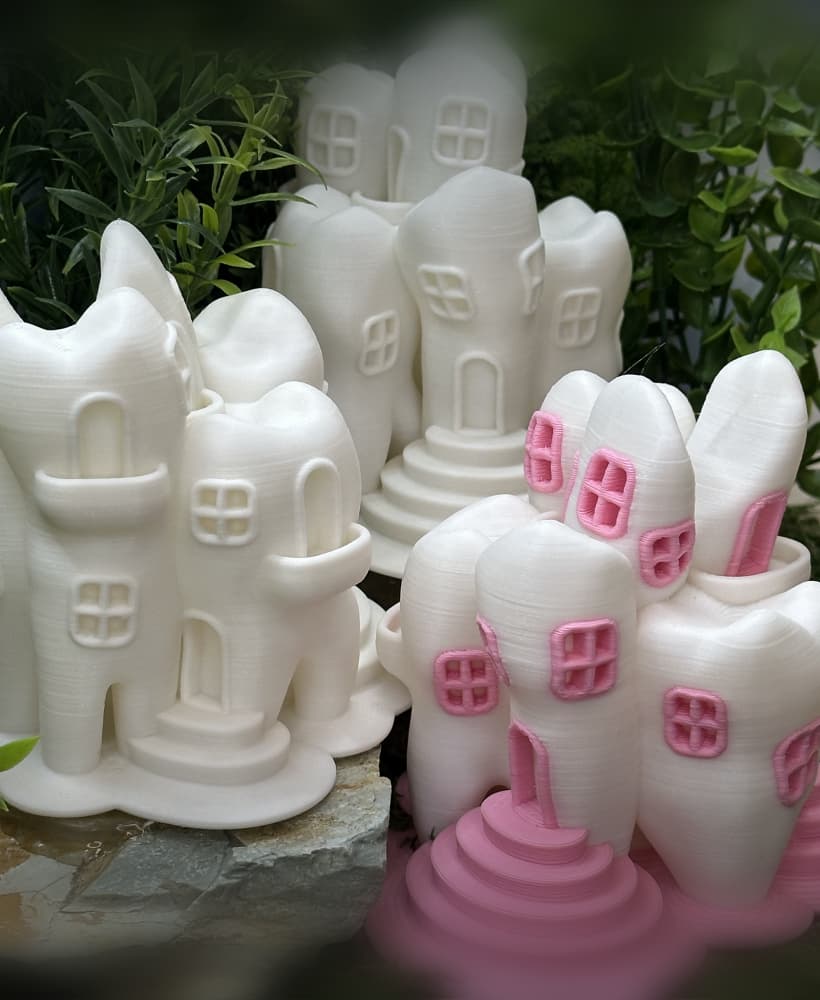
Tooth Fairy House
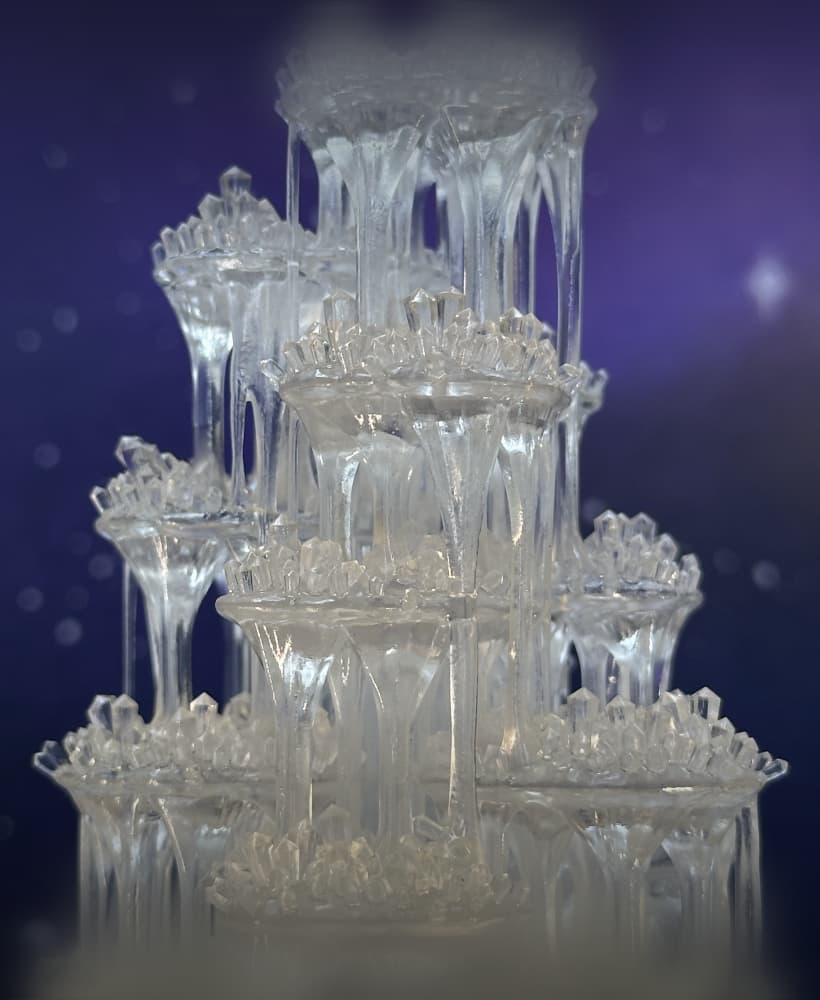
Crystal Citadels

Shack Pack - Sober
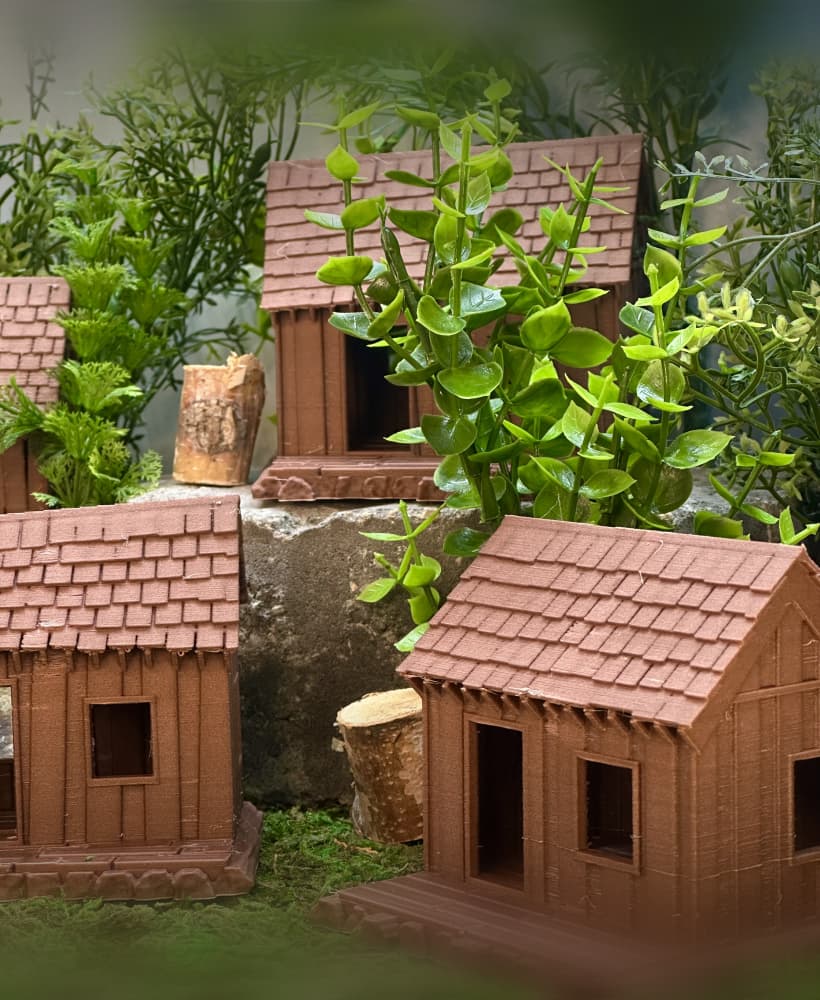
Shack Pack - Tipsy

Shack Pack - Plastered
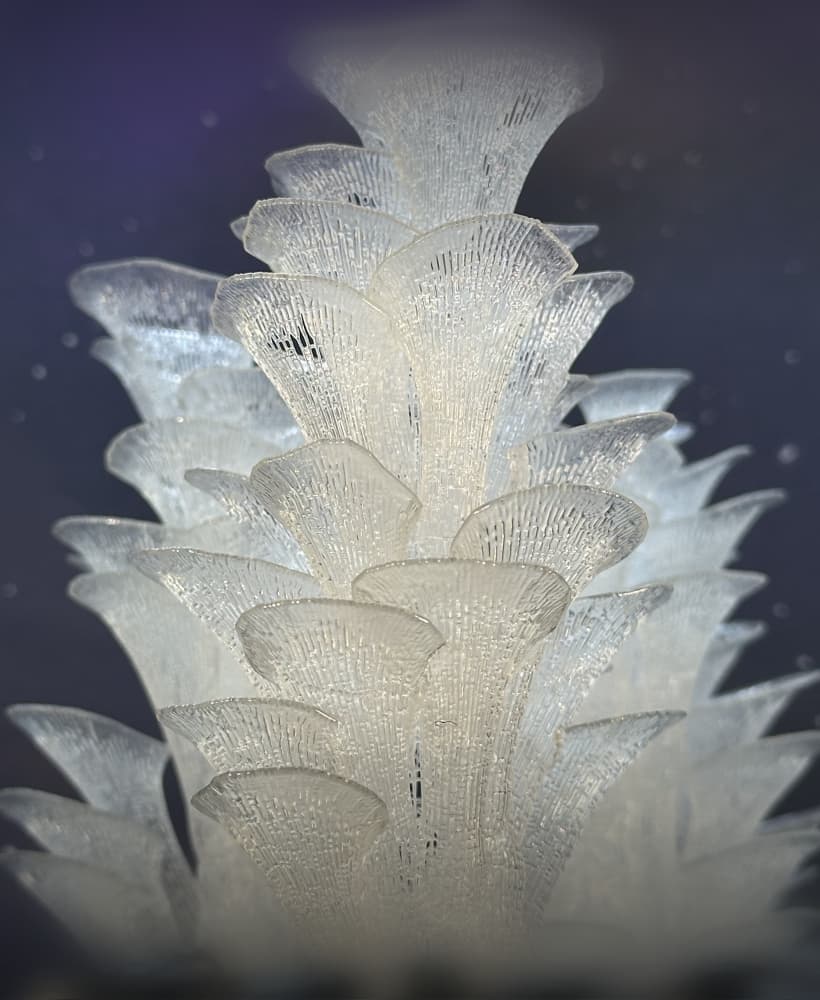
Stellar Blooms
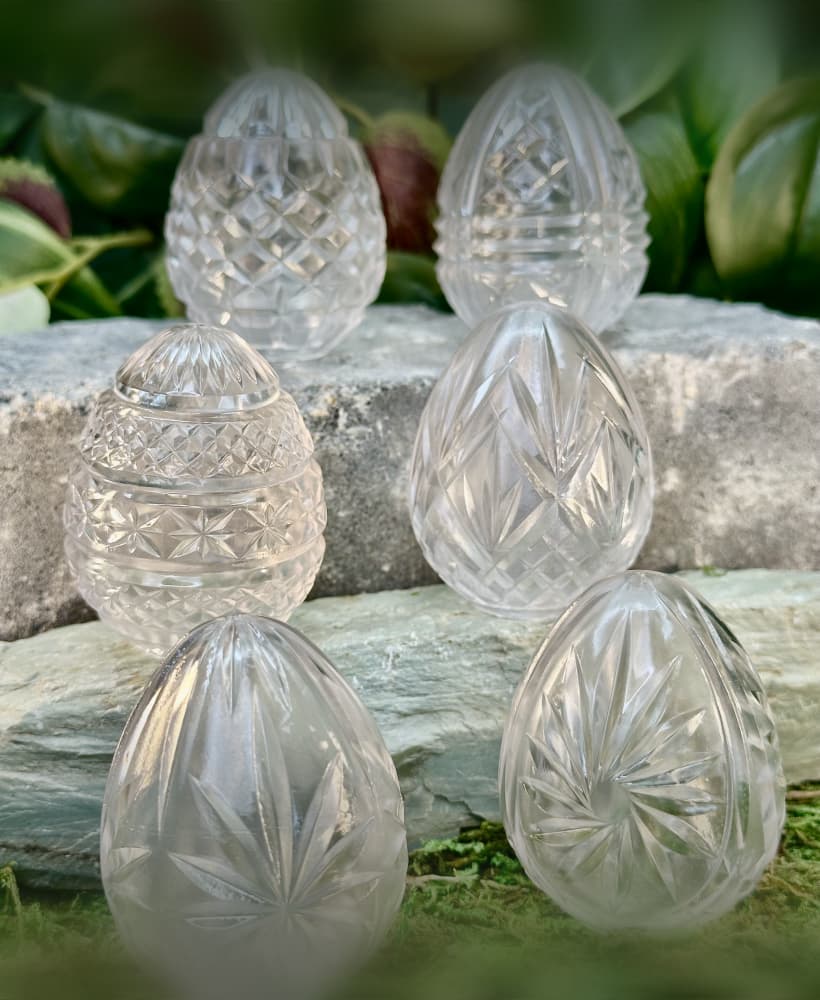
Cut Crystal Eggs - Set 2
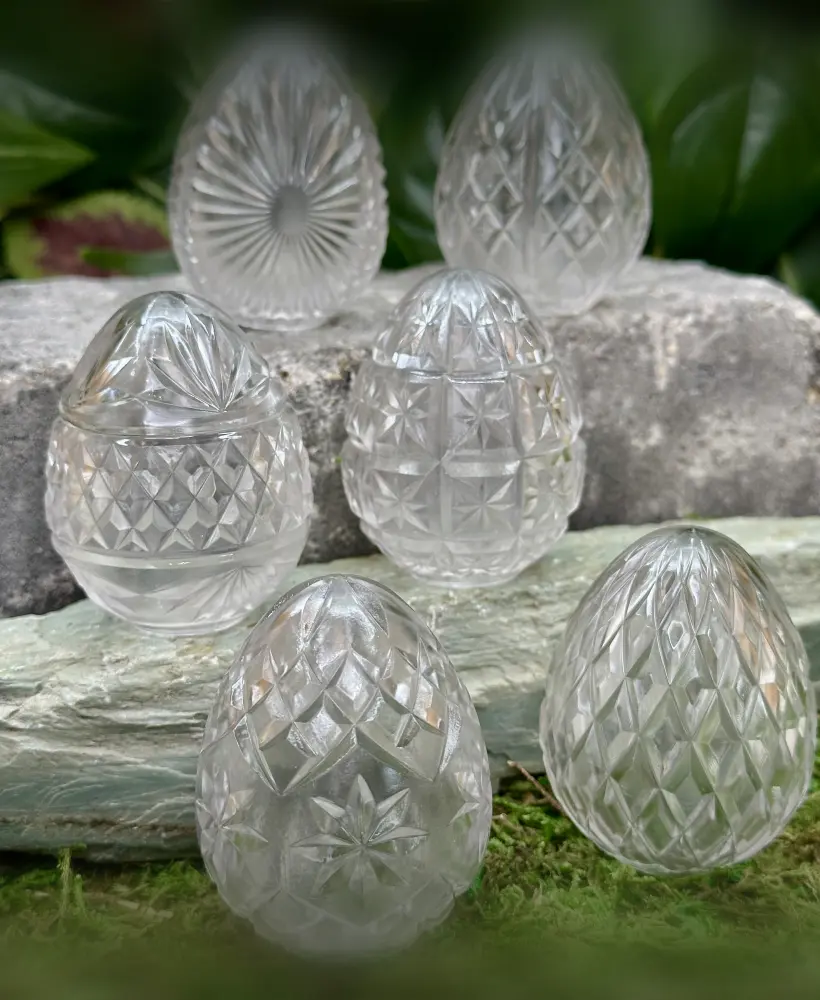
Cut Crystal Eggs - Set 1

Holly Berry Clusters

Holly Berry Branches

Poinsettia

Spruce Branches

Fir Branches
