




.png&w=256&q=75)
Apple Pass Through Fidget (2 Styles)
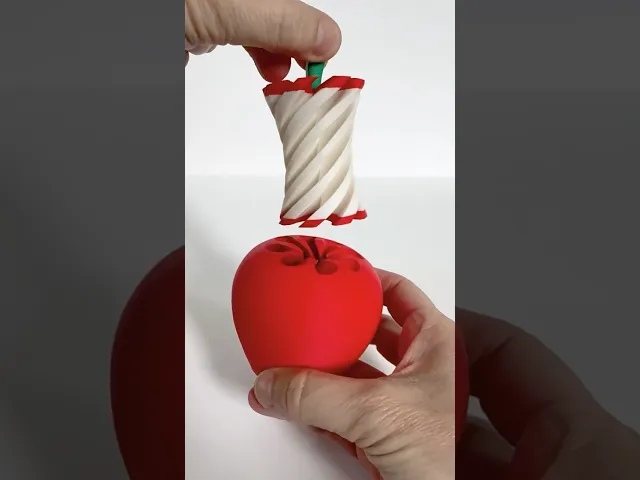
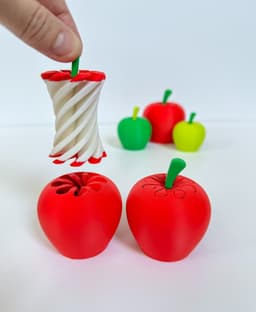
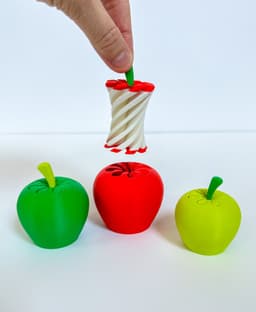
This Apple Pass Through Fidget is fun to the core 🍎 I designed two styles: an apple with a closed bottom and an apple with an open bottom for the core to pass all the way through. I also designed different stem styles. The narrow stem needs to be used with the open-bottomed apple (if you use the big stem it will get stuck and not pass all the way through). The big stem styles are designed for the closed bottom apple. Also, I designed two different ‘big stems’: one with a slit (to hold a note, for example, for a teacher) and one without a slit.
3D Print Settings: Layer Height 0.2mm PLA works great 15% Infill Supports for the Big Stem pieces
Dimensions of Apple assembled: 2 1/3 in. x 2 1/2 in.
I’ve included a 3mf file for multi-color printers with the following print profiles: Print Plate #1: Apple body (closed bottom) & core (arranged to print by object), two colors Print Plate #2: Apple body (open bottom) & core (arranged to print by object), two colors Print Plate #3: Narrow stem, Big Stem (with slit) & Big Stem (without slit), one color
If you are not using a multi-color print, you can print the apple core in multiple colors by doing the following:
-
Begin the print with red (or green) filament and pause at layer 12 (layer height 2.40 mm) to switch the filament color to white
-
Print in white from layers 12-235 (layer height 2.4mm - 47mm)
-
Pause at layer 235 (layer height 47mm) and change the filament back to red (or green) for the remainder of the print
Note: I tried scaling these up to 120% and down to 80% without any issues:)
This makes a great teacher’s gift for the end of the year…or the beginning of the year or anywhere in between 🎁
Have fun printing!! Erin
Apple Pass Through Fidget (2 Styles)

Apple Watch Charging Stand - Retro Mac Style
.png&w=3840&q=75)
Articulated Starfish –3 Styles
Impossible Pass Helix 5 Pack

Glock Fidget Keychain – Slide-Action Toy
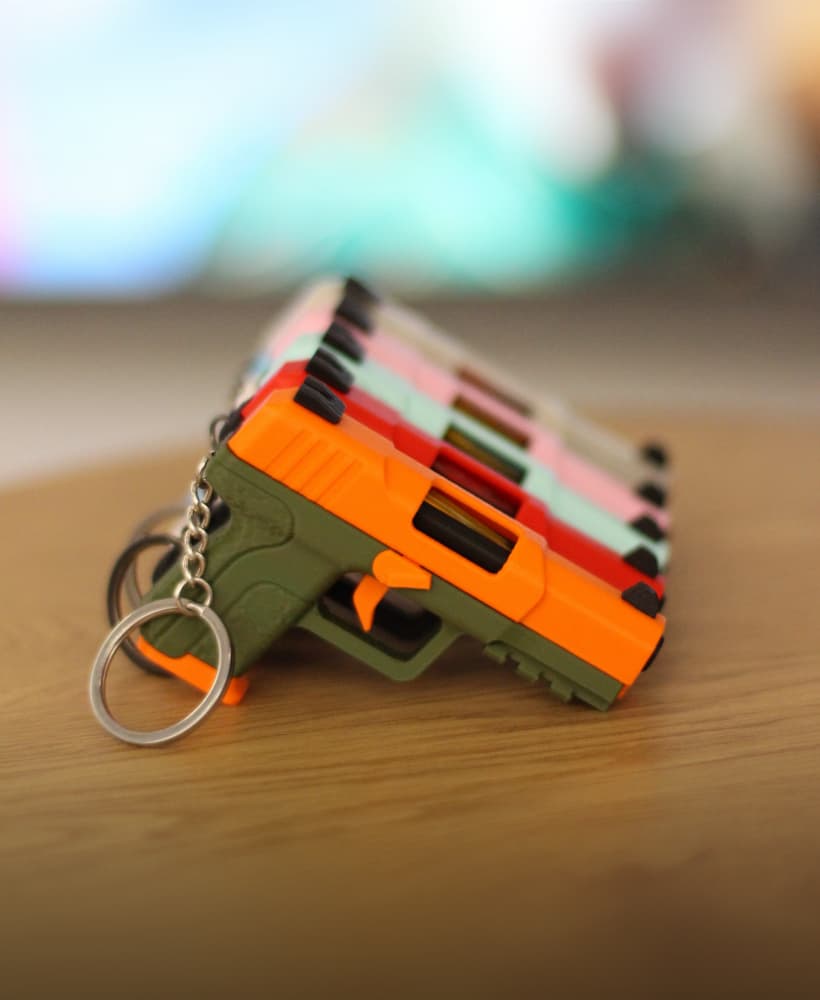
FN Five-seveN Fidget Keychain – Slide-Action Toy

Fidget Nunchucks
.png&w=3840&q=75)
Articulated Raccoon

Bear Trooper - Articulated Care Bear mashup, Print in Place
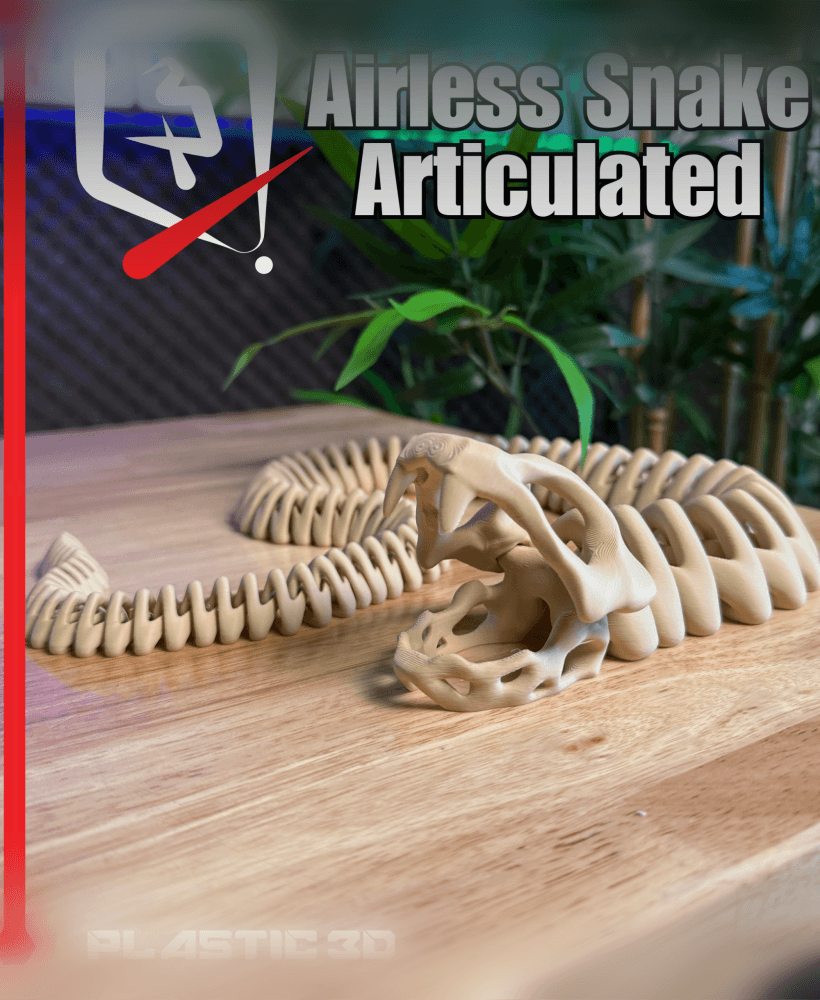
Articulated Airless Snake

Roller Fidget Texture Pack 1

Articulated Pixel Heart Necklace – A Unique 3D-Printed Gift of Love

Articulated Sailor Seal — Flexible Ocean Buddy

Karambit Fidget Toy

Fidgets Rings Spikes & Flower of Lis

Revolver Fidget Spinner - Barrel
.jpg&w=3840&q=75)
Fidget Ring Swirl & Knitted Fidget ring

Basket of Apple Coasters

Easter Chick Fidget in Egg

Mini Fidget Gear
